Start with the bed, not the slicer
Before changing temperatures or reworking your profile, check the basics at the build surface. A clean plate, a sound magnetic base and a bed that is actually flat will solve many first layer problems. In Centurion and across Gauteng we see plenty of machines that are close enough at one corner but out by a fraction across the bed, and that small gap is enough to cause lifting or squashed lines.
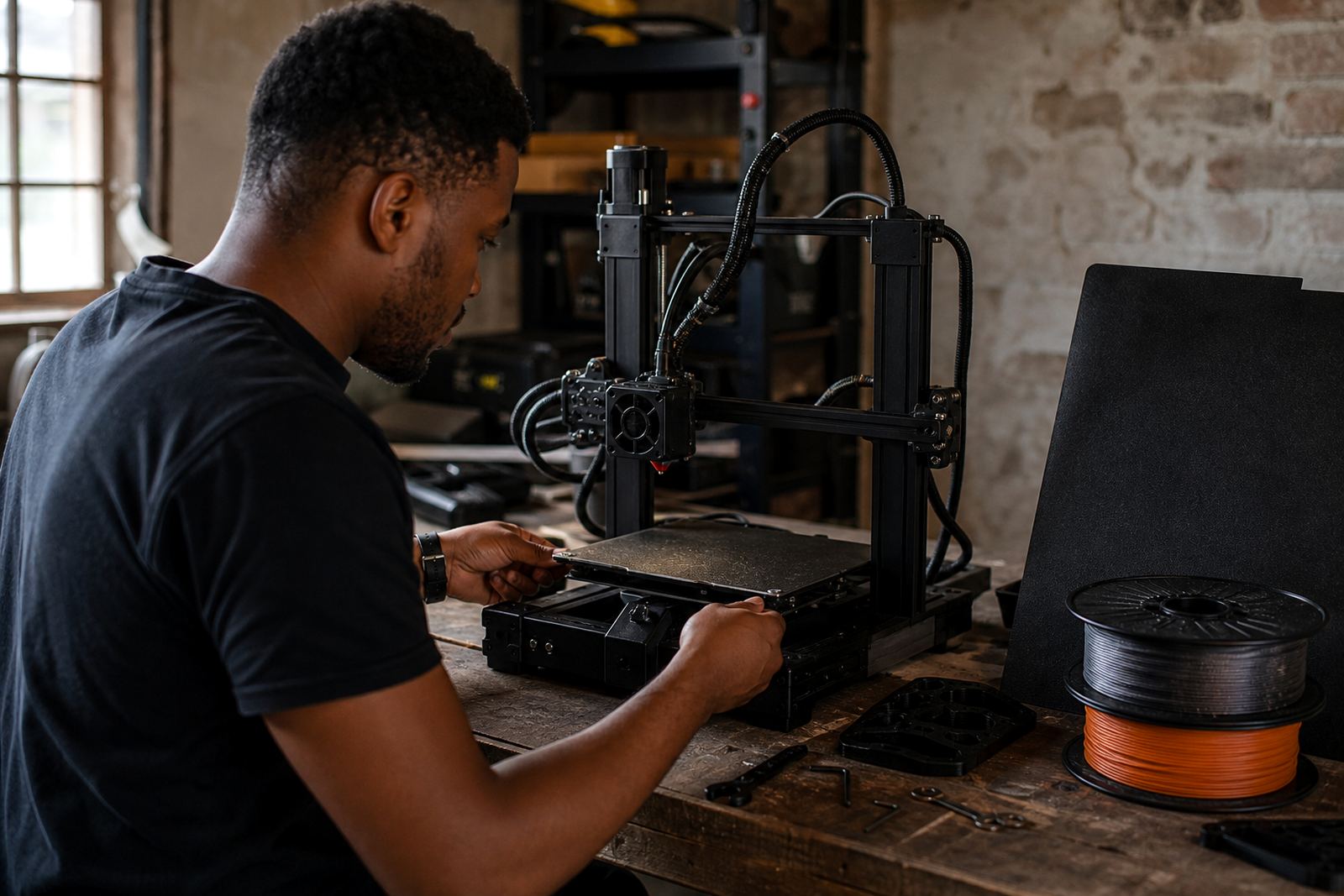
Begin with the machine cold, then inspect the plate for dust, glue residue, fingerprints and old filament marks. If the plate sits on a magnetic base, make sure it is fully seated and not lifted at one edge. For printers used in schools or shared spaces, mark the bed check as part of the daily start-up so each user begins from the same condition.
- Remove the plate and clean both sides with a suitable cleaner.
- Check that clips, magnets or locating tabs are holding evenly.
- Look for dents, warping or worn coating near the centre and corners.
- Confirm the bed moves freely and does not wobble on its mounts.
When the nozzle is too high or too low
Bed levelling is not only about turning knobs. It is about setting the nozzle height so the first line is pressed enough to grip, but not so hard that it looks translucent or scrapes. If the nozzle is too high, the line sits round and loose. If it is too low, the filament gets dragged and may leave a rough edge or even clog the nozzle.
Use a simple first layer test and observe the line width across the whole plate. If one side grips while another side lifts, you may have a tilt issue or an uneven carriage. On many machines a small change of 0.05 mm can make a clear difference. Take your time and recheck after each adjustment, especially after moving the printer between rooms or after transport to a school or office.
- Set the bed and nozzle to operating temperature before levelling.
- Check all four corners, then the centre.
- Re-test after fitting a new plate or PEI sheet.
- If the gap changes after one print, inspect springs, screws and frame alignment.
Fix poor adhesion without overdoing it
Poor adhesion often comes from a mix of temperature, surface condition and airflow. In dry inland areas such as Pretoria and Johannesburg, drafty rooms and load shedding recovery can affect warm-up consistency. In coastal areas such as Durban and Cape Town, humidity can change how some materials behave on the plate. A clean, properly heated surface is the best place to start.
Use the right plate finish for the material, then match the bed temperature to the filament guide you are using. If parts still lift, slow the first layer slightly and reduce cooling for the opening layers. Do not jump straight to heavy adhesive unless the plate and settings have been checked first, because too much adhesive can hide the real fault and create a worse clean-up job later.
- Check that the bed reaches and holds the set temperature.
- Reduce first layer speed if edges are curling.
- Keep doors or windows closed if drafts are affecting the print.
- Use a light, even application of adhesion aid when needed.
Stop over-adhesion before it damages the plate
Sometimes the problem is the opposite. The part sticks so hard that removal becomes a struggle, corners chip or the surface takes a beating. This is common when the bed is too hot, the first layer is too close, or the surface has been prepared too aggressively. If a print needs force to remove it, the settings are probably doing too much work.
Let the plate cool before removal unless the material calls for a different method. Use the right release approach for the surface and avoid metal scrapers on softer coatings. If you are running a farm standard set-up, keep one removal method for all operators so the plates do not get treated differently from shift to shift. That makes faults easier to spot and reduces wear.
- Lower the bed temperature in small steps if parts are locking on.
- Increase first layer height slightly where suitable.
- Wait for full cooling before flexing or lifting the part.
- Replace worn sheets that no longer release cleanly.
Uneven first layers across the plate
If one side of the print is fine and the other looks rough or thin, the problem is usually not random. It may be a warped bed, a twisted gantry, uneven belt tension or a magnetic base that has lifted slightly at one edge. For large-format plates and school lab machines, this can show up as a repeat fault on the same corner each time.
Run a bed flatness check and note where the line changes. If the same zone keeps failing, that gives you a clear clue about the hardware. On a busy print farm, record the result and keep the notes with the machine so the next operator does not start from scratch. A small pattern repeated over several jobs is usually easier to fix than it first appears.
- Mark the exact corner or area where the line changes.
- Check belt tension and carriage movement.
- Inspect the plate for warping after heat cycles.
- Review whether the machine is sitting level on the bench.
What we support for homes, schools and print farms
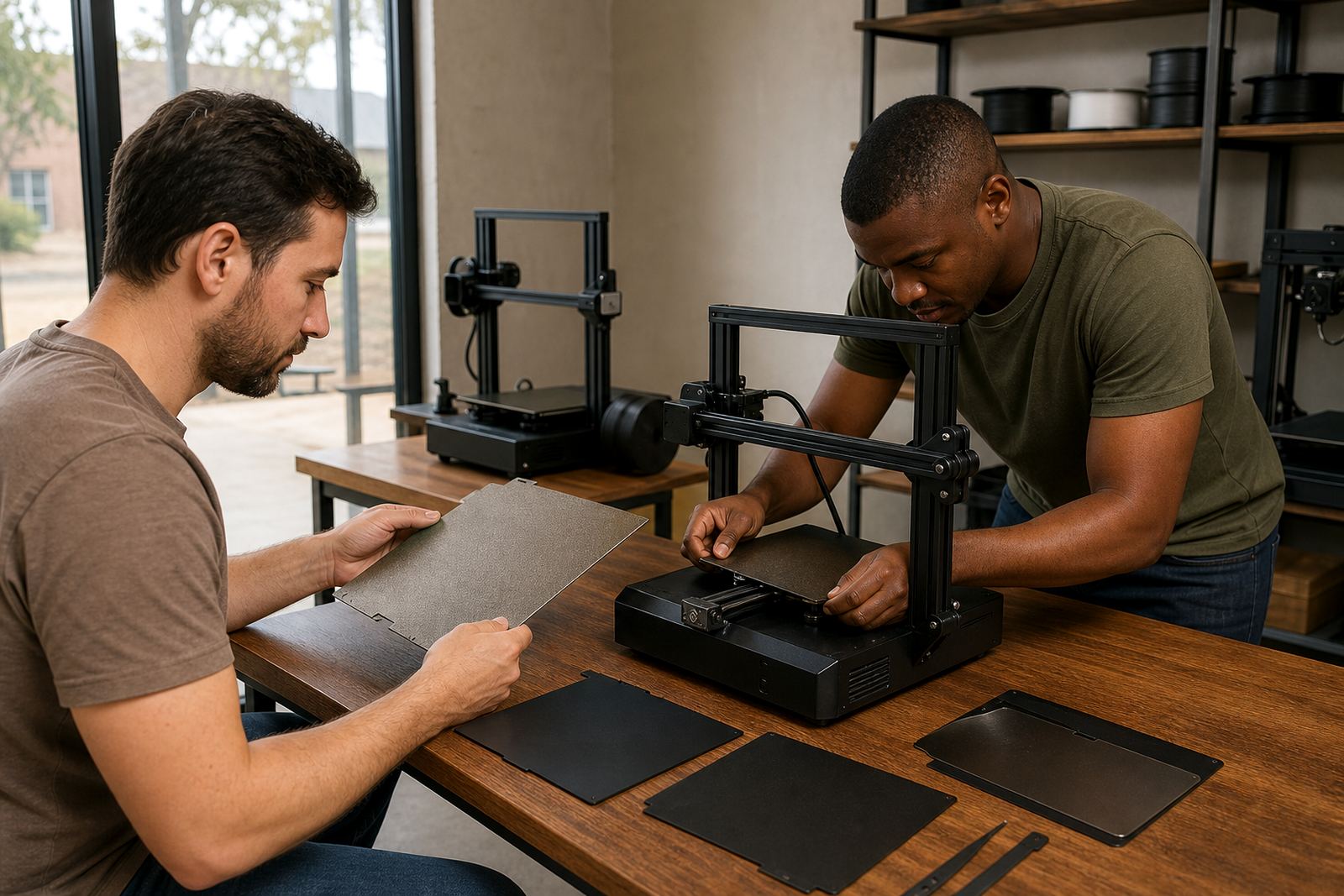
LayerPad supports users who need practical help, not guesswork. We assist with plate installation, PEI sheet fitting, magnetic base fitting, bed flatness checks, surface refresh work and custom size cutting. We also help with replacement planning and consumables supply so you can keep machines in service without waiting too long for the next run.
For schools, we can help set up a simple routine that learners and lab staff can follow. For print farms, we help standardise surfaces across multiple machines so first layer results are more consistent from one operator to the next. If you are based in Centurion, Pretoria East, Midrand or further afield in South Africa, the same support approach applies: identify the fault, correct the surface and confirm the first layer before moving to the rest of the print.
- Plate Installation
- PEI Sheet Fitting
- Magnetic Base Fitting
- Adhesion Troubleshooting