How do I clean a build plate after a print?
Start by letting the plate cool to room temperature. Most parts release better once the surface has cooled, and forcing removal while hot can mark the coating or bend a thin plate. Wipe away loose dust first, then clean the surface with a soft lint-free cloth and a suitable cleaner for the material type.
For PEI sheets and similar print surfaces, use light pressure only. If you use IPA, apply a small amount to the cloth rather than flooding the plate. Let the surface dry fully before the next print. In humid areas such as Durban or Gqeberha, give it an extra minute or two so moisture does not affect adhesion.
- Allow the plate to cool before removing the print.
- Use a clean cloth and a mild, material-safe cleaner.
- Avoid steel wool, sharp blades, and harsh scrubbing pads.
- Dry the surface fully before heating it again.
What should I avoid when handling PEI sheets?
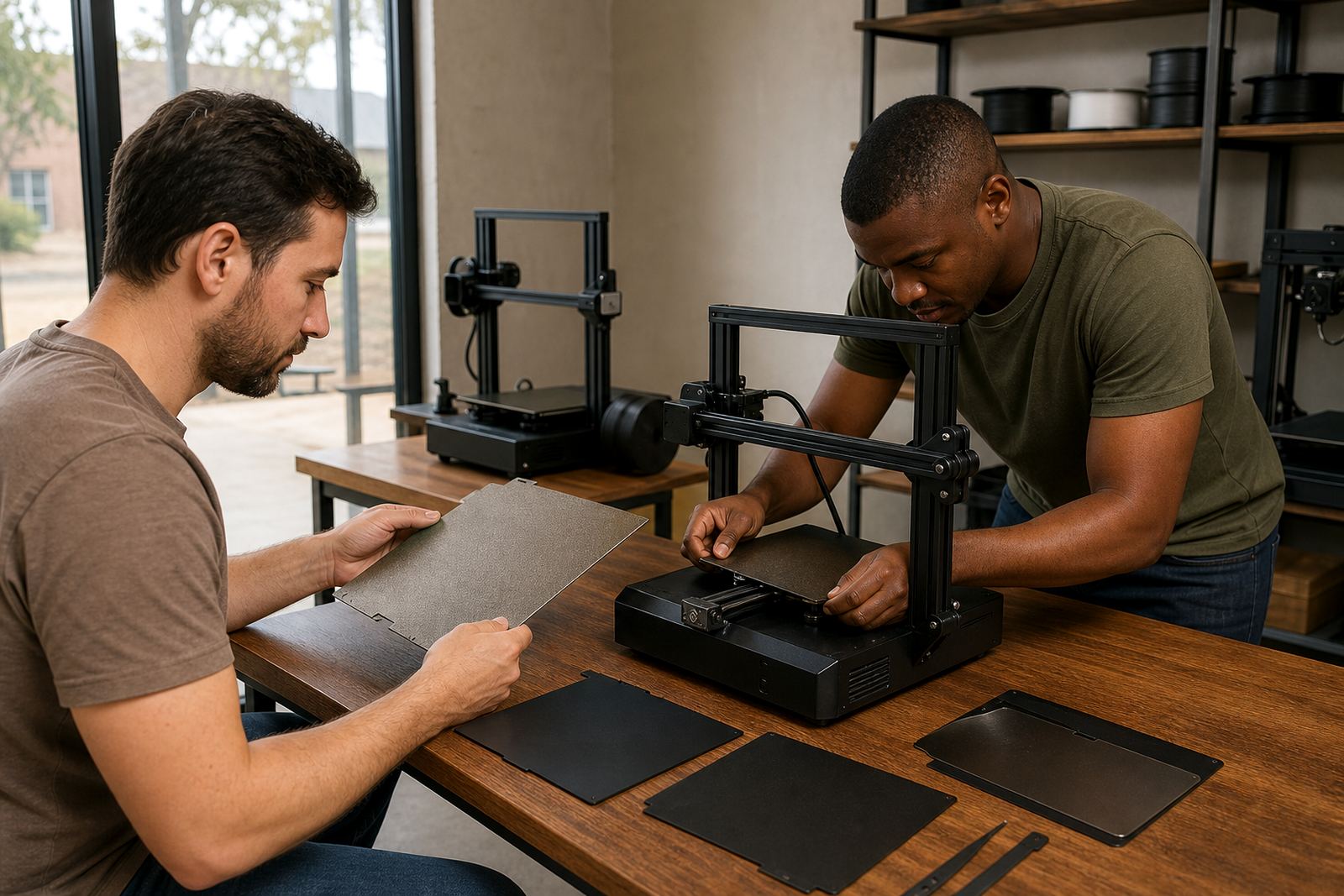
Handle the sheet by the edges where possible. Finger oils are one of the main causes of poor first-layer grip, especially on larger beds used in school labs and print farms. If a sheet is flexible, support it evenly when lifting it off a magnetic base so it does not crease or twist.
Keep metal tools away from the active print area. A scraper slipped under a part can lift the coating at the corner and once that happens, the damage tends to spread. If you use a release aid, use only a small amount and test it on one section first.
- Do not touch the print area with bare hands more than necessary.
- Do not fold, crease, or kink flexible sheets.
- Do not use sharp tools near the corners of the surface.
- Store spare sheets flat, or in the original flat packing if available.
How should I store spare plates in Centurion weather?
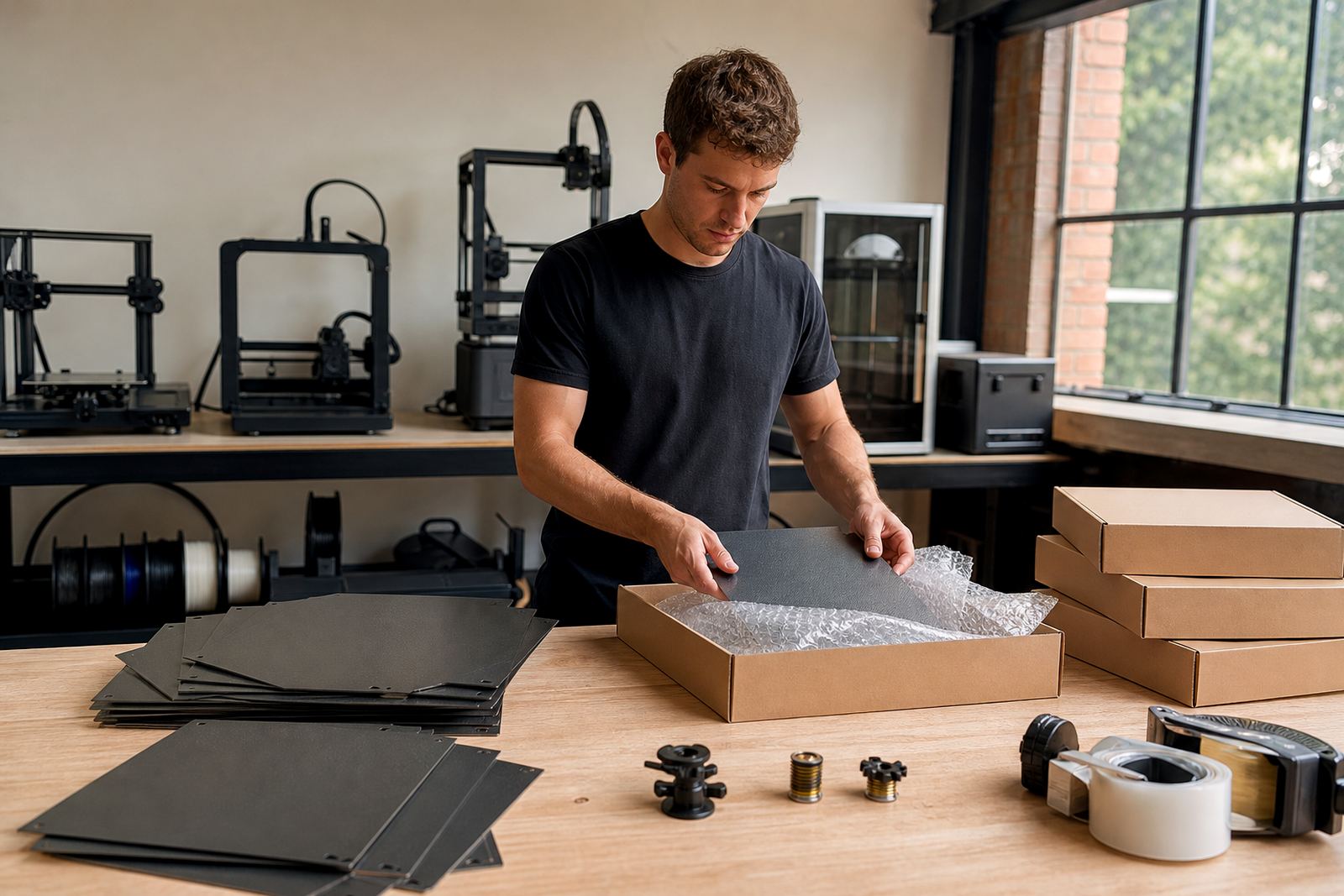
Store plates flat in a dry cupboard or rack away from direct sun. Centurion and much of Gauteng can swing from dry afternoons to dusty winds, so keeping spares covered helps prevent surface contamination. If plates are stacked, place a clean sheet of paper or protective film between them to stop scratching.
Avoid leaving plates in a car boot or against a wall where they can pick up moisture. For magnetic plates and flexible bases, keep them away from heavy items that may warp the sheet. In coastal towns, extra care matters because humidity can leave a fine film on the surface and this affects the first layer.
- Keep plates flat and covered when not in use.
- Separate stacked plates with clean protective material.
- Avoid heat, direct sun, and damp storage areas.
- Label plates for each machine if you run multiple printers.
When should I refresh the surface instead of replacing it?
If the plate still heats evenly but parts are slipping on the first layer, a surface refresh may be enough. This can include cleaning, light surface recovery, or fitting a new sheet on an existing magnetic base. If the plate is warped, cracked, or has deep gouges, replacement is usually the better option.
A good rule is to inspect the plate every few weeks if you print daily, or after any failed print that leaves heavy residue. For schools and maker spaces, a simple check sheet helps staff spot wear before it affects class time. Bed flatness issues should also be checked because a good surface cannot fix a bowed carrier plate.
- Refresh the surface if grip has dropped but the base is sound.
- Replace the plate if it is bent, cracked, or damaged.
- Check for residue, scratches, and hot spots regularly.
- Review bed flatness before blaming the surface alone.
How long should a build surface last?
There is no single lifespan because usage matters. A plate used for a few hobby prints each month can last a long time, while a busy print farm running daily jobs may need earlier replacement. Heat, cleaning method, bed temperature, and how parts are removed all affect service life. Coastal humidity and dusty workshops can shorten it too.
As a practical guide, look at performance rather than the calendar. If first-layer grip is inconsistent even after cleaning and the bed is level, the surface may be near the end of its useful life. Keep notes on print count, material type, and any visible wear so replacement planning is easier.
- Inspect surfaces more often on high-use machines.
- Track print count and any recurring adhesion issues.
- Replace worn surfaces before they start affecting production.
- Plan spares for schools, labs, and farm setups.
What care steps help during power cuts and long print runs?
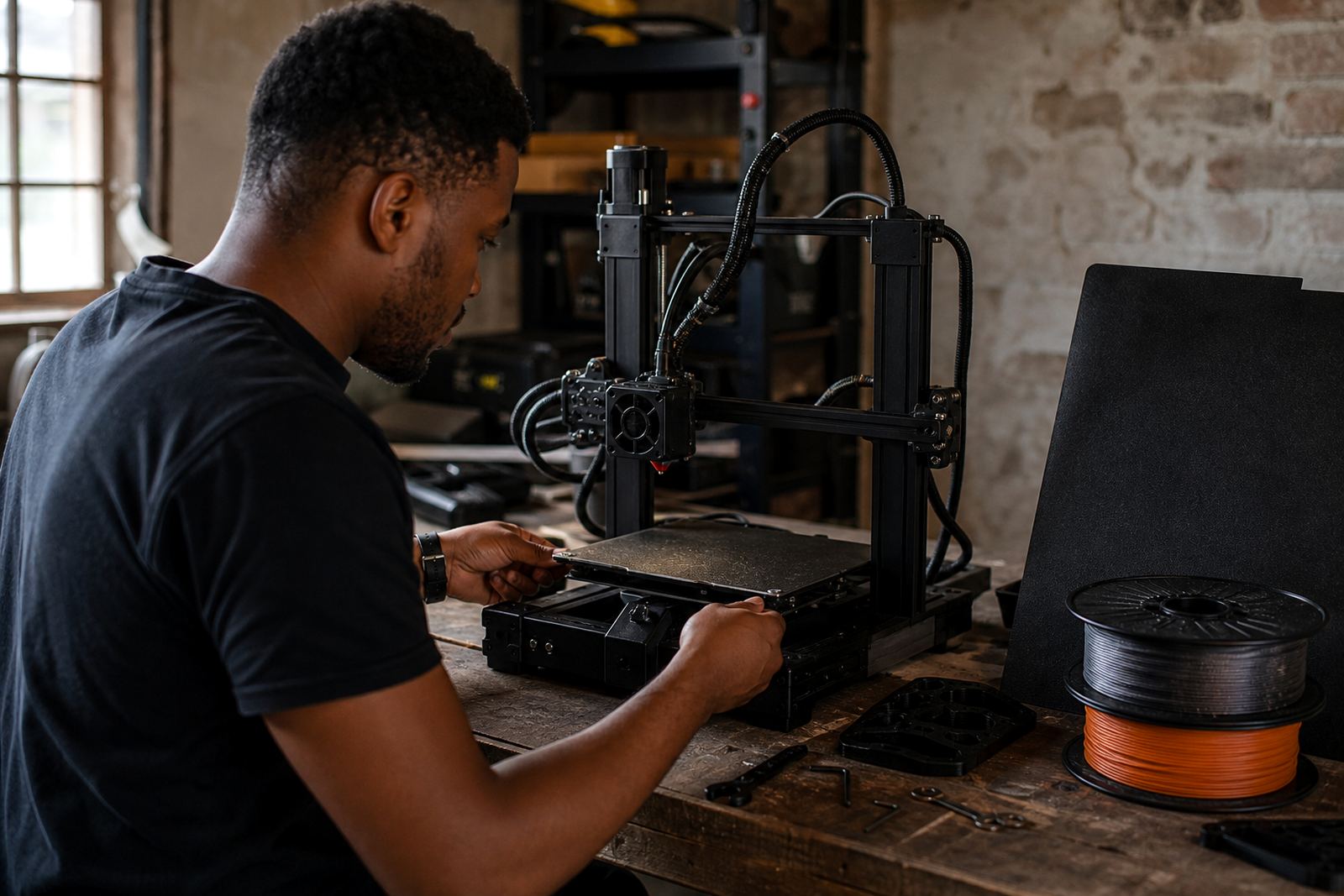
Load-shedding can interrupt bed heating and cooling cycles, so it helps to keep the plate clean and ready before a print starts. Wipe the surface, confirm the sheet is seated properly, and check that the magnetic base is free of dust. A clean start reduces the risk of a failed first layer when power returns and the machine resumes.
For long jobs, avoid touching the bed while it is hot unless you need to remove debris. If a print fails midway, let everything cool before cleaning. Sudden handling on a warm plate can shift the sheet or leave a print mark. In busy environments, a short care routine before every job is better than fixing problems after the fact.
- Check that the plate is seated squarely before starting a job.
- Clean dust from the magnetic base and corners.
- Let the plate cool fully after an interruption.
- Keep a spare surface ready for farm continuity.