Getting a Shared Printer Ready for a School Lab
A school printer must cope with many hands, mixed skill levels and a timetable that changes every week. Before the first class starts, check that the build plate is secure, the surface is clean and the machine is sitting level on a solid table that will not wobble when learners touch it.
In Centurion and Pretoria we often see lab problems start with poor setup rather than bad printing. A quick bed flatness check, the correct plate type and a clean nozzle save time later, especially when the printer is used for class demos and after-school clubs.
- Use one printer profile for each machine so learners are not changing settings on the fly.
- Mark the bed with a simple cleaning routine and keep it in the same place after each class.
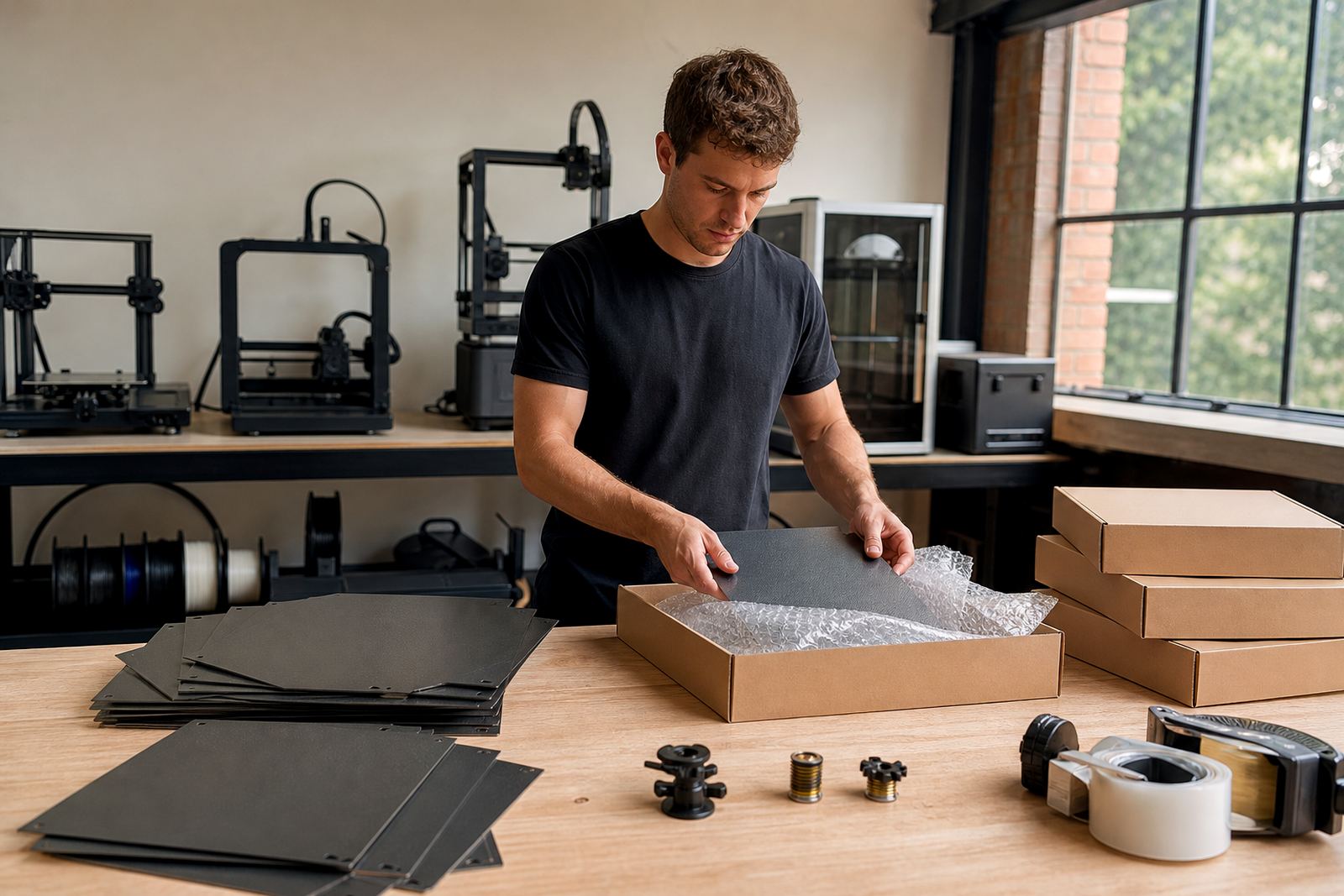
- Store spare plates, clips and cleaning cloths in a labelled box close to the printer.
Simple Rules for Learners Using the Printer
Most classroom faults come from hurried loading, rough plate handling or too much excitement around the machine. Clear rules help everyone and they also protect the equipment when different classes use the same printer during the week.
We recommend short, visible instructions beside the printer. Keep them practical and use the same steps every time so Grade 8 learners and older students can follow them without guessing. If the lab runs on a rotation system, assign one learner to watch the first layer and another to record any issue in a logbook.
- Do not bend or scrape the plate while removing parts.
- Only start a print after the surface has been checked and cleaned.
- Report lifting corners, warping or poor first layers immediately.
- Leave the printer to cool before removing the bed or changing surfaces.
Routine Maintenance Between Lessons
Shared printers need small maintenance jobs done often, not one big repair at the end of term. A few minutes after each session keeps the bed adhesion consistent and helps the machine survive load shedding, power cuts and long idle periods.
For schools in coastal areas like Durban and Gqeberha, humidity can affect how materials stick to the plate. In dry inland areas like Bloemfontein and Johannesburg, dust can build up on the surface quicker than expected. A light wipe with the correct cleaner and a quick look at the magnetic base or clips is usually enough to keep the printer ready.
- Clean the plate before each class and again after heavy use.
- Check for scratches, glue build-up or worn coating on the surface.
- Inspect cables and plugs after any outage or sudden stop.
- Record any damaged part so it can be replaced before the next lesson.
Choosing the Right Surface for School Projects
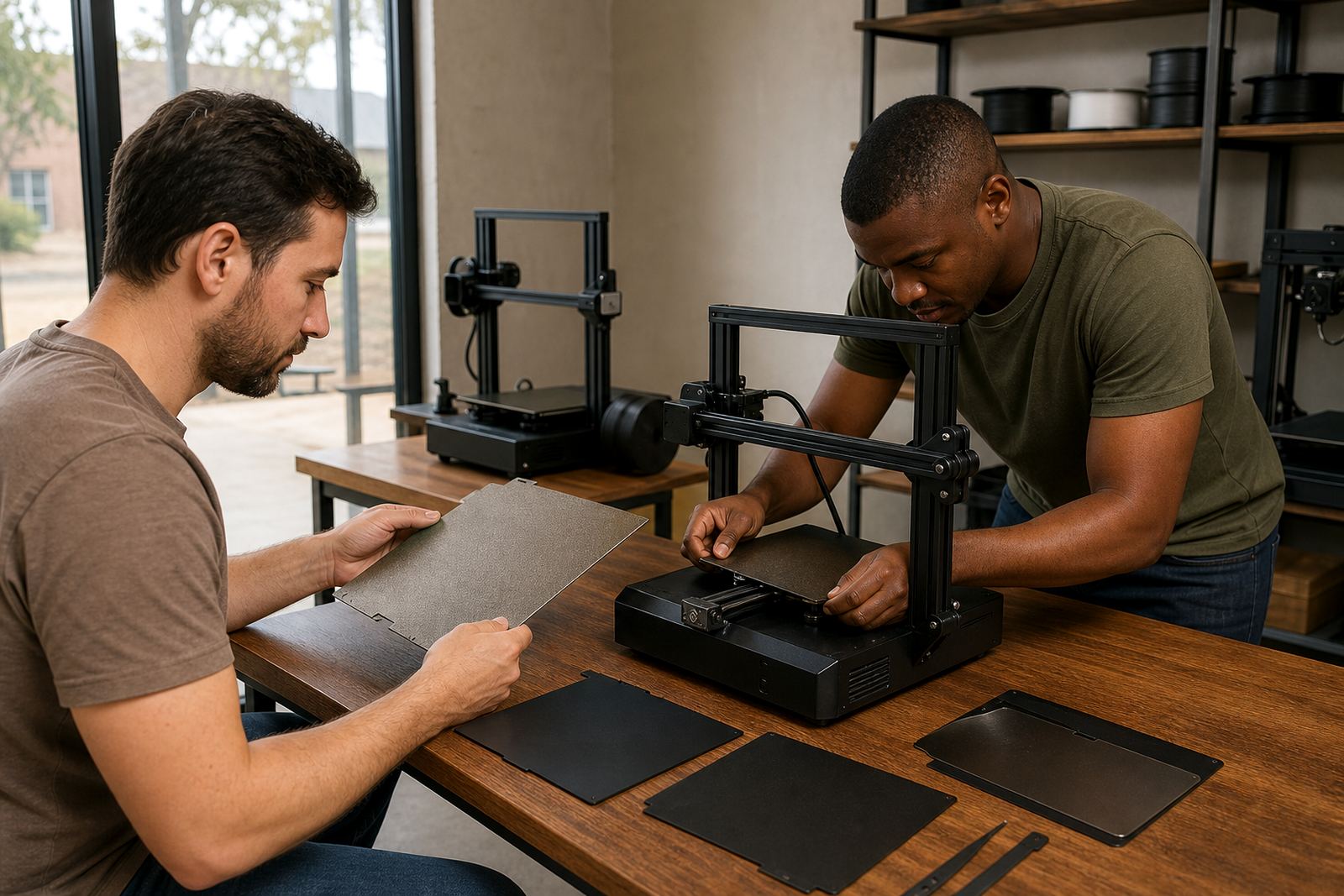
Different class projects need different build surfaces. A beginner making a small classroom model may need a forgiving surface with simple release, while a more advanced group may need a plate that handles repeated prints and frequent cleaning.
LayerPad helps schools choose between PEI sheets, magnetic bases and replacement surfaces based on the printer model, the age group and the type of work being done. For schools that print the same part again and again, it often makes sense to standardise the surface across all machines so learners get the same result from one room to the next.
- Use one plate style across the lab where possible.
- Match the surface to the material being used, not only to the printer.
- Keep a spare plate for quick swaps during class time.
Training Staff and Learners to Spot Problems Early
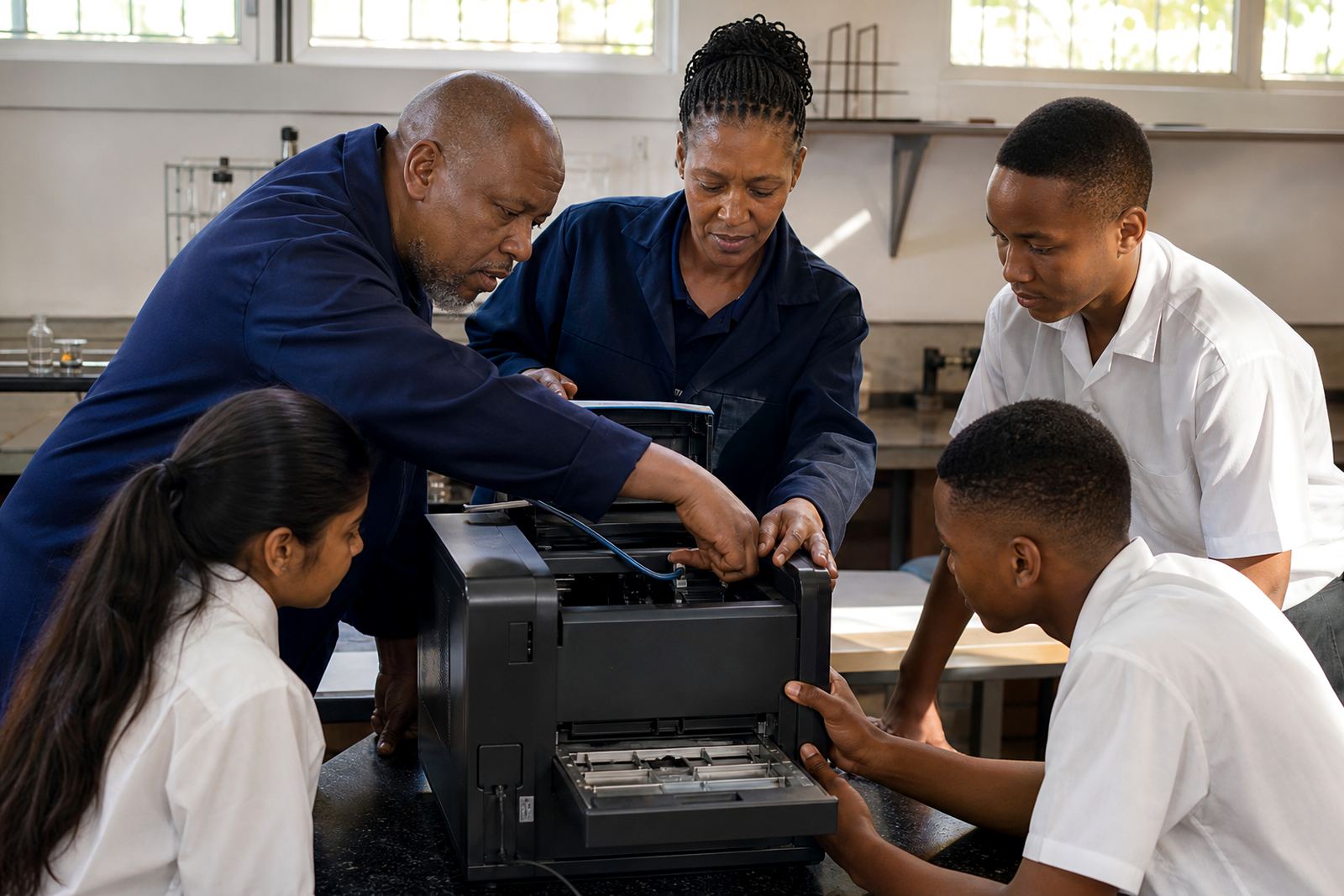
Good support is not only about parts. It is also about teaching staff and learners what a healthy first layer looks like and what warning signs to look for before a print fails. This is especially useful in schools where one teacher may supervise several beginners at once.
We support school lab setup with short guidance on adhesion troubleshooting, bed care training and replacement planning. A teacher who can spot a low first layer, a dirty bed or a loose magnetic sheet can stop a failure before 40 minutes of print time is lost. That matters when class periods are short and the lab needs to serve more than one subject.
- Show learners a good first layer and a bad one side by side.
- Keep a written checklist for start-up and shut-down.
- Set one person to check the bed before each print run.
Support for School Labs Across South Africa
From Centurion we supply schools, makers and print farms in Pretoria, Johannesburg, Cape Town, Durban and Bloemfontein, with collection and dispatch options to suit the way schools operate. For larger campuses or multi-printer labs, we can help with farm standardising so each machine uses the same surfaces and care routine.
If your school is setting up a new lab or trying to stabilise an existing one, our team can help with replacement planning, custom size cutting, surface refresh work and consumables supply. You can reach us through the enquiry form on our contact page and we will help you choose the right support for your room, your printer count and your budget.