Start With a Clean, Flat Build Surface
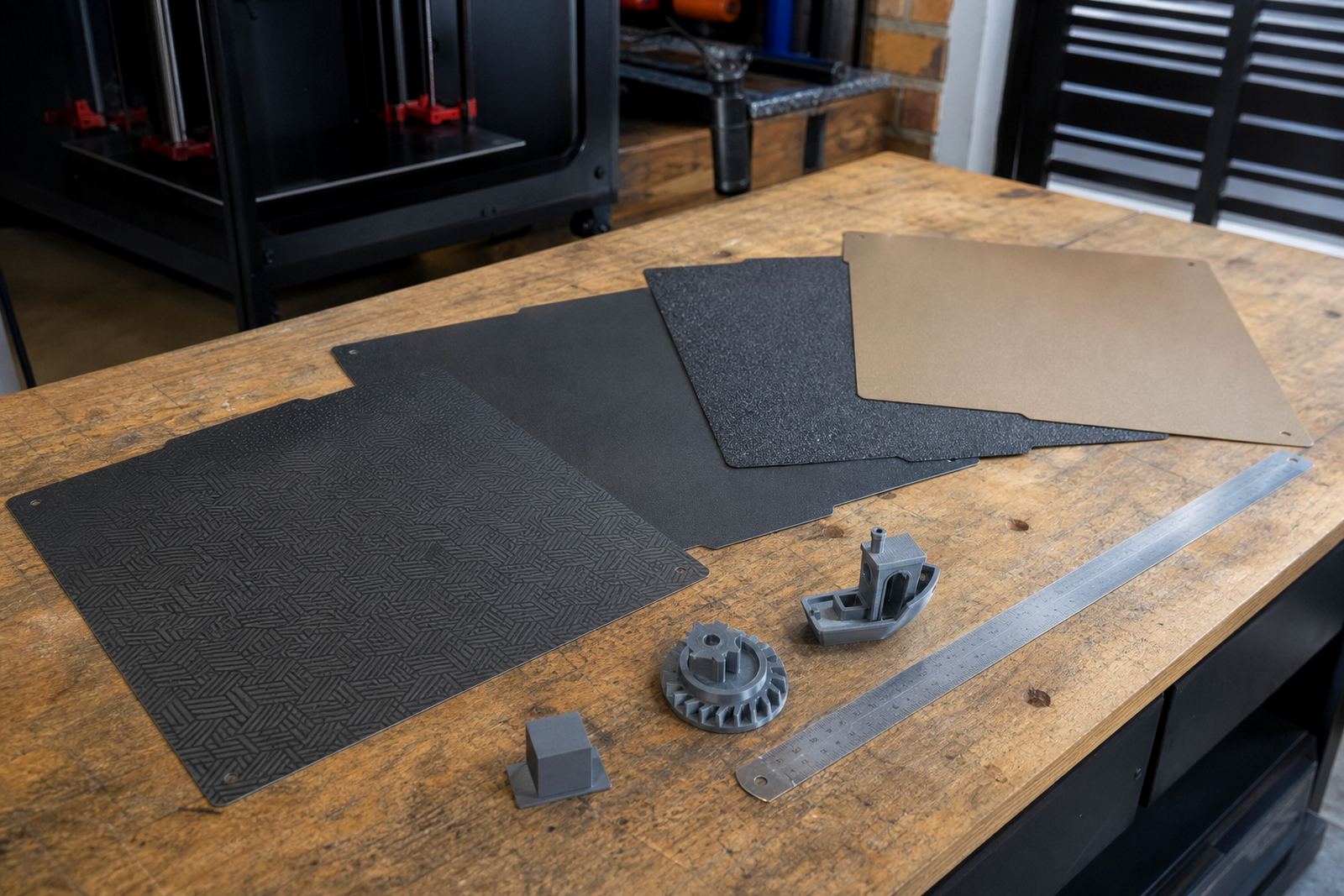
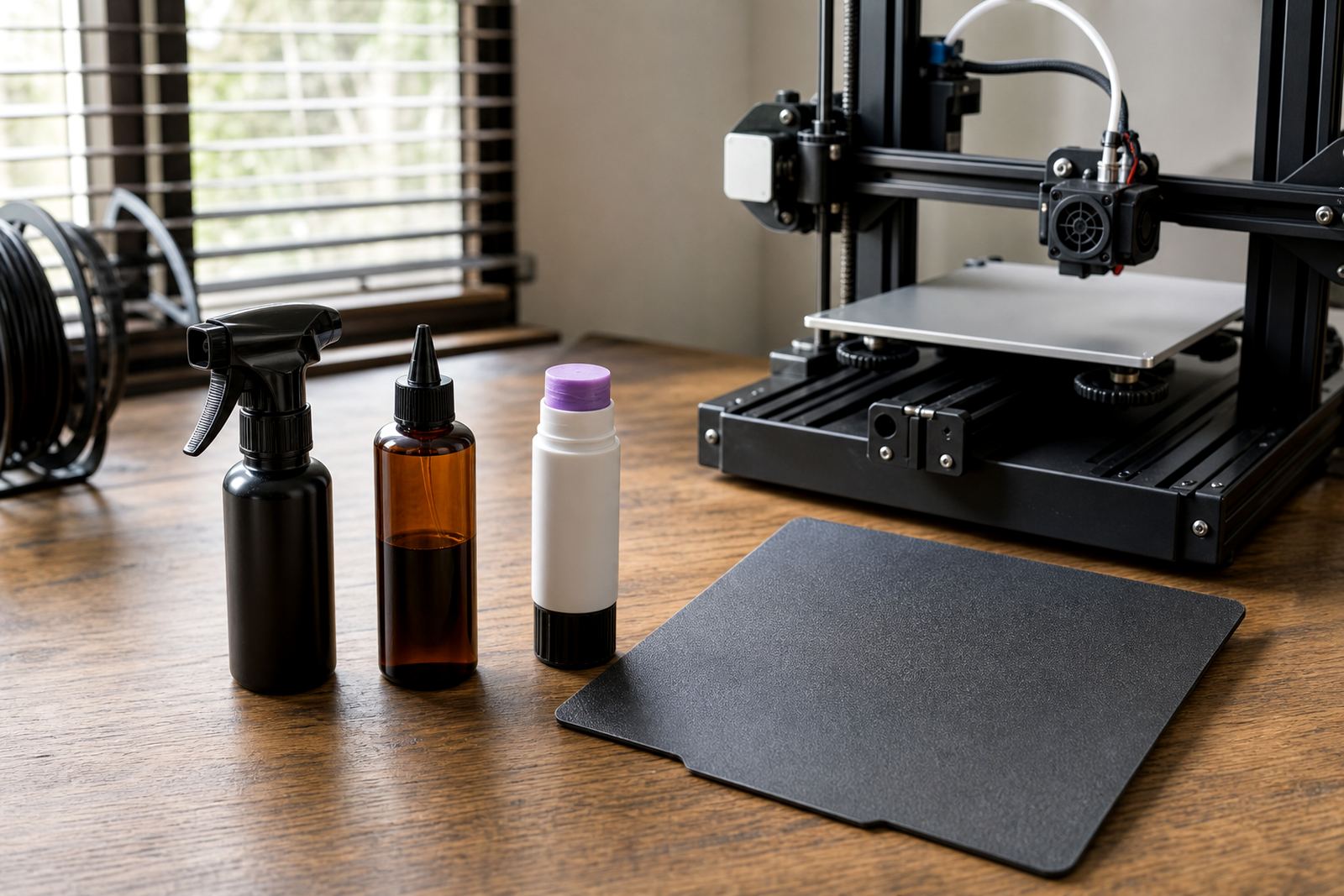
Before you touch the levelling screws, clean the bed properly. Finger oils, dust, leftover adhesive and tiny scraps from earlier prints can change the gap between nozzle and surface enough to throw off the first layer. In Centurion, where dust and dry air are common, this step matters even more.
Check that the build plate is seated correctly and that the magnetic base or clips are holding it flat. If the plate rocks, the machine is not really level it is fighting a warped surface. For schools, makerspaces and print farms, it helps to make cleaning part of every shift start.
- Remove loose debris with a soft cloth or brush
- Wipe the surface with a suitable cleaner for the plate type
- Check for scratches, glue build-up, or burnt filament marks
- Make sure the plate is fully engaged on the base
Use the Paper Test as a Starting Point
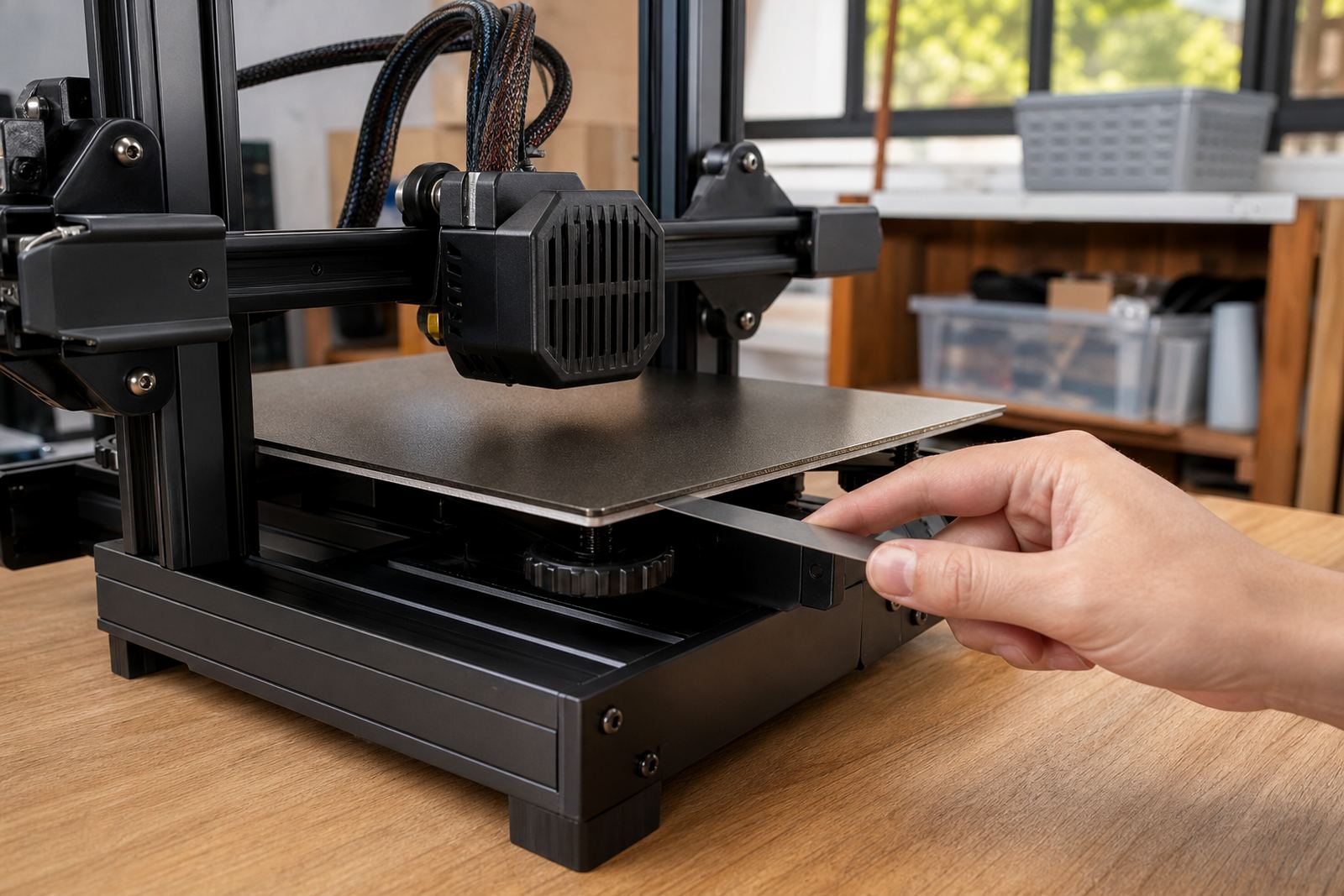
The paper test is a simple way to get the nozzle close to the bed, but it is only a starting point. Move the nozzle to each corner and the centre, then adjust until a sheet of paper just drags under the nozzle with light resistance. If the paper is loose, the nozzle is too high. If it rips or jams, it is too low.
Do not rely on one corner only. A bed can look level in the front and still be high at the back left or low near the middle. For print farms and classrooms, repeat the same test on every machine so results stay consistent across different operators.
- Home the machine first
- Heat the bed to normal printing temperature
- Move corner to corner and check each point
- Finish with the centre, then repeat once more
Read the First Layer, Not Just the Numbers
The real proof of levelling is in the first layer. A good first layer looks slightly squashed, with smooth lines that touch each other evenly. If the lines are round and separate, the nozzle is too high. If the material is scraped, rough, or dragged around, the nozzle is too low.
Look at the brim or skirt too. Uneven line width can show that one side of the bed is higher than the other. On larger machines used in Johannesburg, Pretoria or Cape Town print rooms, this can be the difference between a clean overnight run and a pile of scrap in the morning.
- Even sheen across the first layer means contact is right
- Gaps between lines mean raise the bed or lower Z offset slightly
- Heavy ridges or scraping mean increase the gap a little
- Warping at the corners often points to poor bed contact or cooling issues
Set the Z Offset Before Chasing the Screws
If your machine uses automatic probing or a stored Z offset, set that first. Many users spend too much time turning screws when the real issue is nozzle height after probing. The offset controls how close the nozzle sits to the bed, and even a small change can transform the first layer.
After adjusting the offset, re-check the corners and run a small test print. If the machine is fitted with a magnetic plate or changed surface, the offset may need a new setting. That is normal, especially after fitting a fresh PEI sheet or replacing a worn build plate.
When the nozzle is too close you may hear clicking at the extruder, see the lines ploughing through the surface, or notice a shiny over-compressed finish. Too far away and the filament will not bond properly. Both problems waste time and material.
Match Levelling to the Material and the Room
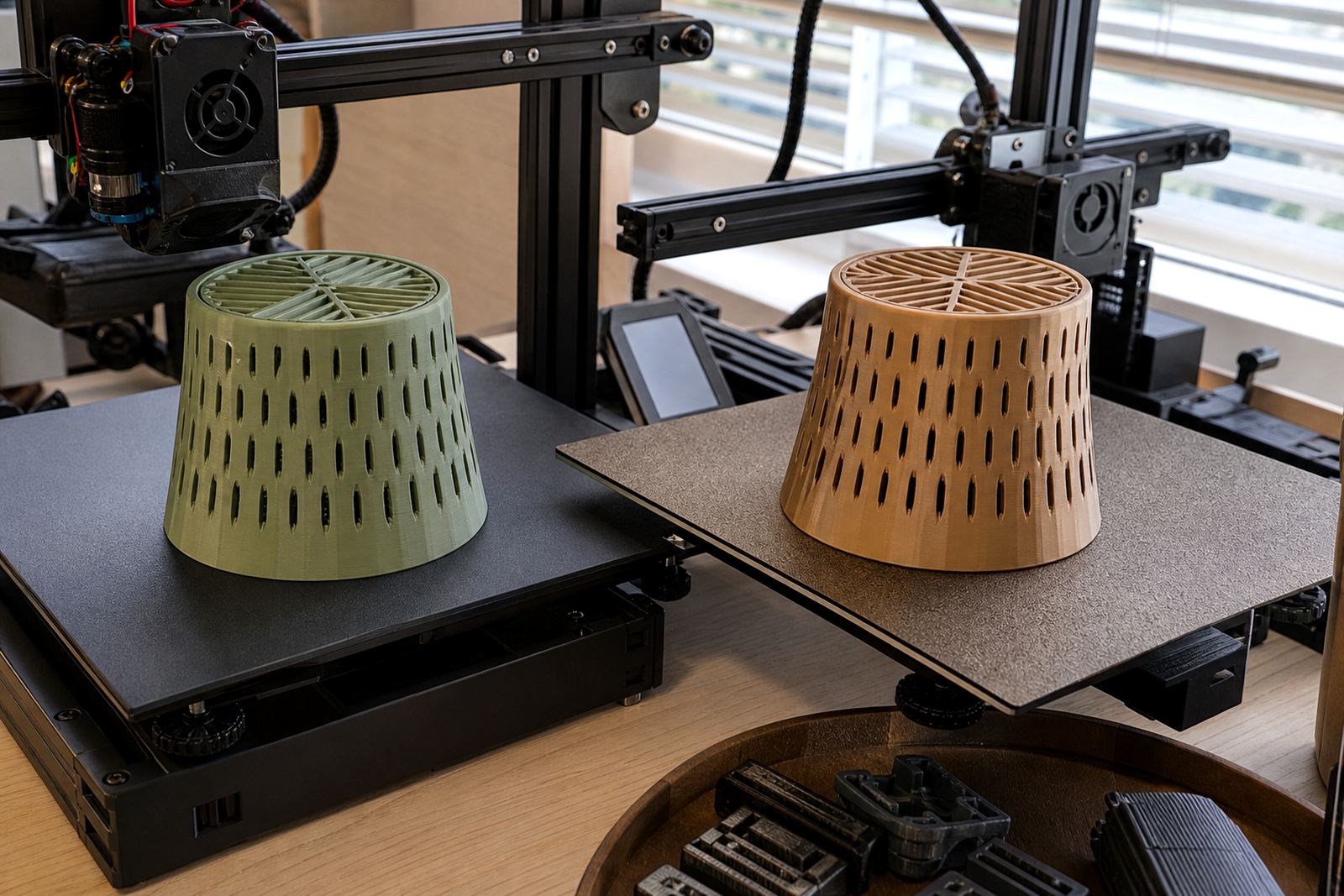
Different materials behave differently on the bed. PLA often prints well with a moderate first-layer squish, while PETG and other sticky materials usually need a slightly gentler gap to avoid over-grabbing the surface. In coastal areas such as Durban or Gqeberha, humidity can also affect adhesion, especially with open filament left out overnight.
Room temperature, draughts and load-shedding matter too. A cold workshop in the morning can behave differently from a warm room after lunch. If the power goes off and the printer cools down, check the surface again before restarting a long job. A small change in temperature can shift first-layer behaviour.
- Store filament in sealed containers where possible
- Keep the machine away from open windows and fans
- Re-check levelling after bed surface changes
- Record settings for each material type
Use a Simple Troubleshooting Routine
When a print fails, do not guess. Work through the problem in the same order each time: clean, level, set offset, test, then print. This keeps the cause clear and stops small errors from becoming repeated failures. For schools and print farms, a written checklist is often better than memory.
If the first layer keeps failing after repeated adjustments, inspect the machine itself. Loose gantry parts, a warped plate, worn springs or an uneven magnetic base can all undermine bed levelling. Sometimes the issue is not the nozzle at all, but the surface underneath it.
- Check cleanliness first
- Confirm the plate is seated flat
- Verify Z offset and probe readings
- Run a small first-layer test before a full job
- Log any changes made for next time