What Smooth and Textured Plates Do Differently
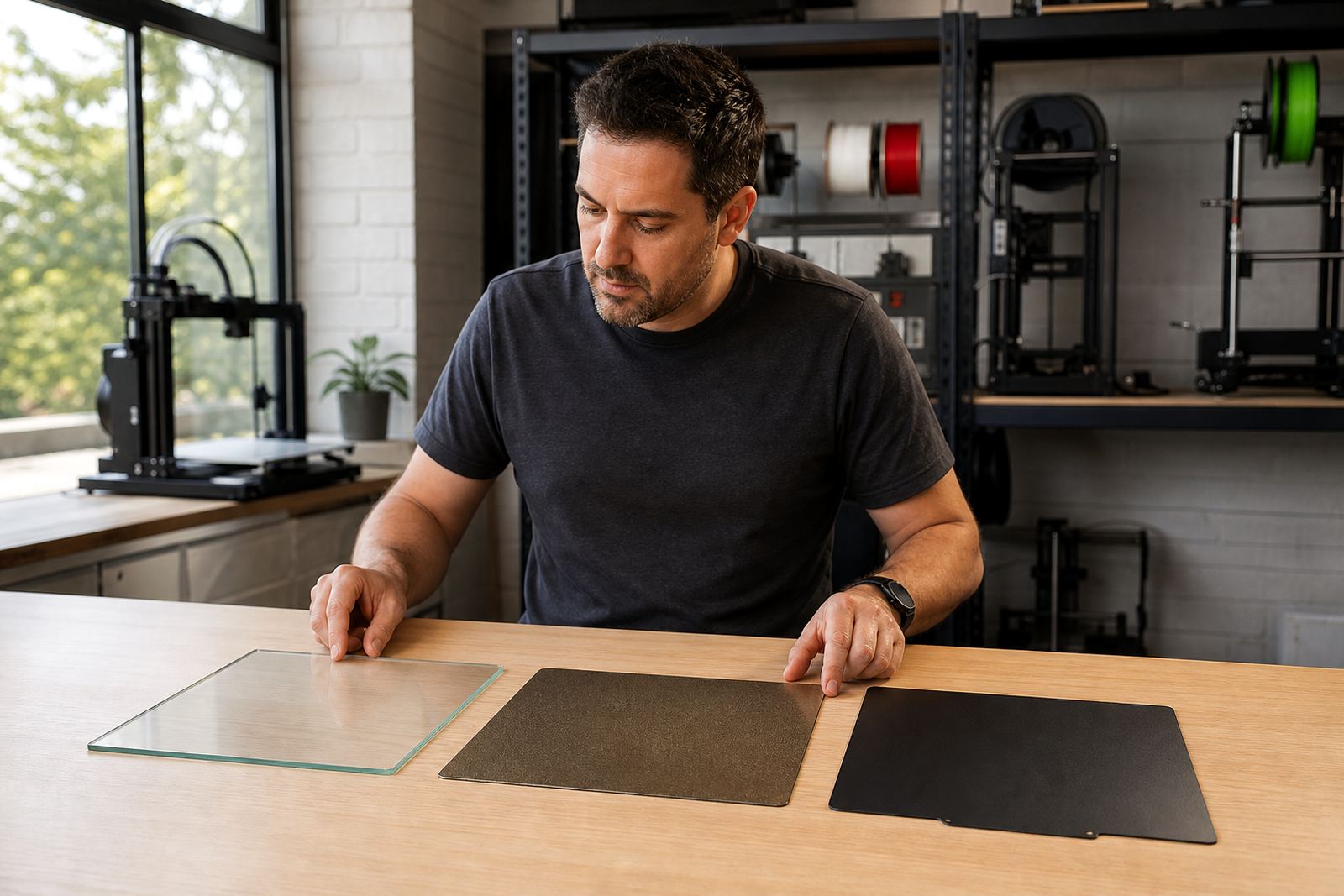
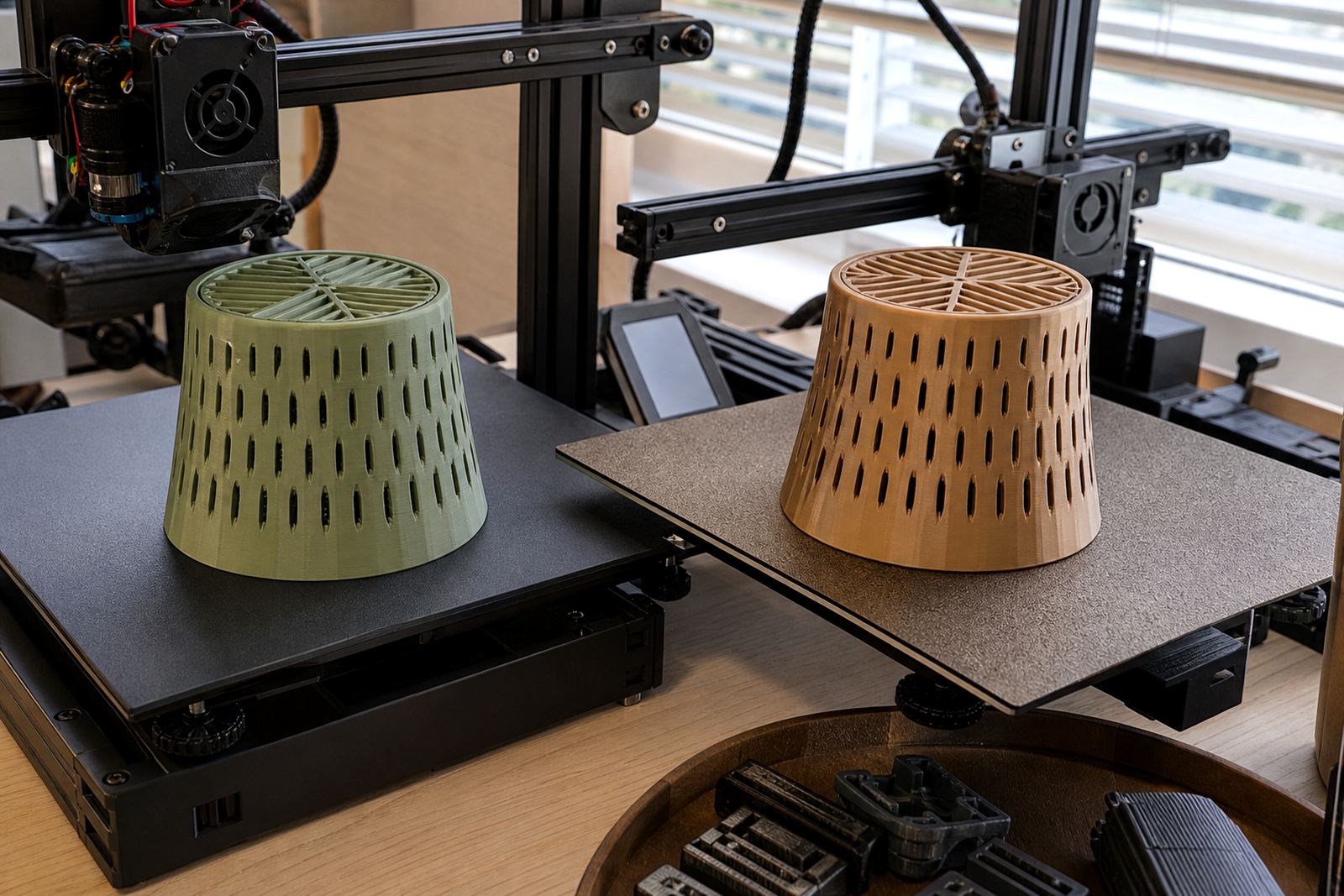
Smooth plates give a flatter underside and are often preferred for parts where appearance matters, especially when you want a clean finish on logos, labels or school project parts. Textured plates leave a fine surface pattern on the base of the print, which can hide minor first-layer marks and help parts lift off more evenly once the bed cools.
In day to day use the choice often comes down to how much grip you need. A smooth surface can hold strongly when clean and levelled properly, while a textured surface is usually more forgiving on everyday prints and can suit longer jobs on print farms where repeatability matters. In humid coastal areas like Durban and Gqeberha, keeping the plate clean matters even more because finger oils and dust can change adhesion quickly.
Pick the Surface That Matches the Part
Not every print needs the same bed finish. Thin parts with sharp corners may do better on a surface with stronger grip, while large flat parts can sometimes release more easily from a textured plate after cooling. If you are printing on a machine used by students or new makers, a textured option can reduce the number of failed first layers caused by over handling.
- Choose smooth for a flatter underside and cleaner detail on visible base faces.
- Choose textured for easier release and a more forgiving everyday surface.
- Use smooth when you need precise contact on smaller parts or jigs.
- Use textured for general production, repeat jobs and parts with broad base areas.
At LayerPad we often see schools and makerspaces in Gauteng use both surface styles in the same lab, then assign them by job type. That keeps prints moving without forcing every part onto one surface that may not suit it.
Grip and Release: How to Set Each Surface Up
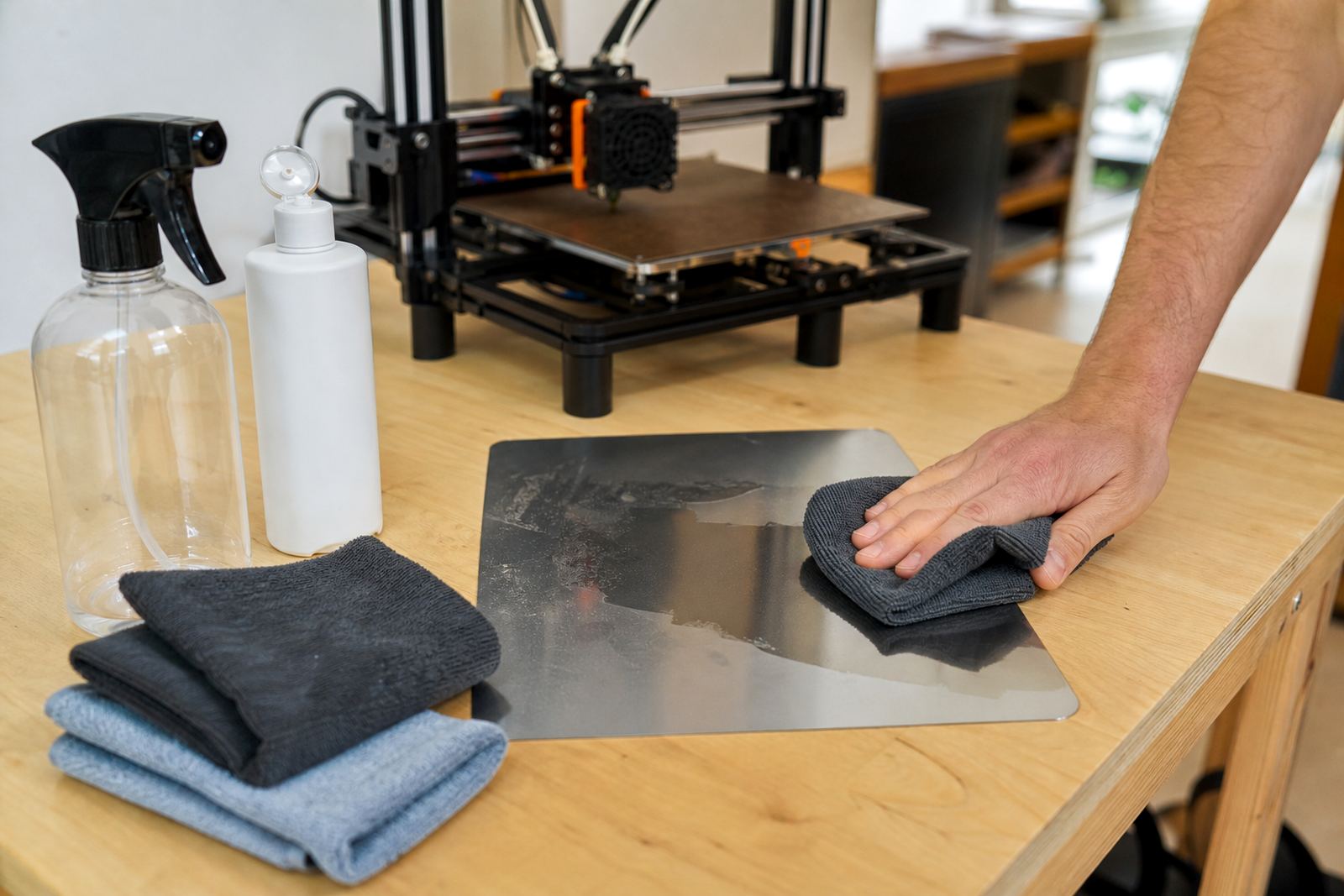
Good adhesion starts before the first layer goes down. A plate should be flat, fitted properly and free from dust, glue residue and skin oils. For smooth sheets, a careful wipe with a suitable cleaner helps keep grip consistent. For textured sheets, keep the surface dry and clean so the pattern can do its work without contamination. If the plate is damaged or warped, no amount of temperature tweaking will fully fix it.
- Check bed flatness before changing temperatures or slicer settings.
- Level the bed and confirm the nozzle is not too high on the first layer.
- Clean the surface with a lint free cloth before each long run.
- Let the part cool before removal, especially on large prints.
- Use a plastic scraper gently if the part stays put after cooling.
A common mistake is raising the nozzle too far from the plate because the first layer looks too squashed. That may seem safer but it often causes lifting at the corners later on. Small changes matter and one turn too many can waste a full print.
Finish Quality: Where the Underside Matters Most
The underside of a print tells you a lot about the plate. Smooth plates can leave a flatter and more polished base face, which is useful for casing parts, name plates and fitted components. Textured plates create a slight pattern that can improve grip on the bed and make the underside less sensitive to tiny surface marks, but you will see that pattern on the finished part.
If the underside is part of the final look, test both plate types with the same model and same settings. The difference can be small on some parts and very obvious on others. For schools printing classroom aids, the choice may not matter much, while for product samples or custom fittings the base finish can change how professional the part looks.
A Simple Routine for Schools, Makers and Print Farms
When several people use the same printer, a routine keeps things consistent. Label each plate clearly, log the last material used and note any adhesion issues. This is especially useful in shared labs in Pretoria, Johannesburg and Cape Town where different users may switch between parts in the same day.
- Assign one surface style to each common material if possible.
- Record bed temperature, release behaviour and first-layer results.
- Store spare plates flat and away from dust.
- Replace worn sheets before they start causing corner lift or patchy grip.
For print farms, standardising the surface across multiple machines can save time during changeovers. For schools, the best setup is usually the one learners can use safely without constant intervention from the technician.
When to Refresh, Replace or Ask for Help
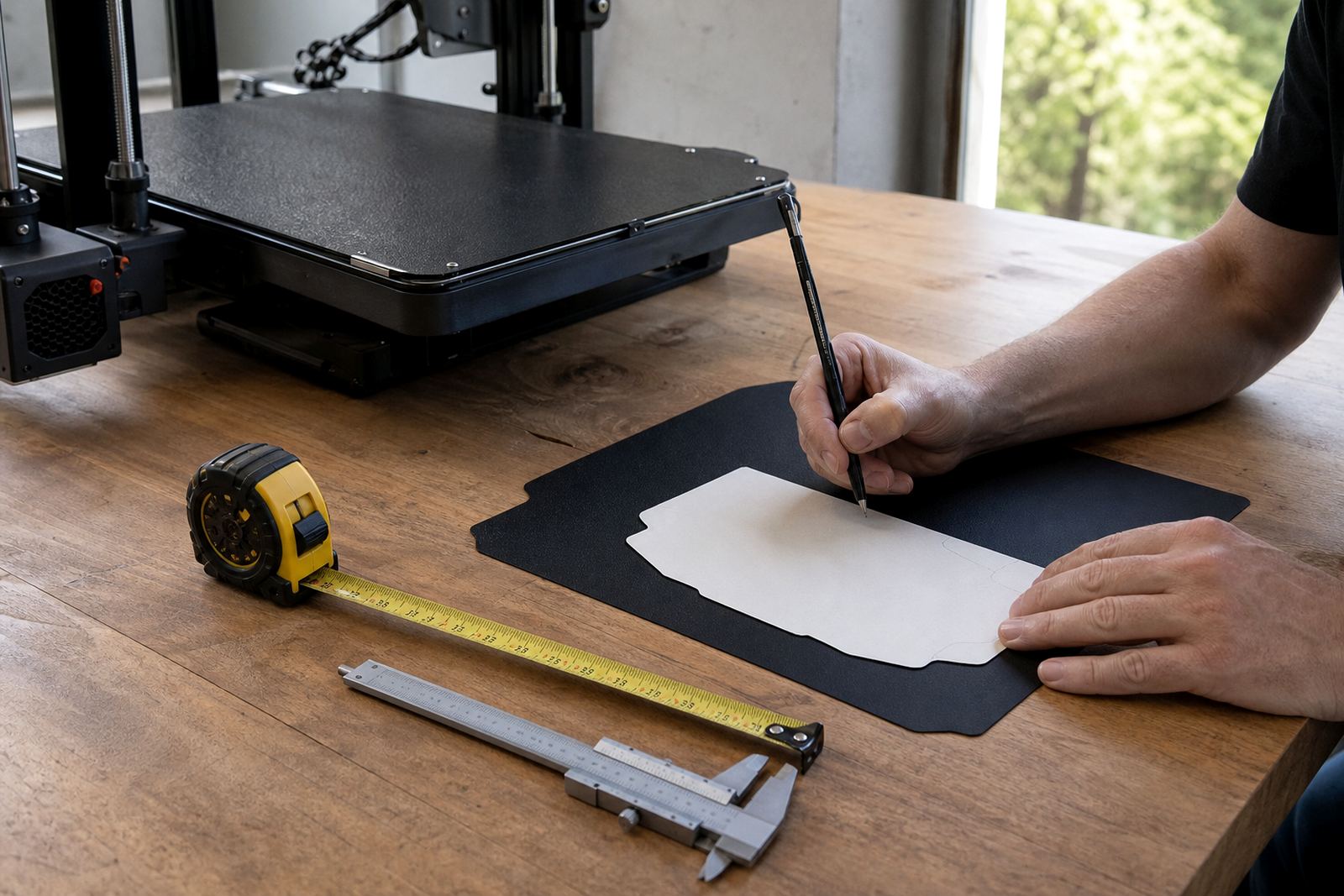
If prints suddenly start lifting, leaving patches or sticking too hard after cooling, the problem may be the surface rather than the model. A bed flatness check can show whether the plate still sits properly, while a surface refresh may restore grip if the sheet is simply tired. In some cases, a custom size cutting service or magnetic base fitting makes more sense than trying to keep an old setup going.
LayerPad works with users across Centurion, Midrand, Pretoria East and the wider South African market to handle plate installation, PEI sheet fitting, adhesion troubleshooting and farm standardising. If a machine keeps giving mixed results on the same job, it is worth checking the full setup before changing slicer settings again. Often the bed is the first place to look, not the last.