When to remove a print without forcing it
The safest time to remove a part is usually after the bed has cooled to room temperature. On glass, many prints let go on their own as the surface contracts. On PEI, a warm bed can still hold strongly so do not rush if the part is sitting firm. If you are working in a workshop in Centurion or on a coastal site in Durban, let the print settle fully first because temperature shifts can change grip quite a bit.
If the part is still bonded hard, use patience before tools. A few extra minutes is better than chipping a corner or lifting a surface layer. For schools and small farms, teach one rule first: never twist the model from the middle, lift from an edge only. That small habit saves a lot of rework.
Removing parts from glass beds with less risk
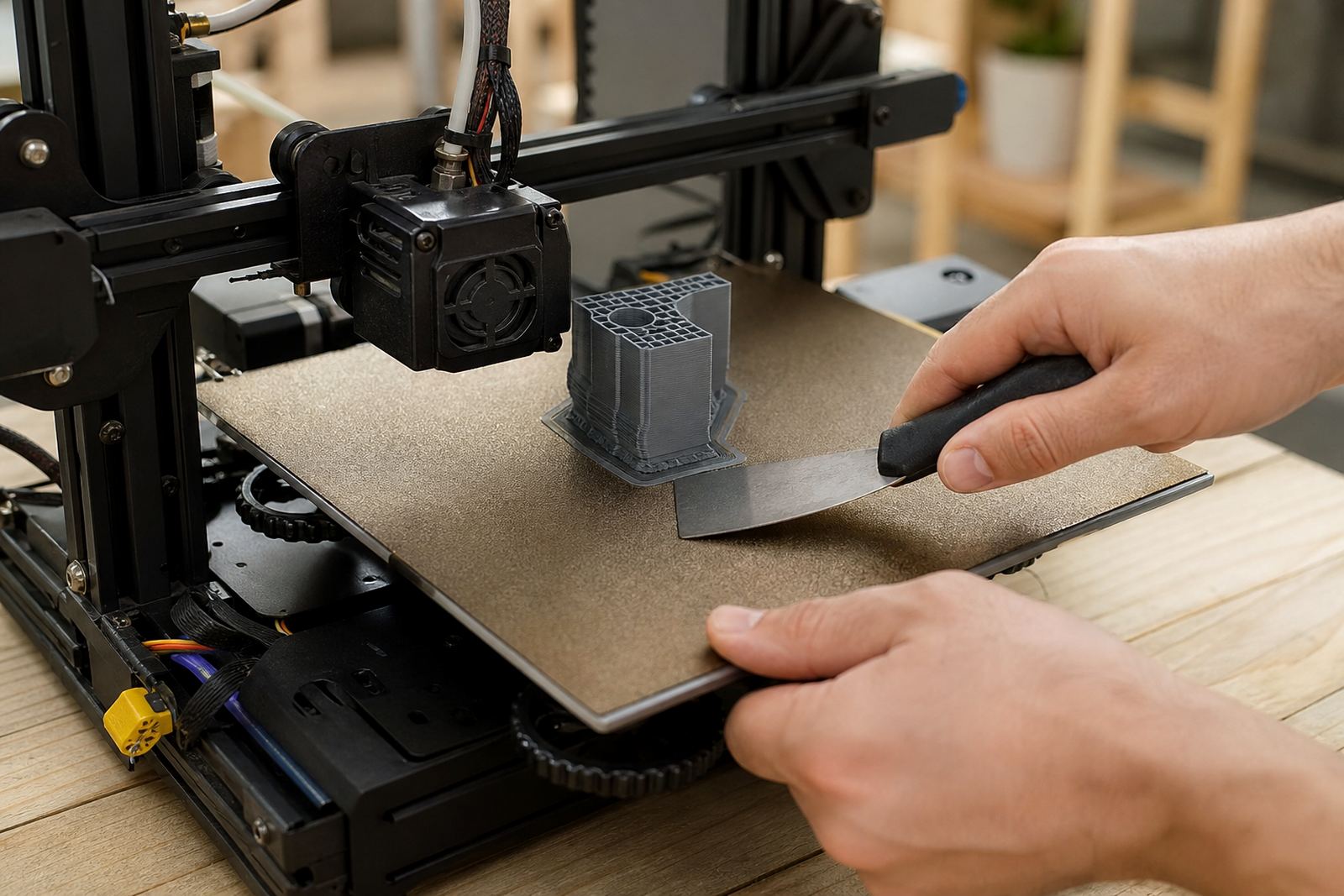
Glass beds can give a very smooth finish but they can also hold stubbornly if the first layer was pressed in too much. Start by sliding a thin plastic tool under one edge only, then work slowly along the shortest side. Keep the tool flat so you do not gouge the bed or snap the part. A metal scraper can be used on some setups, but only if you know the bed can take it and the edge is kept clean, not nicked.
If the print will not move, do not hammer the bed or bend the glass. Instead, let the bed cool completely, then try again from a different edge. For stubborn adhesion, a gentle tap on the side of the bed can help release the bond, though some users overdo it and crack the part. Use care, not force.
After removal, inspect the glass for residue, chips, or a worn centre area. A surface that is scratched or uneven will make the next print behave badly, especially on larger plates used for school projects or batch jobs.
Getting clean release from PEI sheets
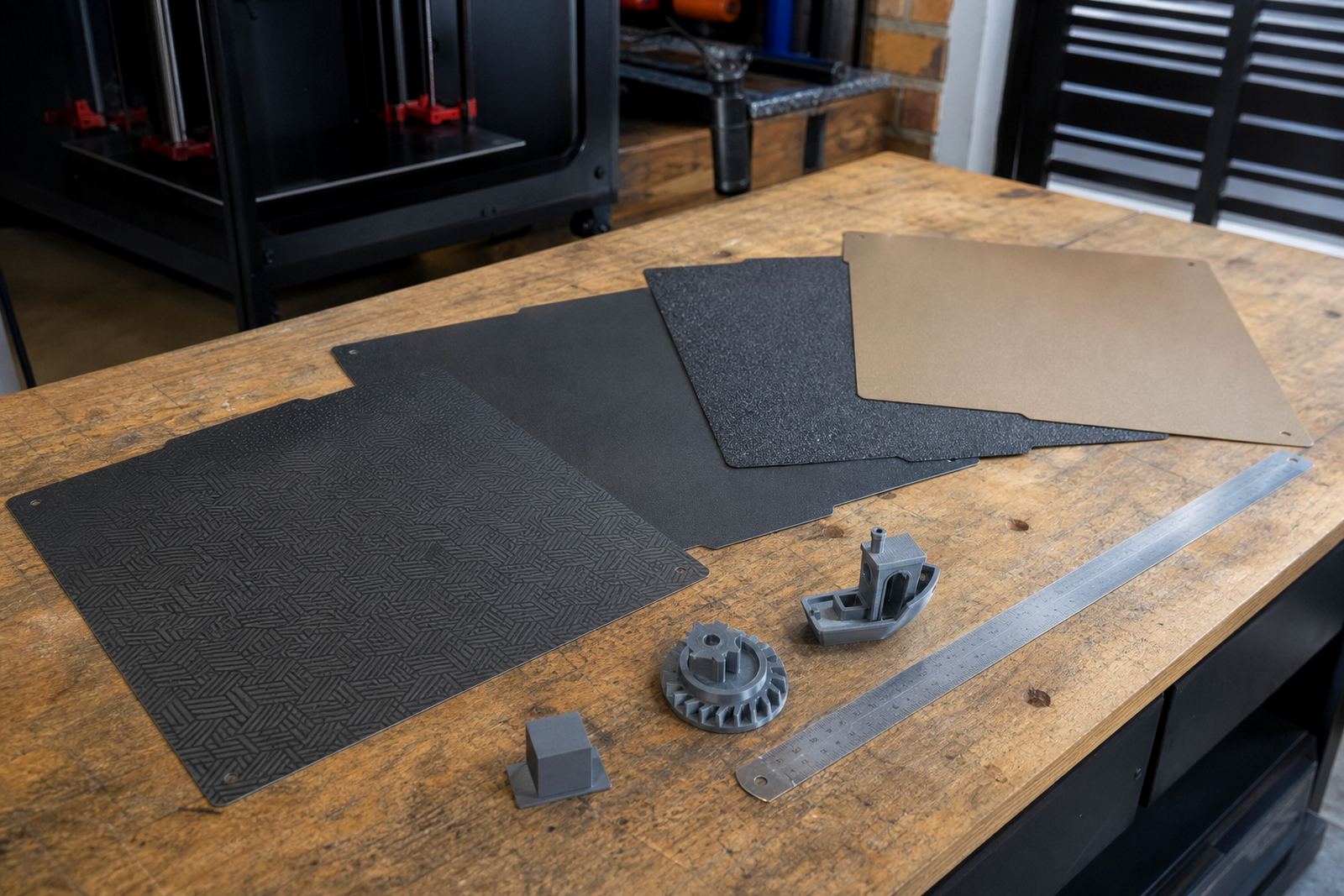
PEI sheets are popular because they usually give a predictable first layer and a clean release once the part is cooled. For smooth sheets, many parts pop off by flexing the plate slightly. For textured sheets, it may help to wait a little longer after the bed reaches room temperature. If a part is still gripping hard, a small plastic scraper can lift one corner without marking the surface.
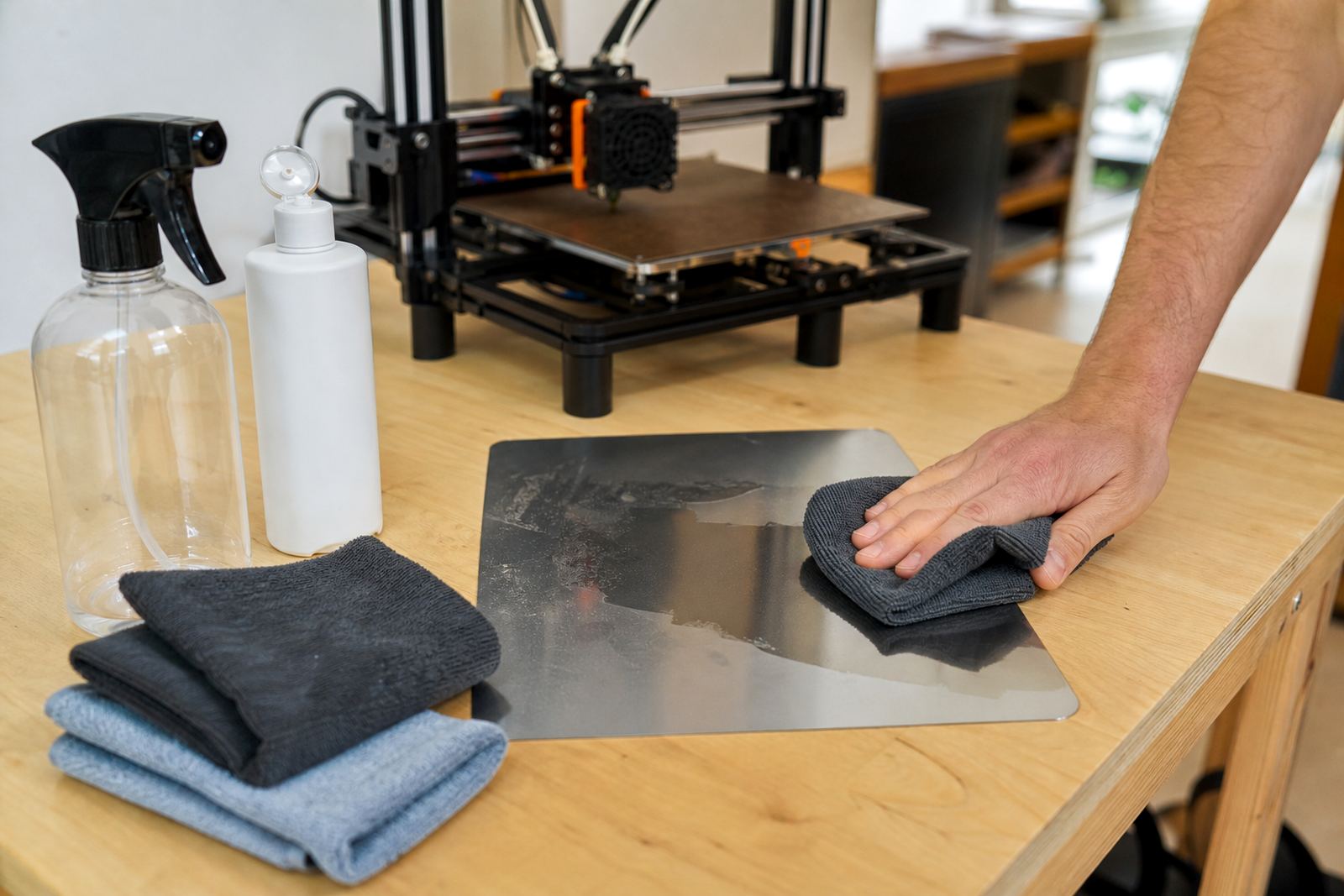
Keep the sheet clean between jobs. Finger oils, dust and adhesive residue all affect release, and in Gauteng workshops fine dust from open doors or packing areas can build up faster than expected. Wipe the surface with isopropyl alcohol only when the sheet manufacturer allows it, and use a clean cloth. Avoid harsh solvents that can dull the surface over time.
- Let the bed cool before flexing the plate.
- Support the print with one hand if it is tall or heavy.
- Remove leftover skirt and brim material before the next job.
- Check for shiny worn patches that may need a refresh.
Safe release on flexible plate systems
Flexible plates are the easiest option for many makers, but the plate still needs correct handling. Lift the plate from its frame only when it is secure and cool enough to touch. Bend it evenly from both sides so the print releases without a sudden snap. Tall parts need extra support because they can topple once the base lets go.
Do not over-flex the plate. A hard bend every time can shorten the life of the magnetic base or the steel sheet. If the part is very well stuck, flex in small movements first, then increase slightly. This is better than one big bend that can send a model bouncing across the work table. Keep the area clear, especially in busy print farms where multiple beds are being cleared at once.
After release, place the part on a flat surface to cool fully. Removing a part that is still warm and soft can leave a banana shape or a twisted base.
Troubleshooting stubborn corners, brims and supports
Most removal problems start with the first layer. If the part is too hard to remove, the bed may be over-adhesive, the nozzle may have squashed the first layer too much, or the part may have a large contact area. Small tools can help, but the real fix is often in the next setup rather than the current one. If a brim is stuck around the edge, peel it back in short sections rather than pulling one long strip, that usually tears the model.
Supports can leave rough areas that catch on the bed. Use side-to-side rocking on the support base first, then lift once the bond loosens. For thin models and school lab prints, keep an eye on layer cracks near the base because they often show only after removal. If you see repeated sticking in the same spot, the bed may need a flatness check or a surface refresh.
- Check first layer height and squish if parts are too difficult to remove.
- Reduce bed temperature if the material allows it.
- Use a smaller brim or none at all when adhesion is too strong.
- Inspect the bed for dents, glue build-up or worn coating.
Post-removal checks that protect the next job
Once the part is off, do a quick inspection of both the print and the bed. Look for chip marks, lifted edges, leftover adhesive and any damage from tools. Clean the surface before the next run so the next first layer is not compromised. If you are running a school lab or a small production cell, write down which material and which plate were used. That record makes it easier to spot patterns when a certain filament starts sticking too hard or letting go too soon.
For mixed fleets, standardise your process. Keep one removal routine for glass, one for PEI, and one for flex plates. Training staff or learners to use the same sequence saves time and reduces damage. It also helps when load shedding interrupts a print and someone else has to handle the bed later on, they know exactly what to check before touching the part.
Good removal habits are part of good print care. When the bed is clean, flat and handled with care, the next job starts in a better place.