Start With a Clean Surface Every Shift
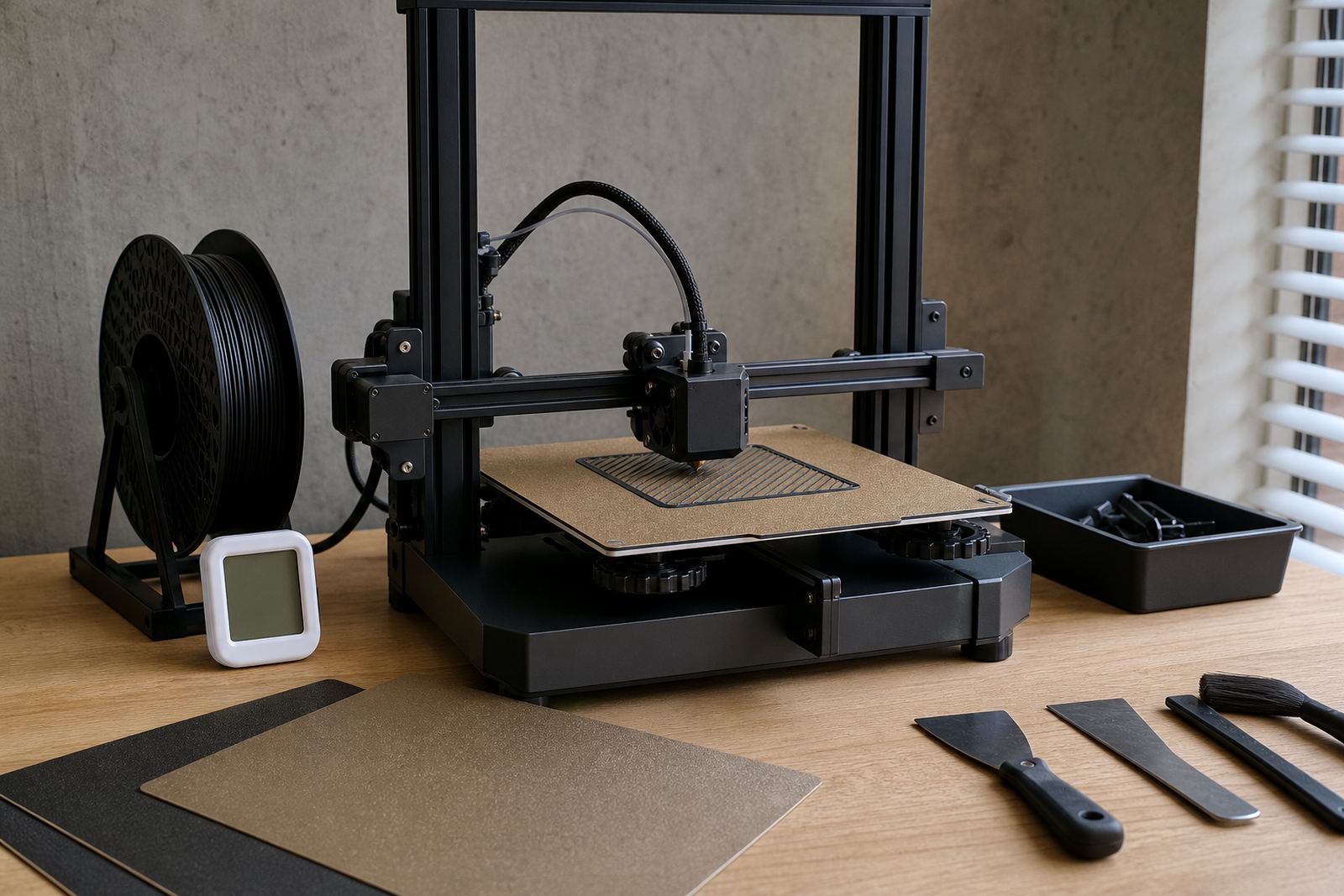
Before the first print of the day, inspect the surface for dust, fingerprints, filament dust and any small high spots left by previous jobs. In Centurion and across Gauteng, fine dust builds up quickly, and on coastal runs to Cape Town or Durban humidity can leave a thin film that changes first-layer grip. A quick clean takes less time than recovering a failed bed, and it keeps reliablity where it should be.
For routine cleaning, use a lint-free cloth with a suitable cleaner that leaves no residue. Avoid heavy oils, furniture sprays and harsh scrubbing pads. If the surface has been touched by hand, clean the full area not only the centre where the last part sat. Around the edge, residue can change how the first layer lays down and can cause uneven lift on larger parts.
- Check for dust before every print run
- Wipe the full plate, including corners and edges
- Let the surface dry fully before heating the bed
- Remove any loose filament bits or burnt residue
Protect PEI Sheets From Wear And Heat Stress
PEI sheets can give excellent grip, but they need the right handling. Do not scrape aggressively with metal tools, and avoid dragging parts off while the plate is still hot unless the material calls for it. Repeated rough removal can mark the surface and reduce even adhesion over time. If your team prints the same parts every day, set a removal method and stick to it so one operator does not shorten the life of the sheet for everyone else.
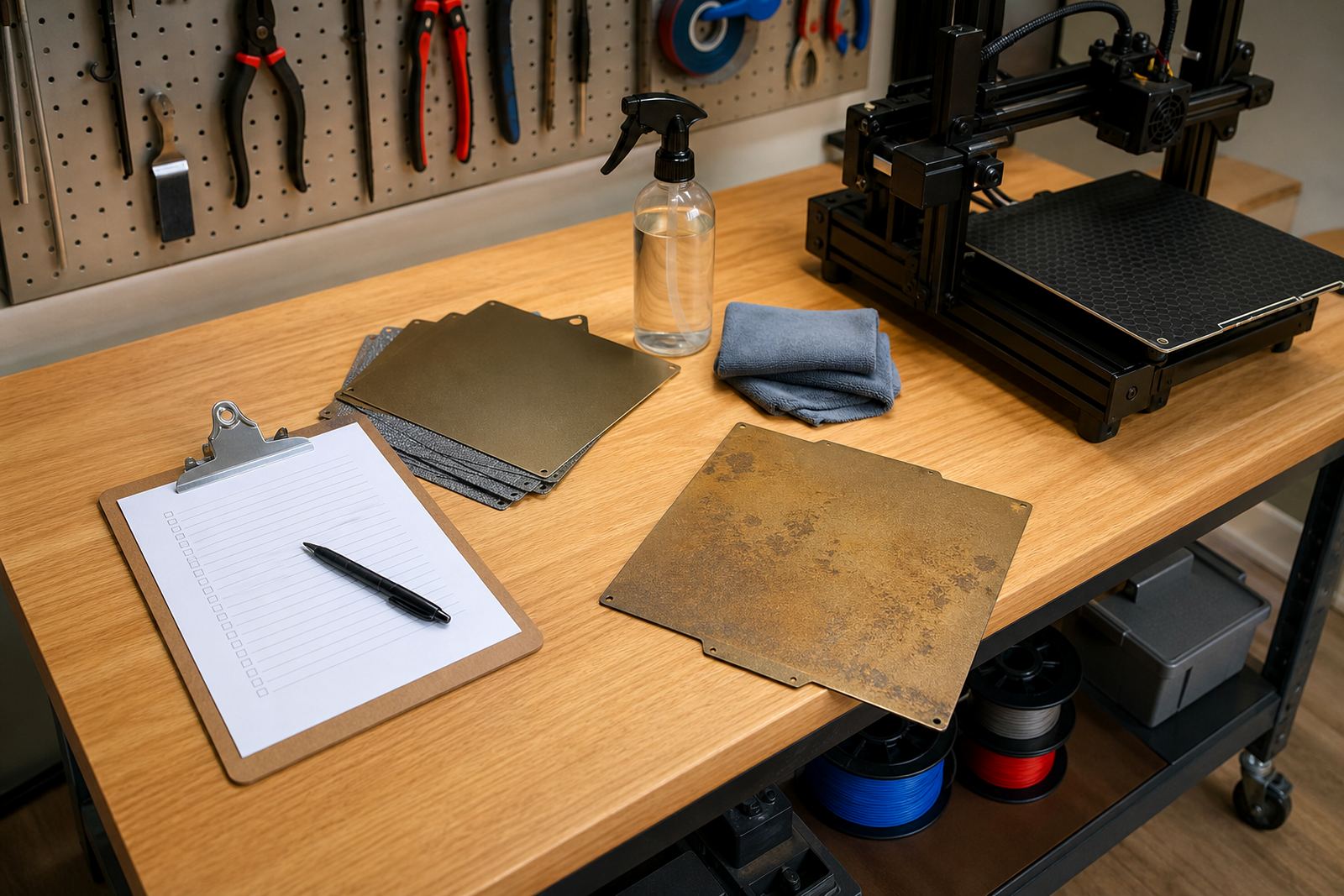
On schools and print farms, we often see wear caused by poor habits rather than poor material. A nozzle that is too close, a warped first layer, or a part that is forced off too soon can all damage the top layer. If the sheet starts to look shiny in spots or loses grip in one section, plan for replacement before it starts affecting production.
- Use plastic or approved removal tools only
- Do not bend the plate more than needed
- Watch for shiny patches, scratches and discolouration
- Replace worn sheets before failures become regular
Check Flatness Before You Blame Adhesion
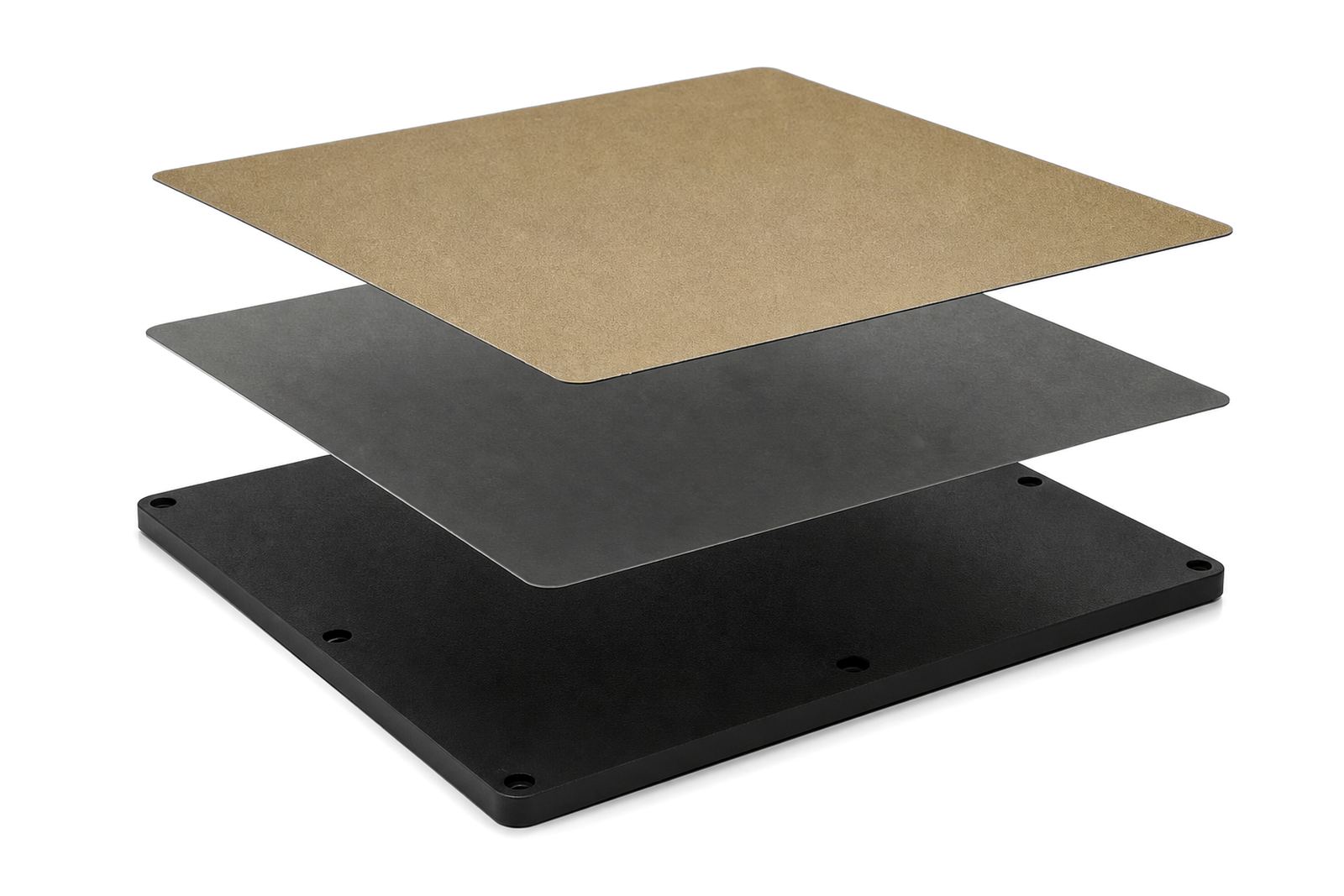
Many adhesion problems are really bed flatness problems. A good surface cannot compensate for a base that is warped, loose or uneven. Before changing slicer settings, check that the plate sits properly, the magnetic base is secure, and the bed is level across the full print area. This matters even more on larger machines and school labs where one bad setup can affect several users.
Use a simple flatness check when you see repeated corner lift, uneven first layers or one side sticking better than the other. If the machine has been moved between rooms, after transport, or after a hot week in a metal workshop, inspect it again. Temperature changes and vibration can shift alignment more than many users expect.
- Confirm the plate sits flush on the base
- Look for gaps, rocking or lifted corners
- Recheck level after moving the printer
- Inspect magnets and clips for wear or looseness
Match Bed Prep To The Material Being Printed
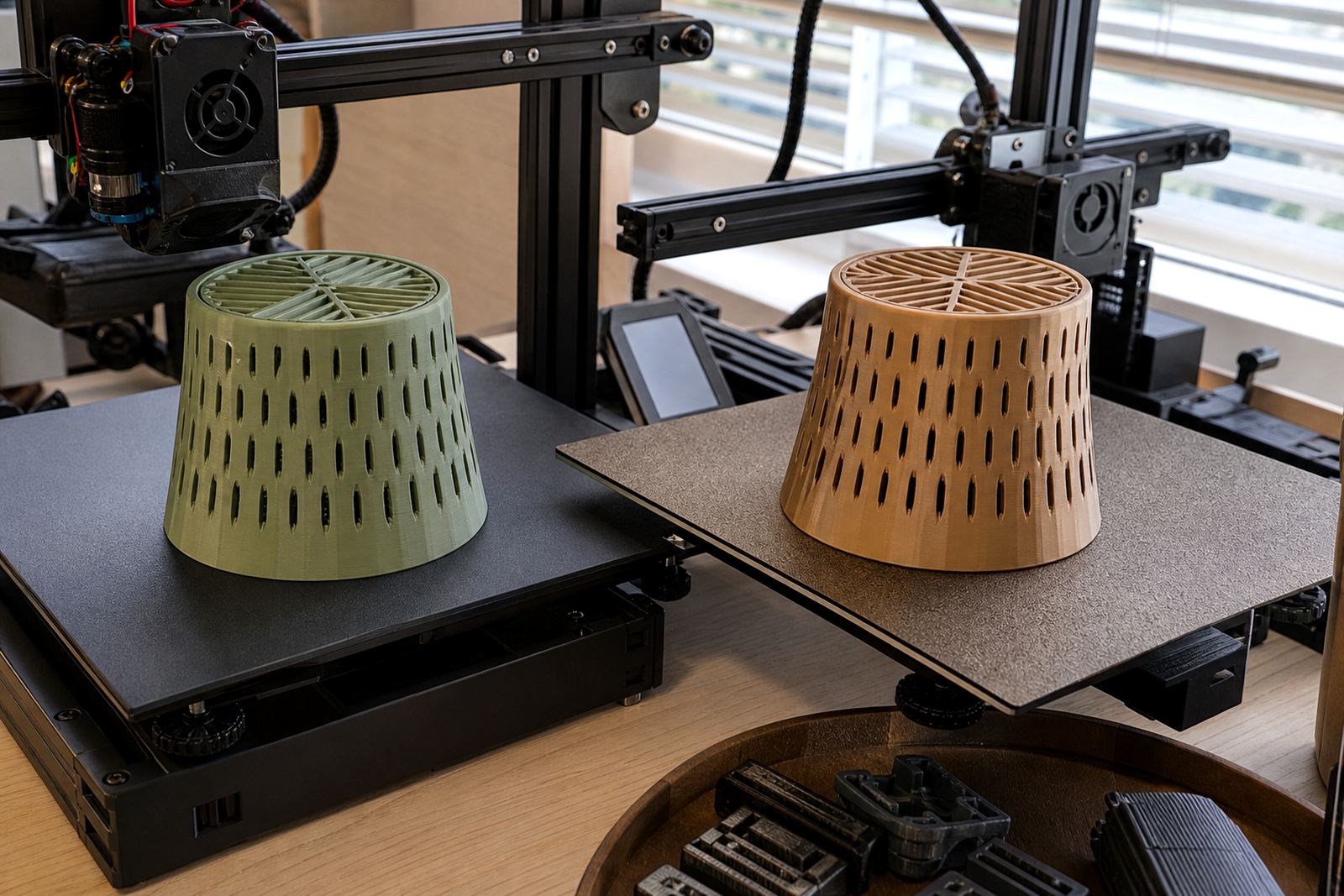
Different filaments need different bed prep, and one routine does not suit every job. PLA often behaves well on a clean, lightly prepared surface, while higher temperature materials can need more careful control of first-layer temperature and surface condition. If the wrong prep is used, you may see lifting on corners, elephant foot, stringing near the base, or parts that release too early.
Keep a written note of what works for each material on each machine. For print farms and classrooms, this saves time when staff change shifts or students start a new project. A short standard sheet with temperatures, surface prep and removal timing will reduce trial and error. It also helps when one printer is moved from Johannesburg to Durban or another site and the team needs a quick reset.
- Record the best prep for each filament type
- Keep first-layer settings consistent across similar machines
- Test new materials on a small print first
- Do not assume one cleaning method suits all jobs
Handle Damage Early Before It Spreads
Small defects become bigger problems if they are left alone. A chipped edge, lifted corner, dent or adhesive patch that is failing can spread heat unevenly across the plate. That leads to inconsistent first layers and wasted material. If you spot damage during normal use, take the plate out of service and mark it for repair or replacement planning.
For busy workshops, it helps to keep a spare surface or backup plate ready. That way the machine can return to work quickly while the damaged part is assessed. In our experience, most teams wait too long and then lose a full production day when the surface finally gives up. A spare on hand is cheaper than losing a batch of school samples or a farm run.
- Remove plates with cracks, dents or failed edges
- Log the fault and date it was found
- Keep a spare ready for busy periods
- Do not keep using a surface once damage is spreading
Set A Maintenance Rhythm For Hobby Use, Schools And Print Farms
Good surface care is easier when it follows a routine. Hobby users may only need a weekly check, while schools and production sites should inspect surfaces every shift. The right rhythm depends on print volume, handling and the kind of materials you run. In humid coastal towns or dusty inland sites, shorten the interval if the surface shows grime faster than usual.
Use the same checklist every time so nothing is missed. Keep one person responsible for inspection and recording, especially where many users share the same machine. That is the simplest way to avoid confusion when a plate starts failing and nobody knows when it was last cleaned or checked.
- Daily: clean, inspect and confirm secure fit
- Weekly: review wear, grip and flatness
- Monthly: check the base, magnet and replacement plan
- After faults: record the issue before returning to service
A Simple End Of Day Checklist
Before power down, clear the plate, let it cool, and make sure no residue or lifted material remains on the surface. If the machine has been running all day, this final check is the best time to catch early wear. It takes only a few minutes and keeps the next shift from starting with preventable problems.
For teams that print through load-shedding windows or in shared spaces, a closing checklist matters even more. It protects the surface overnight, keeps the setup ready for the next operator and helps extend the life of every plate in the workshop.
- Remove finished parts and loose debris
- Wipe the surface if it was touched during the shift
- Check for lifting, shine or marks
- Note any issue that needs follow-up