What the alignment pin set does on a busy print bed
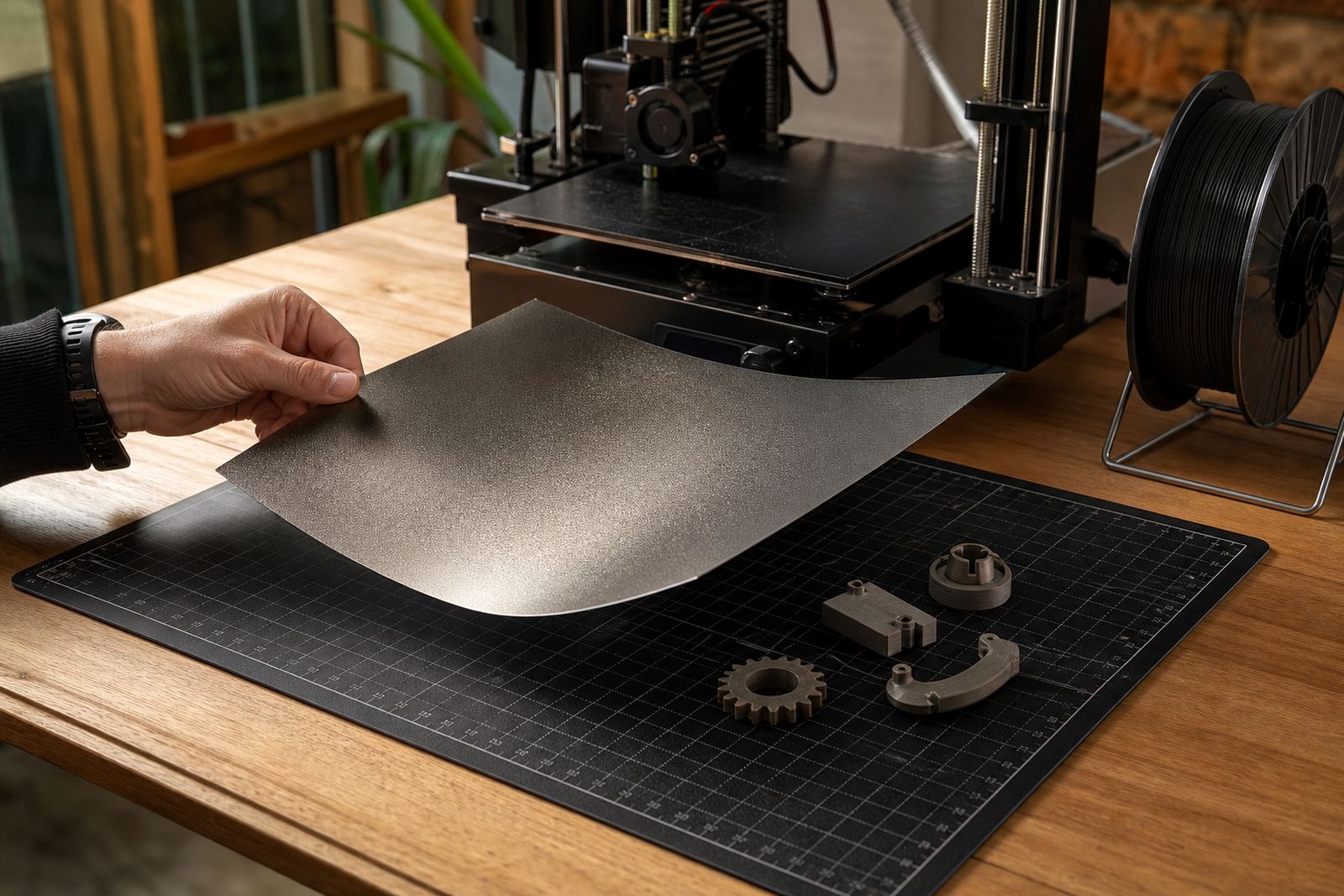
An alignment pin set is a small locating system for removable 3D-printer build plates. It gives the plate a fixed reference point, so when you lift it off for part removal and put it back, the plate sits in the same position again. That helps reduce small shifts that can affect bed adhesion, first layer accuracy and repeatability, especially on printers doing long runs or back to back jobs.
For farms and school labs, this matters because different users handle the same machine during the week. A plate that always returns to the same spot saves time and cuts down on guesswork. It is also useful where printers are moved between rooms or where load-shedding means the machine gets powered down often and restarted later. The pin set is purely mechanical, so there is no power or gas requirement at all.
Sizes and options for different plate setups
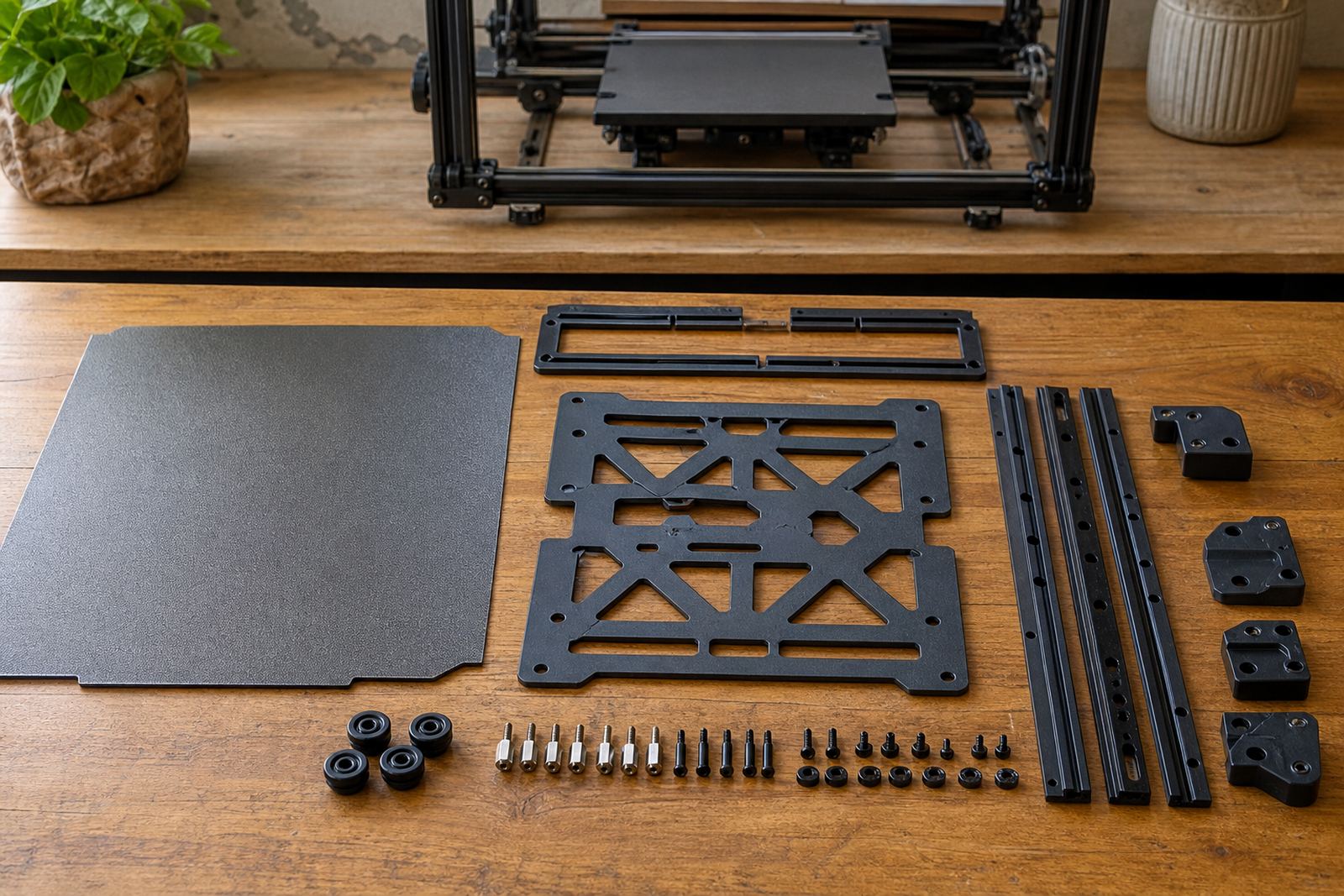
LayerPad supplies alignment pin sets for common removable plate setups used on hobby machines, classroom printers and higher-throughput farm beds. Options vary by plate thickness, hole spacing and how much clearance is needed around the bed frame. If you are running a stock plate, a modified surface or a custom-cut sheet, the pin layout should match the machine and not force the plate into place.
- Single-side locating pins for simple removable plates
- Pair-set locating pins for front and rear alignment
- Low-profile options where the bed has limited edge clearance
- Sets suited to magnetic bases and spring-steel style plates
- Custom size cutting support for non-standard beds
For users in Centurion, Pretoria East or Midrand, it helps to bring the plate dimensions with you or list them clearly on the enquiry form. If the bed has a raised lip, clips, probes or cable guides, those details matter too.
Where the pin set suits best
This product suits any setup where the same plate is removed and replaced often. That includes school maker spaces, print farms, small engineering teams, prototyping labs and home users who run multiple material profiles. It is especially handy when you want a cleaner routine for bed prep without relying on marking tape or guesswork on the frame.
It also helps where temperature changes and humidity can affect fit. In coastal areas like Cape Town and Durban, consistent placement is useful when surfaces need regular care. In Gauteng workshops, dust and handling can introduce small movement over time, so a locating system gives you a repeatable reference point. For users printing in Bloemfontein or Gqeberha, it supports stable operation across different work areas and can make collection and re-fitting quicker for teams.
Installation details and what the setup needs
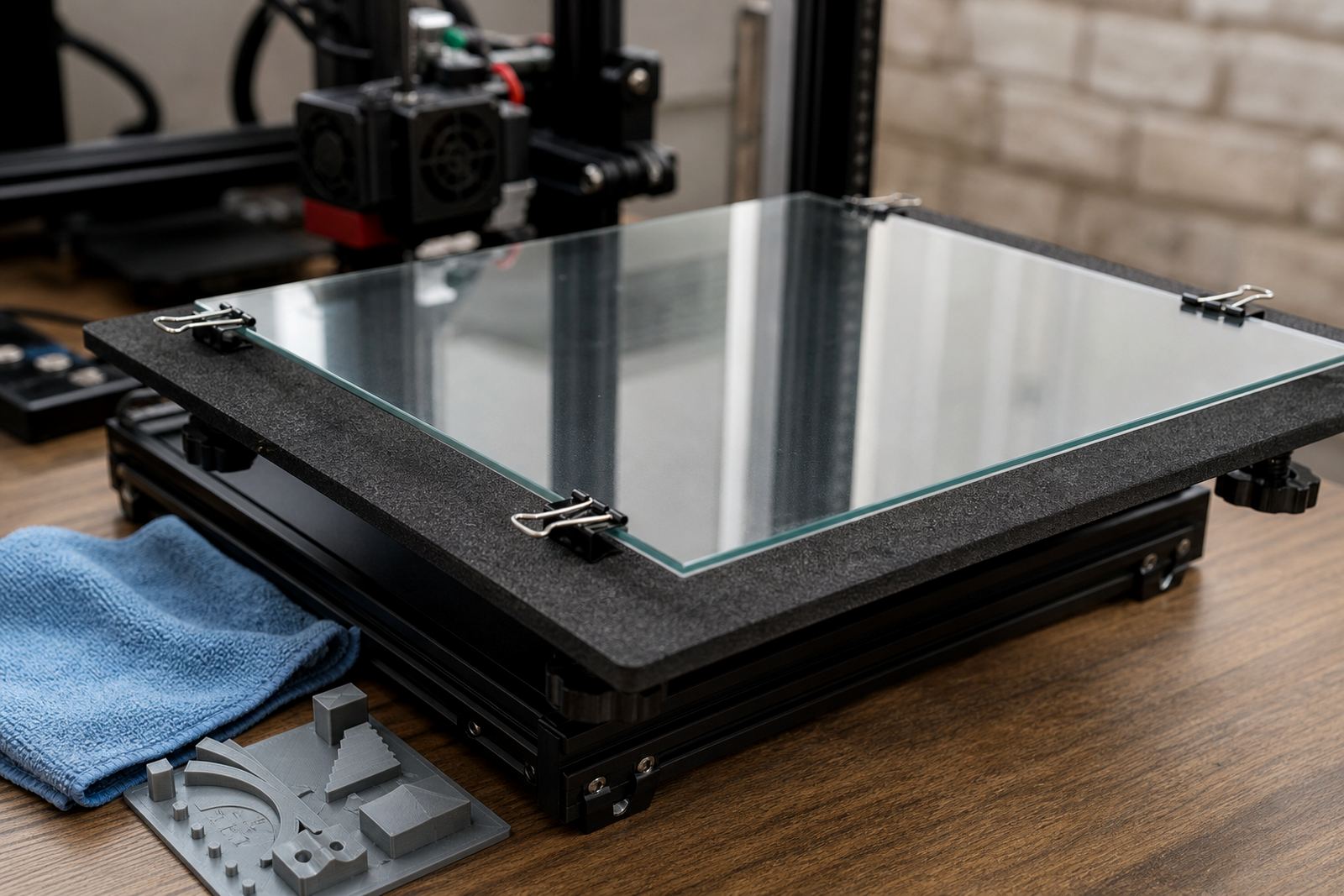
Installation is normally straightforward, but it must be done carefully so the pins do not interfere with the nozzle path, the bed heater, the probe or the plate clips. On many printers the pins are fitted to the frame or to a base plate, then the removable plate is checked for smooth seating. The goal is a snug but not forced fit. If the plate rocks or lifts at one corner, the alignment points need to be adjusted before production starts.
There is no electrical work involved and no gas connection required. That makes the product suitable for schools and shared spaces where simpler hardware is preferred. During setup we recommend checking bed flatness, confirming the home position and running a short first-layer test. If the machine uses a magnetic base, the pin position should not reduce the contact area needed for a full hold.
Care, servicing and daily use
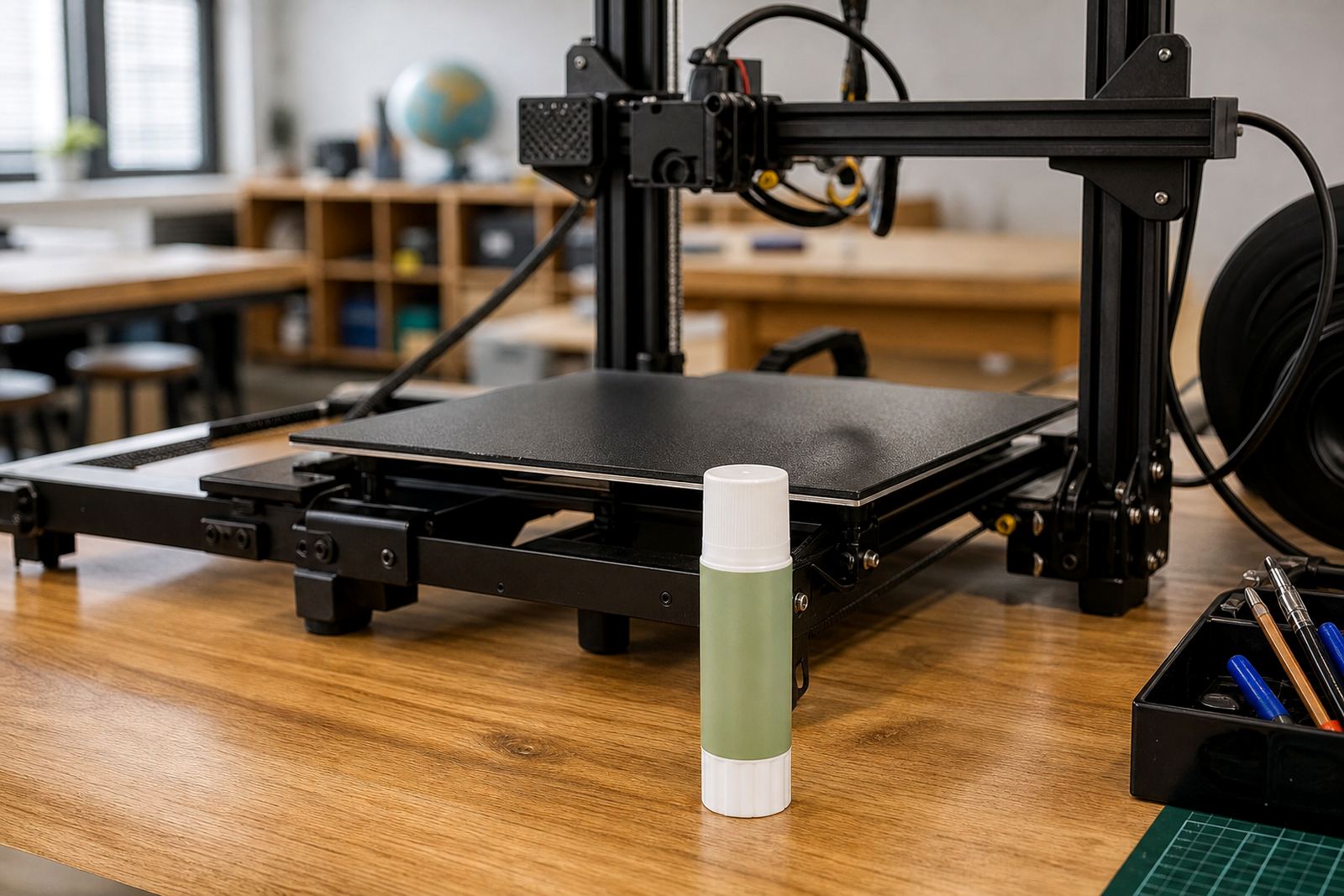
The pin set itself needs very little attention, but it works best when the rest of the bed is kept clean. Wipe away glue residue, filament dust and any small bits of burnt material before refitting the plate. If the bed surface becomes worn, the locating points may feel inconsistent even if the pins are still sound. In that case a surface refresh or replacement planning check may be the better fix.
- Keep the pin seats free of debris and hardened adhesive
- Check for looseness after transport or repeated plate changes
- Inspect the plate edges for wear where they meet the locating points
- Re-check alignment after any nozzle change or bed adjustment
- Train users to place the plate flat, not at an angle
For farms and school labs, a short bed care routine often prevents larger issues later. If a printer starts missing the same corner again and again, the pins are only part of the check, not the whole answer.
What to check before you order
Before ordering, confirm the printer model, the removable plate size and the space available around the bed. You should also note whether the plate is steel, coated, or part of a magnetic system. Some machines leave plenty of room for locating hardware, while others have very tight clearances near clips, belts or probe mounts. A mismatch here can cause more trouble than it solves.
It helps to tell us how the printer is used. A school lab with many users may need a simpler, more obvious arrangement, while a print farm may want a layout that supports fast plate swaps and standardised bed handling. If you are replacing worn parts, mention whether the existing system has been slipping, lifting or showing repeat misalignment. That way the right set can be recommended without wasting time.
- Plate length, width and thickness
- Hole positions or edge clearance available
- Whether the printer uses a magnetic base
- Any probe, clip or cable interference
- How often the plate is removed per day
Key facts
| Product type | Mechanical alignment pin set for removable 3D-printer build plates |
|---|---|
| Use case | Repeatable plate positioning after each print cycle |
| Compatible setups | Removable plates, magnetic bases and custom-cut build surfaces |
| Material | Corrosion-resistant metal components with durable locating parts |
| Power or gas requirement | None |
| Support options | Plate installation, bed flatness check, adhesion troubleshooting and replacement planning |