Two usable sides, one practical plate
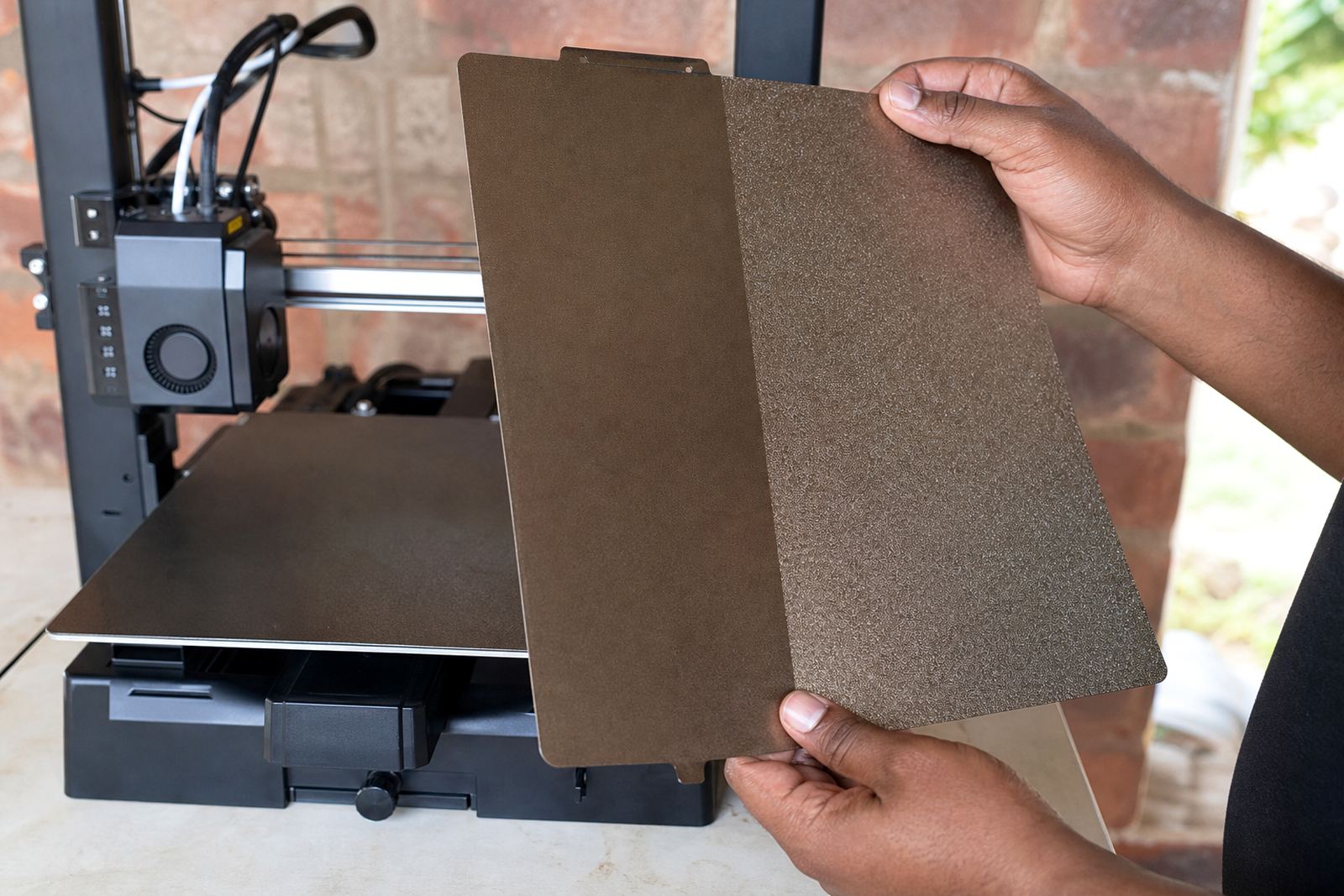
The Double-Sided Plate is a spring steel build plate with a usable surface on both sides, so you can keep printing while one side is in service or set up one side for everyday work and the other for specialty jobs. It suits users who want less downtime and a better return on consumables, especially where printers run most days and parts need to come off cleanly between jobs.
The plate is designed for stable first-layer grip and consistent release once the bed cools. That matters on South African print farms and in school labs where operators may be changing filaments, moving between jobs or handling multiple machines in a shift. A well set plate can cut failed starts and save time on rework, which is where the real cost sits.
- Dual working surfaces for longer service life
- Spring steel core for flex-and-release removal
- Suitable for common heated beds and magnetic bases
- Good choice for batch printing and repeat jobs
Sizes, surface options and fitment choices
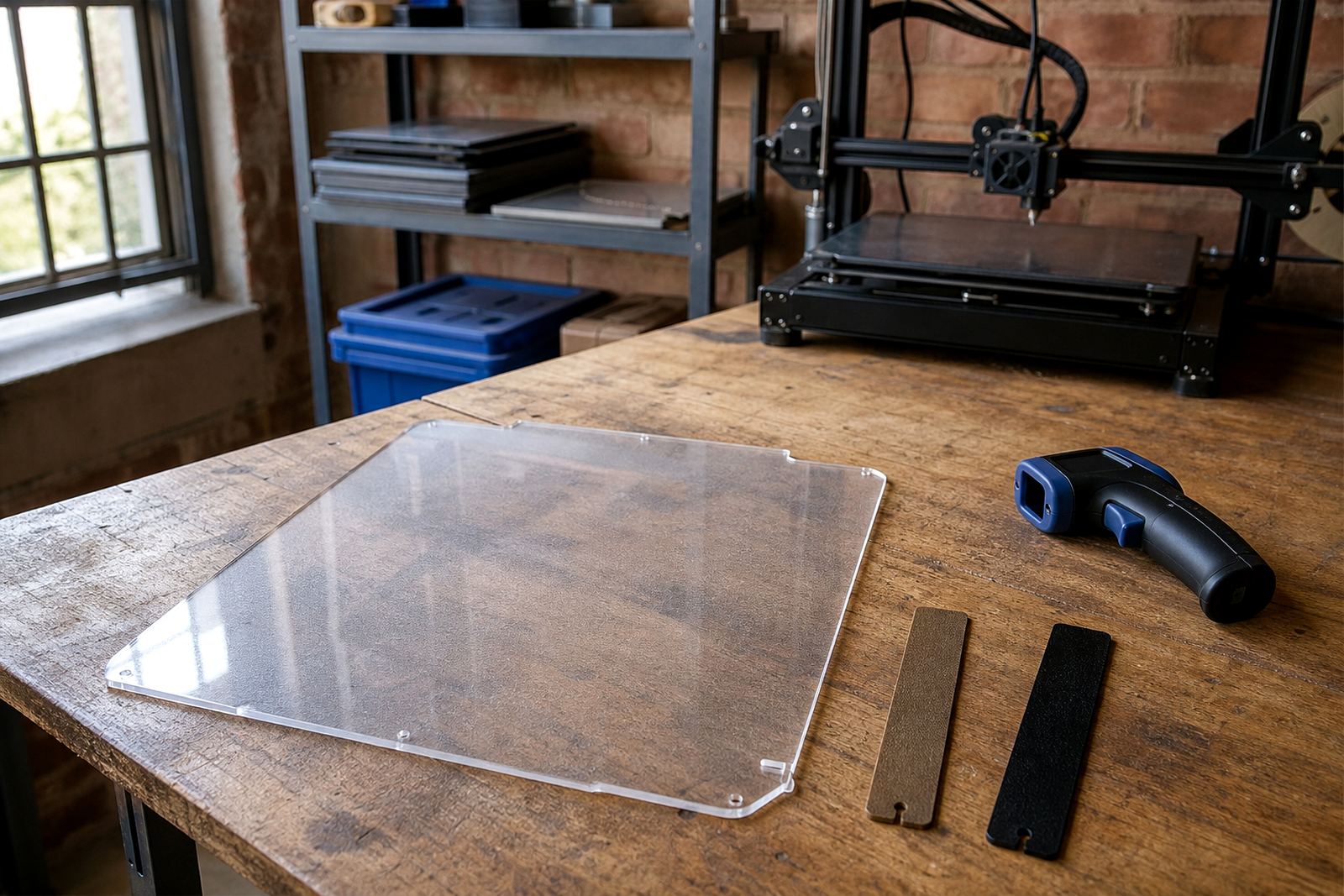
We supply the Double-Sided Plate in common benchtop sizes and can cut to custom dimensions for machines that do not use standard beds. If you are matching an existing printer, the important part is not only the nominal size but the printable area, corner clearance and whether your clips, magnets or carriage hardware sit inside the bed edge.
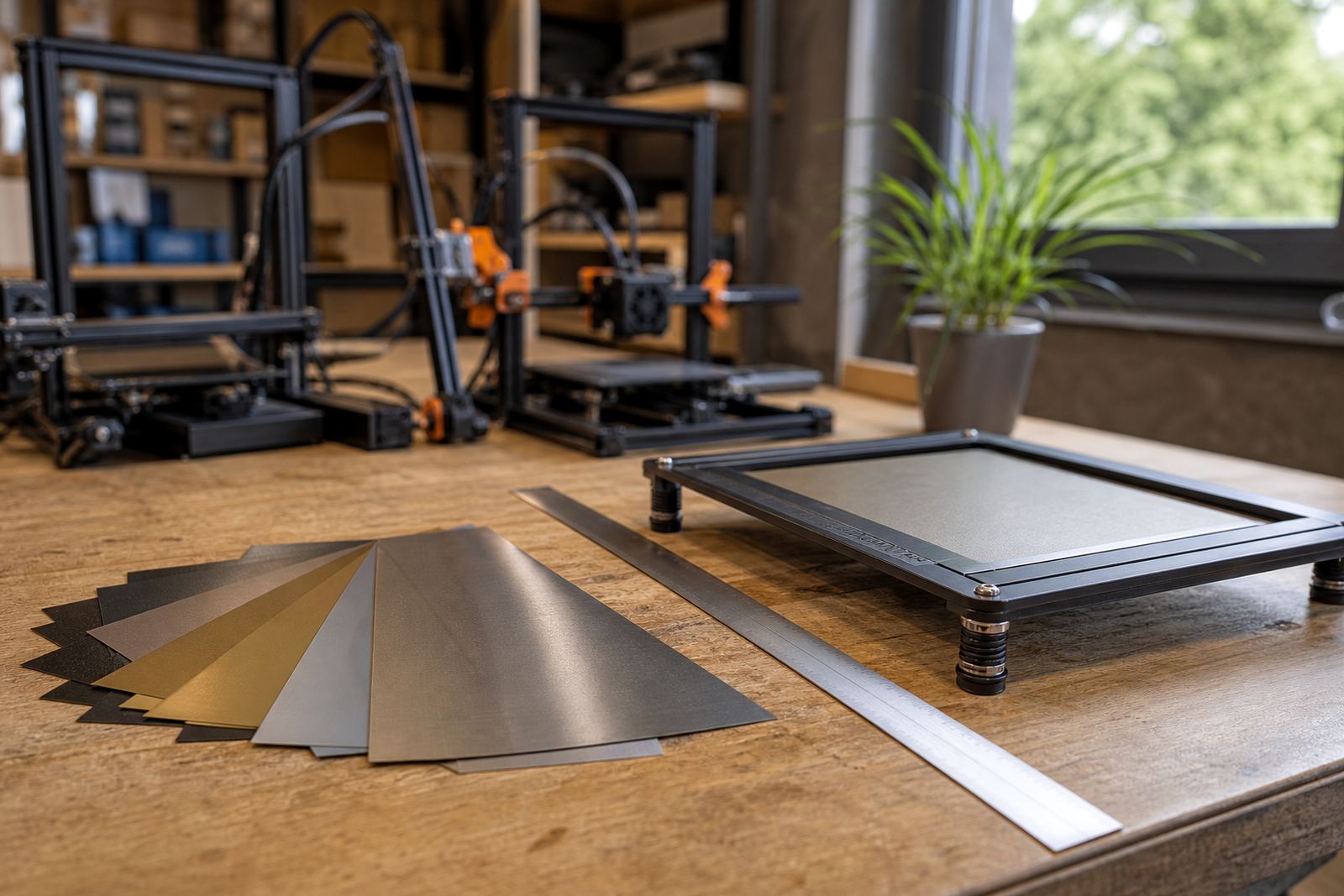
Surface choice affects how the plate behaves with different plastics. For general use, many users prefer a side that supports strong grip without too much force on removal. For schools and shared labs, it is often better to standardise on one surface type across several printers so staff and learners get repeatable results. That makes setup simpler and reduces mis-matched settings.
- Standard bed sizes available for common benchtop machines
- Custom size cutting for non-standard or imported printers
- Single-side or two-side use depending on your workflow
- Can be paired with magnetic bases where suitable
Where the double-sided plate works best
This plate suits makers, schools, prototype rooms and print farms that need a dependable surface with simple handling. It is a good match for PLA, PETG and other everyday materials when the machine is set up correctly. For more demanding jobs, the plate still helps, but the printer must be mechanically sound and the bed must be flat. A warped bed can turn a good plate into a poor result very quickly.
In Gauteng, especially in Centurion, Pretoria and Johannesburg, many users print through load-shedding and later restart the same job after power returns. A plate that holds parts securely and releases cleanly can make that process less frustrating. In coastal areas such as Cape Town, Durban and Gqeberha, humidity can affect storage and bed prep, so keeping the plate clean and dry matters more than many people expect.
- Hobby printers needing a better everyday surface
- Schools teaching setup, slicing and part removal
- Small production runs with repeat part geometry
- Teams that need one plate for multiple material types
Installation, power and printer setup
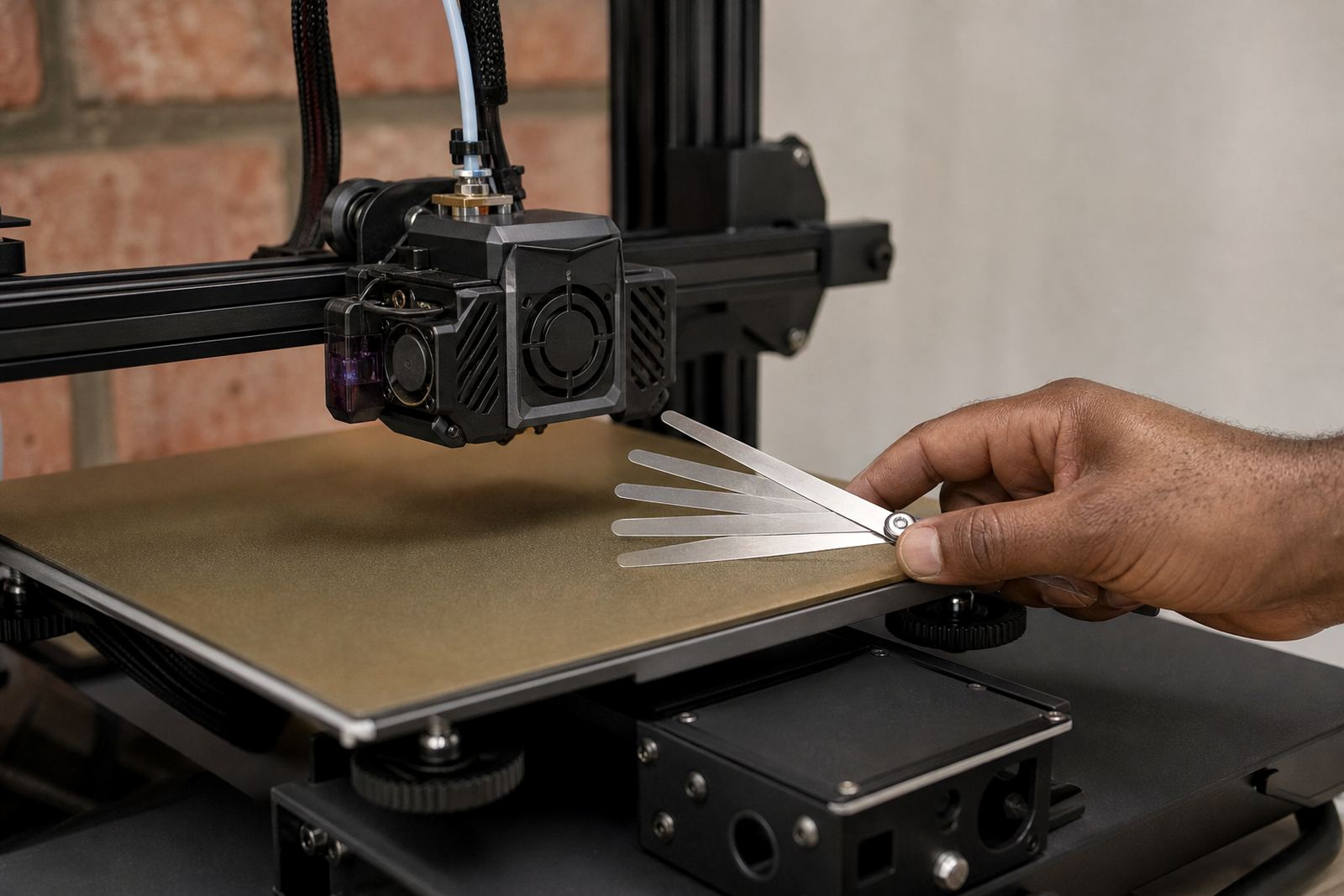
Installation is usually straightforward, but it must be done properly. The plate should sit flat on the magnetic base or bed surface with no trapped dust, adhesive build-up or lifted corners. If you are fitting it to a new machine, check the nozzle height, bed levelling and Z-offset before printing the first job. A first-layer test is worth doing, even if the printer looked fine before the swap. It can save a wasted sheet of material and a lot of frustration.
No power supply or gas connection is needed for the plate itself. What you do need is a printer with a working heated bed where the material calls for it, plus a clean electrical setup. On shared sites and school labs, we recommend making sure the machine is on a proper surge-protected supply and that the user knows how to shut down safely after a power cut. If your farm uses several printers at once, label each plate and keep the settings with the machine.
- Check bed flatness before first use
- Set nozzle height and Z-offset after fitting
- Use a clean magnetic base or bed surface
- Allow the bed to cool before flexing parts off
Care, cleaning and surface refresh
Routine care is simple and should be part of normal printer maintenance. Wipe the plate with a suitable cleaner that does not leave residue, then dry it before use. Avoid sharp tools on the surface because scratches reduce grip and can mark the finish. If a side starts to lose performance, it may need a surface refresh, but the first step is always to check whether the problem is actually caused by poor levelling, a dirty nozzle or the wrong first-layer settings.
For farms and school labs, having a spare plate on hand is a sensible backup. That keeps jobs moving when one plate is being cleaned or checked. It also helps with standardising, because operators can rotate plates and compare results across machines. When staff know what normal wear looks like, they tend to catch issues early rather than after the print has failed.
- Clean with non-abrasive methods only
- Store flat to avoid bends or edge damage
- Keep clear of oils, glue build-up and dust
- Rotate sides to spread wear across the plate
What to confirm before you order
Before ordering, check your printer model, bed size, mounting method and whether you need a smooth, textured or dual-use surface. If you are fitting the plate to a fleet, confirm whether all machines use the same carriage height and magnetic base type. A few millimetres can matter, especially on tighter frames. You should also note the material types you print most often, because that affects the surface choice and the settings you will use.
For procurement, it helps to note whether the plate is for one machine, a classroom set or a print farm. Schools may need a more durable setup with clear lab rules and spares on hand, while production rooms may want replacement planning and scheduled checks. If you are unsure, bring the measurements and printer details together before you submit the enquiry form, then we can match the right option to the job.
- Printer model and bed dimensions
- Magnetic base type and mounting method
- Usual filament types and print temperatures
- Need for custom cutting or fleet standardising