What a PC Build Sheet Does on the Printer Bed
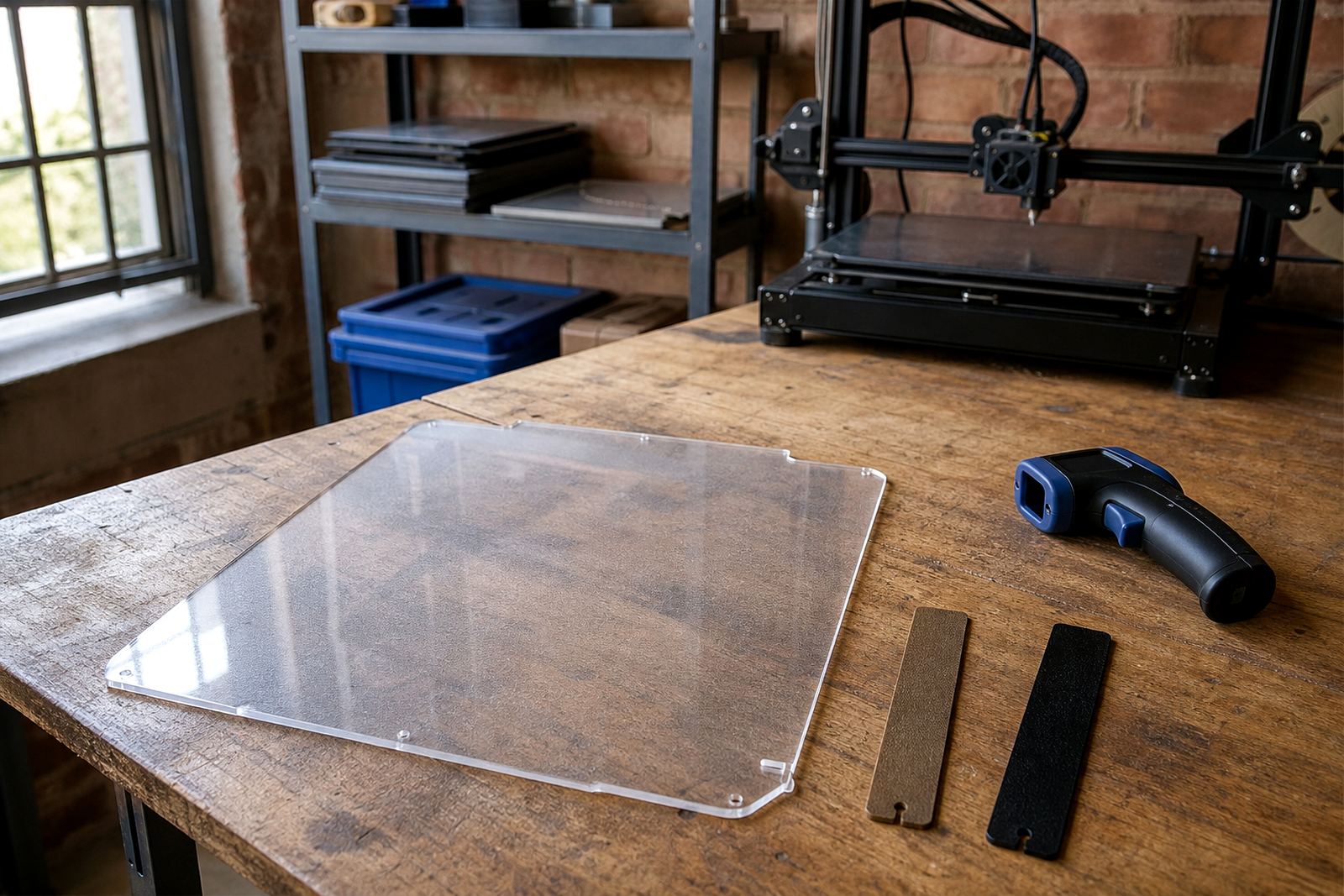
A PC build sheet is a polycarbonate surface that sits on the print bed and gives you a different grip profile from smooth PEI or textured surfaces. It is often chosen for parts that need a dependable first layer on certain filaments, while still allowing a cleaner release once the bed cools. For users in Centurion, Pretoria, Johannesburg and other busy print environments, that means fewer ruined first layers and less time spent scraping off stubborn residues.
This surface is useful when you want to test how a material behaves with a firmer, more neutral bed finish. It is commonly used for short production runs, school labs, maker spaces and print farms where repeatable results matter. The sheet can also help when you are comparing adhesion behaviour between different nozzles, temperatures and part geometries. It is not a cure for poor calibration, but it gives you a sensible starting point.
Because South African users often print through load-shedding, hot afternoons and cool evenings, bed surfaces can expand, contract and shift slightly with conditions. A properly fitted PC sheet helps keep the bed consistent and easier to manage, especially when you are checking the same machine across multiple jobs.
Sizes, Thickness Options and Fitment Checks
LayerPad supplies PC build sheets in sizes suited to common benchtop printer beds, with custom cutting available for machines that do not follow standard dimensions. Typical sheet thickness is selected to give a good balance between flexibility and surface stability, and the final choice depends on whether you are using a removable plate system or a fixed bed setup.
- Standard bed sizes for compact and mid-size printers
- Custom cut options for less common machines
- Use with flat beds, removable spring steel plates or rigid carriers
- Optional finishing for better edge handling and cleaner placement
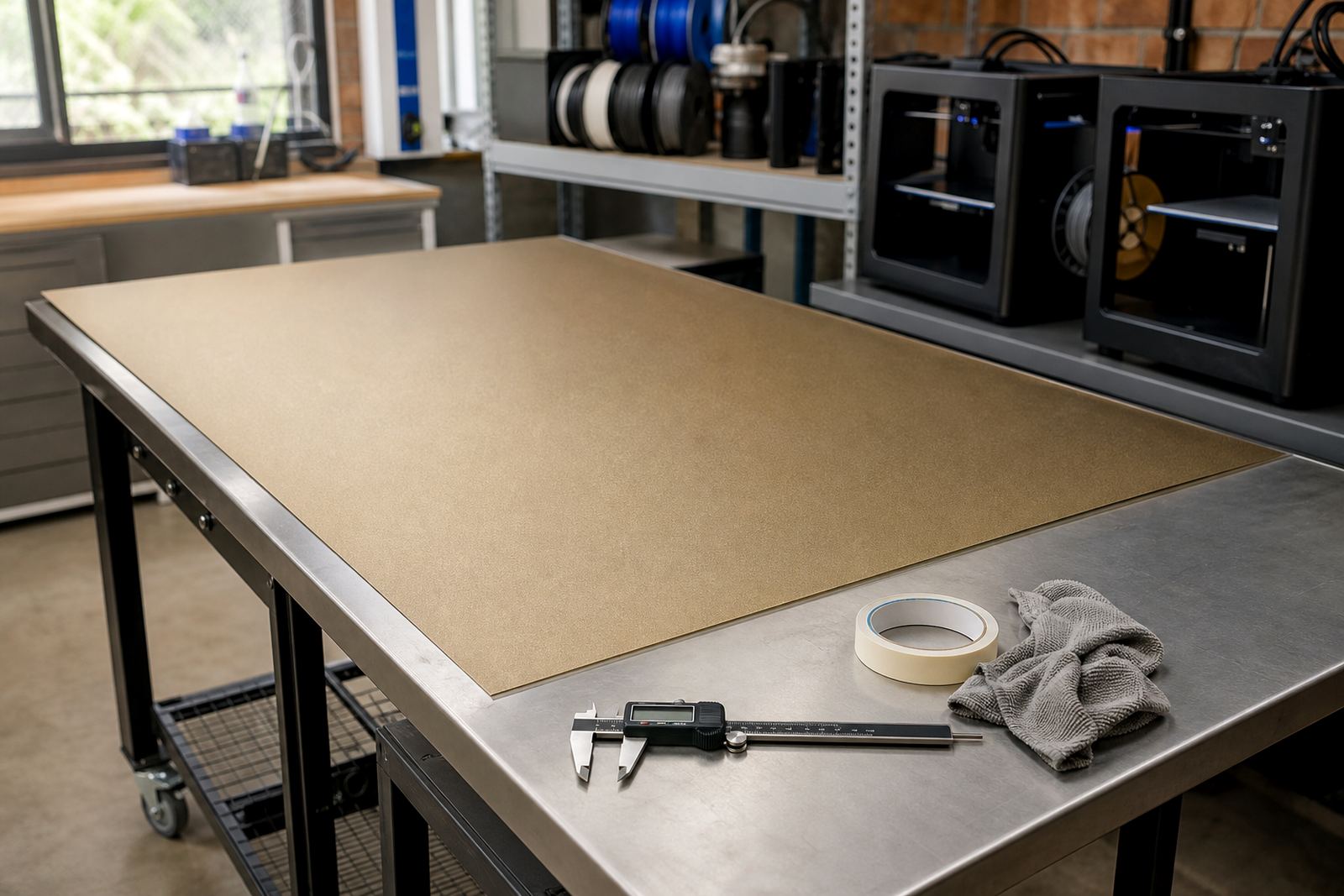
Before ordering, check the active print area, not only the outer bed size. Some machines lose a few millimetres at the edges because of clips, handles, heater zones or magnet alignment. If your bed has a removable surface, measure it flat and make sure the new sheet will sit properly without curling at the corners. A small sizing error can affect first layer consistency, so it is worth checking twice.
If you are running several printers in one room, keep a note of each machine size and bed type. That makes reordering simpler and helps schools, labs and small farms standardise parts across different units.
Where a PC Surface Suits Best
This product suits users who are exploring alternative adhesion surfaces for specific materials and print settings. It is especially handy for printers that need a slightly different bite from smooth finishes, or for users who want to compare results between a few surface types before settling on a main production setup.
In practice, it can suit:
- Hobby printers testing new materials and support strategies
- School labs teaching adhesion control and surface comparison
- Print farms standardising a surface for repeatable first layers
- Technical teams running samples before switching materials in production
- Users near the coast who want a surface that is easy to clean after moisture exposure
For Durban and other coastal areas, humidity can affect storage, filament and bed cleanliness. A PC sheet is still only part of the solution, but it gives you a manageable working surface when you keep the bed clean and the printer enclosed or well controlled. In inland Gauteng, the bigger issue is often dust and handling marks from frequent use. Either way, the surface is best treated as a working tool, not a set-and-forget part.
Installation, Power Needs and Setup Notes
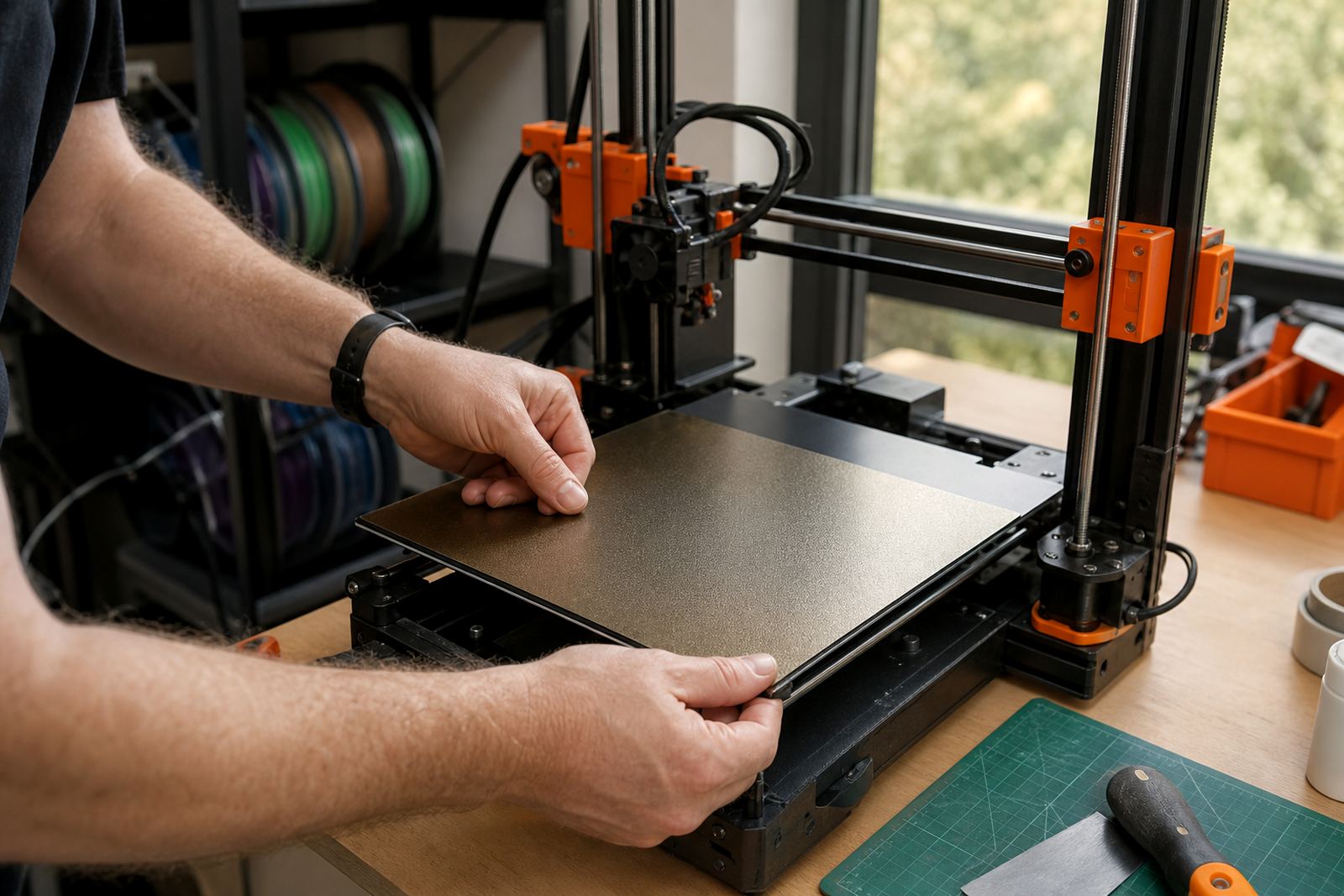
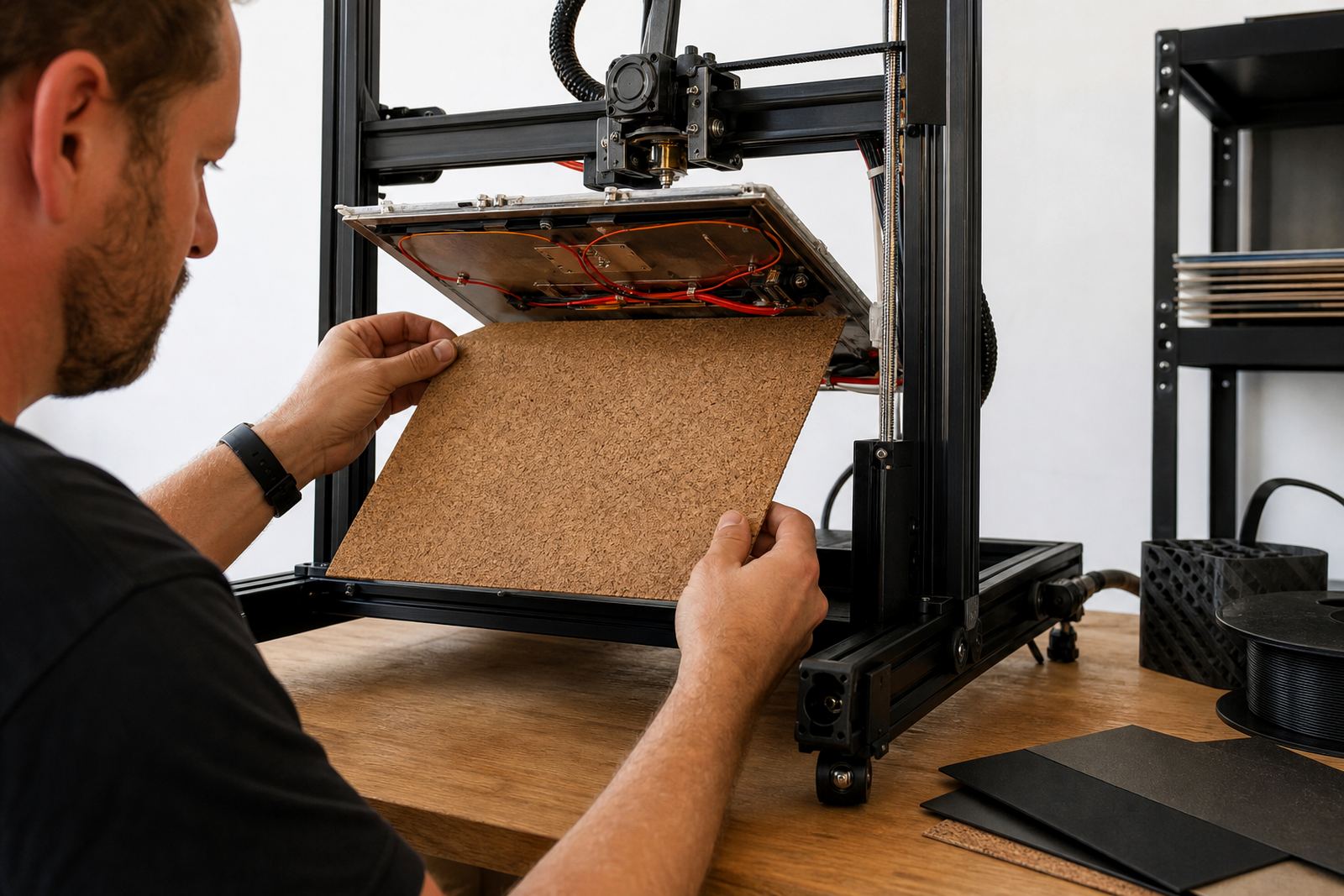
Installing a PC build sheet is straightforward, but it should be done with care. The bed must be clean, level and free from old adhesive, oil and dust. If the sheet is magnetic or used with a magnetic base, check the polarity and sit of the full assembly before heating the bed. If it is mounted on a rigid plate, confirm that the corners are seated flat and that nothing interferes with carriage travel.
The sheet itself has no power or gas requirement. It works with the printer bed heater only, so the important checks are thermal stability and safe fitment. In South Africa, where many users print during schedule changes and power interruptions, it helps to confirm that your machine returns to its home position cleanly after a pause. A lifted or shifted surface can ruin a restart fast.
For best results, allow the bed to reach full temperature before starting a job, then give the sheet a short settle period. If your printer has a fan-heavy enclosure or open-frame setup, keep airflow consistent so the first layer does not cool unevenly. Minor height changes can show up quickly on a smoother surface, so a fresh levelling check is worth the time.
Care, Cleaning and Surface Refresh
PC build sheets are meant for repeated use, but they need regular care. Clean the surface with a soft cloth and a suitable mild cleaner that does not leave oily residue. Avoid hard scrapers, aggressive solvents and rough pads that can mark the finish. Once the surface gets scratched or glazed, adhesion behaviour can change and first-layer testing becomes less reliable.
A sensible care routine includes:
- Wiping the bed after every few prints, not just when it looks dirty
- Checking for lifted corners or trapped dust before heating
- Storing spare sheets flat, not rolled or wedged under tools
- Replacing the sheet if marks begin to show through on standard jobs
If you run a school lab or shared maker room, assign one person to bed checks and another to final cleaning. That keeps the surface more consistent and avoids confusion when a new user starts a job on a bed that already has residue from a previous print. Small habits matter here, especially when several people are using the same machine during the week.
What to Confirm Before You Place an Order
Before ordering, confirm the printer model, the active bed size, the mounting method and whether you need a plain sheet or a fitted solution with added services. If you are ordering for a print farm, it helps to list every machine model and note any units with unusual bed clips or carrier plates. For schools and training labs, make sure the sheet matches the level of use and the age of the users, since handling needs can differ a lot.
Also check these points:
- Whether you need standard sizing or custom cutting
- If your bed needs a magnetic base fitting first
- Whether you want installation support or supply only
- The materials you print most often and the adhesion result you expect
- Any bed damage, warp or flatness issues that should be checked first
If you are unsure, LayerPad can help with the order details through the contact page enquiry form. That is especially useful for customers in Pretoria East, Midrand, Johannesburg, Cape Town, Durban, Bloemfontein and Gqeberha who want the right fit on the first go. It saves time, avoids returns and keeps the machine in service longer.
Key facts
| Product type | Polycarbonate 3D-printer build sheet |
|---|---|
| Surface purpose | Alternative adhesion testing and controlled first-layer performance |
| Common fitments | Benchtop printers, removable plates and custom bed systems |
| Size options | Standard sizes plus custom cutting to match the active print area |
| Care | Soft cloth cleaning, flat storage, avoid harsh solvents and scraping |
| Support options | Plate installation, magnetic base fitting, bed flatness check and adhesion troubleshooting |