What the 220 Heater Pad does on a compact printer bed
The 220 Heater Pad is fitted under a small-format 3D printer bed to restore heating performance when the original pad has become patchy, slow to warm, or unreliable after long use. It is used on compact machines where bed temperature has a direct effect on first-layer grip, especially for PLA, PETG and ABS style jobs that need a stable start.
In practical terms, a worn heater pad can mean corners lifting, longer warm-up times and uneven results from one side of the bed to the other. Replacing the pad helps the bed reach target temperature more consistently, which is useful in workshops around Centurion, Pretoria East and Johannesburg where printers may run several jobs a day.
This unit is intended as a replacement consumable, not a luxury upgrade. If your bed surface is still in good condition but the heat is fading underneath, changing the heater pad is often the most direct fix.
Sizes, fitment choices and where it suits best
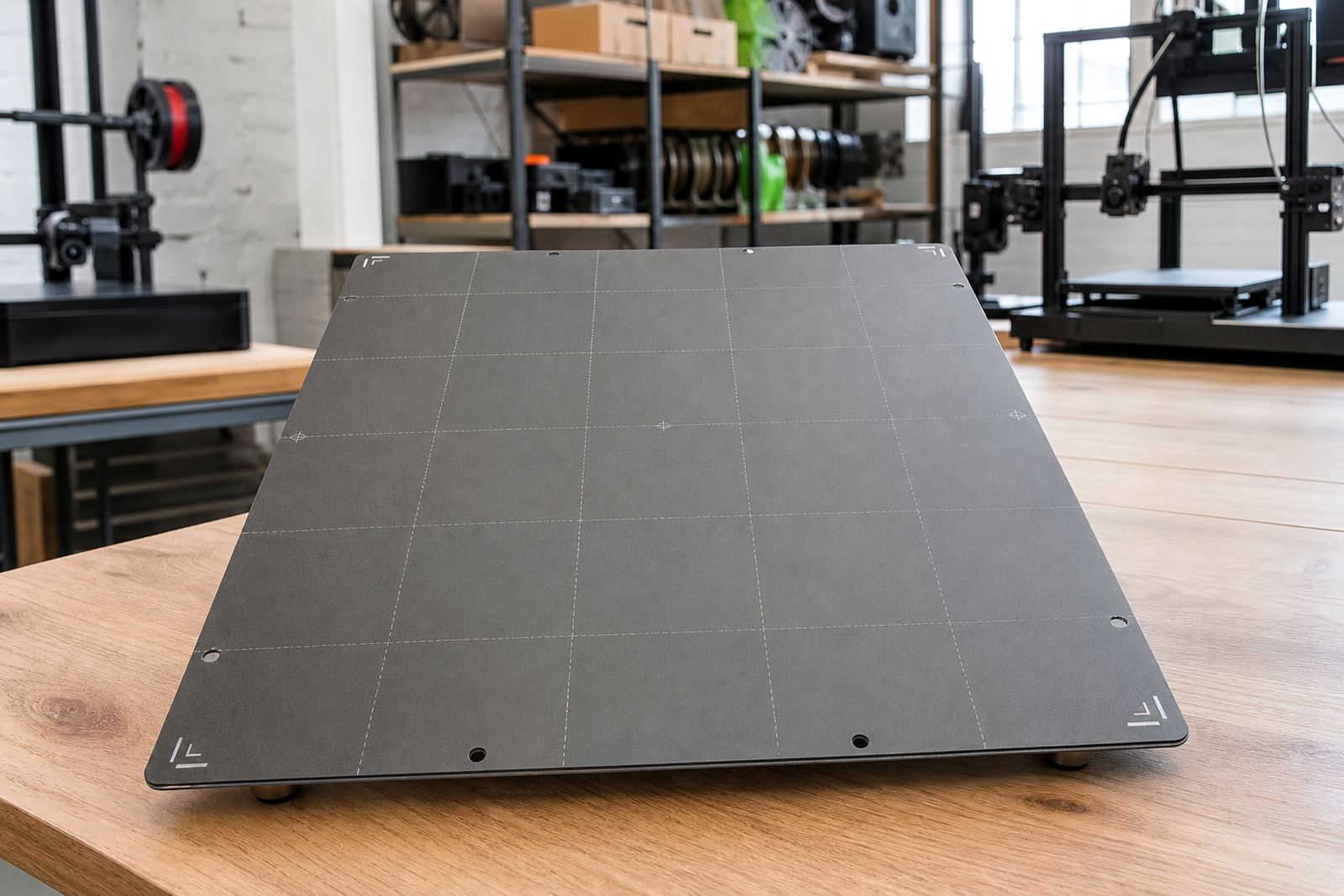
This product is aimed at compact beds, usually in the 220 mm class or close to it, where the heater needs to cover the active print area without hanging too far beyond the plate. The exact fit depends on the bed size, mounting layout and cable exit on your machine, so matching the pad to the bed footprint matters more than guesswork.
It suits home makers, school labs and production benches that run smaller printers for brackets, test pieces, jigs and classroom parts. For print farms, the main benefit is repeatability: once the beds are all heated at the same rate, it is easier to standardise profiles and reduce wasted prints.
- Best for compact printer beds in the 220 mm range
- Suitable for replacement use where original heat output has dropped
- Useful for single printers, school labs and small farm setups
- Can be paired with fresh build surfaces or magnetic bases if needed
Power requirements and installation notes
The 220 Heater Pad runs from the printer’s electrical heating system, so it needs the correct voltage rating, wiring and controller capacity for the machine it is being fitted to. It is not a gas product and does not need any compressed air or fuel supply. What it does need is neat wiring, good insulation and a controller that can safely handle the load.
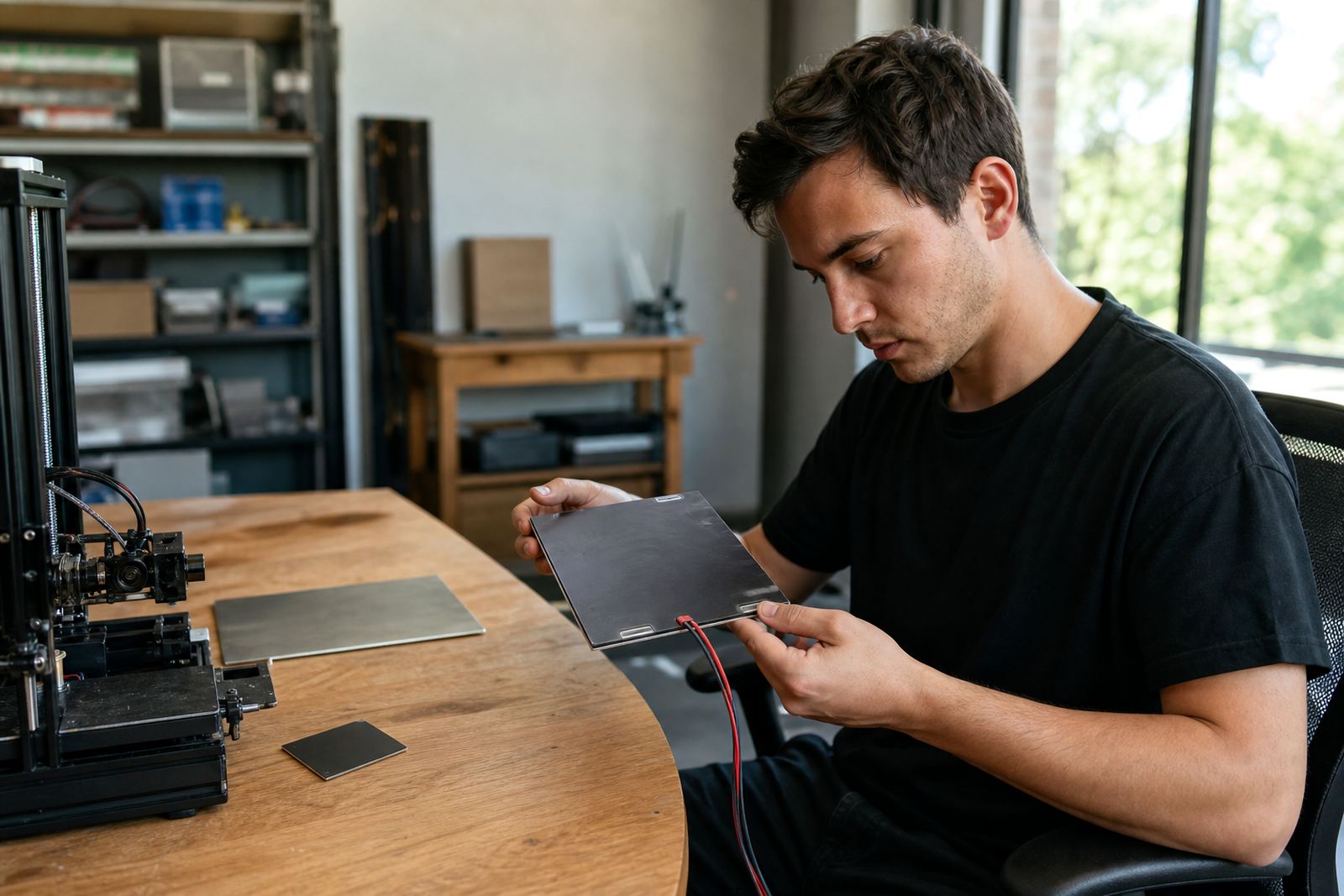
Installation should be done with the bed removed and the old pad fully cleared away before the new one is fixed down. On many machines the main checks are bed flatness, cable strain relief and whether the thermal sensor still sits in the correct position after the swap. If the wiring is damaged or the connector has heat marks, replace that section before putting the printer back into service.
In South African workshops where load-shedding is part of daily planning, it helps to verify the restart behaviour after power returns. A clean power cycle and correct thermal control can prevent false readings and wasted time on the next job.
How to keep heat consistent over time
Once fitted, the heater pad needs basic care more than constant attention. Keep the underside of the bed clear of dust, adhesive offcuts and loose clips, because trapped debris can affect contact and create small hot or cold spots. If the printer lives in a humid coastal area like Durban or Gqeberha, check the wiring and connectors more often for corrosion or moisture ingress.
For schools and print farms, regular service checks are worth the time. A quick inspection every few weeks can catch a cable that is beginning to stiffen, a connector that has worked loose, or a bed surface that is no longer lying flat against the heated plate. That sort of routine maintenance usually prevents bigger failures later on.
- Inspect cables for bends, scorch marks or stiff sections
- Check that the thermal sensor still reads correctly after heating up
- Keep the underside of the bed clean and dry
- Recheck mounting after any bed surface change
What to confirm before you place an order
Before ordering, check the bed dimensions, voltage, connector style and where the cable exits on your current setup. If you are replacing a failed heater pad, it also helps to note the printer model, the thickness of the bed plate and whether the old pad was bonded directly to metal or attached with an intermediate layer.
For farm standardising or school lab setup, keep one simple record for each printer: bed size, heater rating, sensor type and any changes made to the build surface. That makes replacement planning much easier later, especially when several machines are running different parts but need the same print results.
If you are unsure, compare the actual heated area against the full bed size and allow for mounting margins. A pad that is too small leaves cold edges, while one that is too large can interfere with clips, brackets or cable routing. It is better to confirm these details upfront than to force a fit later on.
Support for schools, makers and print farms
LayerPad supports customers from Centurion and across South Africa with replacement planning, installation help and practical advice on bed care. That includes customers in Pretoria, Johannesburg, Cape Town, Durban and Bloemfontein, as well as collection and dispatch through the areas we cover nationally.
For a single printer, the goal may be to get back to clean first layers without wasting filament. For a lab or production room, it may be about keeping several machines on the same maintenance cycle so the team can print on schedule. Either way, the 220 Heater Pad is part of a sensible maintenance plan, not a one-off emergency fix.
If your current bed is losing heat or your first layers keep changing from job to job, this replacement pad is a straightforward place to start. You can send your details through the enquiry form on our contact page and we will help you match the right option to your printer.
Key facts
| Product | 220 Heater Pad |
|---|---|
| Use | Replacement heating pad for compact 3D printer beds |
| Bed size class | 220 mm class, confirm exact footprint before ordering |
| Power | Printer-controlled electric heating, voltage must match the machine |
| Typical use | PLA, PETG and ABS style prints on small-format beds |
| Supply areas | Centurion, Pretoria, Johannesburg, Cape Town, Durban, Bloemfontein and nationwide |