What the 235 Magnetic Base does on a printer bed
The 235 Magnetic Base is made for beds that need a 235 mm format, but the full fit depends on the exact printer model, corner layout and usable heated area. Before you order, measure the flat area on the bed and check whether clips, screws, nozzle paths or cable guides reduce the usable space. A small mismatch can cause lifting at the edges or leave the corners unsupported.
We recommend checking the print surface you plan to use on top of the magnetic layer as well. Some users pair it with a standard PEI sheet, while others use a textured surface for better grip on certain materials. If you are standardising several printers in a school or print farm, keep the same base size and top sheet type across the set up. That makes replacement planning simpler and cuts down on operator errors.
- Check usable bed size, not only nominal bed size
- Confirm the top surface thickness before fitting
- Allow for clips, brackets and any raised hardware
- Use the same setup across multiple printers where possible
Where this magnetic base suits best
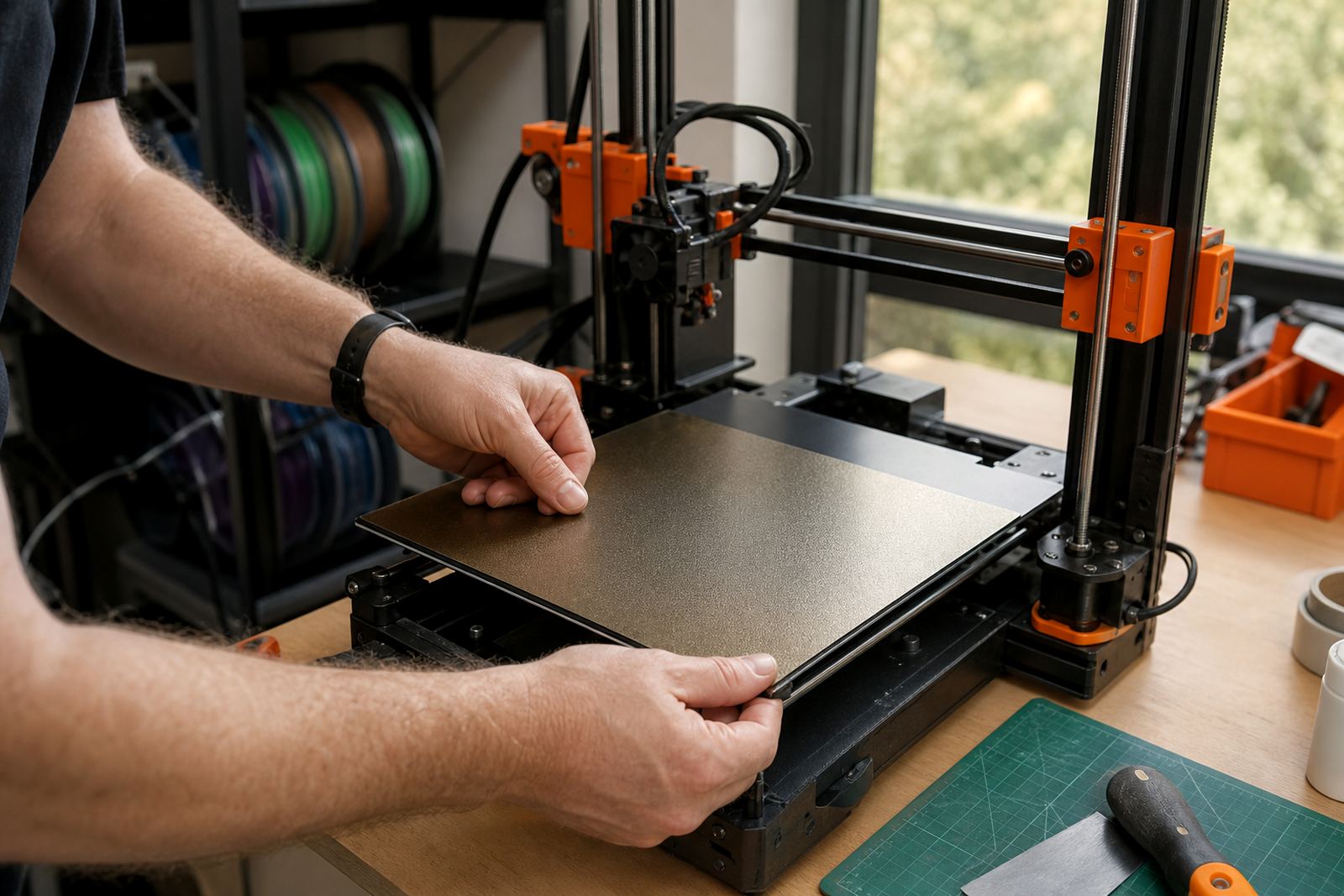
This base suits printers that run regular batches and need plates changed quickly between jobs. It is a solid fit for makers printing functional parts, classrooms where learners may share machines, and print farms that want a repeatable surface across several units. It also helps when you print a mix of sizes and want the plate to come off easily for part removal, cleaning or the next job setup.
In coastal areas such as Cape Town, Durban and Gqeberha, a clean magnetic base can also help reduce handling wear because the plate is not being forced off the bed repeatedly. In Gauteng workshops, it is handy where dust and power interruptions mean the operator needs a bed system that is easy to return to service after a pause. If you are running printers in a school lab, the simple swap style can make supervision easier too.
- Mid-size hobby printers
- School maker spaces and lab benches
- Small production runs and print farms
- Users who want faster plate changes and less handling strain
Installation without special power or gas requirements
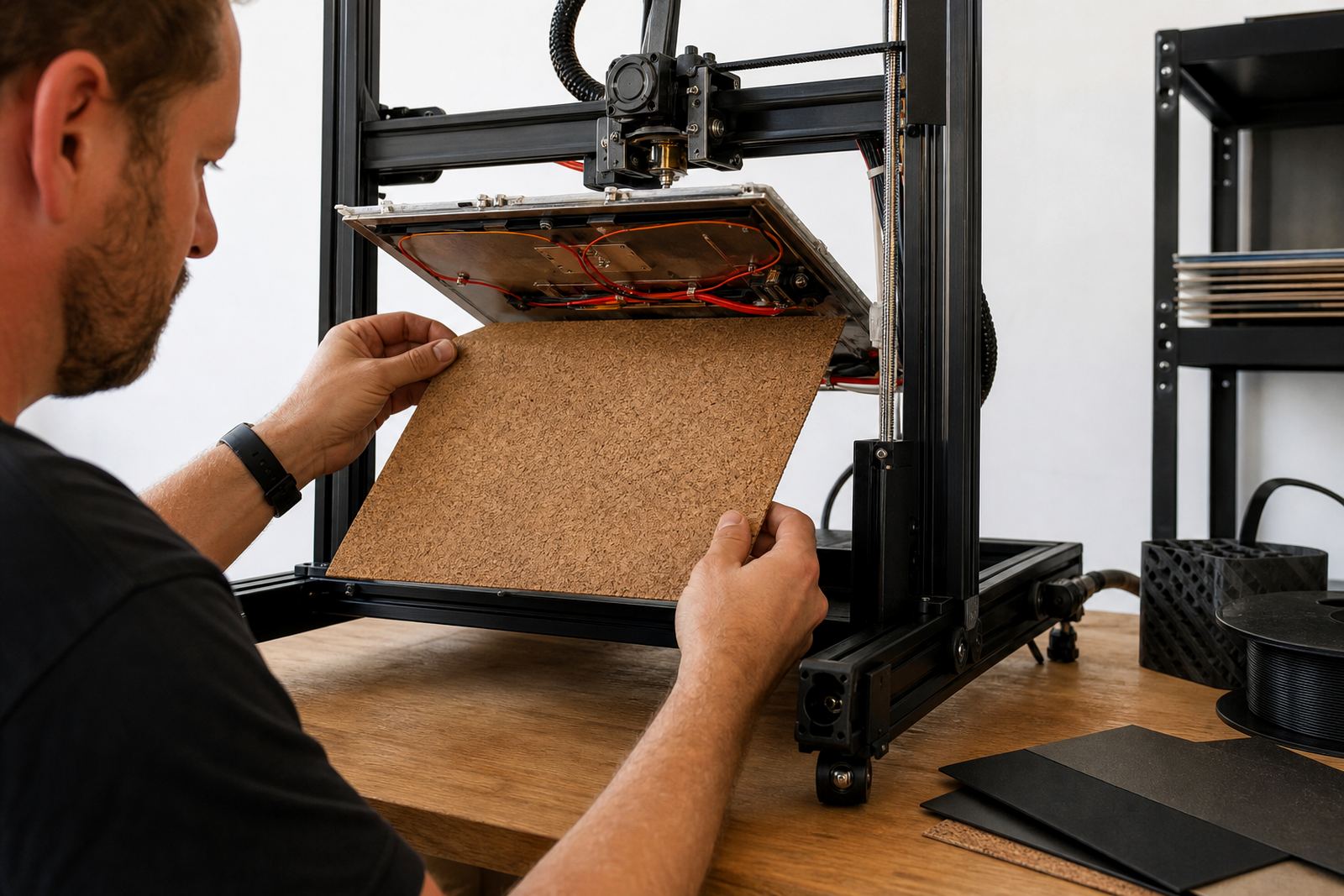
The 235 Magnetic Base does not need power or gas to function. It is a passive magnetic layer, so installation is about clean prep, correct alignment and firm bedding down on a flat surface. The bed must be clean, dry and free of grease before fitting. Any dust, old adhesive or warped material underneath can reduce hold and lead to uneven adhesion at the corners.
Fitment should be done on a printer that is switched off and cool. If the bed is heated, allow it to cool fully first. For a neat result, check the centre line and work outward slowly so the layer sits straight. Once fitted, apply the compatible top surface and confirm that the nozzle clears the plate at home position and at the edges. If the printer has a removable spring steel style plate, test the pull force before starting a live print.
Where needed, our team can assist with plate installation, magnetic base fitting and a bed flatness check. For schools and farms, that sort of setup support helps prevent repeat failures from the start.
How to care for the base and keep it serviceable
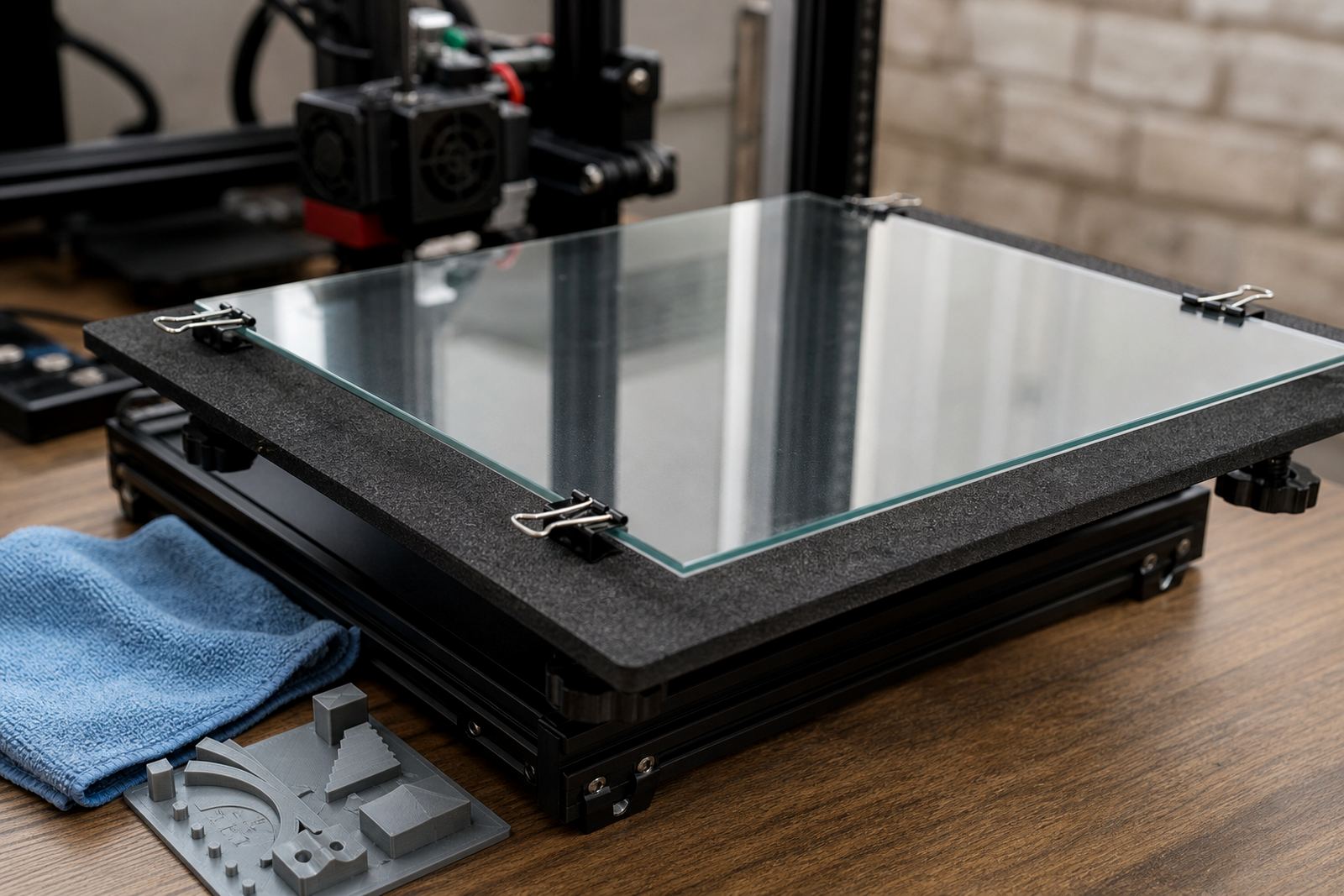
Care is straightforward, but it matters. Keep the surface clean and avoid scratching it with sharp tools or metal scrapers. When removing the top plate, lift it evenly and do not bend it hard at one corner. Repeated twisting can weaken the bond between layers and shorten service life. If the printer lives in a dusty room or near an open workshop area, wipe the bed area regularly so debris does not sit under the plate.
For coastal humidity, store spare sheets flat and dry. Moisture and dust together can affect both adhesion and repeatability. If a printer starts showing lifting at one side, check the base first before changing slicer settings. Sometimes the issue is a tired magnetic layer, or a bed that has drifted out of flat. In that case, a surface refresh or replacement planning may be the right answer rather than chasing the problem through the software.
- Wipe clean with a soft cloth, no rough tools
- Keep spare plates flat and dry
- Inspect for edge lift or poor bonding under the surface
- Recheck bed flatness after any machine move or repair
What to confirm before you place an order
Before ordering, check the printer model, bed size, plate style and whether the machine uses a heated bed. Confirm the usable area, because some frames list a bed size that is larger than the true print area. Also confirm whether your top sheet will be smooth, textured or another finish, as that affects thickness and how the nozzle needs to be set. If you are buying for a group of printers, decide whether all units will use the same setup or whether different machines need different plate combinations.
It also helps to think about future servicing. If the plate will be handled by learners, staff or operators with different experience levels, simple changeovers are worth a lot. For print farms, standardising the magnetic layer across all beds makes maintenance easier and parts keep on the shelf with less confusion. If you are not sure, use the enquiry form on our contact page and tell us the printer model, bed dimensions and how the machines are used. We can then guide the correct fit and any fitting work needed.
- Printer model and exact bed dimensions
- Top sheet type and thickness
- Heated or unheated bed setup
- Quantity needed for one printer or a full set
- Whether installation support is required
Who handles support and supply at LayerPad
LayerPad is based in Centurion, Gauteng and supports users across Pretoria, Johannesburg, Cape Town, Durban, Bloemfontein and Gqeberha. The team includes Mpho van der Merwe, Naledi Molefe, Johan Smit, Ayesha Ismail, Thabo Nkosi and Lerato Maseko, with support for installation, fitment and bed care training where needed. For collection and local support, coverage is available through Centurion Collection, Pretoria East Support, Midrand Dispatch Point, Johannesburg Coverage, Cape Town Coverage, Durban Coverage, Bloemfontein Coverage and Gqeberha Coverage.
Whether you are fitting one printer at home or standardising a lab, the aim is the same: a bed surface that stays put, changes over quickly and stays serviceable for the long run. If you need consumables supply, replacement planning or troubleshooting on bed adhesion, that can be handled through the same enquiry process.
Key facts
| Product name | 235 Magnetic Base |
|---|---|
| Format | Magnetic layer for removable 3D-printer build plates |
| Bed size class | 235 mm class mid-size printers |
| Power requirement | None, passive fitted layer |
| Typical use | Makers, schools, print farms and small production runs |
| Support services | Installation, fitting, bed flatness check and adhesion troubleshooting |