What the Scraper Tool Does On A Print Bed
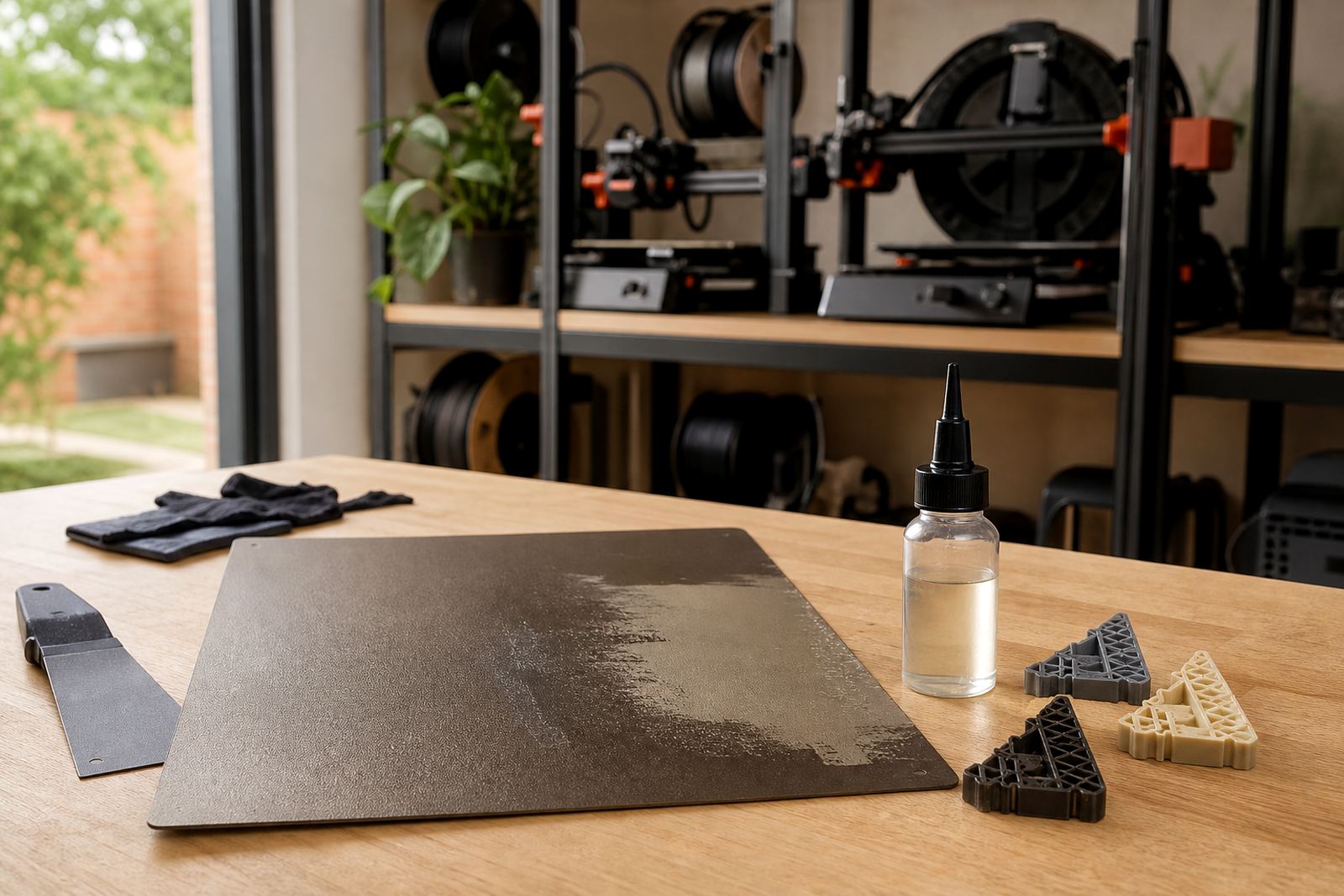
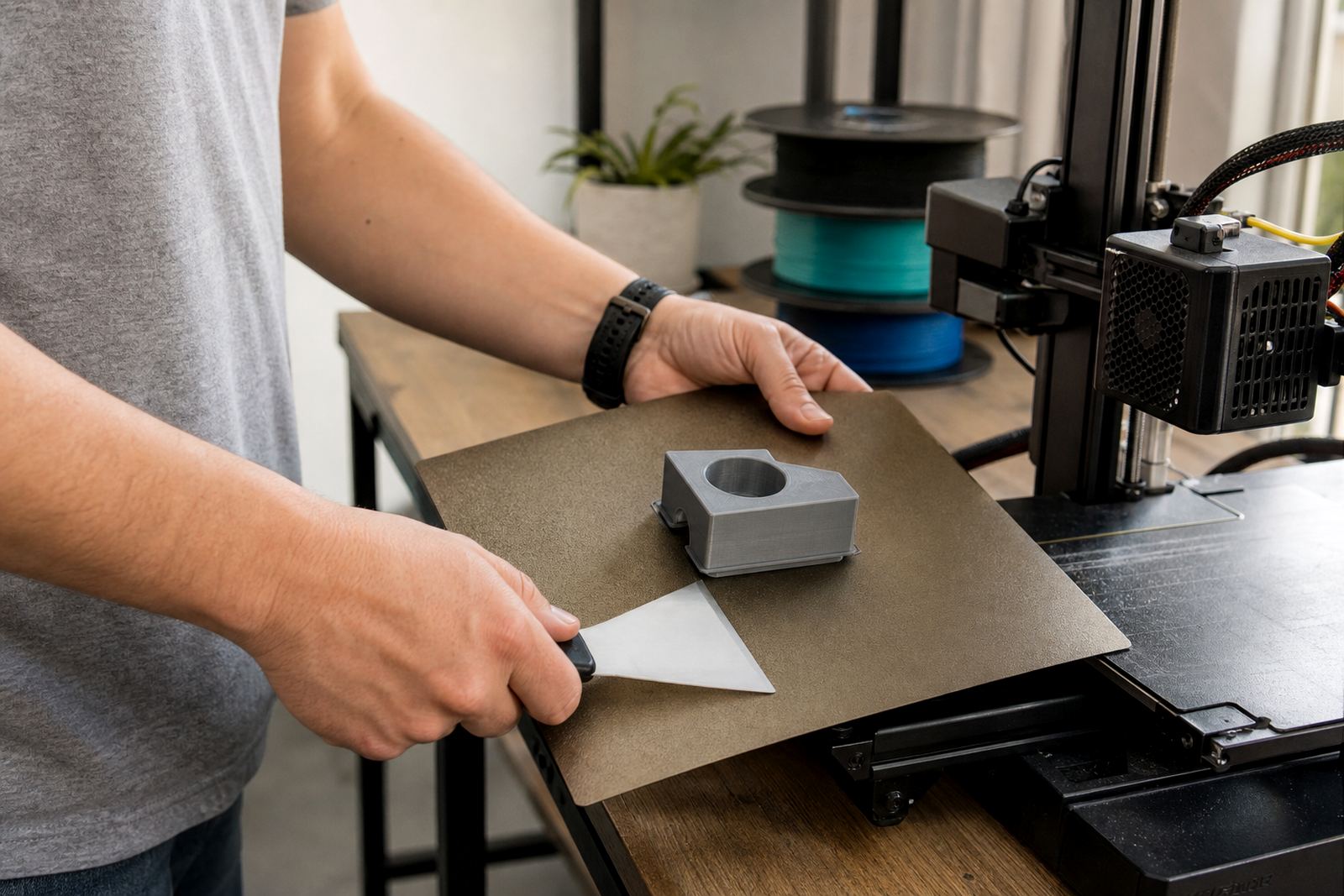
The scraper tool is a hand-held part-removal aid used after the bed has cooled and the print has released as much as it can. It gives you a controlled edge for lifting corners, sliding under a brim, and easing a part off PEI or other flat build surfaces without forcing it. Used correctly, it reduces the chance of scratches, dents and worn patches on the plate.
In South African workshops the tool is handy when jobs are running back to back and the printer must be turned around quickly. It is also useful on larger beds where a flexible print can cling on one side and need a small, steady lift on the other. For best results, let the bed cool first. that usually does more for release than extra force.
Sizes And Options For Different Print Beds
LayerPad supplies scraper tools in sizes that suit small machines and wider beds used in schools, maker spaces and production rooms. The working edge is designed to be firm enough to move under a part, while still giving the user enough feel to avoid digging into the surface. Some users want a compact scraper for fine work, while others prefer a longer handle for better grip on bigger beds.
- Standard scraper: suited to most hobby printers and school lab machines
- Extended reach option: helpful for larger beds and deeper frames
- Rounded safety edge: useful where the operator wants a softer entry point
- Replacement blade style: practical for busy print farms that need easier servicing
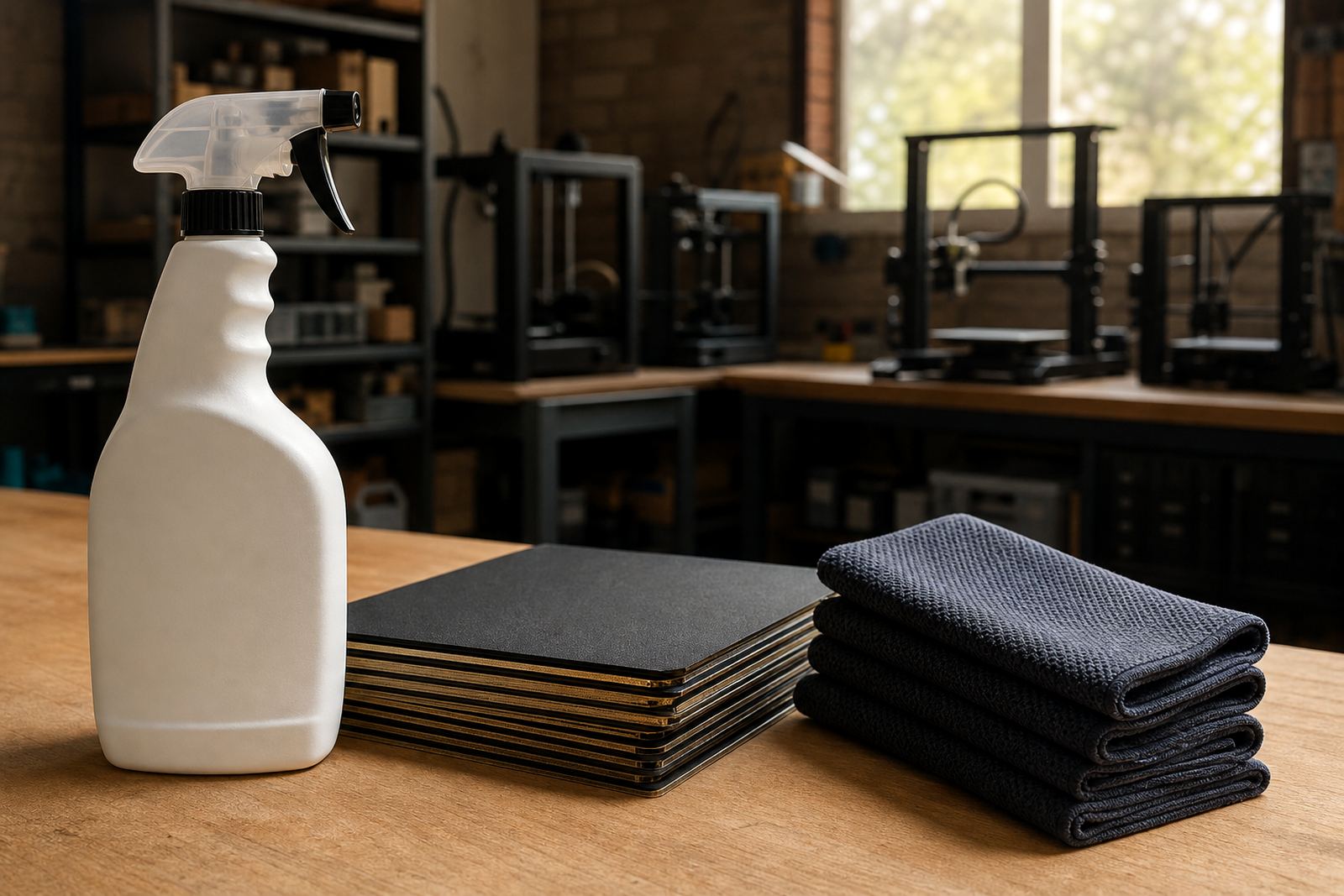
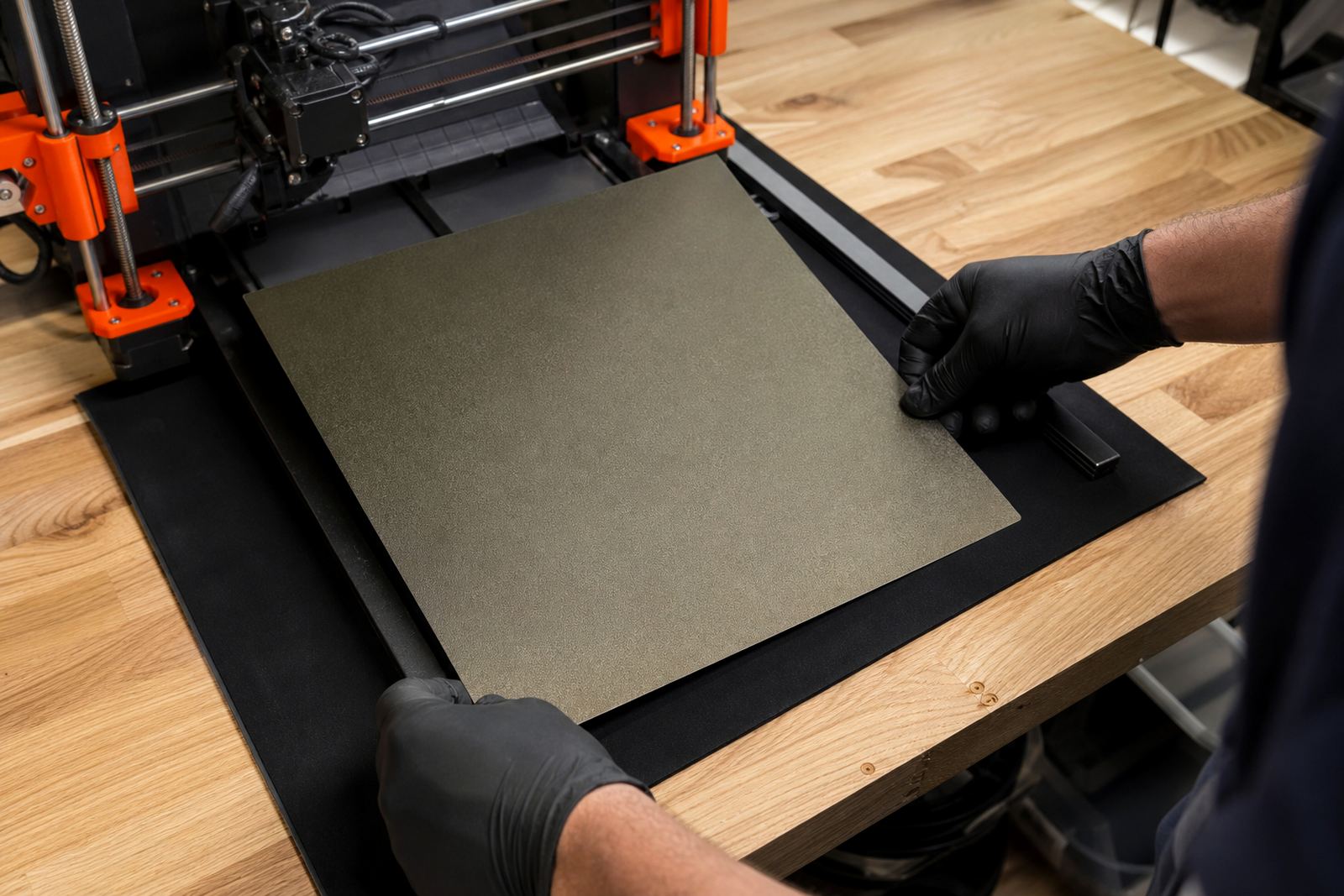
For repeat work, many customers pair the scraper with a clean build plate routine and a flatness check. That keeps adhesion predictable and makes release more consistent from job to job.
Where It Suits Best In South African Printing Setups
This tool suits makers who print with PLA, PETG, ABS blends and other common filaments, especially where prints are produced daily and the build surface needs to last. It is also a good fit for school labs, small design studios and print farms in Centurion, Pretoria East, Midrand and Johannesburg where a safe part-removal method matters more than brute force.
Coastal humidity in Cape Town, Durban and Gqeberha can affect how prints grip and release, while dry inland conditions around Bloemfontein and Gauteng can change the first layer feel. A scraper tool is useful in all those settings, because it gives the operator a consistent way to start release once the print has cooled. It suits beds that are level, slightly worn, or freshly refreshed.
- Home printers with glass, PEI or textured build surfaces
- School labs with learner supervision and shared machines
- Print farms that need quick part removal between batches
- Service rooms handling replacement planning and surface refresh work
Installation, Power And Operating Needs
The scraper tool needs no installation, no electricity and no gas. It is ready to use straight out of the pack, which makes it easy to keep near the machine or in a service kit. That also makes it useful during load-shedding, when a job may need manual finishing after the printer stops and the operator still needs a safe way to remove the part later.
For safe use, keep the bed cool, hold the handle firmly and work from the edge of the print rather than forcing the centre. If the part is still gripping hard, check the first layer, bed temperature and surface condition before applying more pressure. A gentle approach protects the plate and gives cleaner results over time.
Care, Cleaning And When To Replace It
Care is simple. Wipe the scraper after use, clear off any plastic residue and store it where the edge will not get bent or nicked. If the tool has a metal edge, keep it dry and free of debris. If it has a replaceable blade, inspect it often and change it before it becomes rough or uneven.
Signs that it may need servicing or replacement include a bent edge, a loose handle, visible burrs, or a blade that starts catching instead of sliding. In a busy room, one damaged tool can mark up several plates in a week, so regular inspection is worth the time.
- Clean after each shift or print batch
- Check the edge for burrs and nicks
- Keep away from moisture in coastal areas
- Store with other bed care tools, not loose in a drawer
What To Check Before Ordering
Before you order, check the bed size, the type of surface you are using and whether you need a standard scraper or a longer reach version. It helps to know if the tool will be used by one operator or by a team, because shared use usually calls for a more durable handle and easier cleaning. If you are standardising several machines, order the same style for all of them so training stays simple.
Also check what other bed care items you may need at the same time, such as replacement surfaces, magnetic bases, or flatness checks. If your printers are used in a school or production space, it is worth planning for a spare tool as well. That avoids delays when one scraper goes missing or gets damaged.
- Build plate size and printer model
- Surface type: PEI, glass or other coated bed
- Need for standard, extended or replaceable-edge option
- Expected use: home, school, small workshop or farm
- Whether the order should include spare tools for backup
For customers across South Africa, LayerPad can help match the scraper tool to the rest of the bed care setup so the print room stays neat and practical.
Key facts
| Product type | Safe part-removal scraper for 3D print beds |
|---|---|
| Use case | Lifting prints from PEI and other build surfaces |
| Power or gas needed | None |
| Typical sizes | Standard and extended reach options |
| Material finish | Firm working edge with grippy handle |
| Best suited for | Hobby printers, school labs and print farms |