Why build plate safety matters in a busy print room
Most 3D print problems are treated as a quality issue, but many start as a safety issue. A plate that is too hot to handle, a scraper used at the wrong angle, or a cleaner sprayed near a live power source can injure staff and ruin a print run in one go.
In schools, maker labs and production rooms, the risk grows because people move in and out all day. One learner might be checking a part at the same time another person is removing a plate, while someone else is reaching for a cleaner or cloth. That is why a simple routine matters more than a long list of rules that nobody follows.
For teams in Centurion, Pretoria East and Johannesburg, the pressure is often speed. A plate gets popped off, wiped down, and put straight back on the machine before the bed has cooled fully. The better habit is slower and safer, because a clean plate that stays flat and free of burns is worth more than a rushed turnaround.
How to handle a hot plate without getting hurt
A fresh print bed can stay hot for longer than people expect, especially on larger machines or in cooler rooms. The safest approach is to treat every plate as hot until you have checked it with your hand held close, not touching, then confirmed it is safe to remove.
Use two hands where possible and make sure the machine is paused properly before removal. If the plate is magnetic, lift it evenly from one edge and keep your fingers clear of pinch points. On heavier setups, it helps to have a fixed cooling area right next to the printer so the plate does not get balanced on a narrow bench.
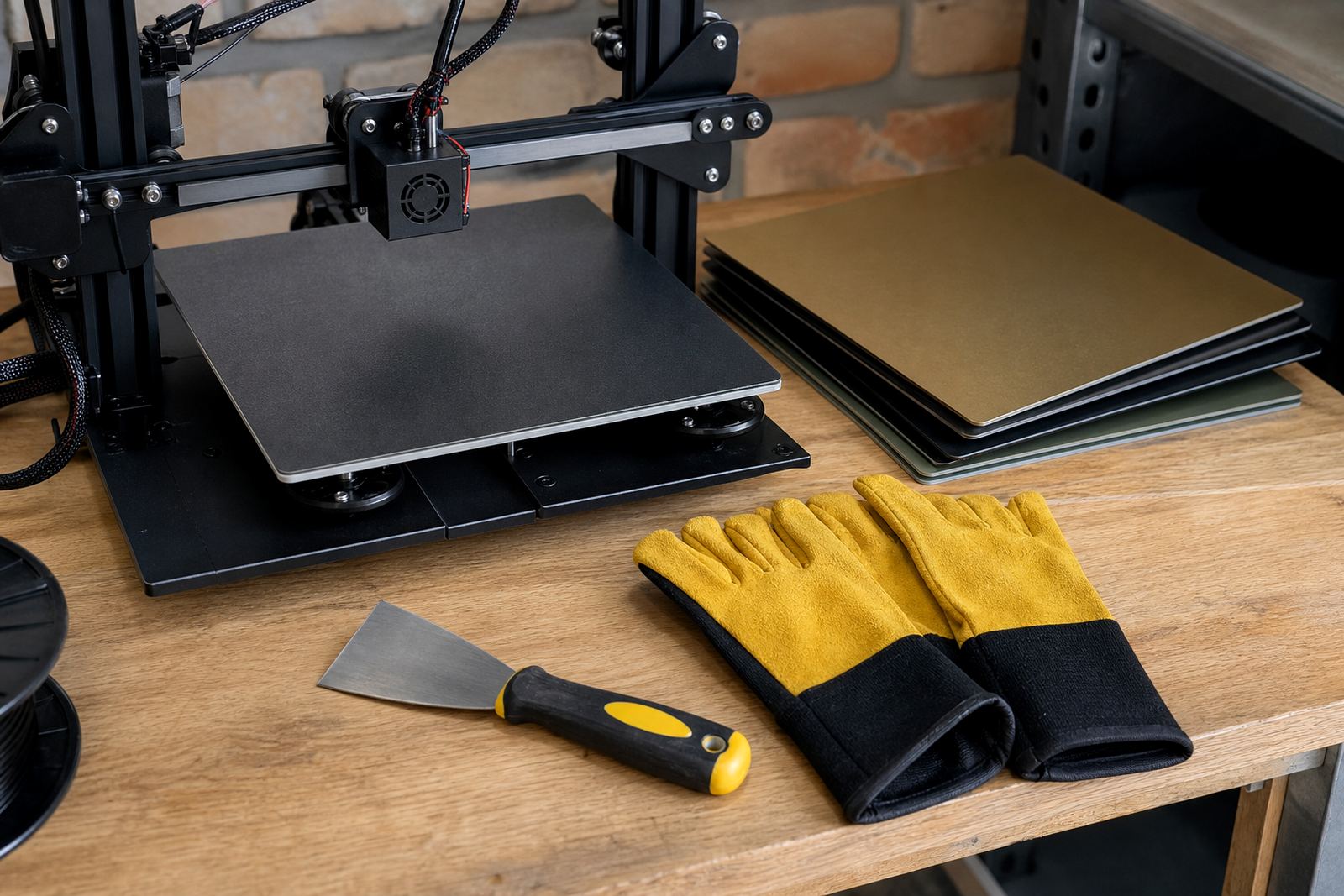
- Wear heat resistant gloves when removing plates from high temperature jobs.
- Keep a clear landing zone for hot parts, away from cables and paper.
- Do not leave plates on chair arms, window sills or stacked on other tools.
- Let the part cool naturally before using a scraper or cloth.
In a Cape Town workshop with coastal humidity, a plate can feel cooler on the surface while still holding heat in the centre. That small gap in judgement is enough to cause a burn, so the rule should be simple: if you are not sure, wait a bit longer.
Cleaners, wipes and fumes need proper control
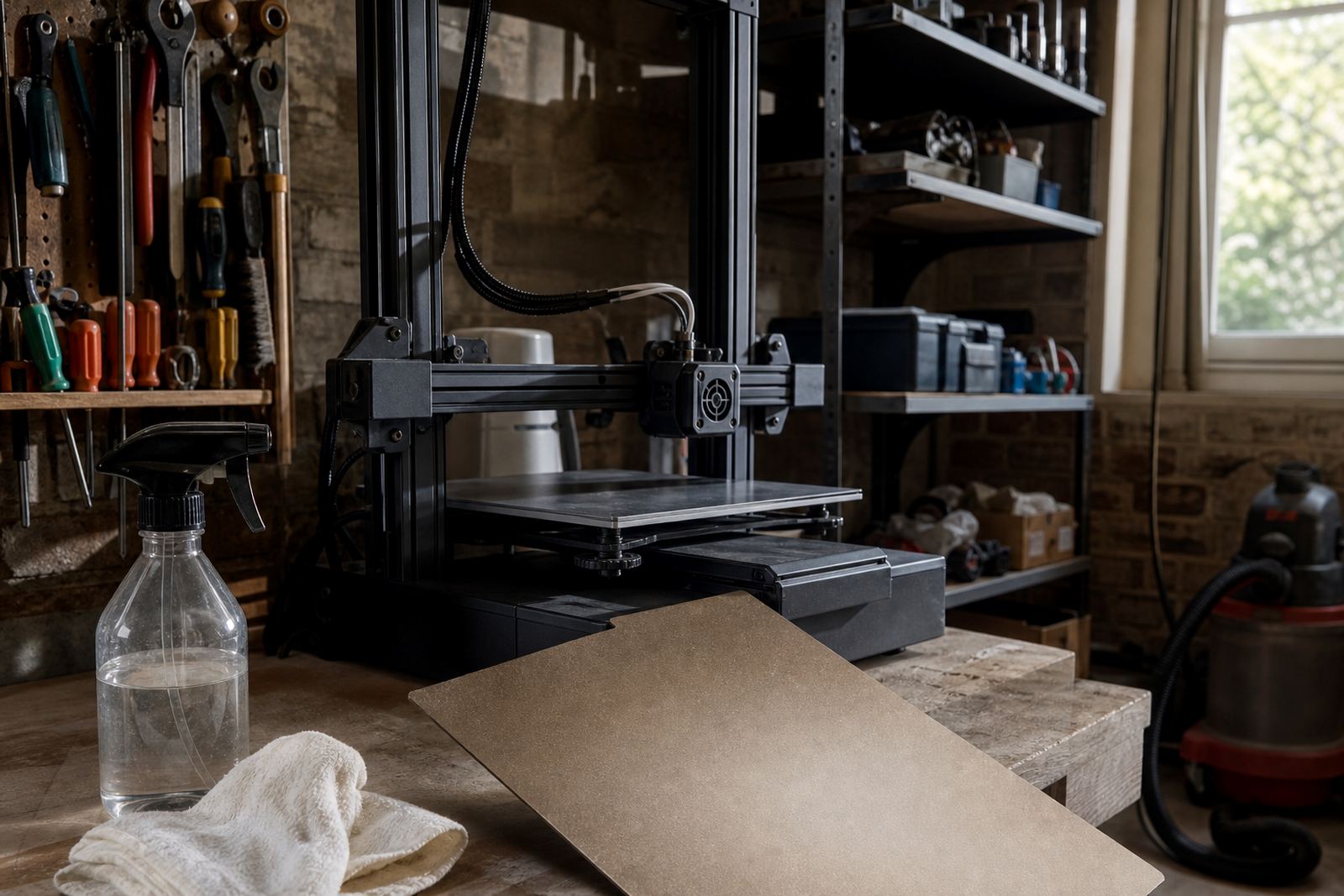
Surface cleaning is part of good adhesion, but it has to be done with care. Many plate cleaners are flammable or irritating to the skin and eyes, and some leave a residue if they are used on a warm surface. The safest method is to clean in a ventilated area and keep liquids away from live plugs, extension boards and heated machine parts.
Do not use one cloth for every job. A cloth that has picked up grease, filament dust or adhesive residue can spread contamination from one bed to the next. In a school lab or print farm, that can mean a whole batch of poor first layers before anyone spots the pattern.
- Store cleaners upright in a labelled container, not loose in a drawer.
- Use gloves if the product dries out your hands or stings small cuts.
- Apply cleaner to the cloth first, not directly onto the machine in most cases.
- Keep paper towels, solvents and rags away from hot nozzles and heated beds.
In Durban, where warm air and humidity can hang around for most of the year, closed rooms build up smell and vapour quickly. That makes extraction and open windows more than a comfort issue, it is basic workshop control.
Sharp tools should be stored like tools not loose items
Scrapers, blades, snips and tweezers are useful, but they are also the items most likely to cause a cut when they are left on a bench. A safe print room keeps sharp tools in one marked place, with blades covered or retracted when not in use.
When removing a stuck part, never force the tool with your free hand in line with the edge. Work from the side and keep pressure low. If a print has bonded too well to the surface, stop and look at the plate condition instead of trying to win by force. A damaged surface costs more than a little patience.
It also helps to assign one person to inspect the tool area at the end of each shift. In a Johannesburg production room, that habit can stop the common problem of a scraper being left under a pile of plates, paperwork and packaging. It sounds small but it is exactly how minor cuts happen.
School labs and maker spaces need simple rules everyone can follow
Safety in a school or community lab works best when the steps are short and visible. Learners and new users should know where to place hot parts, where to find gloves and who checks the bed before a new print starts. If the process is too complicated, people skip steps when the room gets busy.
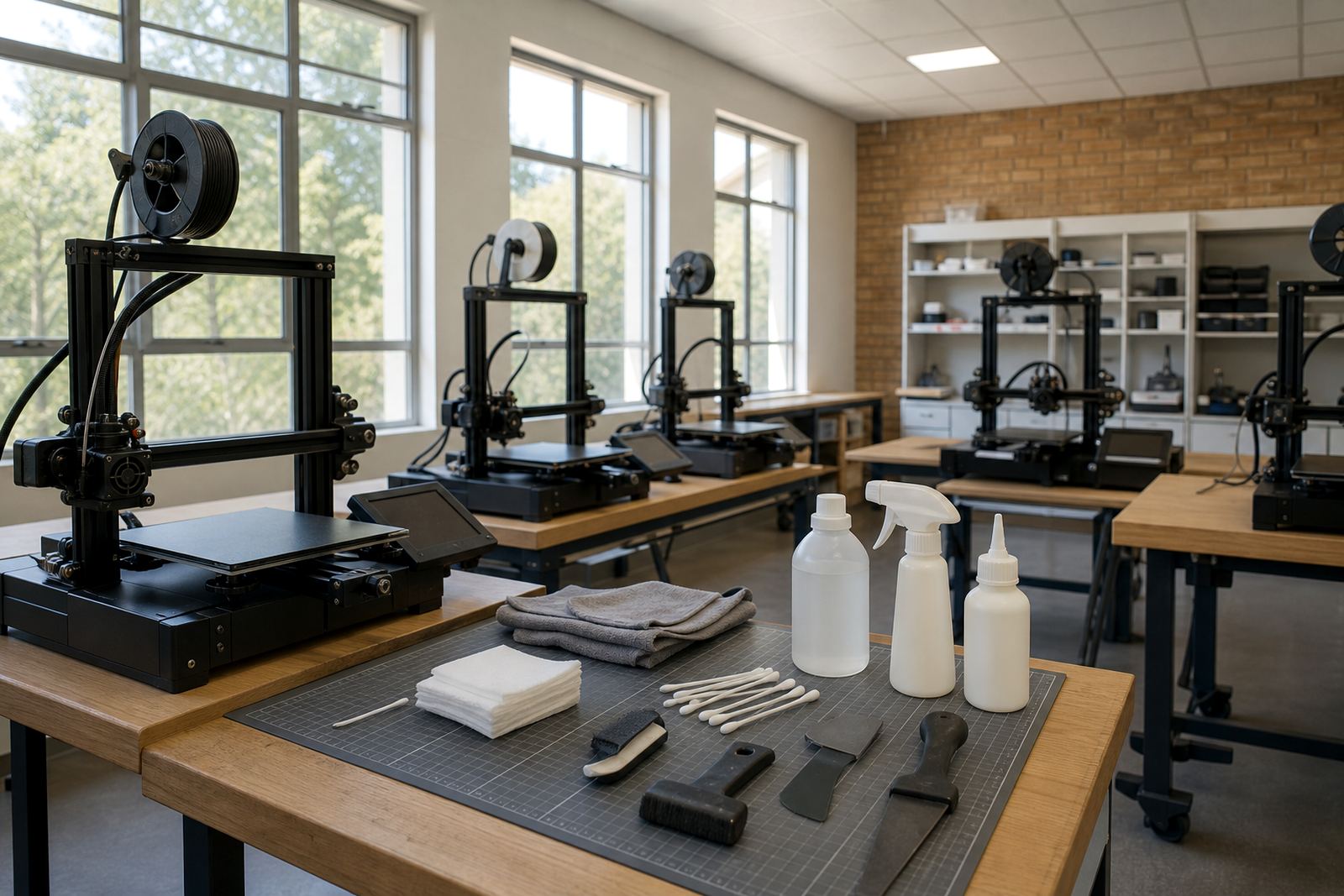
For school lab setup, it helps to build a routine around the machine and the plate rather than around memory. A short induction, a posted checklist and a clear sign for hot surfaces can prevent most mistakes before they happen. The goal is not to slow learning down, it is to keep learners safe while they learn proper handling.
- Keep one marked cooling zone per printer or per print bank.
- Use colour coded trays for clean, dirty and ready plates.
- Train staff and learners on where to place tools after use.
- Record repeated adhesion faults so the cause can be fixed, not repeated.
In Pretoria East and Midrand, where schools often share labs across multiple classes, a neat handover system is worth a lot. If one group leaves a plate half cleaned or a scraper out in the open, the next group starts at risk before a single print is started.
When to refresh a plate instead of pushing it harder
Some teams keep using a tired plate because they are trying to save money. In practice, a worn surface can cause more waste, more failed prints and more handling risk because people start scraping harder or cleaning more often. That is usually the point where a surface refresh or replacement planning makes more sense.
Check for uneven wear, lifted corners, damaged coating, residue that will not clean off and repeated first layer problems in the same area. If the bed needs constant correction, the team begins taking shortcuts, and shortcuts are where burns and cuts happen. A good plate should make safe handling easier, not more difficult.
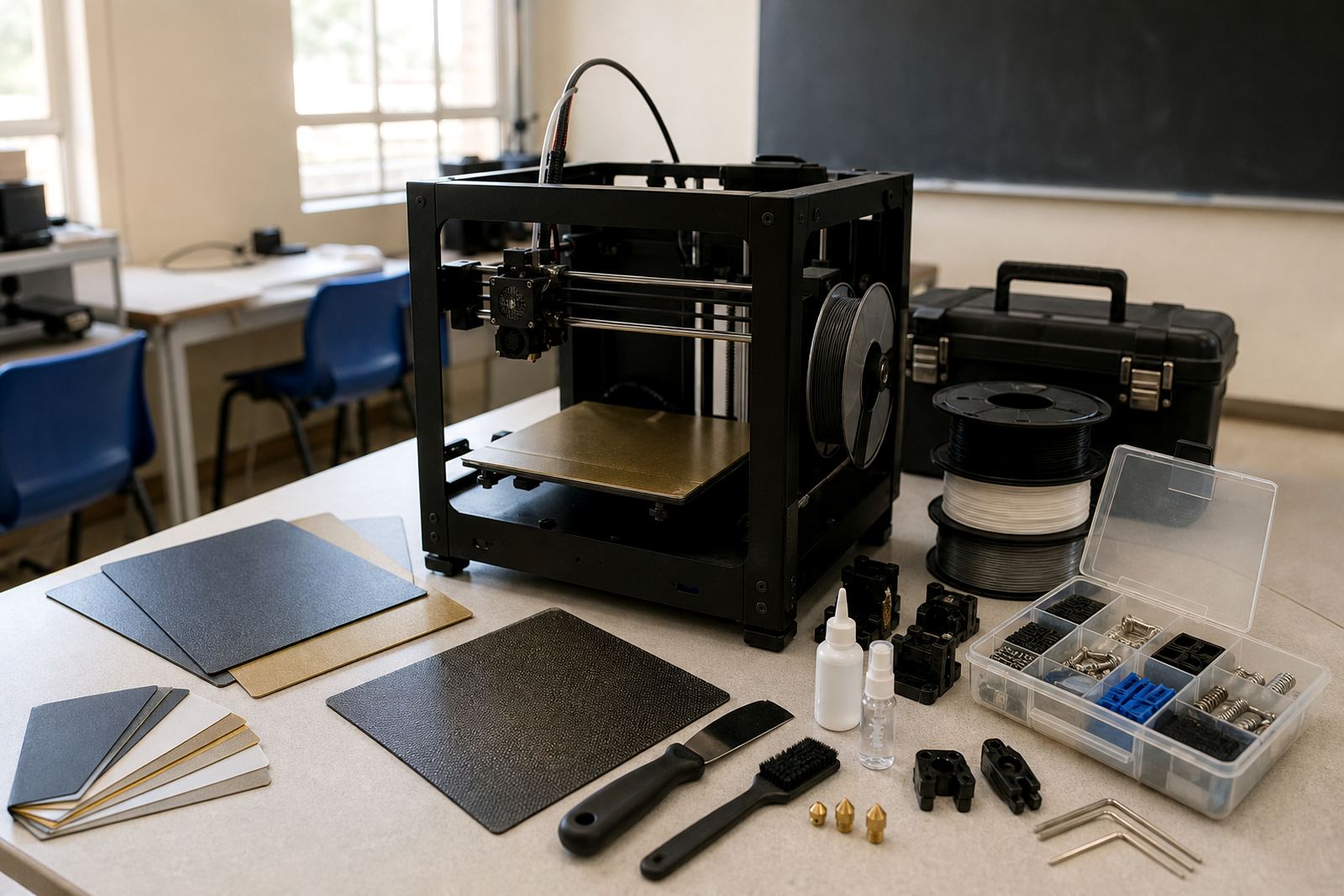
For print farms and school labs that run daily, a planned replacement cycle is cheaper than emergency fixes. It also keeps staff focused on safe removal, proper cleaning and careful reinstallation instead of fighting the same fault again and again.
A Centurion routine that keeps staff and prints safe
A practical example comes from a Centurion workshop supporting several printers across the week. The team keeps a cooling rack next to the machines, separates cleaning materials from tools and logs any plate that shows signs of damage. The result is less panic during busy runs and fewer people reaching over hot equipment.
That kind of routine works whether the plates are heading to Pretoria, Bloemfontein, Cape Town or Gqeberha. The conditions change, especially with transport time, coastal moisture and different room temperatures, but the handling rule stays the same: cool first, clean carefully, store safely and check before reuse.
Build plate safety is not a side issue. It is part of reliable printing, fewer injuries and better day to day control in any maker space that wants steady output without avoidable downtime.