Why school printers need a reset-friendly setup
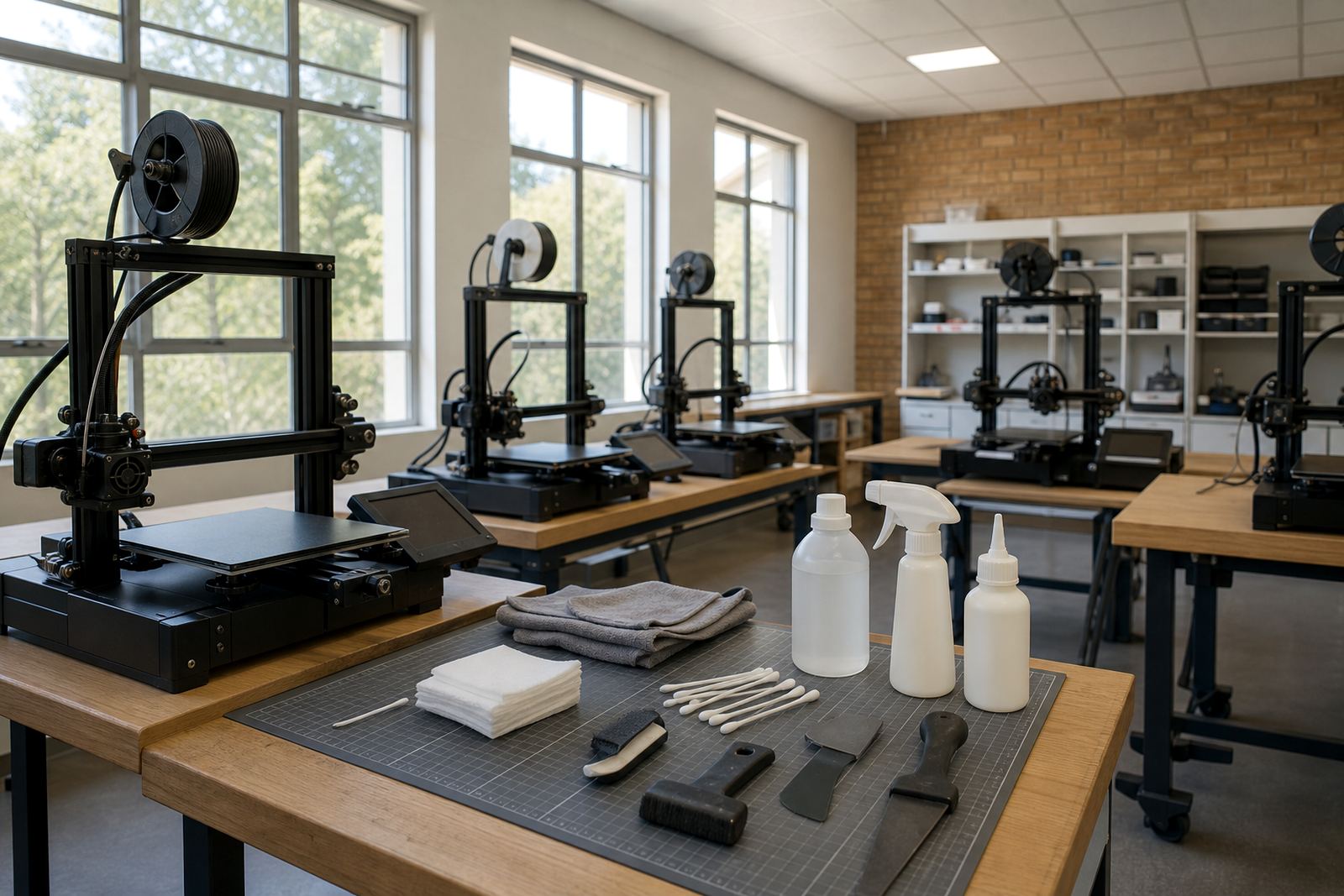
In a classroom, a printer is not just a machine, it is shared equipment. That means the build surface has to survive curious hands, the bed must be easy to clean, and any teaching assistant or lab supervisor should be able to see what is wrong at a glance. If a student scrapes too hard, loads filament badly, or forgets to let the bed cool down before removal, the setup still needs to recover without a long shutdown.
For schools in Centurion, Pretoria East and Johannesburg, that matters even more because many labs run in short slots between lessons. A plate that is easy to remove and refit, with a clear routine for inspection, saves time and reduces arguments about who damaged what.
Choose surfaces that forgive rough handling
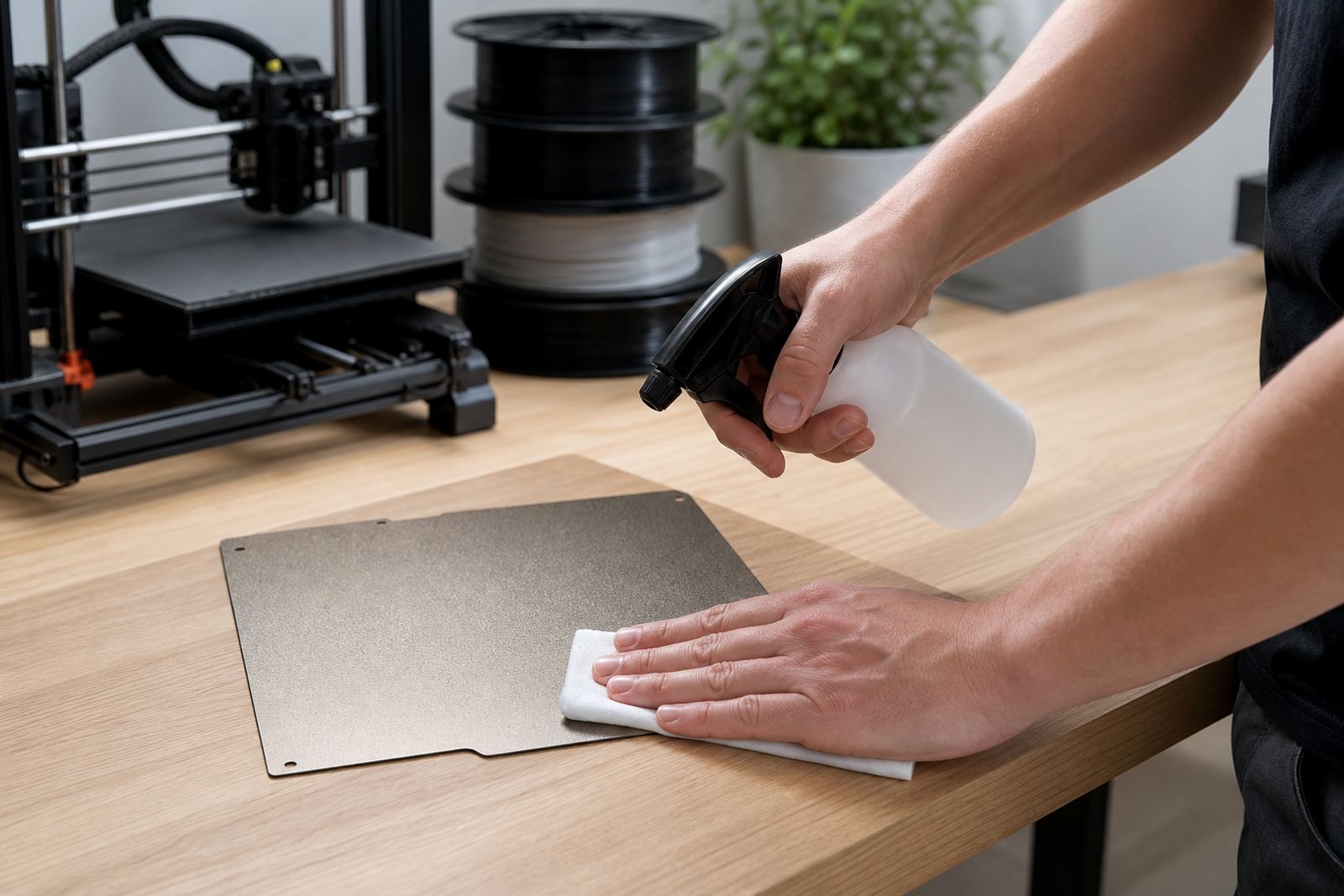
For student use, the safest choice is usually a reliable build plate with a consistent texture and good first-layer grip. PEI sheets are popular because they give predictable adhesion for many common filaments, and they are straightforward to teach. Students can learn the same steps every time: wipe the surface, preheat, print, cool, remove. That sort of routine is easier to manage than a surface that needs constant tweaking.
- Use one surface type across the lab where possible, so the same cleaning and cooling steps apply to every machine.
- Keep a spare sheet or spare plate on hand for quick swaps after a damaged print day.
- Choose a finish that can be inspected for scratches, glue residue, and lifted corners without special tools.
- Avoid overly delicate surfaces in beginner labs where learners are still getting used to bed levelling and part removal.
In a school environment, consistency beats cleverness. If one machine uses a different plate system from the rest, teachers spend too much time explaining exceptions instead of teaching printing basics.
Make inspection a five-minute habit
Good school setups are the ones that get checked often. A quick inspection before the first class and after the last one catches most problems early. Look for loose magnets, warped corners, glue build-up, damaged clips, and filament scraps caught at the edges. If a build plate starts to lift or slide, the whole lesson can go off track.
At schools in Durban and Gqeberha, humidity can also affect adhesion and storage. A plate left exposed in a warm storeroom may collect dust and moisture, which makes first layers less reliable. Keep the surface covered when not in use and store spare sheets flat, not bent against a wall or under a pile of tools.
- Create a printed checklist near the printer: clean surface, confirm flatness, check magnets, confirm nozzle height, start test square.
- Mark each printer with its plate type and recommended cleaning method.
- Log recurring faults so you can spot patterns, not just single incidents.
Teach students the parts they are allowed to touch
One of the easiest ways to reduce damage is to set clear boundaries. Students should know what they may touch, what they may not, and what to do if a print sticks too hard. In practice, that means teaching them to remove parts only when the bed is cool, to use the correct scraper angle, and to ask for help before forcing anything. That small habit saves plates and prevents bent clips, cracked corners, or torn surfaces.
A simple explanation works best. The printer bed is not a cutting board, and it is not a place for force. It is a calibrated surface. When learners understand that, they treat it with more care. This is especially useful in school labs where different classes use the same equipment throughout the week.
Plan for parts that will wear out
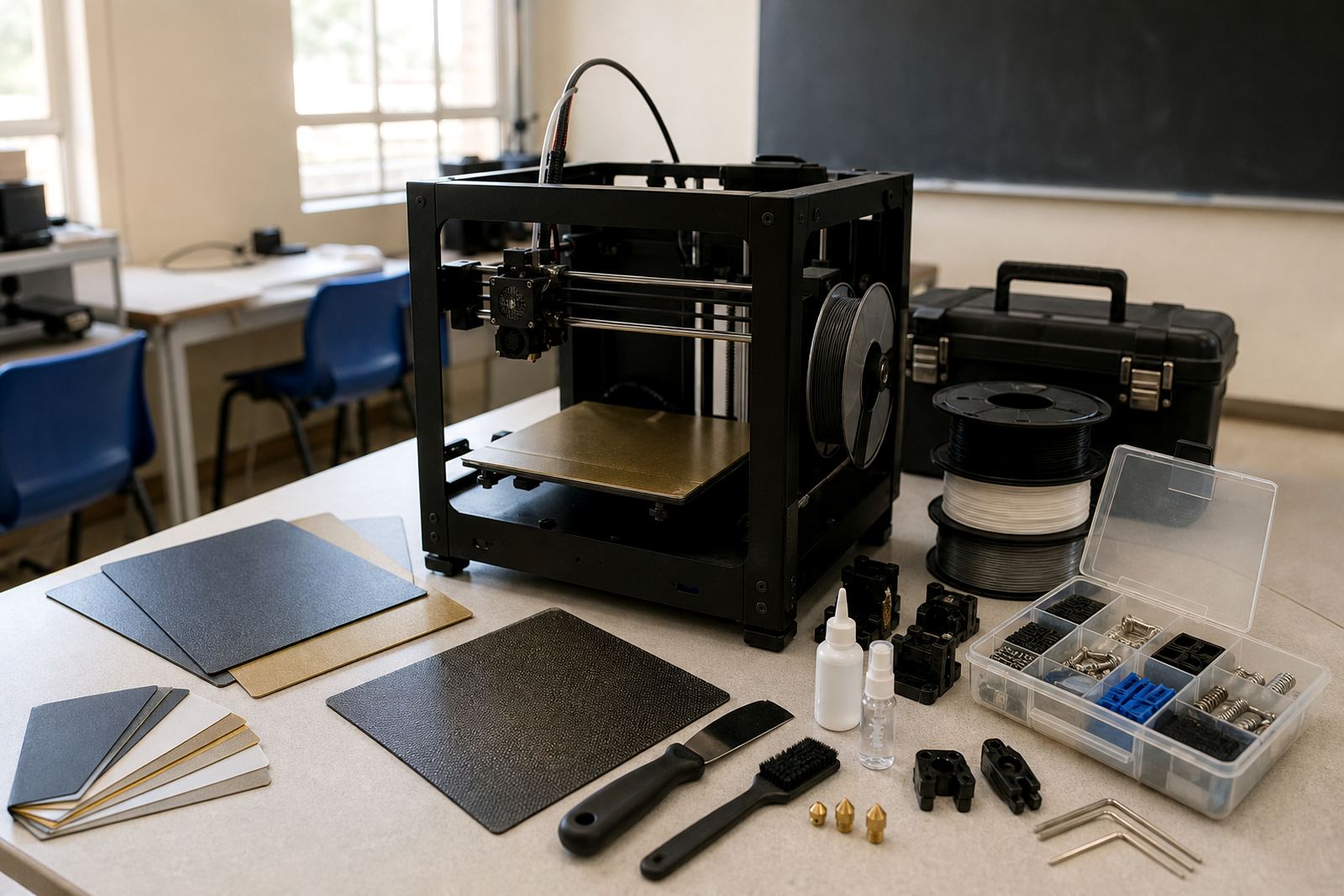
Student-proof does not mean damage-proof. It means you plan for wear, then keep the replacement process simple. If a surface needs refreshing, the team should know whether to clean it, replace a sheet, or fit a new magnetic base. If the plate no longer sits flat, that should be caught before the next class, not after three failed prints.
A school in Midrand recently found that one machine was losing first-layer grip every Monday morning. The cause was not the slicer settings. The issue was a build surface with dried residue from repeated hurried cleanups after Friday clubs. Once the surface was replaced and a Friday end-of-day check was added, the failure rate dropped sharply. The lesson was plain: a tidy routine is cheaper than repeated reprints.
- Keep one spare consumable pack per printer group where budget allows.
- Schedule replacement planning by term, not by panic.
- Note which materials are used most often, because PLA, PETG and tougher blends do not behave the same on every surface.
- Train more than one staff member so a single absence does not stop the lab.
Use a standard system across the school
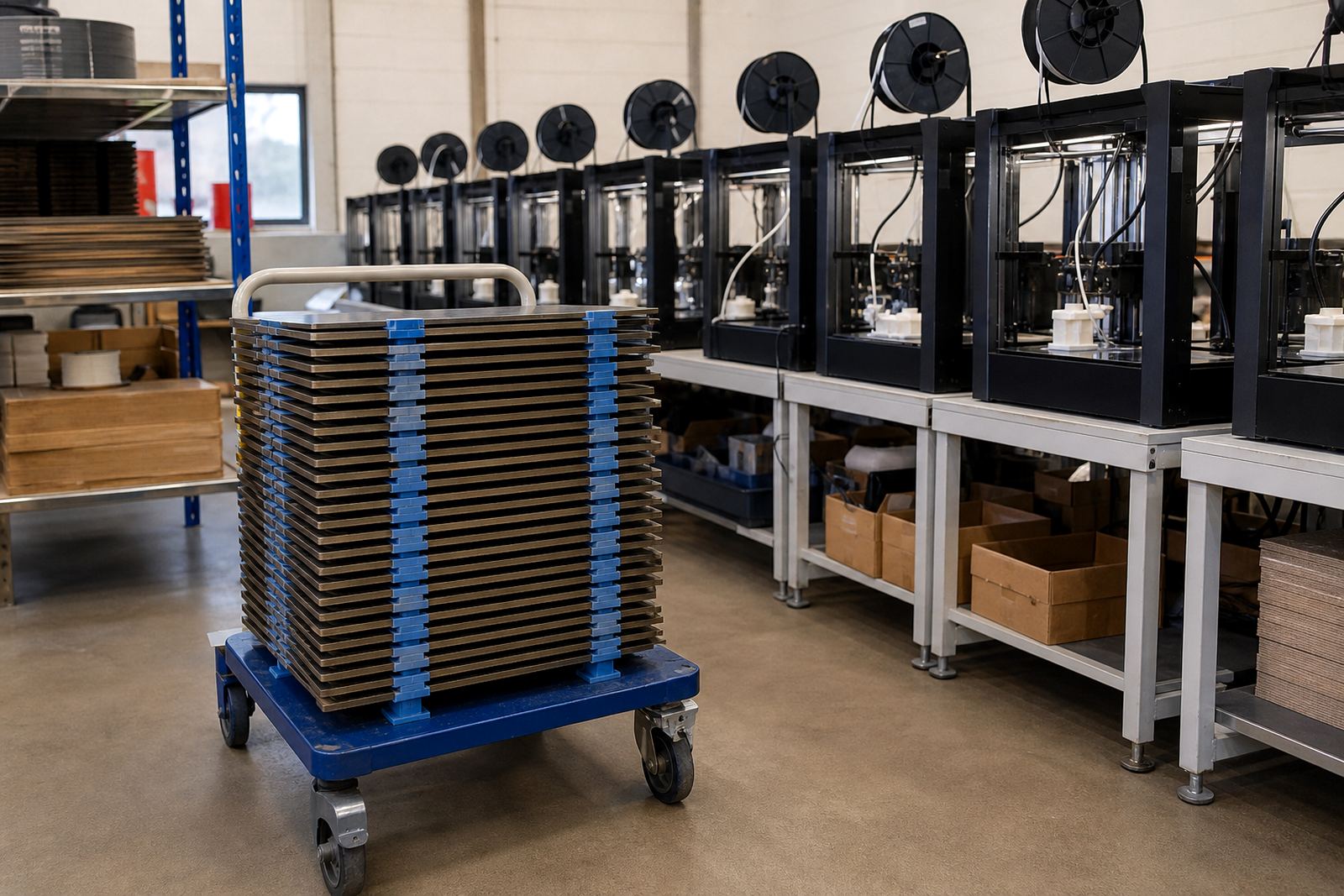
When every printer is set up differently, support becomes messy fast. One machine has a worn glass plate, another uses a magnetic sheet, and a third has a custom cut surface with no notes. Then nobody is sure which method belongs where. Standardising the lab makes it easier to teach, easier to buy for, and easier to repair.
For schools across Pretoria, Cape Town and Bloemfontein, a standard setup also helps with budgeting. If the same plate sizes, fitting method and care routine are used across machines, procurement is cleaner and stock control is easier. It also helps with load-shedding planning, because staff can restart printing after a power cut without re-learning each unit. A known setup is quicker to recover and less likely to waste filament after a failed first layer.
The best student-proof arrangement is usually the one that a teacher can explain in under two minutes and a learner can follow without guessing. If the surface is easy to inspect, the replacement path is clear, and the care rules are the same on every machine, the lab stays useful all term.