Start with the problem you want to measure
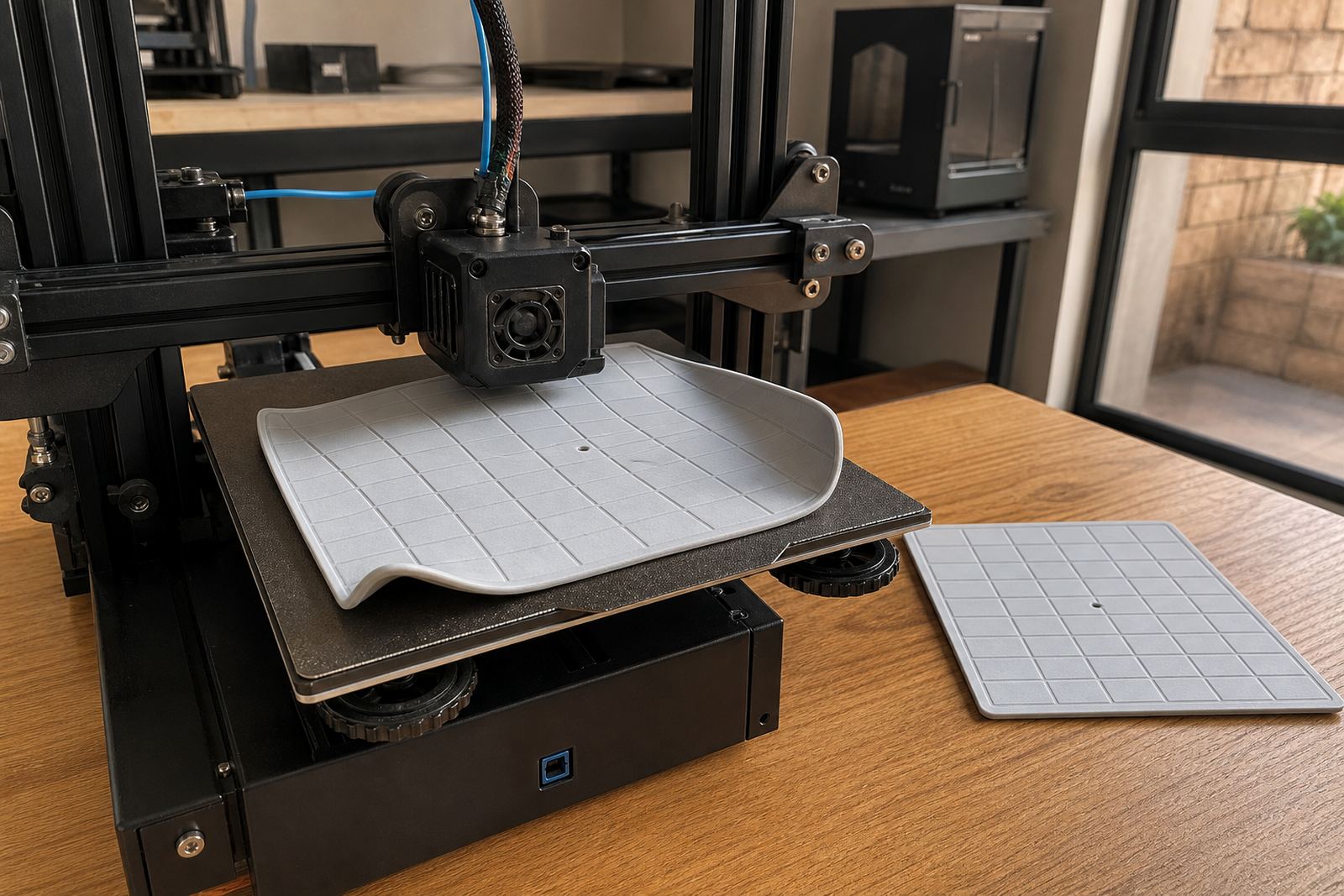
Not every test print answers the same question. If you are trying to see whether a PEI sheet is gripping properly, choose a simple first layer pattern with long straight lines and a few corner anchors. If you want to check bed level, use a wider pattern that reaches all four corners and the middle. For whole-bed consistency, a grid or segmented test is better because it shows how the surface behaves over the full print area, not just in one spot.
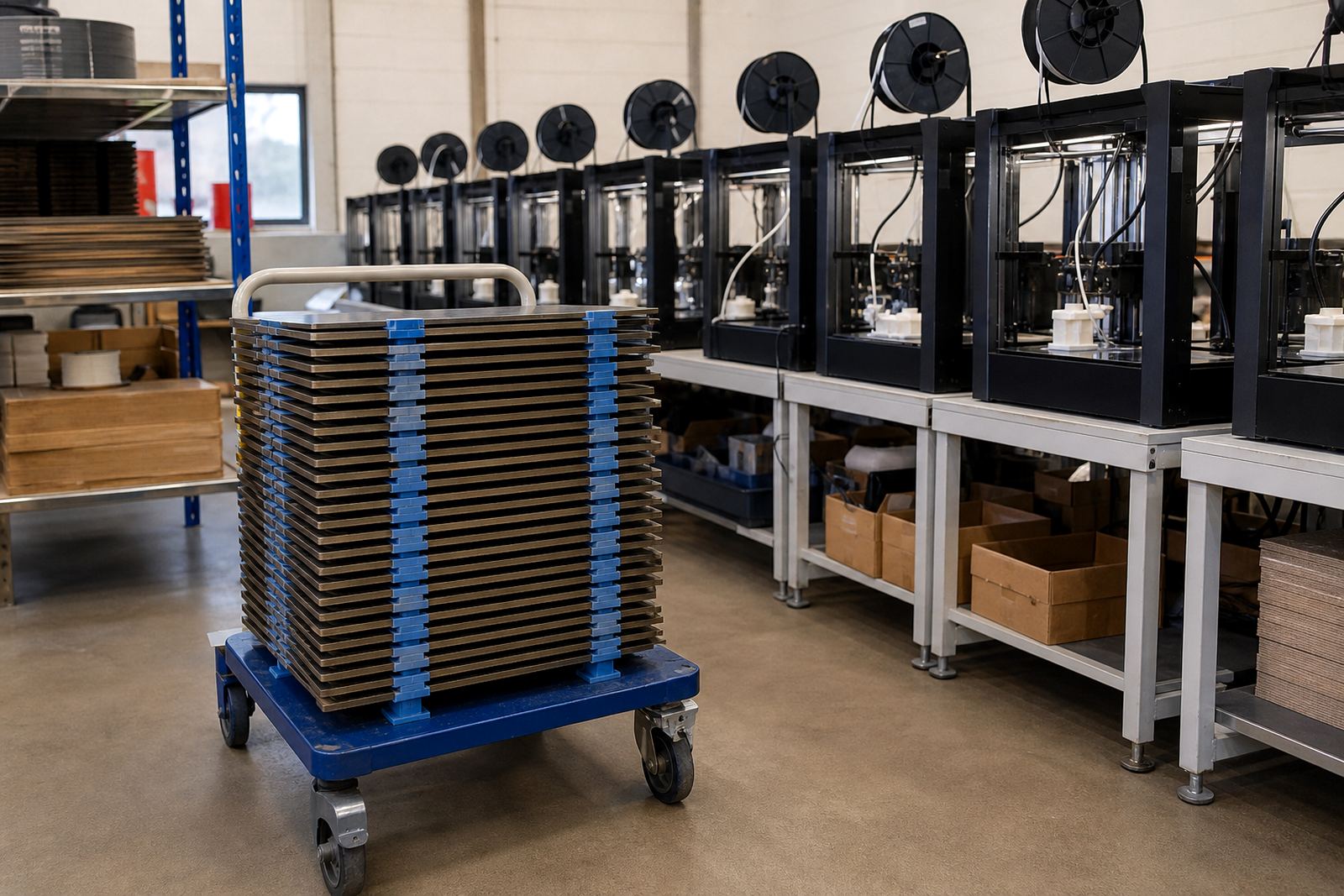
Many users jump straight to a detailed model and then wonder why the results are unclear. A calibration print should be plain enough to read quickly and repeatably. When a print farm in Centurion is running several machines each day, that repeatability matters more than fancy shapes, because it helps the team spot drift before it becomes scrap.
The three test styles worth keeping on hand
For most South African workshops, schools and maker spaces, these are the prints that give the clearest feedback:
- Single-layer line tests: best for adhesion and nozzle height. They show if the first layer is too squashed, too high, or lifting at the edges.
- Corner and edge patterns: useful for checking bed level across the full plate. These help reveal weak spots near clips, magnets or frame flex.
- Grid or full-bed meshes: good for spotting heat variation and surface inconsistency, especially on larger printers or farm setups.
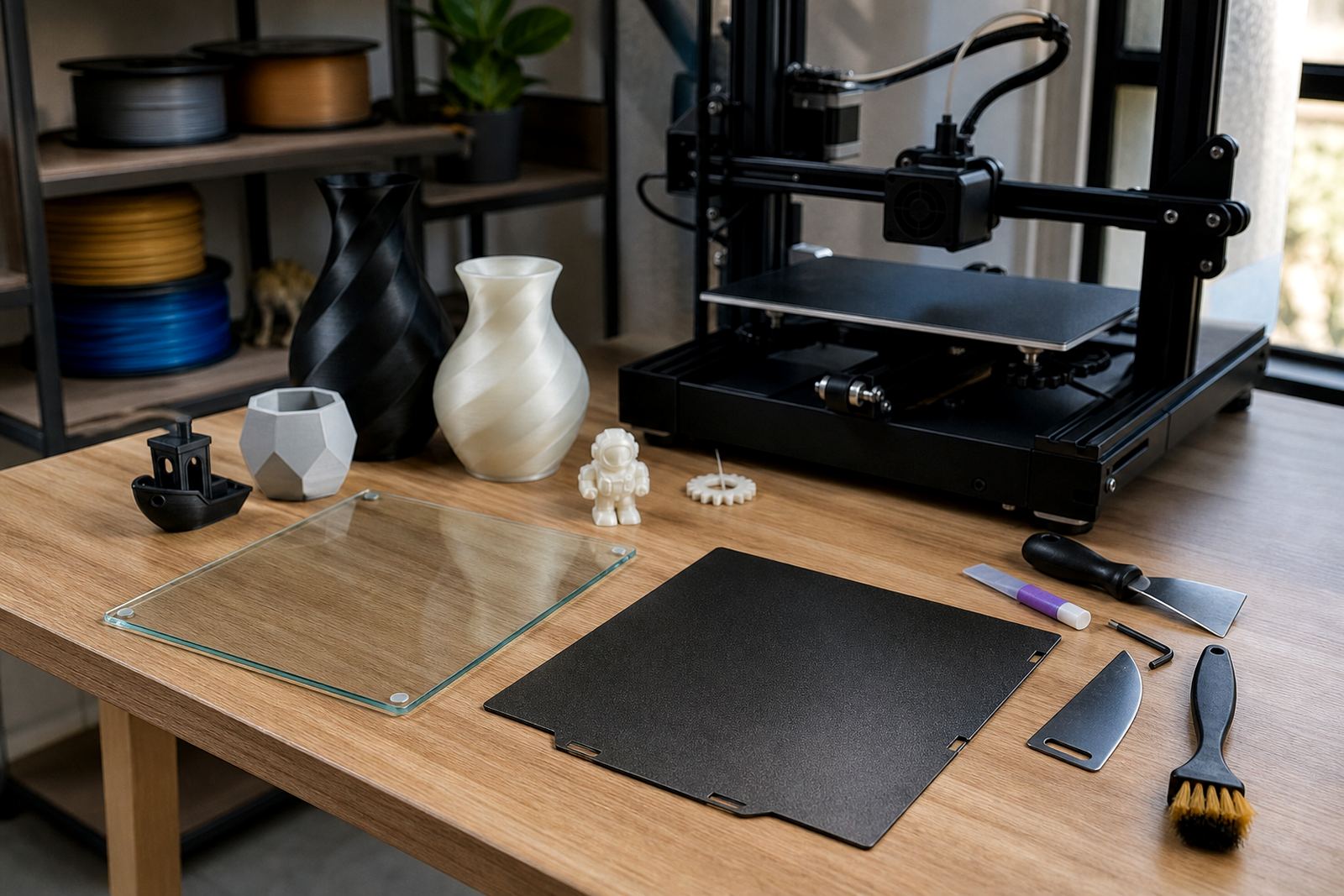
If your printer has a removable plate, use the same test on the same surface after each change. That gives you a proper comparison. A new magnetic base, for example, can change how the plate sits and how much heat reaches the top sheet so the first test should be about measurement, not production.
What the first layer is telling you
A clean first layer should look even, with lines touching neatly and no gaps between them. If the lines are round and separate, the nozzle is likely too high. If the lines are overly flattened, rough or scraping, it may be too low. Curling corners usually point to poor adhesion, uneven heat, or a draught across the machine. In coastal towns humidity can also change how some materials behave from one day to the next, so do not assume yesterday's settings will carry over.
Watch the same print in more than one area of the bed. A machine can look fine in the centre but fail at the front left corner. That is often where you spot a bowed plate, a worn mounting point or a surface that needs refreshing. Small differences matter, especially when you are printing school parts, jigs or batch items that need to fit together.
Match the test to the surface you are using
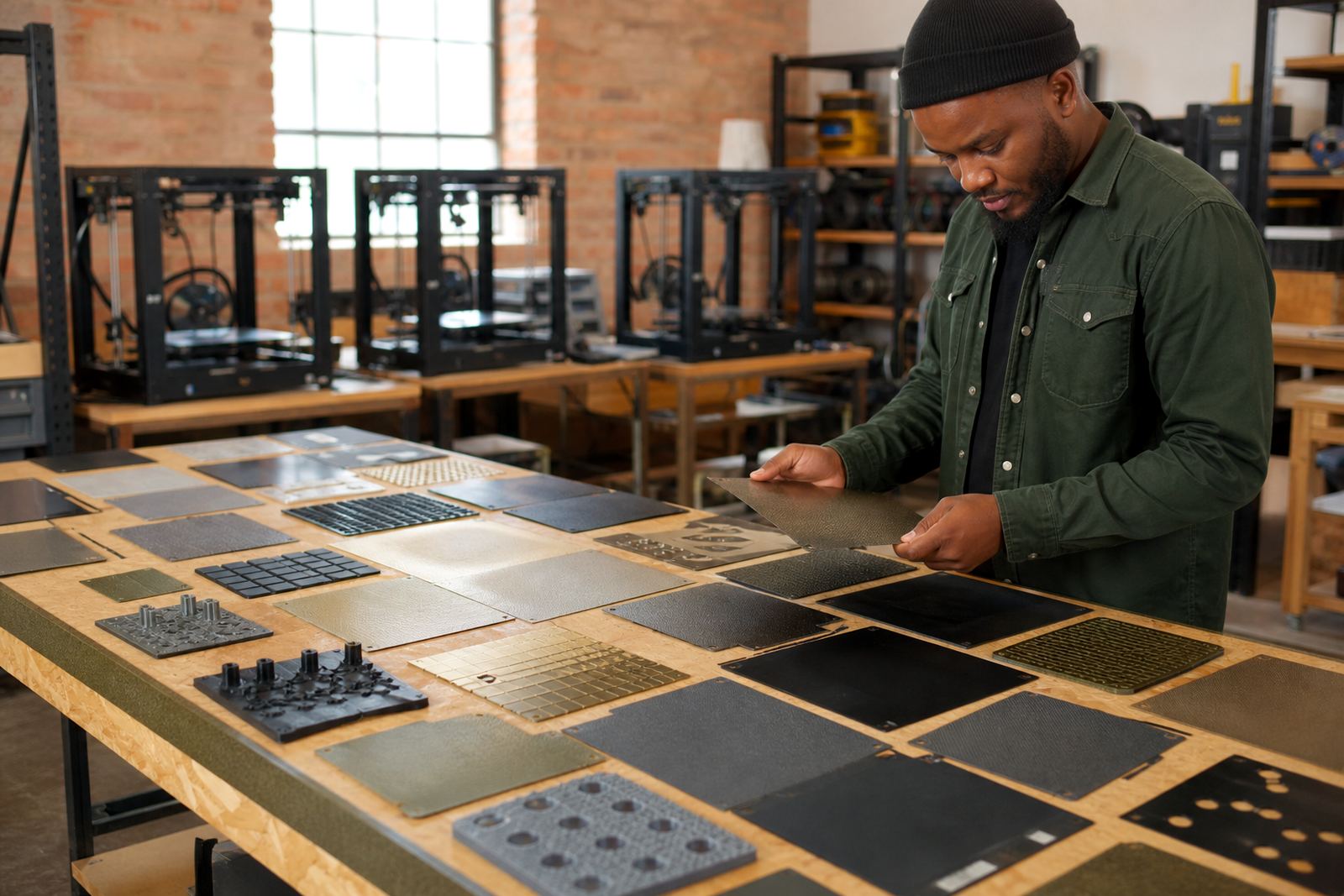
Different build surfaces respond differently, and your calibration print should reflect that. A smooth PEI sheet can show fine detail in the first layer, while a textured surface may hide small imperfections but still reveal adhesion issues at the edges. If you are using a fresh sheet, start with a basic adhesion test before moving on to more complex checks.
For users who print often during load-shedding, it is worth checking the bed again after power interruptions. A restart can change temperatures, fan timing and sometimes bed position if the machine has been moved. It is a small thing, but small things create failed prints. If the room is cool in Pretoria East or warm in Durban, the same material may need slightly different first layer settings.
- Use a smooth sheet when you need crisp contact marks and quick readouts.
- Use a textured sheet when you want a practical view of grip and release.
- Use the same test file after any surface change so results stay comparable.
How to read results without overcomplicating it
There is no need to chase perfection on the first try. The point of a calibration print is to narrow down the issue. If the centre is good and the edges fail, look at bed flatness or mounting pressure. If the whole print is too loose, focus on nozzle height and surface preparation. If one side is better than the other, the machine may need a bed alignment check or a mechanical service.
Keep notes on what you changed and what the print showed. A short record helps when you are supporting a school lab in Johannesburg or standardising machines across a small farm. Write down nozzle temperature, bed temperature, sheet type and the result. That way, you are not guessing next week, and you can hand over a clear setup to the next operator.
A Centurion example: from random failures to clear checks
A local print farm in Centurion was seeing mixed results on the same machine, with some corners sticking well and others lifting after the second layer. The team had been using detailed test models, but those prints made it hard to see the real issue. After switching to a simple edge-to-edge line test, they found the rear right corner was consistently underperforming. The cause turned out to be a slight bed tilt and one worn mounting point. Once that was corrected, the same printer gave steady adhesion across repeated runs.
That is the value of choosing the right calibration print. It turns a vague problem into a clear one, and clear problems are easier to fix. For schools, makers and production users across South Africa, the right test print saves material, time and frustration.
- Use simple tests first, then move to more detailed checks if needed.
- Repeat the same file after every adjustment so you can compare results properly.
- Test across the whole bed, not just the centre.
When to stop testing and refresh the setup
If the same calibration print keeps failing after sensible changes, it may be time to refresh the surface, fit a new sheet, or check the magnetic base and bed flatness. A worn plate can make good settings look bad. In busy environments, it is often faster to replace a tired surface than to keep chasing small errors. That matters when you are running print jobs for clients, teaching a class, or trying to keep a farm on schedule.
Good calibration is not about endless tweaking. It is about using the right print for the job, reading the result carefully and making one change at a time. That keeps the process controlled, whether you are in Bloemfontein, Gqeberha or right here in Gauteng.