Why corners lift before the rest of the print fails
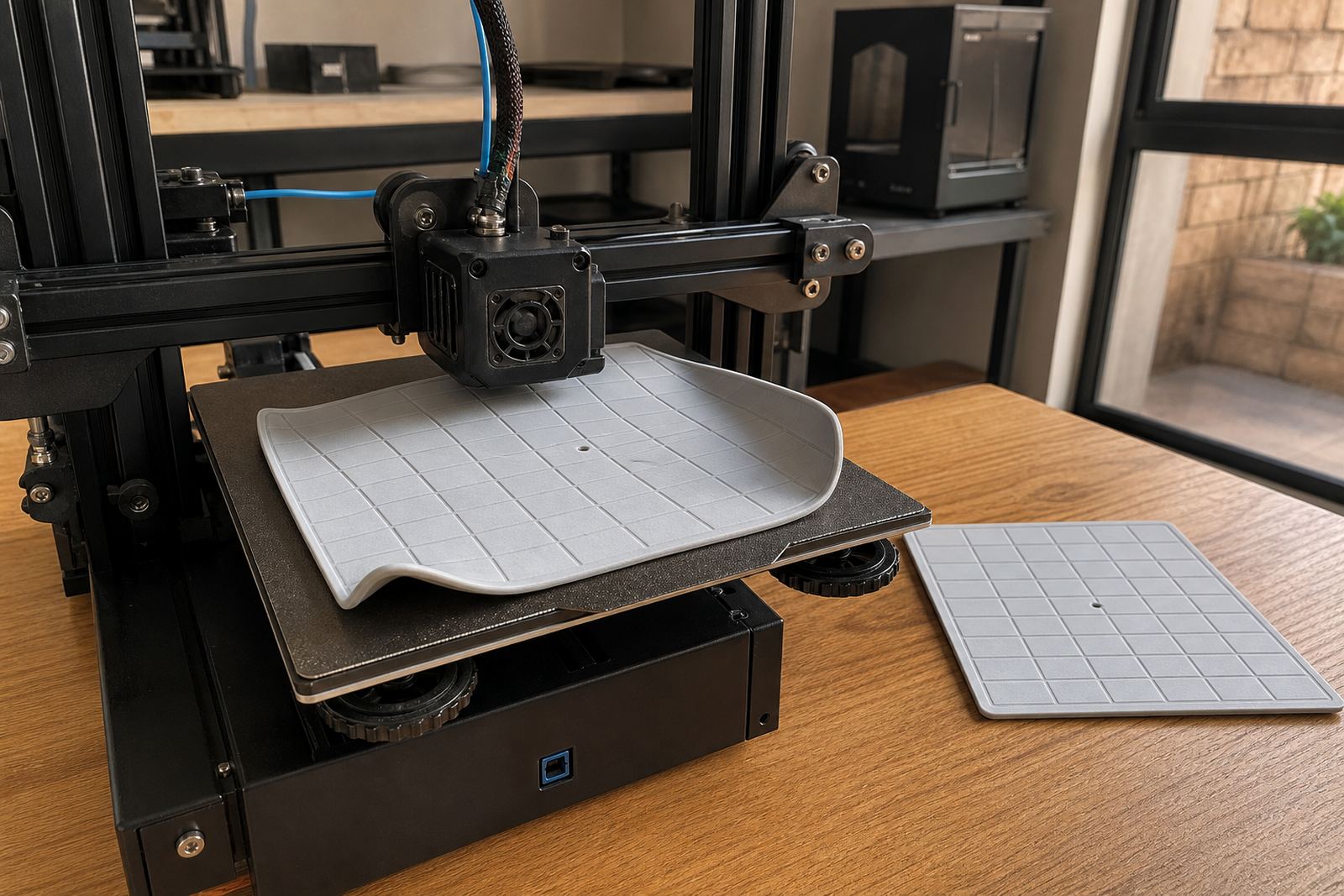
Edge lift happens when the first layers cool and shrink faster than the middle of the part, or when the first layer never really bonds well enough in the first place. Once a corner loses grip, the nozzle starts catching it, the part bends, and the print can fail hours later even though the early layers looked fine.
In Centurion, where many print rooms run through load-shedding, this gets worse if the bed cools suddenly or the room drops in temperature. A printer that behaves well on a short test cube can still struggle on a larger bracket, enclosure panel or school project because the edges have more time to pull against the bed. That is why fixing edge lift is less about one trick and more about getting the surface, heat and first layer all working together.
On longer prints, especially wide parts with sharp corners, the outside edges want to move first. If the bed is not clean, flat and evenly heated, those corners start to rise a little, then the curl grows. It is often the first sign that your plate prep needs attention, not just the slicer settings.
Start with the build plate, not the slicer
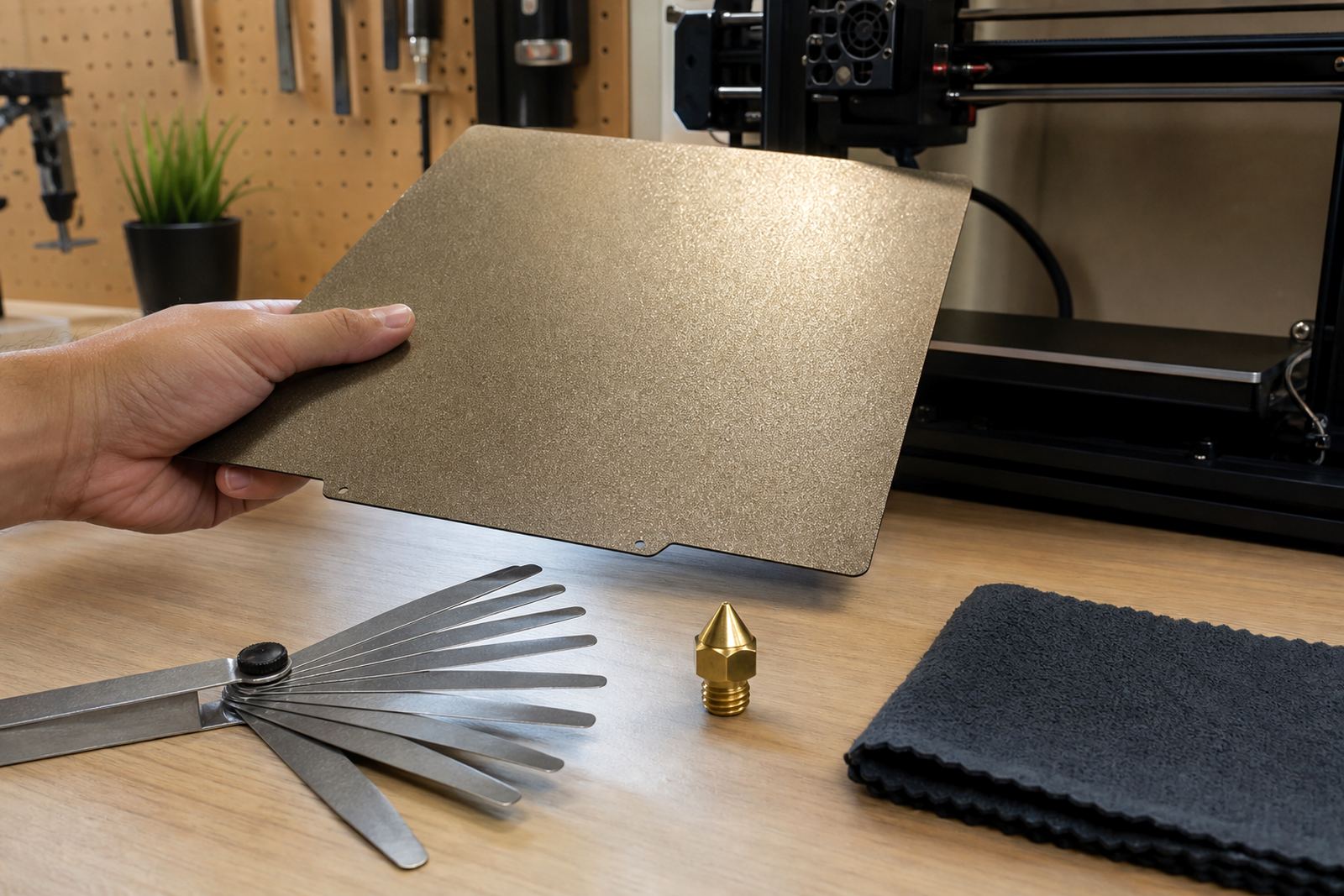
Before changing speeds or adding extra brim, check the plate itself. A greasy fingerprint, old glue residue, dust from the workshop or a slightly warped surface can all reduce the bond on the first layer. Many users keep reprinting the same job and adjusting settings when the real issue is simply that the plate needs a proper clean or surface refresh.
- Wash smooth build surfaces with warm water and a mild detergent, then dry with a lint-free cloth.
- Wipe textured or PEI surfaces with isopropyl alcohol between prints if the manufacturer allows it, but do not rely on alcohol alone when there is visible residue.
- Check that the plate sits flat on the magnetic base and is not lifting at the corners.
- Replace damaged sheets that have deep scratches, shiny worn spots or old adhesive build-up.
For schools and print farms, this step matters even more because many hands use the same machines. A plate that worked yesterday may pick up skin oils, dust or a little plastic film from a failed print. The first layer can only grip what is actually there, not what should be there.
Bed flatness and first layer height need to agree
If the bed is not flat, the nozzle will be too close in one area and too far in another. That creates uneven squish, and uneven squish is one of the quickest paths to edge lift. The centre might look perfect while one front corner barely touches, so the print starts to peel from that side as soon as the layers stack up.
A bed flatness check should be part of regular maintenance, especially after moving a printer between offices, labs or dispatch points. A machine that travels from Pretoria East to Johannesburg or from Midrand to a school lab may handle bumps and vibration that knock the bed out just enough to cause trouble. Even a small change can matter on a long print.
When checking the first layer, look for even line width and consistent shine across the whole part. If one side looks thin, the nozzle may be too high there. If the lines are flattened too hard, the print can start well but fuse into a ridge that lifts at the edges later. The aim is steady contact, not over-compression.
Use surface and adhesion tools for the shape you are printing
Not every print needs the same solution. A small, solid part with rounded corners may do fine on a standard build surface, while a tall flat panel or a long enclosure cover may need extra help. That is where the right adhesion product makes practical sense.
For parts with a large footprint, a brim can help spread the pull across more area. For difficult materials or large corner-heavy parts, a properly fitted PEI sheet or a clean magnetic base can improve consistency. In some cases a plate change is better than chasing settings for days. The point is to match the surface to the job, not force every print onto the same setup.
- Use a brim for wide parts with sharp corners.
- Keep cooling low or off for the first layers if the material needs heat retention.
- Raise bed temperature slowly if the part still releases too early.
- Choose a surface that suits the material and the finish you want.
- For repeat work, standardise the plate and note the exact setup used.
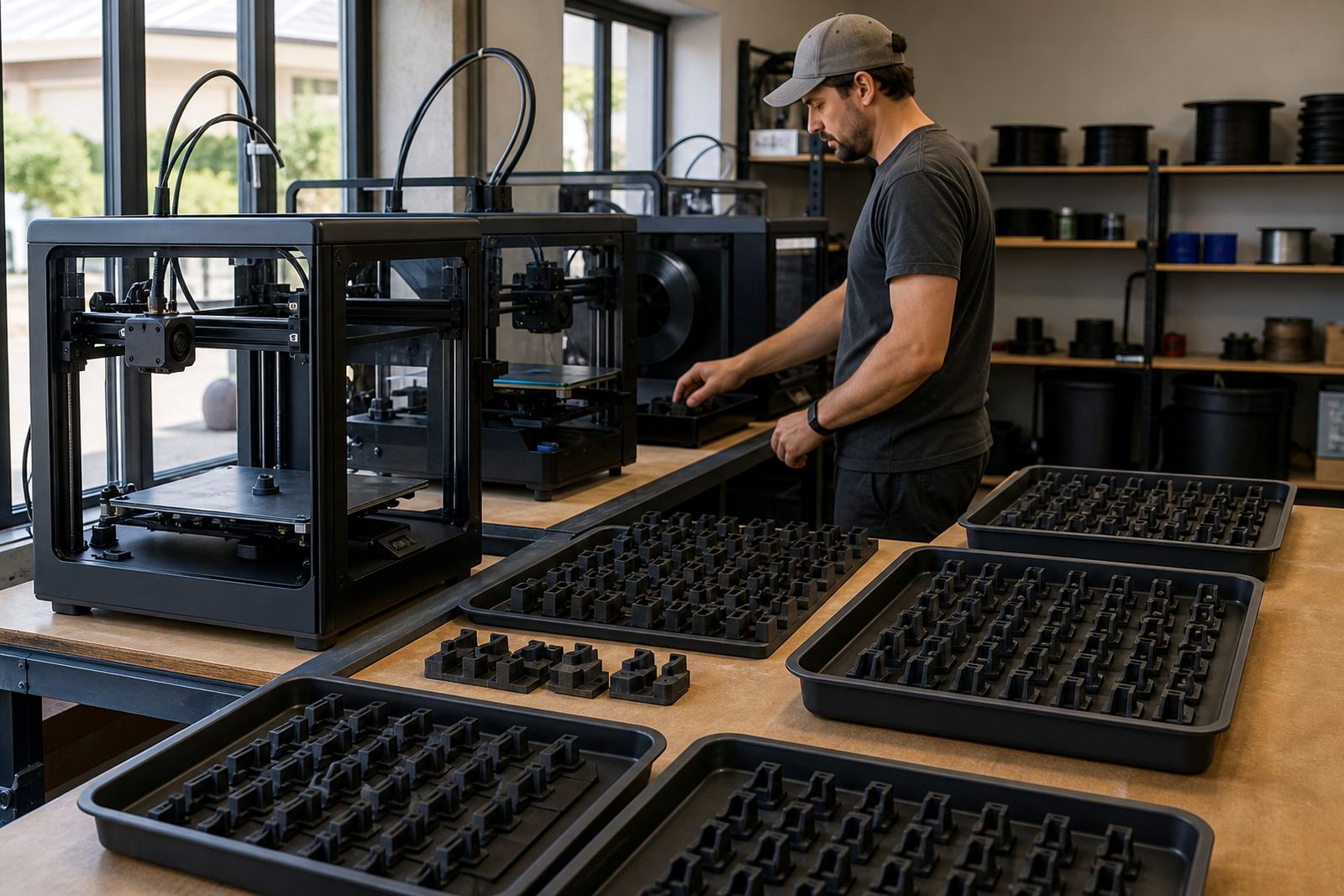
At a print farm in Cape Town, for example, one batch of large nameplates may come off clean in the morning and lift by afternoon if the room cools near the coast. The fix is often a combination of cleaner plates, a steadier bed temperature and a more suitable surface, not just more glue.
Room conditions matter more than many makers expect
South African print rooms are not all the same. Durban humidity can affect surface behaviour, Cape Town mornings can be cool and damp, and a garage workshop in Bloemfontein may swing from cold to warm over the course of a day. These changes affect how fast the first layers cool and how hard the corners pull against the bed.
If you print in an open room, try to keep drafts away from the machine. A fan, open window or aircon blast can cool one side of the print faster than the other. That uneven cooling often shows up first as a lifted corner on the side closest to the airflow. It may seem like a small thing, but on longer jobs it can ruin a whole plate of parts.
Also check the table or stand the printer sits on. Vibration from a loose stand or uneven feet can affect the first layer over time. A solid base helps the bed stay level and keeps the nozzle path more consistent. Small shifts are enough to turn a good first layer into a bad one after an hour or two.
A simple routine that prevents repeat failures
Once edge lift starts happening on a regular basis, the best approach is a repeatable routine. That means every operator uses the same cleaning method, the same plate type and the same notes for material, temperature and first-layer height. It also means replacing worn consumables before they start causing avoidable failures.
- Inspect the plate before each long print.
- Clean off oils, dust and old residue.
- Confirm the plate is seated correctly on the magnetic base.
- Run a quick first-layer check before leaving the machine unattended.
- Record what worked so the next operator can repeat it.
For schools, this is especially useful because learners often want to start a print and move on. A clear routine reduces guesswork and saves time when the machine is shared. For print farms, standardising plate care can cut down on failed jobs, rework and wasted material. If you are printing multiple copies, one weak plate can affect the whole run.
LayerPad supports makers, schools and print farms across South Africa with plate installation, PEI sheet fitting, magnetic base fitting, surface refresh, custom size cutting, replacement planning and adhesion troubleshooting. The right setup does not remove every risk, but it gives the print a far better chance of staying put until the last layer is done.