Why a Slight Tilt Causes So Many Failed Prints
When a build plate is not level, the nozzle is too close in one area and too far away in another. That sounds minor, yet it affects first-layer grip, line width and the way each corner of the job behaves. A printer may still start, but the day becomes a series of reprints, lifted edges and wasted filament.
In a home workshop in Centurion, a printer can seem fine for one part and then fail on the next because the bed shifted after cleaning or the plate was refitted without checking all four corners. On a print farm, that small variation multiplies across machines and can knock out hours of output before anyone notices. The issue often looks like moisture, bad filament or slicer settings, but levelling is usually the first thing to inspect.
Bed levelling also affects different materials in different ways. PLA may hold on just enough to hide the fault, while PETG can stick too hard in one zone and too loosely in another. ABS and other temperature sensitive materials are even less forgiving, because uneven contact changes how the first layer cools and contracts.
The Early Signs Your Bed Is Out
Most levelling problems show up in the first layer before they appear anywhere else. If you know what to watch for, you can stop the print early and save time instead of hoping it will recover on its own.
- One corner peels while the rest of the job stays flat.
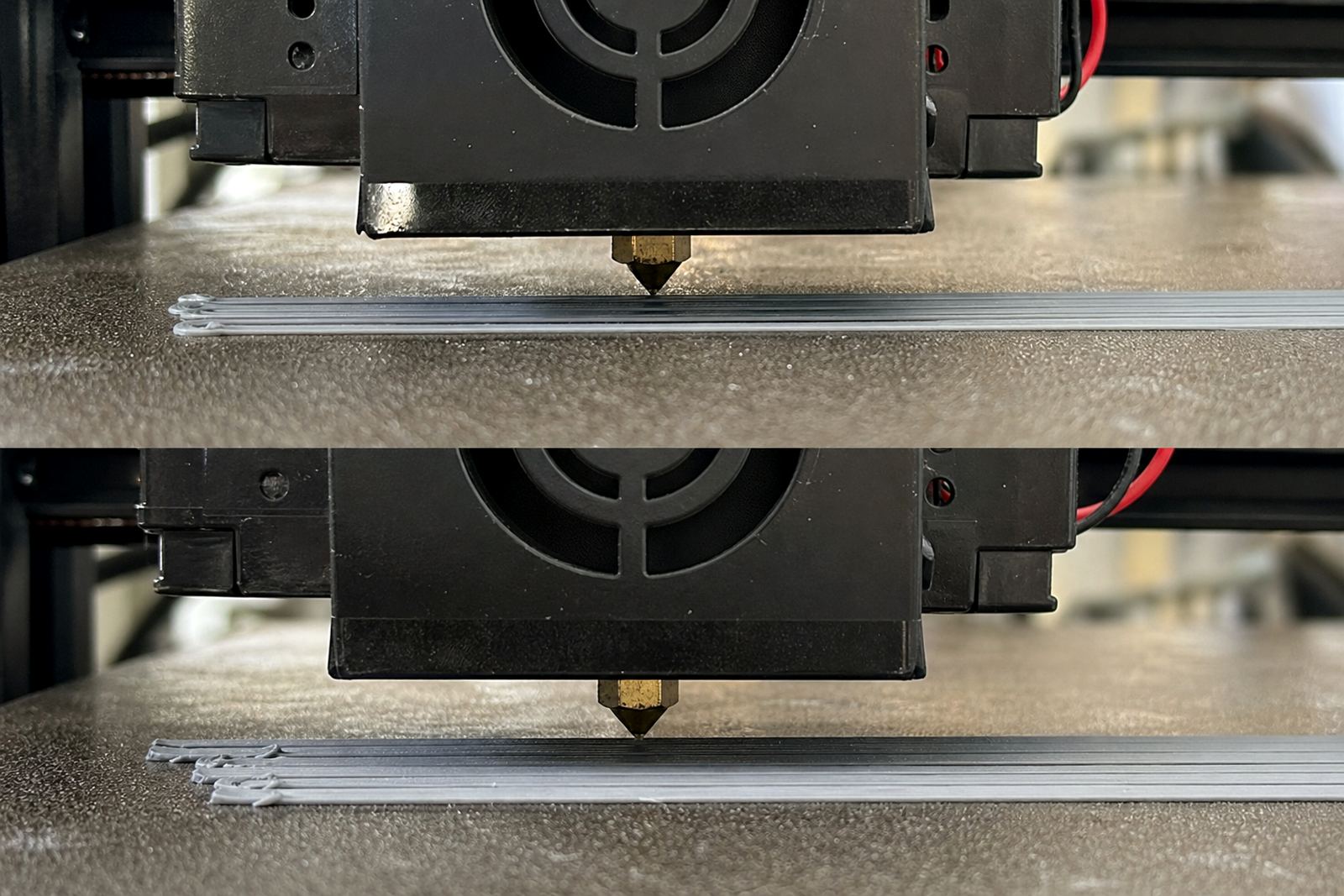
- Lines look thin on one side and squashed on the other.
- The nozzle clicks or drags at certain points on the bed.
- Brim lines are smooth in one area but broken in another.
- The first layer changes from glossy to rough across the plate.
Sometimes the clue is as simple as a change in sound. A printer that normally runs quietly may start scraping lightly at one point in the travel path. That noise often points to a bed that is too high in one area or a magnetic base that is not sitting properly. In humid coastal conditions, dust and residue can make the problem harder to spot because the plate still looks clean enough at a glance.
If the first layer keeps changing from one print to the next, do not assume the file is the issue. Check the machine first, then the surface, then the slicer. It is much easier to correct a levelling fault early than to chase random defects all afternoon.
What Actually Changes During a Levelling Check
A proper levelling check is not only about turning knobs until the corners feel similar. It is about making sure the whole system is steady: the plate, the base, the carriage and the nozzle height. If one part moves after the others are set, the machine is no longer working to the same reference.
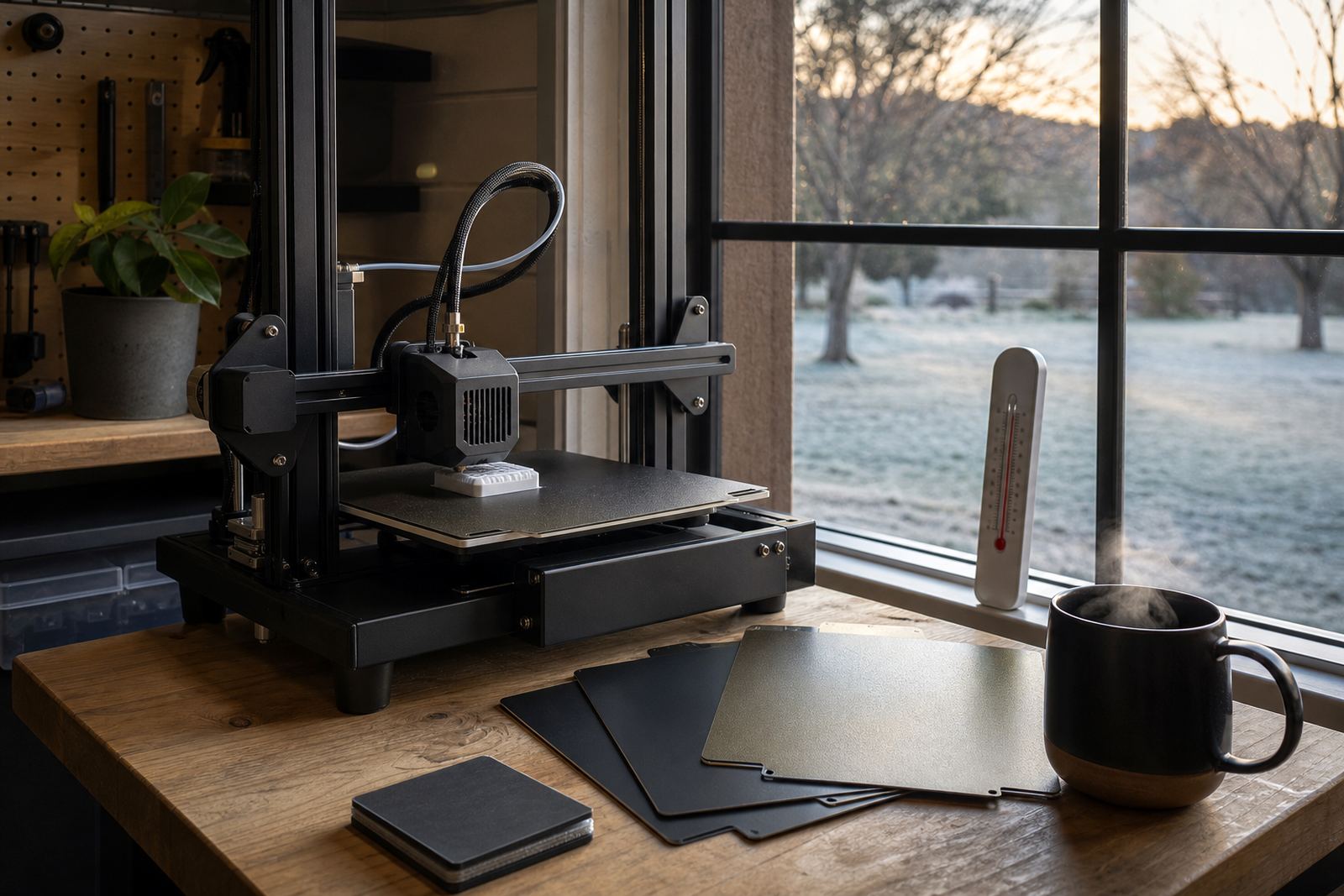
Start with a cold machine, then inspect the plate for warping, residue and damage. A bent plate can fool even careful users because the corners feel right while the centre rises or sinks. On beds with magnetic systems, confirm that the base is clean and seated fully. A small speck of filament or dust under the surface can throw off the fit by more than you would expect.
Next, check the nozzle height at several points rather than trusting one corner. Many users set the front left and then assume the rest will match. That is where errors creep in. If the centre is higher, the first layer will be too light there; if it is lower, the nozzle may dig in and smear the line. The whole bed must be treated as a working surface, not just four separate points.
How South African Workflows Make Levelling More Critical
In South Africa, levelling mistakes are often made worse by practical conditions on the ground. Load-shedding can interrupt a job halfway through, then the printer is restarted and the bed is not rechecked. A plate that cooled during the outage may settle differently once it heats again. In a busy school lab or print room that runs between power cuts, that can mean a batch of class projects all starting from a weak first layer.
Temperature swings also matter. A printer in Pretoria East, for example, may sit in a cool room in the morning and then heat up sharply by afternoon. The aluminium, magnetic base and print surface do not all expand in exactly the same way. On a long run, that can change the nozzle gap enough to affect edge adhesion. In Durban, humidity can add another layer of trouble by changing how residue behaves on the plate and making some cleaning methods less effective.
For small businesses and schools, the answer is usually routine rather than constant adjustment. Set a levelling schedule, record the settings, and inspect the plate after every major clean or nozzle change. A simple log helps teams spot patterns, such as one machine drifting more often than the rest.
A Practical Fix Routine for Makers and Print Farms
When a print starts failing, do not begin by changing five settings at once. Work through the checks in a fixed order so you can see what improved and what did not. That saves material and keeps the process teachable for more than one operator.
- Clean the plate with the right method for the surface type.
- Check that the magnetic base or mounting points are seated correctly.
- Verify the nozzle height at multiple points on the bed.
- Run a small first-layer test before committing to a full job.
- Inspect the test layer for lines, gaps and corner lift.
- Repeat after any major change to the printer or surface.
If the bed still fails after those checks, look for mechanical causes such as frame movement, loose fasteners or a warped plate. Do not keep compensating with slicer changes if the hardware is drifting. That only hides the fault and makes future jobs less predictable. A consistent process is what keeps print farms and school labs running with fewer surprises.
When To Replace the Surface Instead of Repeating the Adjustment
There is a point where more levelling is not the answer. If the plate has been scratched, bowed or worn smooth in key areas, no amount of careful adjustment will bring back even contact. That is especially true when the adhesion layer has started to fail in patches or the magnetic backing no longer sits flat.
Signs that replacement may be due include repeated edge lift in the same spot, visible grooves from the nozzle, and first layers that behave differently even after cleaning and recalibration. If the plate has been used hard in a school or farm setting, the surface may simply be past the point of reliable recovery. At that stage, a fresh plate or a correctly fitted surface usually costs less than the time lost on repeated retries.
For teams managing several machines, it helps to standardise surfaces across the whole group. That makes levelling easier to teach, reduces operator confusion and gives more even results from one printer to the next. It also makes spares planning simpler when the busy season arrives and every machine needs to stay in rotation.
A Short Example From a Busy Centurion Print Room
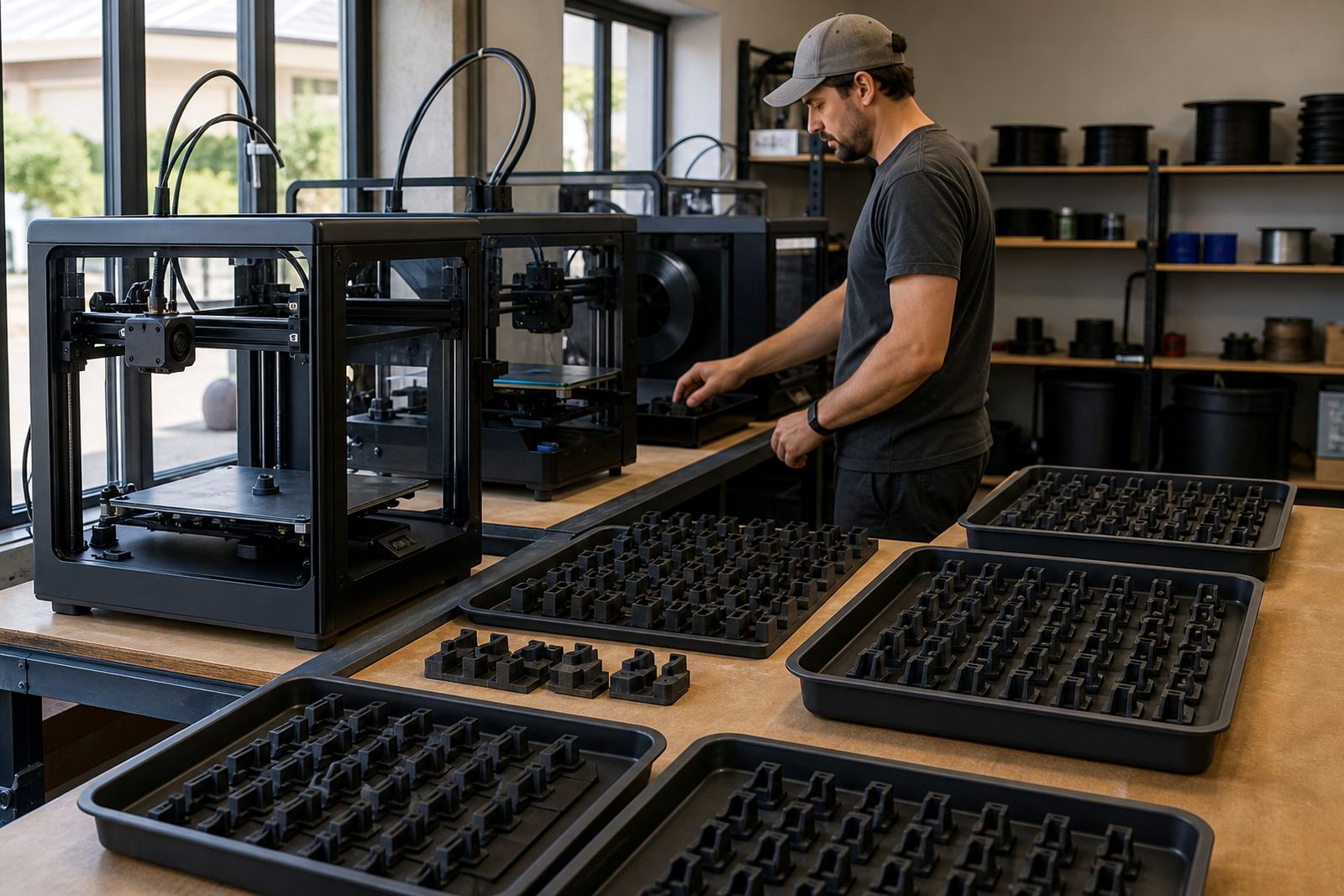
A small print room in Centurion had three machines running parts for a local school project and a set of replacement clips for a makerspace display. The operator kept seeing the same failure on one side of every bed: good adhesion at the rear, lifting at the front right. They first blamed filament, then temperature, then the slicer profile. The real problem was a slightly uneven plate combined with a magnetic base that had a bit of debris under the edge.
After the base was cleaned, the plate checked for flatness and the nozzle height tested at all four corners, the first layer became steady again. The same machine then ran for the rest of the week without another issue. It was not a dramatic repair, just a careful one. That is often the case with levelling errors: they look messy, but the fix is usually in the basics.
If your team keeps losing prints to the same corner, the best next step is to check the surface, not to push harder on speed or temperature. A good build plate should make the first layer predictable, not something that needs constant rescue.