1. Start With a Clean Build Surface
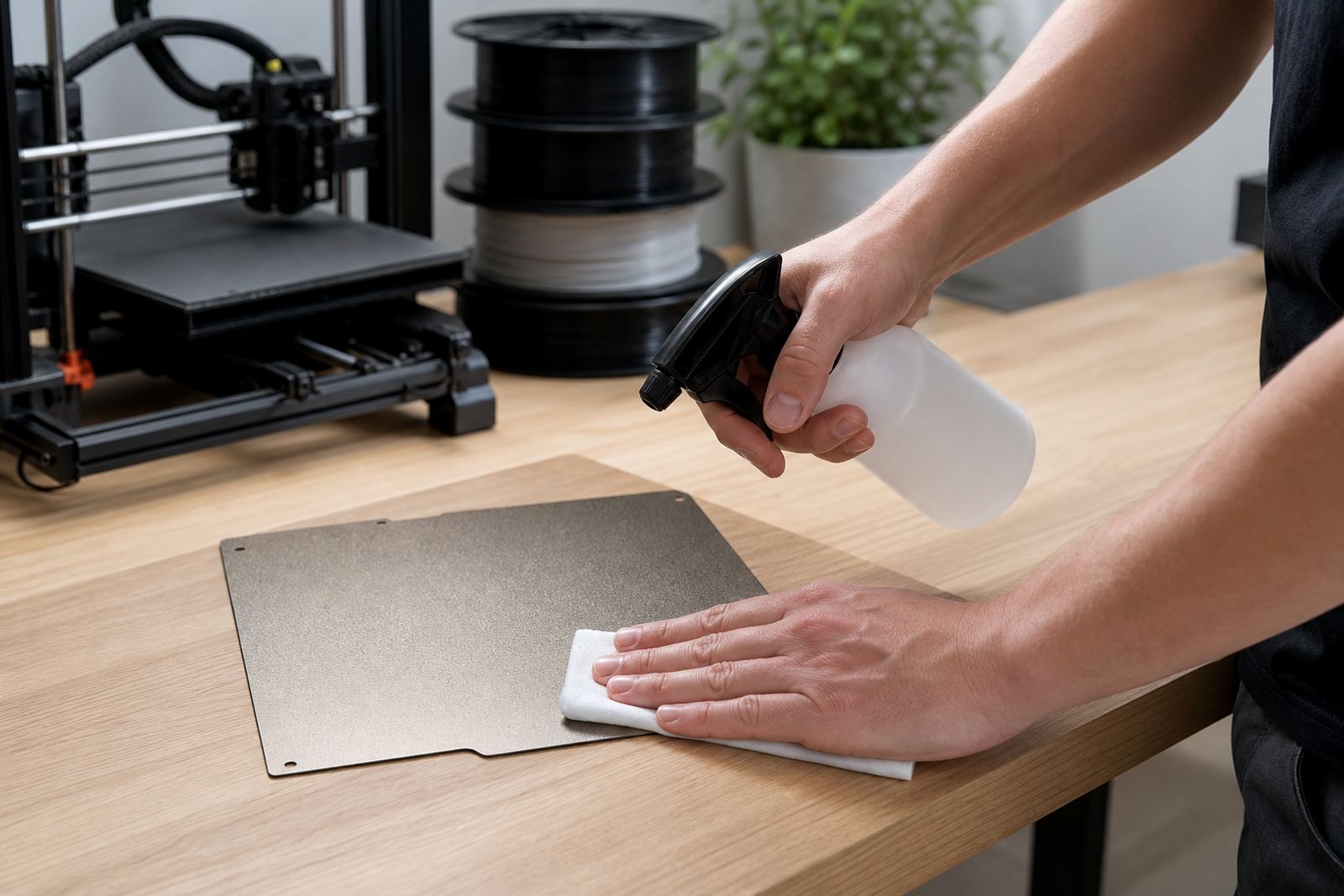
The first layer begins before the printer is switched on. Dust, skin oil, glue residue and old filament bits all affect adhesion, even when the plate looks fine at a glance. Wipe the build surface with a clean cloth and the correct cleaner for the surface you are using, then let it dry fully before loading the job.
On PEI sheets, fingerprints are a common cause of corner lift and patchy grip. If the plate has been handled a few times during setup, give it a proper clean rather than just a quick wipe. In Centurion and Pretoria, where fine dust builds up quickly during dry spells, this step matters even more.
- Remove loose dust with a lint-free cloth
- Clean away grease from previous handling
- Check for scratches, dents or worn spots
- Make sure the surface is fully dry before printing
2. Confirm Bed Flatness Before the Job Starts
A printer can look ready and still fail at the first layer because the bed is not flat enough for the full print area. Check the middle and the corners, especially if you are printing large parts, school project pieces or repeated batches for a print farm. A small dip near one corner can cause one side to stick and the other side to drag.
When a plate has seen a lot of use, heat cycles and manual removal can change how it sits on the base. If the machine has had recent maintenance, or the printer was moved between rooms, run a bed flatness check before the next important print. This is especially useful for schools with shared machines, where the printer may be carried between labs or stored after hours.
- Check for wobble on the plate or mounting base
- Look for gaps at the corners after levelling
- Test the full print area, not only the centre
- Recheck after transport, cleaning or part replacement
3. Match Temperature to the Material and the Room
Bed temperature is not something to guess. PLA, PETG, ABS and specialty materials all behave differently, and a room that is cold in winter or warm in a coastal area changes the result. In Durban and Gqeberha, humidity can affect edge grip and make some materials behave differently from a dry inland workshop. In Johannesburg, winter mornings can give you a cold printer frame and slower warm-up.
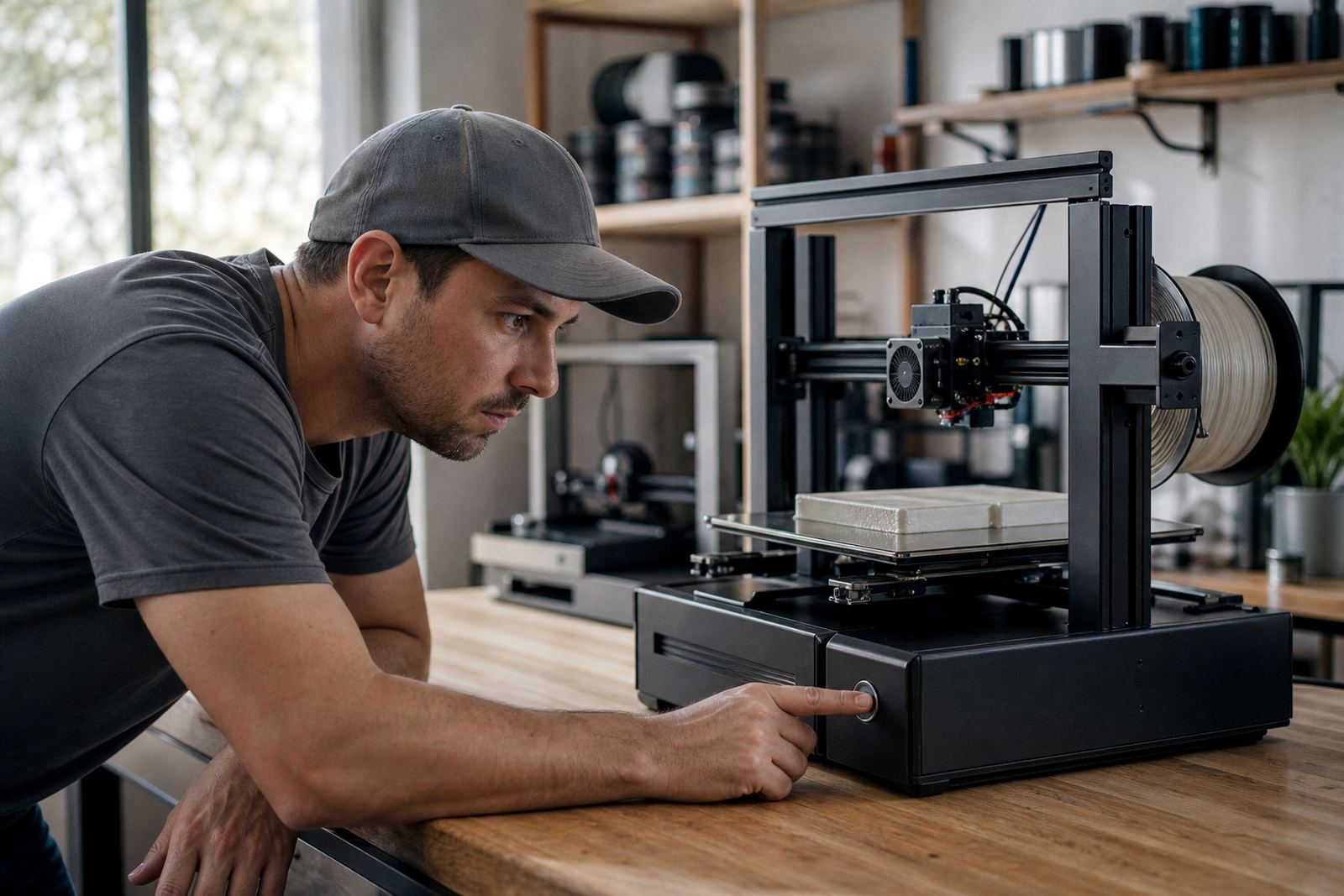
Let the bed reach the set temperature and hold it there before you start the print. If the machine uses a magnetic base or a removable plate, give the system enough time to settle. Starting too early often looks fine on the screen but causes the first layer to release halfway through the job.
- Wait for the bed to stabilise, not just heat up
- Use the correct temperature for the material
- Allow extra time in cold rooms or after load-shedding
- Keep the printer away from direct draughts and open windows
4. Check Nozzle Height and the First Layer Gap
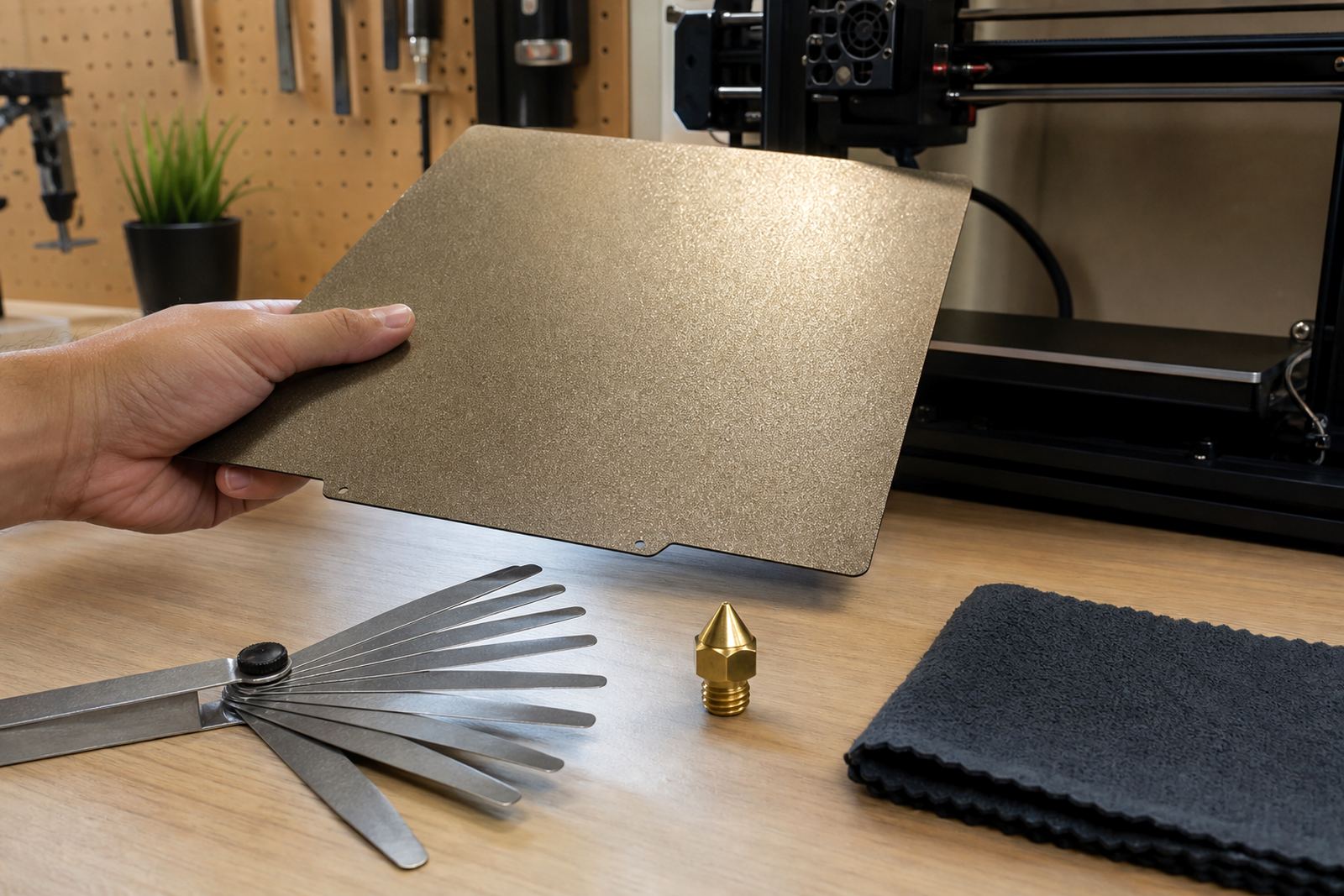
If the nozzle is too high, the filament lands in loose lines and does not bond properly. If it is too low, the material gets scraped, starved or pushed into ridges. The right first layer should look smooth and slightly flattened, with lines touching one another cleanly. You should not need to force the adhesion with extra glue if the gap is set correctly.
Before a job that matters, watch the first few passes across the plate. This is the point where small faults show up early and save you from losing a full print. A school lab setup often needs a slightly different approach from a print farm, because students may not always notice the early signs of poor squish or over-compression.
- Check that the nozzle is not dragging through the plastic
- Look for even line width across the plate
- Make sure corners are bonding the same as the centre
- Stop and adjust if the first layer looks thin or stringy
5. Use the Right Adhesion Method for the Job
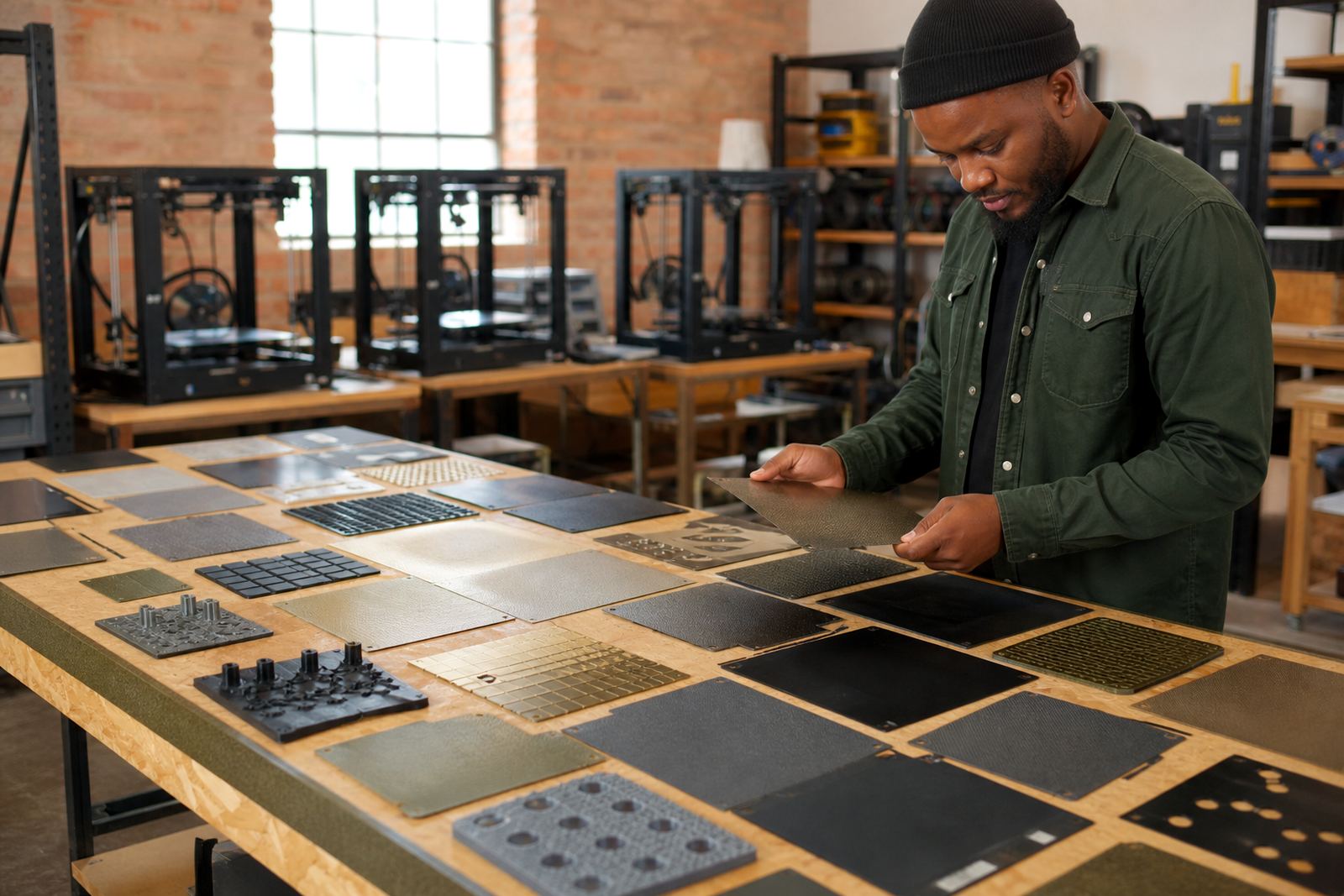
Not every plate needs the same surface treatment. Some prints need a bare PEI sheet, others benefit from a light adhesive aid, and some need careful release planning so the part does not warp during cooling. For tall parts, narrow bases and large flat panels, bed adhesion should be chosen with the end of the job in mind, not only the start.
In South Africa, many users run printers in workshops that also serve as classrooms, maker spaces or small production areas. That means the same machine may print a school model one day and a replacement bracket the next. A simple adhesion checklist keeps the process predictable and helps avoid repeat failures.
- Use the lightest adhesion method that still holds the print
- Avoid heavy residue that makes the next print inconsistent
- Plan for clean release after cooling
- Keep spare sheets or plates ready for busy production runs
6. Plan for Power Cuts, Pauses and Restart Time
Load-shedding changes the way a print job should be managed. If power drops during the first layer, the bed can cool too fast and the part may release before the printer resumes. Even short interruptions can affect grip, especially on larger parts or materials that shrink as they cool.
Before a serious print, check whether your setup has enough recovery time and whether the build plate still sits firmly after a restart. In a busy workshop, it is worth keeping a clear restart routine so the bed is rechecked instead of assuming the previous settings will still hold.
- Record the bed temperature and material settings before starting
- Confirm how the printer behaves after an interruption
- Reinspect the first layer after any pause or reset
- Remove failed starts quickly so the next job begins on a clean surface
7. A Simple Local Routine That Actually Works
A practical first layer routine does not need to be complicated. It needs to be repeatable. A small print farm in Midrand may use the same checklist every morning before production starts, while a school in Pretoria East may use it before each practical session. The process is the same: clean, check, level, heat, watch and adjust.
One local example is a classroom printing a batch of test parts for a robotics project. The printer is moved from storage, the plate has dust on it and the previous job left a little residue near one edge. A quick surface refresh, a flatness check and a proper first layer watch would prevent a wasted afternoon. That is the real value of a checklist: fewer surprises and better results from the first print onward.
- Use the same steps every time before important jobs
- Keep the plate clean between prints
- Watch the first layer instead of walking away immediately
- Replace worn surfaces before they start causing repeat failures