Why the first 10 minutes matter more than the last 10 hours
Most failed prints do not begin with a dramatic crash. They start with a slight corner lift, a patchy first layer, or a bed that was just a little too far out on one side. In South African workshops, that matters because power interruptions, busy school labs and long print queues make every wasted start costly. If you can spot the problem early, you can usually save the job before it turns into a full spool loss.
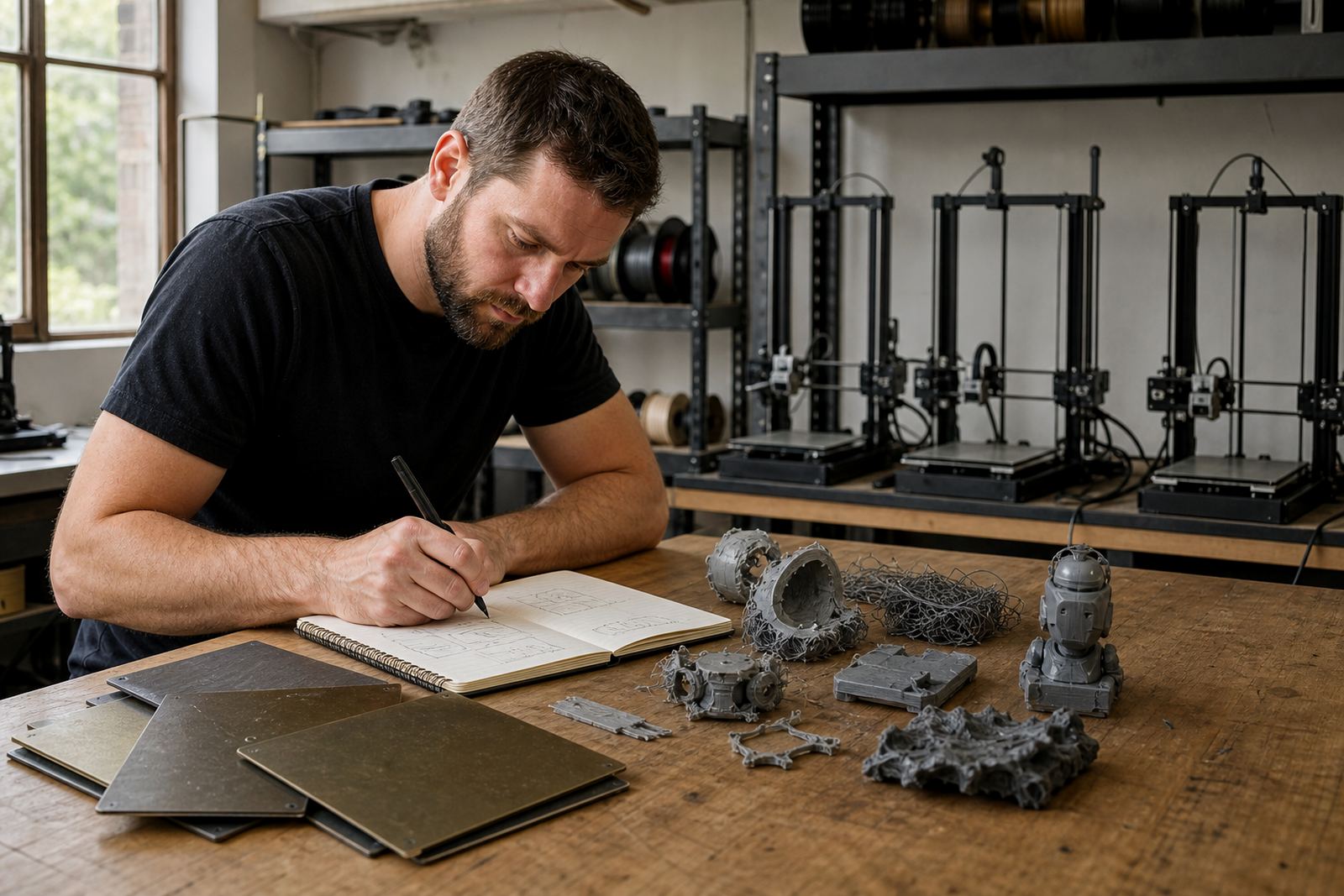
The first layer is where bed adhesion, surface condition and bed flatness all meet. A clean plate with the right surface and a level machine can hold a part down through the rest of the job. A dusty sheet, a warped base or the wrong temperature can create a weak start even when the model itself is fine.
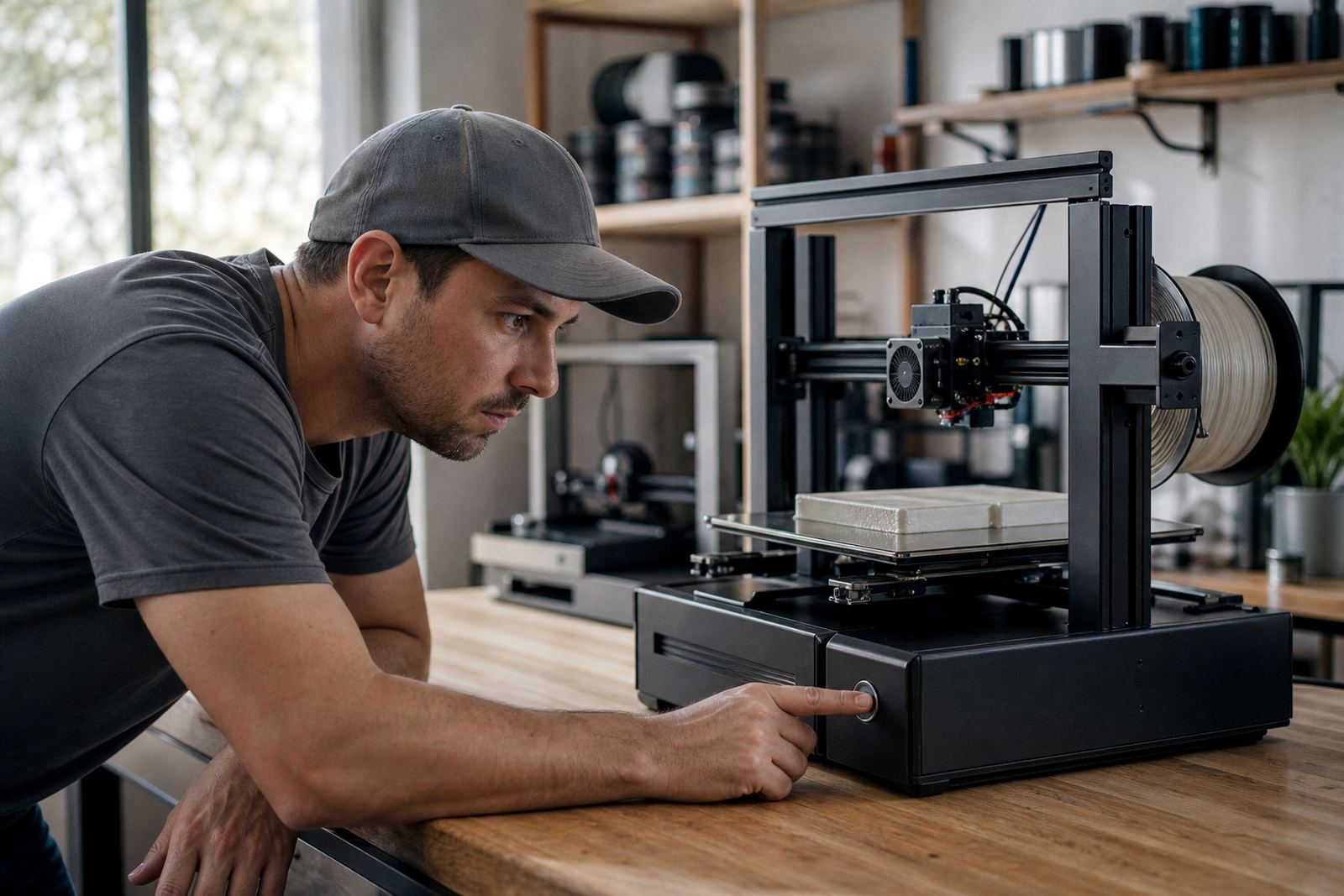
- Watch the first 3 to 5 layers closely.
- Check for even squish across the whole plate, not just the middle.
- Pause early if one corner starts lifting.
- Keep a record of repeat failures by material and machine.
What a save looks like in a Centurion print room
Take a small print farm in Centurion that runs parts for local schools and hobby clients across Pretoria and Johannesburg. A batch of brackets starts on a Monday morning, but one edge is not sticking properly because the plate has a light film of old adhesive and the magnetic base is slightly uneven. Rather than letting the print run, the operator stops it after the first few layers, removes the sheet, cleans it and checks the base. The next start holds correctly and the rest of the batch can carry on.
That is the point of saving failed starts. You are not trying to rescue every bad print after it is half done. You are learning to stop at the moment when the problem is still small enough to fix. In many cases that means saving filament, reducing nozzle wear and avoiding a bed full of warped parts.
Schools see the same thing during learner projects. If a corner lifts on a simple calibration part, it is often better to reset the plate, recheck the height and start again immediately. The lesson is better too, because learners see the connection between surface prep and print success.
The early signs that tell you to stop now
Some warnings are easy to miss if you are watching for a complete failure instead of a small one. A print can look acceptable for the first few minutes and still be heading for trouble. The job is to catch the change in behaviour before the part becomes too tall or too expensive to scrap.
- One side of the line is much thinner than the rest.
- The nozzle leaves shiny gaps or skips a section.
- A corner starts to curl within the first few layers.
- The first layer is rough in one area and over-squashed in another.
- The part makes a dragging sound as the nozzle passes over it.
If you see these signs, do not assume the printer will sort itself out. Check the plate surface, the bed temperature and the layer height right away. On coastal jobs in places like Durban or Gqeberha, humidity can also change how a surface behaves from one day to the next, so a setting that worked on Friday may need a quick revisit on Monday.
Bed prep that prevents repeat failures
Saving a failed start is useful, but preventing the next one is better. Good bed prep does not take long, yet it is often skipped when a workshop is under pressure. A quick routine before the first job of the day can prevent a chain of bad starts across an entire shift.
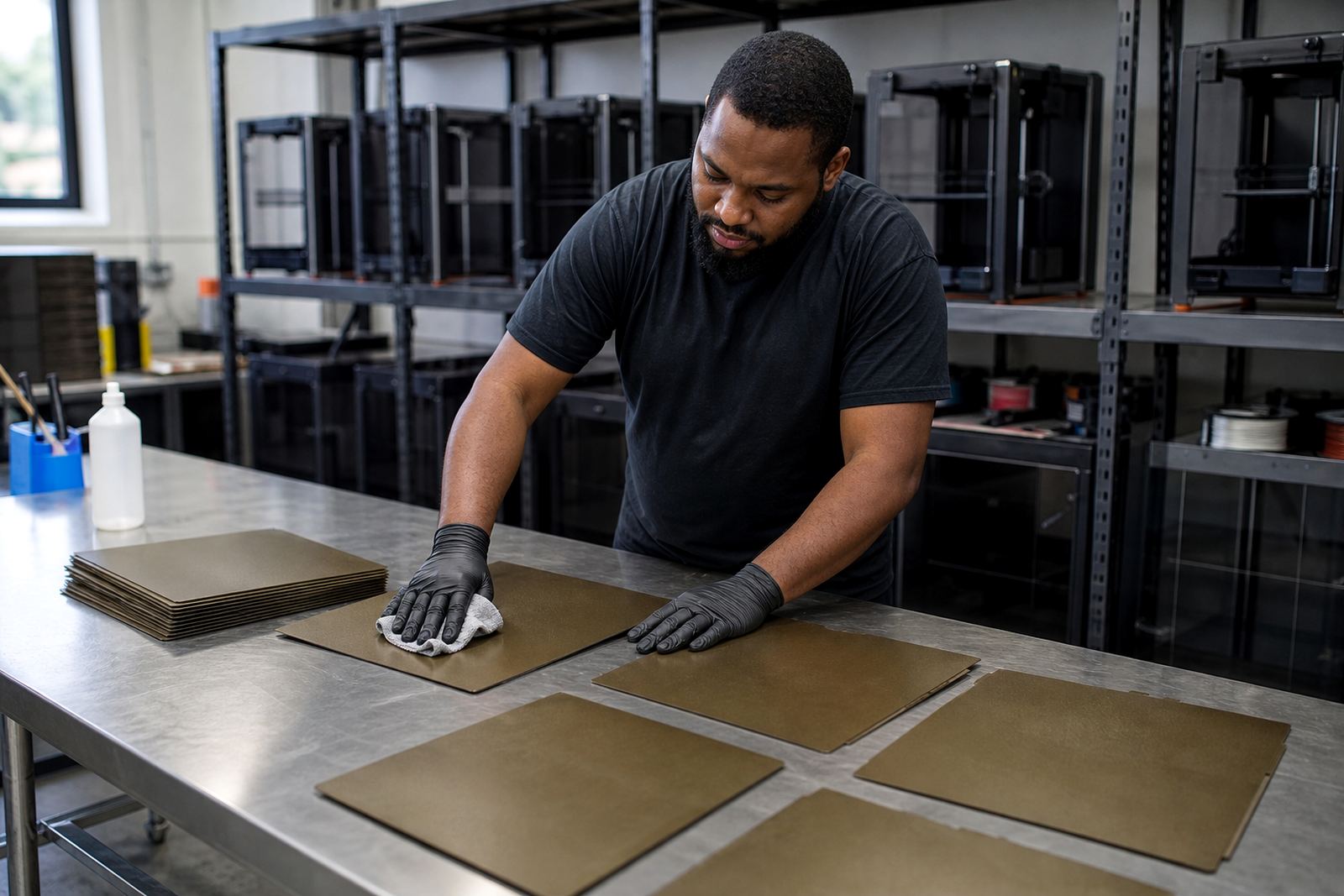
Start with a clean surface. Remove dust, fingerprints and old adhesive residue. Check that the plate is seated correctly and that the magnetic base is not lifting at the edges. Then do a simple flatness check. If the bed has high and low areas, the first layer may look fine in the centre and poor near the corners. That is common on machines that have seen heavy use in schools, garages or small production rooms.
- Wipe the plate before every important print run.
- Inspect the sheet for scratches or worn patches.
- Check bed corners after maintenance or transport.
- Replace tired surfaces before they start wasting material.
When to change the surface instead of adjusting the model
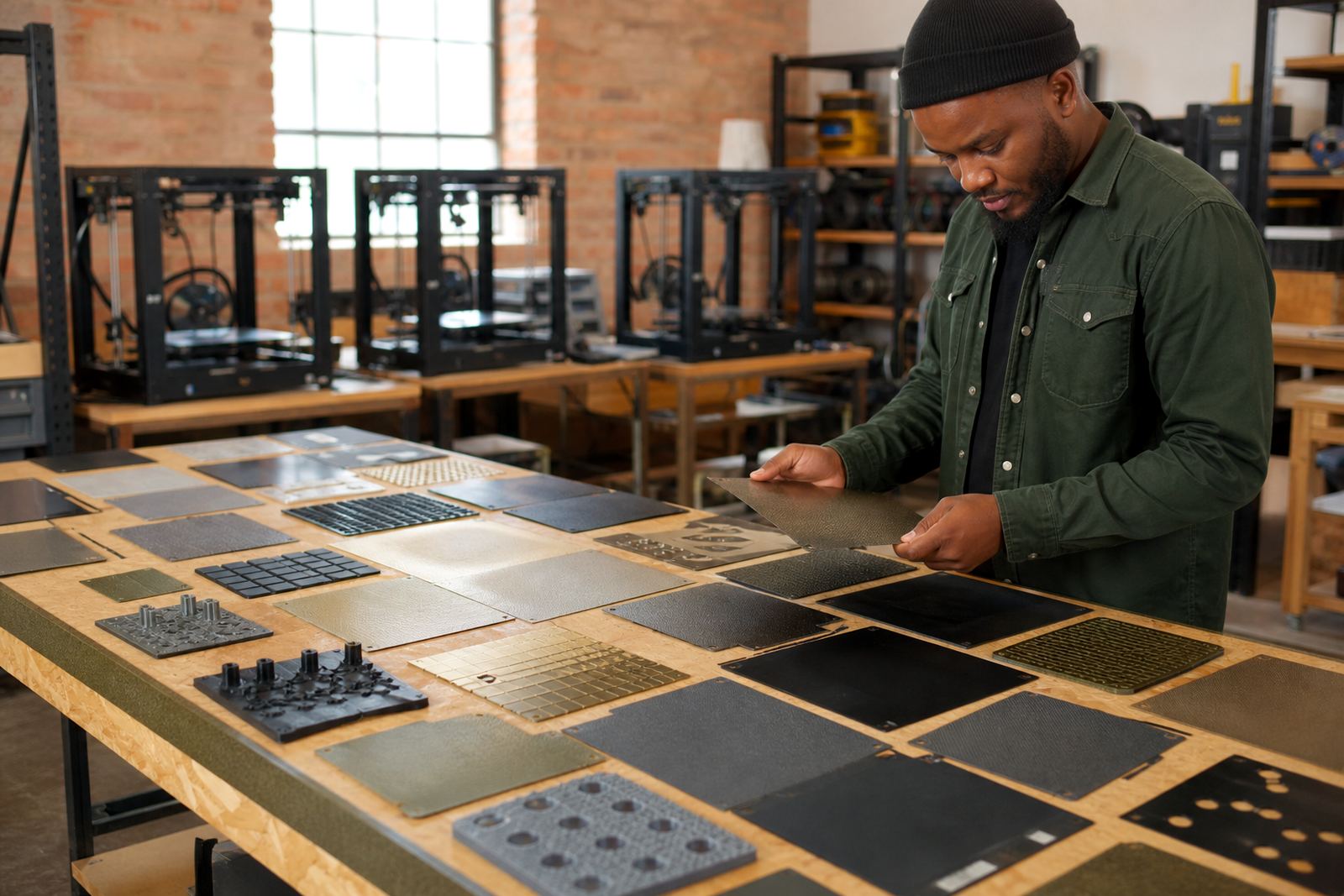
It is tempting to keep changing slicer settings when a print starts failing, but the problem is not always in the file. If the same machine fails on multiple parts, with different models and similar symptoms, the bed surface is often the real issue. A worn PEI sheet, poor fitting magnetic base or inconsistent plate installation can cause repeated starts to fail even when the model is correct.
That is where a practical replacement plan helps. For a print farm in Johannesburg, it may be worth keeping a few spare surfaces ready so machines do not sit idle while one plate is cleaned or replaced. For a school lab in Bloemfontein, a standard set of plates across all machines makes it easier to train learners and reduce mistakes. The more consistent the surface, the easier it is to spot a real process problem.
If the same edge keeps lifting on different jobs, do not keep hoping the next one will behave. Swap the plate, check the base, and compare the result. A quick surface refresh can save more than a full reprint ever will.
Building a simple save-and-check routine for teams
In a busy workshop, good habits matter more than clever fixes. A short routine helps everyone react the same way when a print starts badly. That reduces guesswork and stops one operator from wasting time while another keeps printing on a bad setup.
At LayerPad, the most useful systems are usually the simplest ones: plate installation done properly, a fast bed flatness check, and clear guidance on when to stop a print. For makers, schools and production teams, that can mean fewer failed starts and more parts leaving the bed on time.
- Check the first layer before leaving the machine unattended.
- Note the cause if a print is stopped early.
- Clean and reset the bed before the next attempt.
- Keep spare surfaces for high-use machines.
Once the team follows the same process every time, the number of failed starts drops. The machine spends more time making parts and less time consuming filament on jobs that were never going to hold. That is a practical saving, and in South African conditions, practical savings count.