Why parts bond too hard in South African print rooms
Over-adhesion usually starts with a bed that is too hot, a first layer that is too close, or a surface that has become overly grippy after repeated use. In Centurion and Pretoria, where print rooms can swing from dry winter air to warm afternoons, small setup errors can turn into a stubborn bond fast.
On PEI sheets and other textured surfaces, a clean bed is good but a bed that is fresh in every sense can sometimes hold more than it should. Add a little over-extrusion, slow cooling, or a brim that runs too wide and the part can lock in place. If the print then gets yanked off while the bed is still warm, the surface itself pays the price.
First response when the part will not release
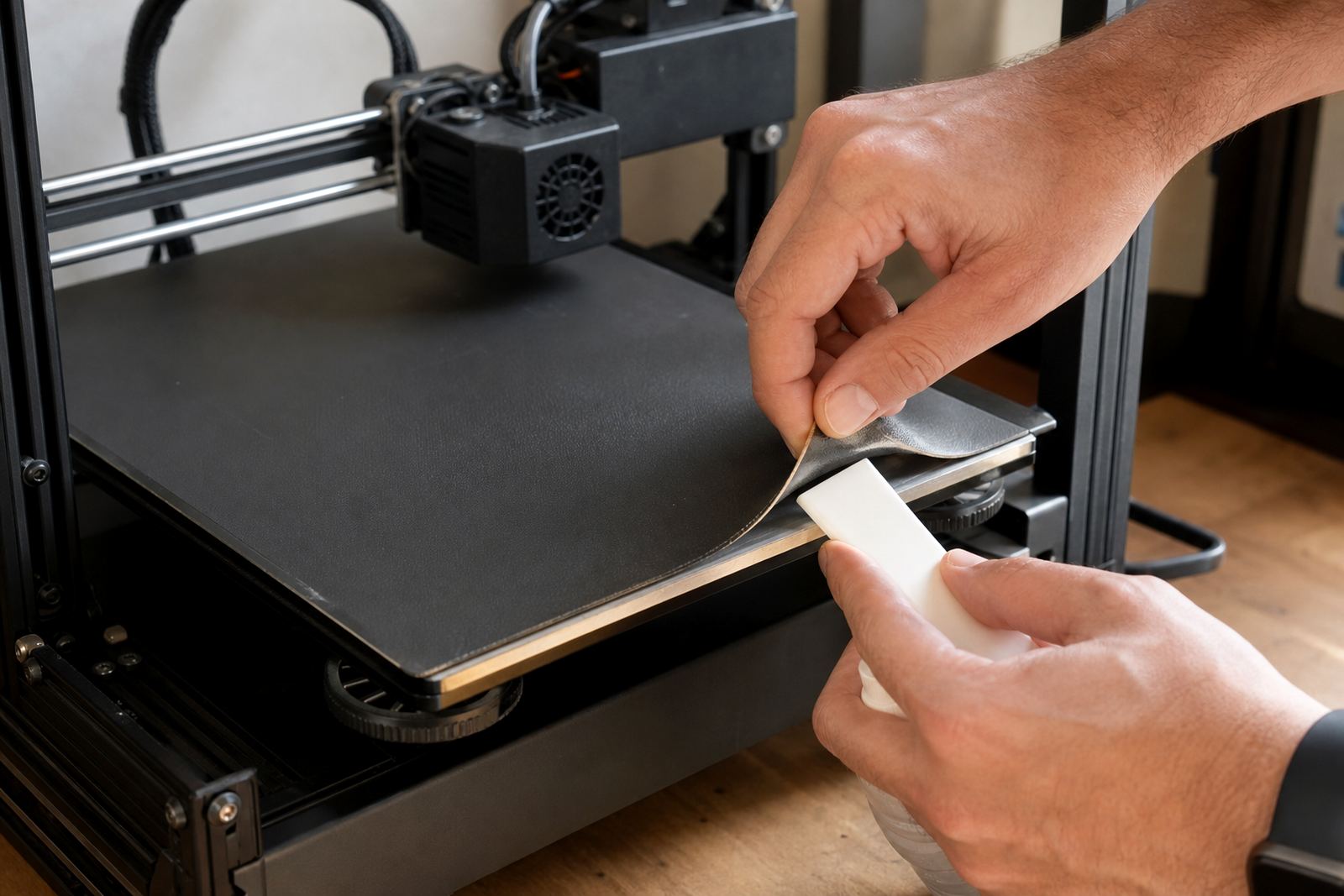
Do not force it with a scraper straight away. Let the bed cool fully, then try gentle flexing if the plate is removable. Many parts release as the material contracts, especially on spring steel plates and similar flexible surfaces.
- Wait until the bed is room temperature before trying again.
- Lift one edge with a plastic tool, never a sharp metal blade first.
- Try a small twist or flex rather than a hard pull.
- If the part still holds, place the plate in a cool area for a few minutes.
If the print is on a fixed surface, a little patience helps more than force. A rushed release can pull off the top layer of a PEI sheet or leave a shiny patch on the coating.
How to stop the next print from gripping too hard
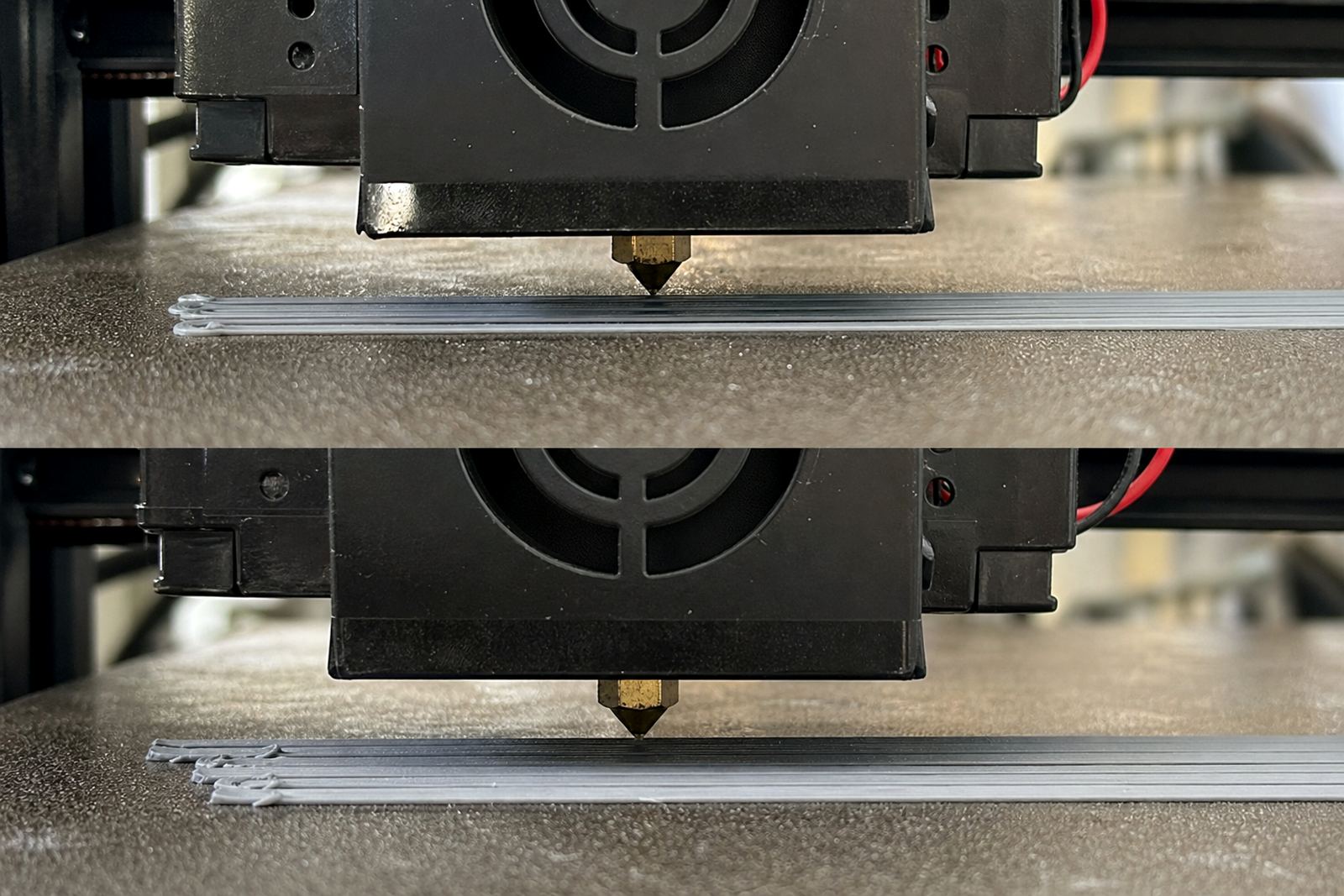
The best fix is to adjust the adhesion before the next job starts. Check the Z offset first, then the first layer width and bed temperature. If the nozzle is too close, the line is squashed into the surface and gets tenacious very quickly.
For PLA, many users in Gauteng run the bed hotter than needed out of habit, especially on cold mornings and during load-shedding recovery when printers restart in batches. That can make the first layer bite harder than it should. A small temperature drop or a thinner first layer can be enough to prevent damage.
- Reduce bed temperature in 5 degree steps.
- Increase Z offset slightly if the first layer looks over-compressed.
- Check flow rate if edges are bulging.
- Use only the adhesion aid needed, not a heavy coat.
When the surface has already been marked or worn
Once a bed has visible scars, the answer depends on the damage. Light shine marks on a PEI sheet may still print fine, but scratches, lifted corners, or bald areas need attention before the next run. A damaged surface often starts behaving unevenly, so one part sticks too well while another lifts early.
If the coating has started to peel, stop using that side for production jobs. In school labs and print farms, that kind of fault leads to failed jobs, extra filament waste and more operator time. A quick surface refresh or replacement planning step is often cheaper than chasing repeated failures.
- Inspect the centre and corners under good light.
- Look for lifted edges, glossy patches and dents.
- Keep a spare plate for busy runs.
- Record which material caused the damage so you can avoid the same setup again.
Material choices that change release behaviour
Different filaments behave differently on the same bed. PETG is known for gripping hard, especially on smooth sheets, and it can take part of the surface with it if release is forced. ABS and ASA can also bond strongly when the first layer is tuned for maximum hold. Even flexible materials can behave badly if the bed is over-prepared.
For production use, choose the surface for the job rather than using one setting for everything. A lower-tack surface may suit repeat runs better, while a higher-grip plate works well for small parts that tend to lift. In Durban and Gqeberha, coastal humidity can also affect how coatings behave from one week to the next, so it helps to test before a full batch.
If you are running a mixed farm, standardising the plate type and first-layer settings across machines can save time. It also makes training easier for new operators, which matters in schools and maker spaces where different people use the same equipment.
A Centurion example from a busy print farm
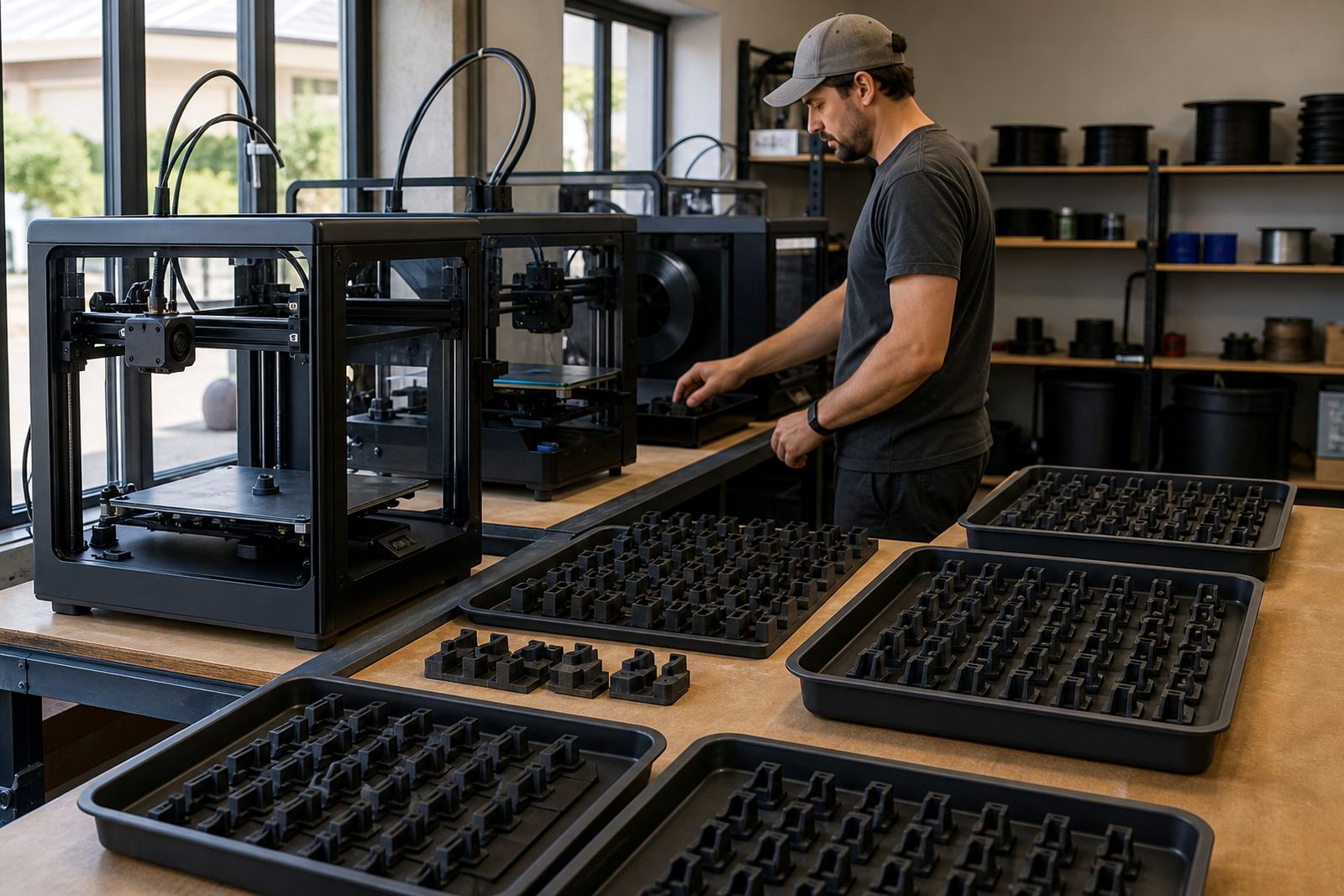
A local print farm in Centurion was running a batch of small brackets for a Johannesburg client and every third plate was coming off marked. The cause turned out to be a combination of high bed heat, a nozzle set too low, and aggressive removal while the plates were still warm. The team had been trying to speed up turnover, but the faster routine was costing them plates.
After a bed flatness check, a small Z adjustment and a change in release procedure, the failures dropped quickly. The operators now let the beds cool, flex the plates gently, and log any print that behaves differently. That simple change protected the surface and improved repeatability across the whole farm.
Simple care habits that keep adhesion under control
Over-adhesion is easier to prevent than repair. Regular cleaning, sensible temperature settings and careful handling all help. In South Africa, where a setup may run through dusty weeks, hot afternoons and power interruptions, the routine has to be practical and consistent.
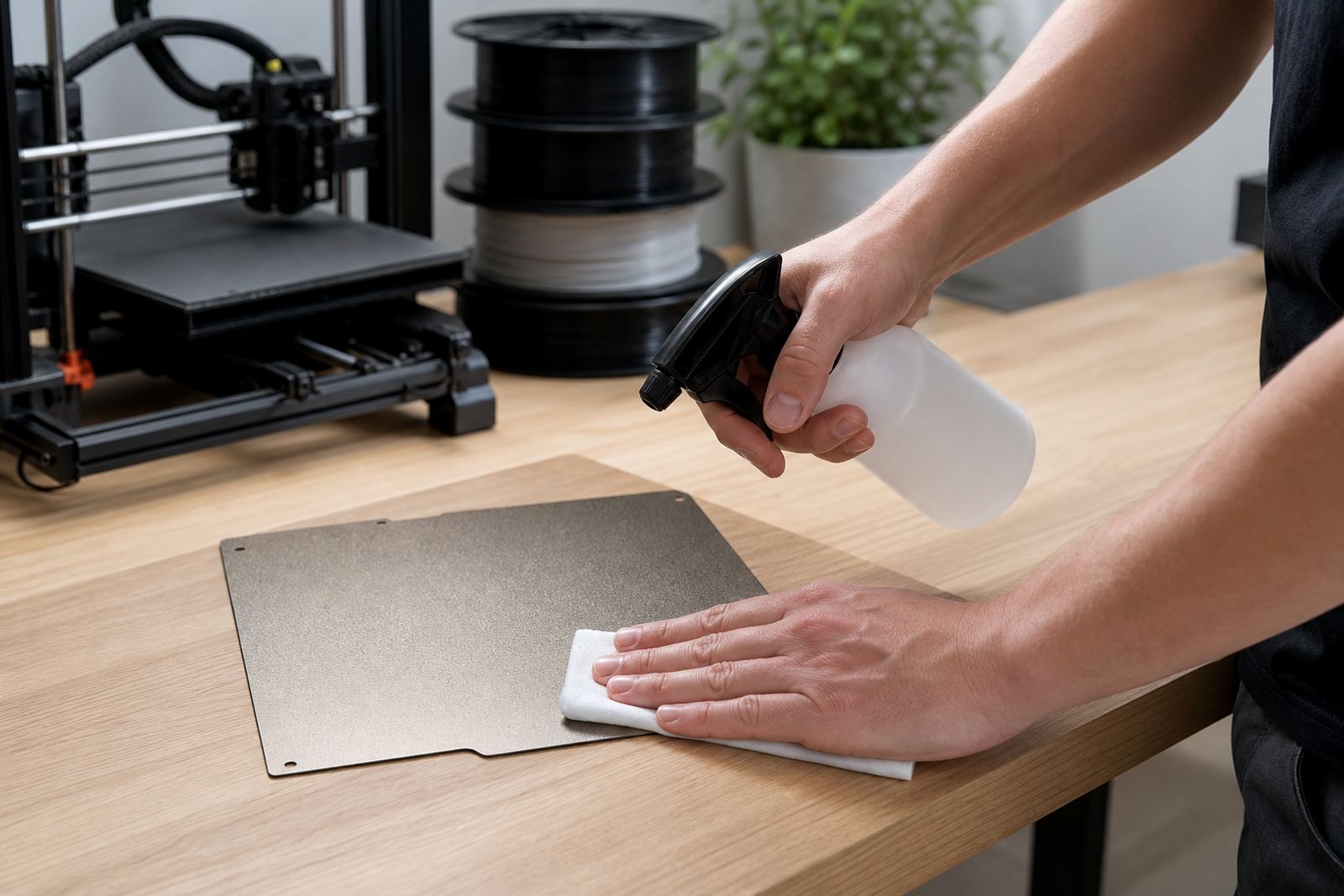
- Wipe the bed with a suitable cleaner before each batch.
- Avoid touching the print area with bare hands.
- Store spare plates flat, not leaning against a wall.
- Train users to release parts after cooling, not during the print rush.
When the bed behaves properly, parts release cleanly and the surface lasts longer. That saves filament, time and replacement costs, which matters whether you are printing in a home workshop or a school lab.