What Wear Patterns Tell You Before Prints Start Failing
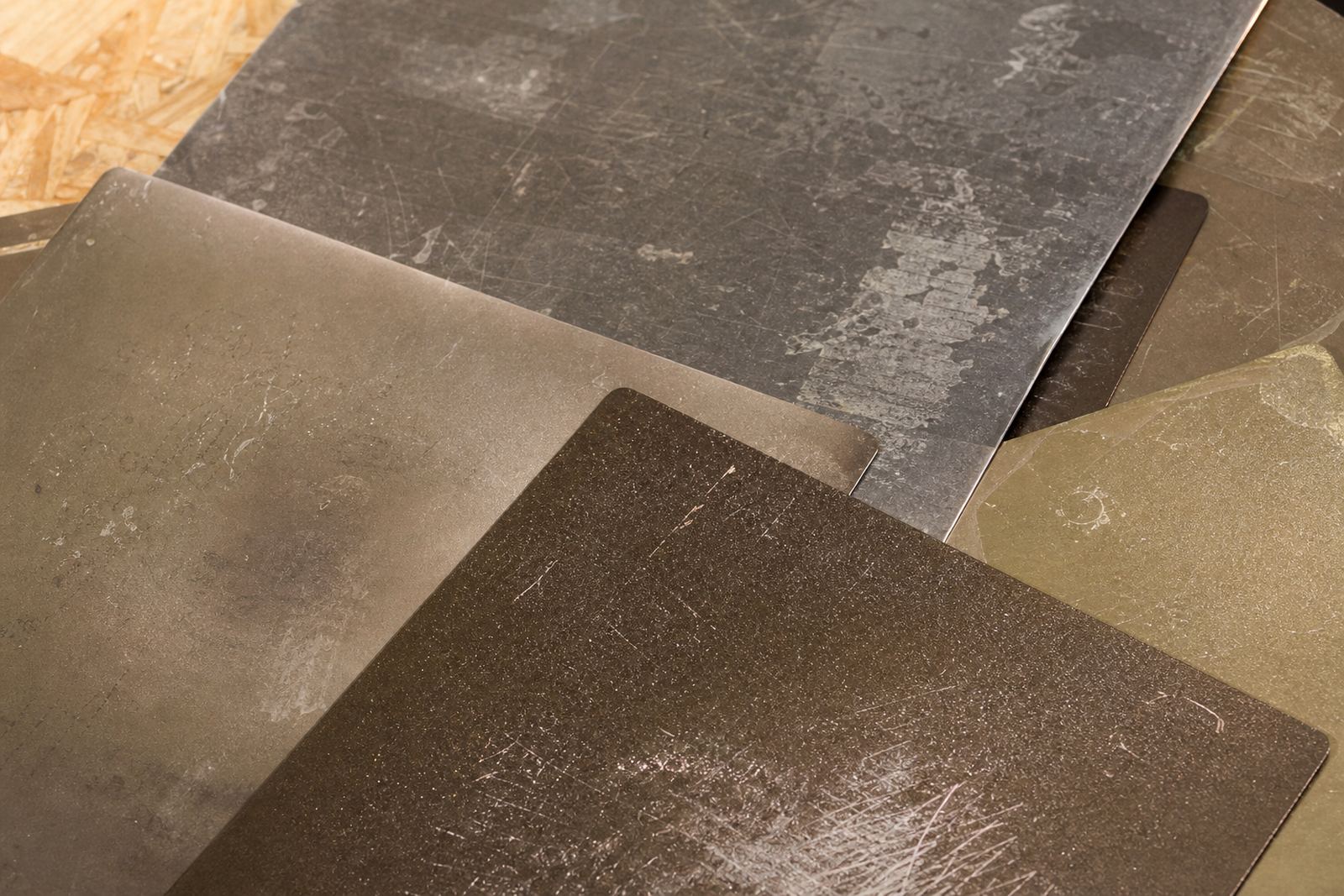
A good plate gives clues long before it starts causing failed first layers. When you see polished areas, dull patches, gouges, or spots where parts lift only on one side, you are looking at wear patterns that build up over time. In most cases the plate is not suddenly bad, it has simply been working hard under heat, cleaning, and repeated part removal.
For South African users, those signs matter because print rooms do not all run in the same conditions. A home printer in Centurion may see dust, power interruptions and temperature swings in a study. A school lab in Pretoria East may have many hands touching the same surface. A small farm in Johannesburg may be running plates for long shifts, so the surface gets tired faster than expected. The pattern tells the story.
Once you know what to look for, you can separate normal ageing from real damage. That saves money, and it also helps you decide whether the answer is a surface refresh, a replacement sheet, or a full plate change.
Shiny Spots Usually Mean One Thing: Repeated Contact
Shiny spots are one of the most common signs on PEI and coated plates. They normally appear where the nozzle lands close to the same point, where a part is removed with a scraper, or where prints are always placed in the same position. If the shine is limited to a few areas, the plate may still work fine, but the grip can become less even across the bed.
In a workshop that prints the same bracket, clip, or school project over and over, you often see a bright circle in the centre and extra wear near the front edge. That is where hands reach in most often. If the plate is magnetic, the repeated lifting and resetting can also mark the underside, which is worth checking when levelling problems keep returning.
- Watch for a smoother feel under one finger compared with the rest of the plate.
- Check whether prints still release well in the shiny zone but stick harder elsewhere.
- Look for repeated contact marks where the nozzle starts or stops.
- Compare the centre of the plate with the corners, since wear often starts in the middle.
Scratches, Scrapes and the Difference Between Harmless and Harmful
Light scratches are often cosmetic. Deep scrapes are different because they can hold dirt, catch the first layer, or create a ridge that affects flatness. If you can feel the line with a fingernail, it deserves attention. A fine surface mark from a clean tool may not matter much, but a gouge from a metal scraper can ruin the way filament lays down in that area.
Many users think a scratched plate must be replaced immediately. Not always. If the plate still heats evenly and the scratch is shallow, you may only need a refresh or a careful clean. But if you are seeing strings of failed adhesion in the same path every time, the damage may be deeper than it looks.
On beds that are used in classrooms or maker spaces, scratches often come from rushed print removal. One person uses a safe flex, another reaches for a hard blade, and after a few months the plate has a pattern of narrow cuts. That is usually fixable in part, but it is a sign that the removal method needs to change.
Patchy Grip Points to Heat, Dirt or Surface Fatigue
Patchy grip means one part of the plate holds a print well while another part lets go too early or grips too hard. This is often blamed on the filament first, but the plate is usually the better place to start. Uneven cleaning, oily fingerprints, residue from adhesives, or inconsistent bed temperature can all leave parts of the surface behaving differently.
Load-shedding can make this worse. If a printer is powered down mid-job and the bed cools quickly, residue can harden in odd patches. In coastal areas like Durban or Gqeberha, humidity can also change how clean plates feel from one day to the next. A plate that seemed fine in the morning can feel different after sitting in a warm room overnight.
- Test adhesion in four corners and the centre, not only in the middle.
- Clean with the same method every time so you can compare results fairly.
- Look for areas that resist soap and water, or that stay glossy after cleaning.
- Note whether the problem follows the same shape, which may point to a worn zone.
Reading Wear Across Schools, Homes and Print Farms
Wear patterns look different depending on who is using the printer. In a school lab, the plate may show edge damage from frequent supervision and fast print turnaround. In a home workshop, the middle of the bed may wear first because that is where most models are placed. In a print farm, the same parts may be printed thousands of times, so the centre line, corners, and magnetic base all age in a more measured but steady way.
A practical example from Centurion: a small training room with six printers started seeing poor first layers on only two machines. The problem was not the filament. Those plates had shiny centre patches and fine scraper marks near the front edge, while the others had been cleaned and rotated more regularly. Once the team changed the removal method and added a simple plate check before each shift, the failures dropped at once. It was a small fix, but it saved hours.
That is why wear patterns matter. They show you whether the issue is local, repeated, or caused by handling rather than by the printer itself.
What to Check Before You Replace a Plate
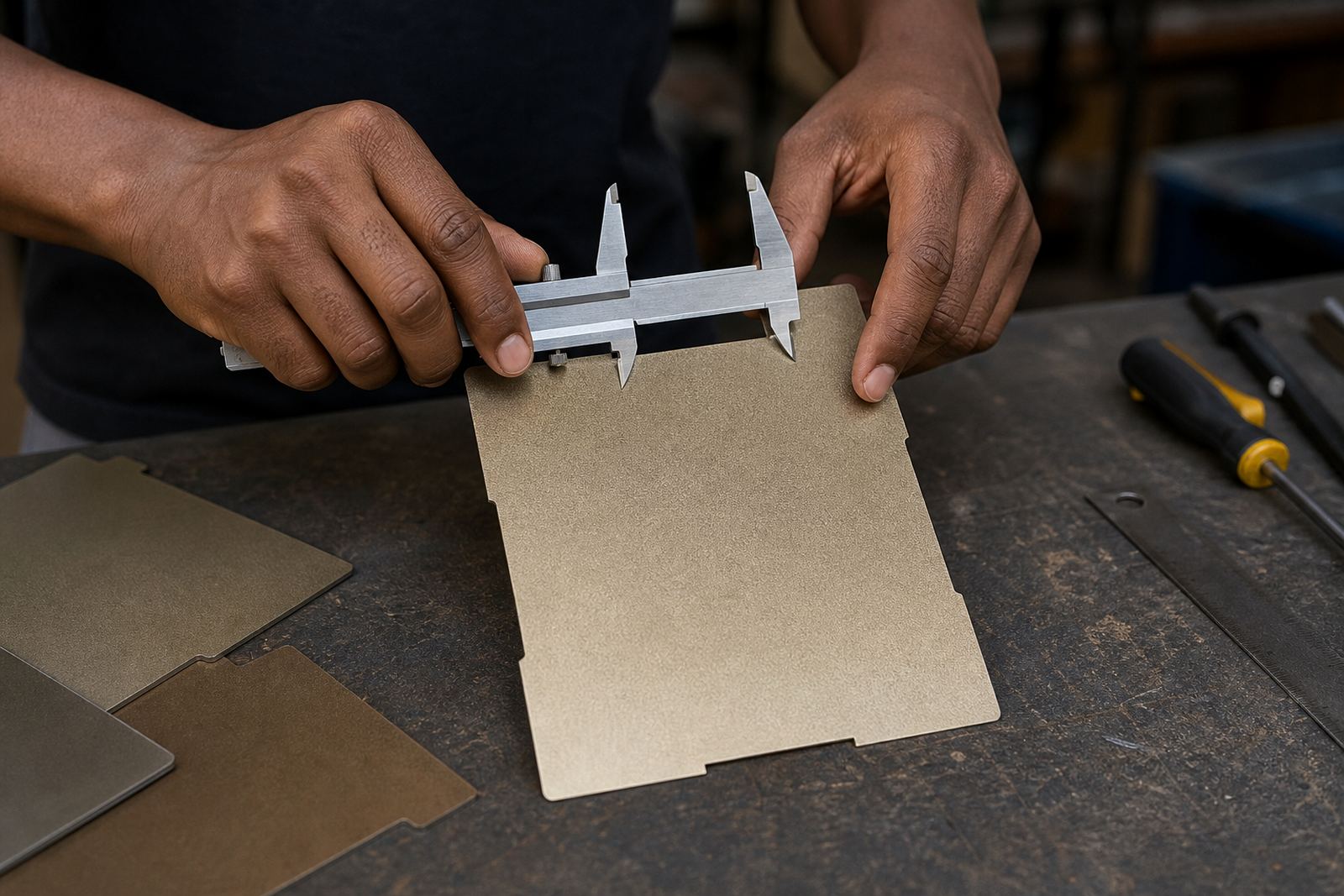
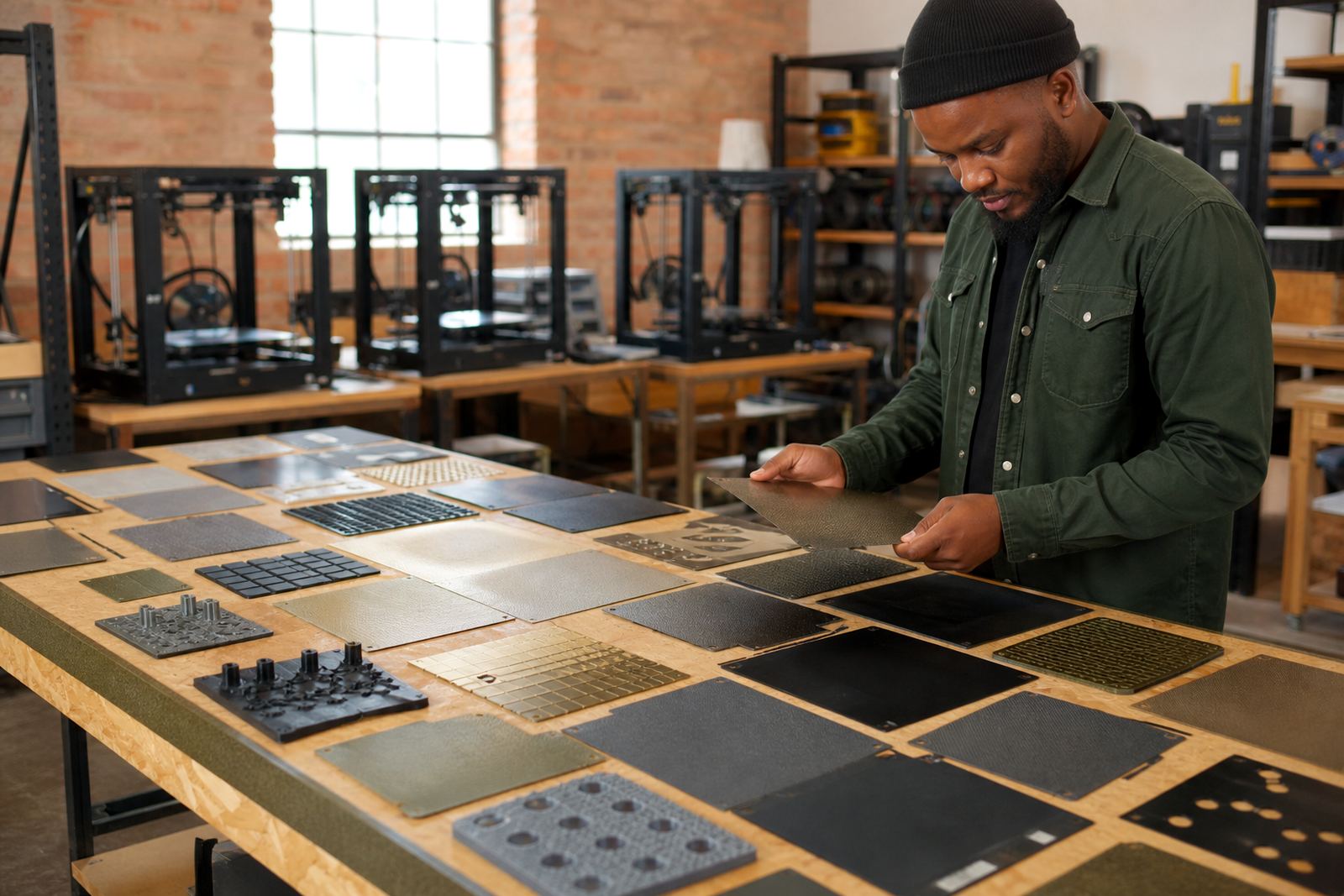
Before buying a new build surface, it is worth running a simple inspection. A plate may only need cleaning, re-levelling, or a replacement top sheet rather than a full assembly. The aim is to match the repair to the actual wear, not the worst-looking spot.
Use this quick check:
- Wipe the plate and inspect it under bright light from two angles.
- Run a finger lightly over shiny areas to feel for ridges or cuts.
- Test adhesion in different zones with a small, repeatable print.
- Check for warping or loss of flatness near the edges.
- Confirm that magnets, clips, or fixing points still hold evenly.
If the plate fails in the same places every time, replacement may be the sensible option. If the issue moves around, the cause could be cleaning, heat, or first-layer setup instead. That distinction matters when you are managing costs for a school, a maker group, or a busy print farm.
Keeping Wear Even So the Plate Lasts Longer
The best way to manage wear is to slow it down. Rotate the plate where possible, avoid metal tools on the surface, and keep a simple cleaning routine that everyone follows. If a printer runs daily, it helps to log the date when the plate was fitted and note any change in grip. That makes it easier to spot a pattern before the surface reaches the point of no return.
For South African users, practical care also means planning around the realities of the day. Dust, humidity, municipal power interruptions, and long print queues all affect surface life. A plate that is checked after a long weekend and again after a week of printing may tell two very different stories. Keep an eye on it and do not wait for a complete failure.
When wear is understood early, the result is fewer ruined prints, less material waste, and better confidence in every first layer. That is the real value of reading the plate properly.