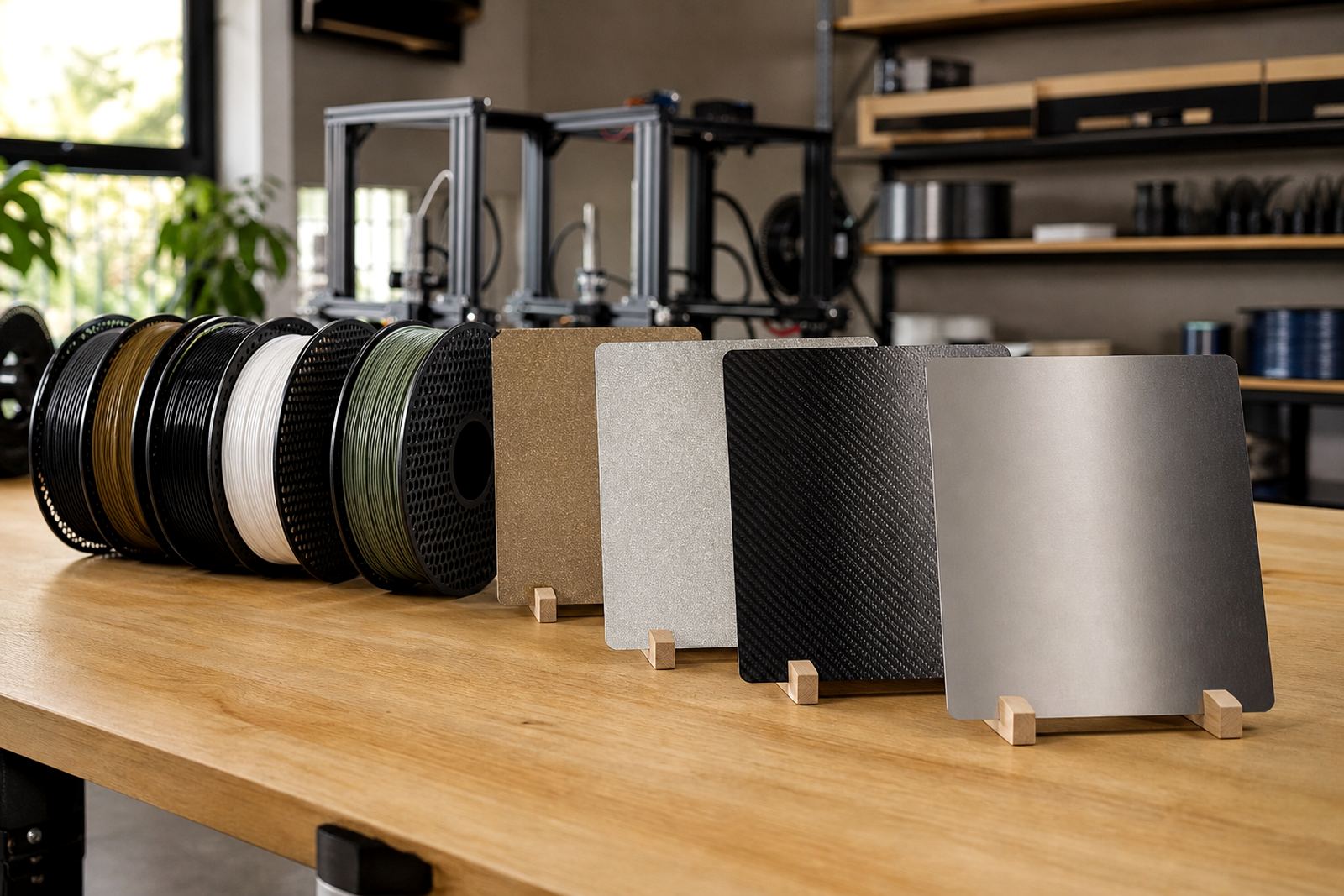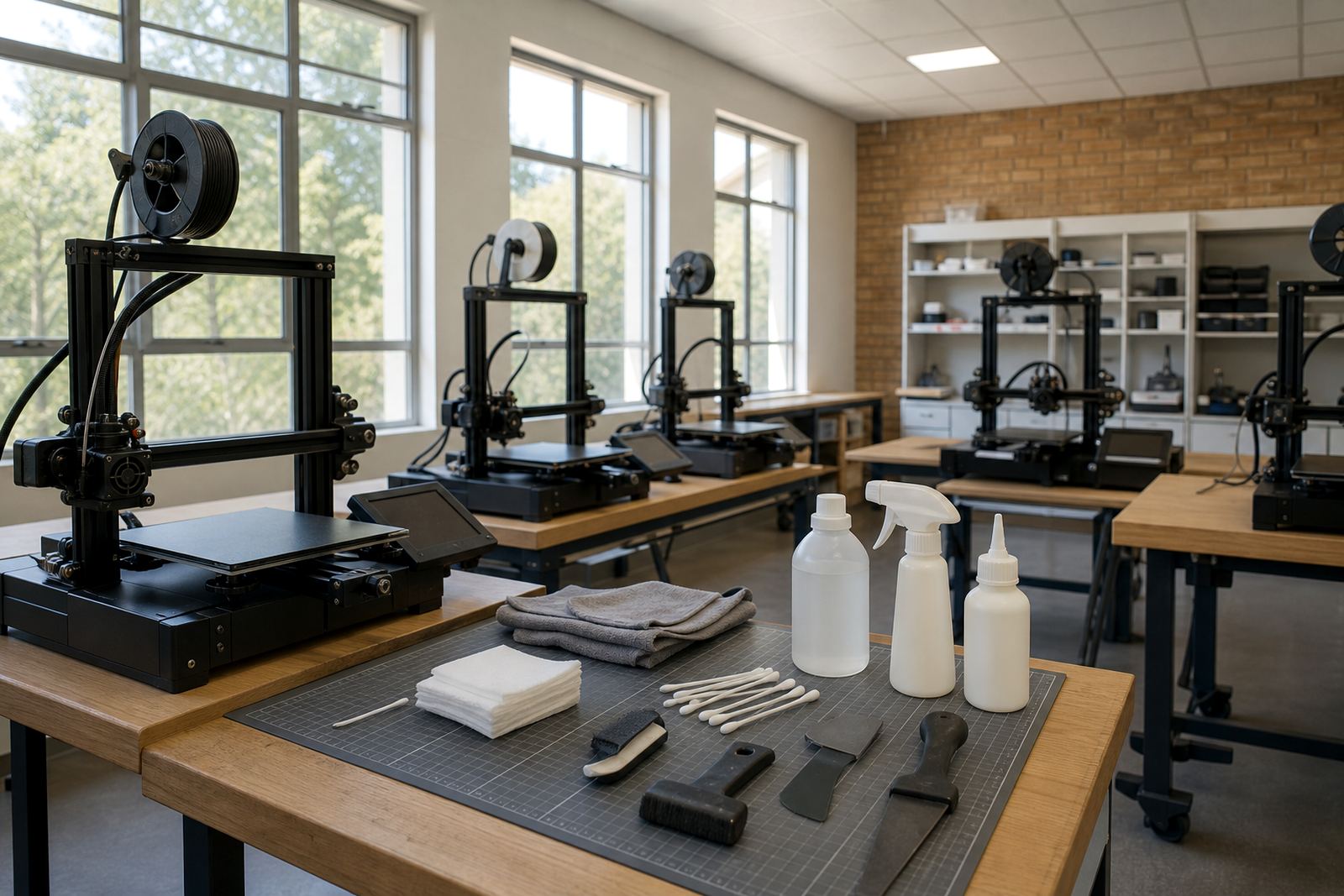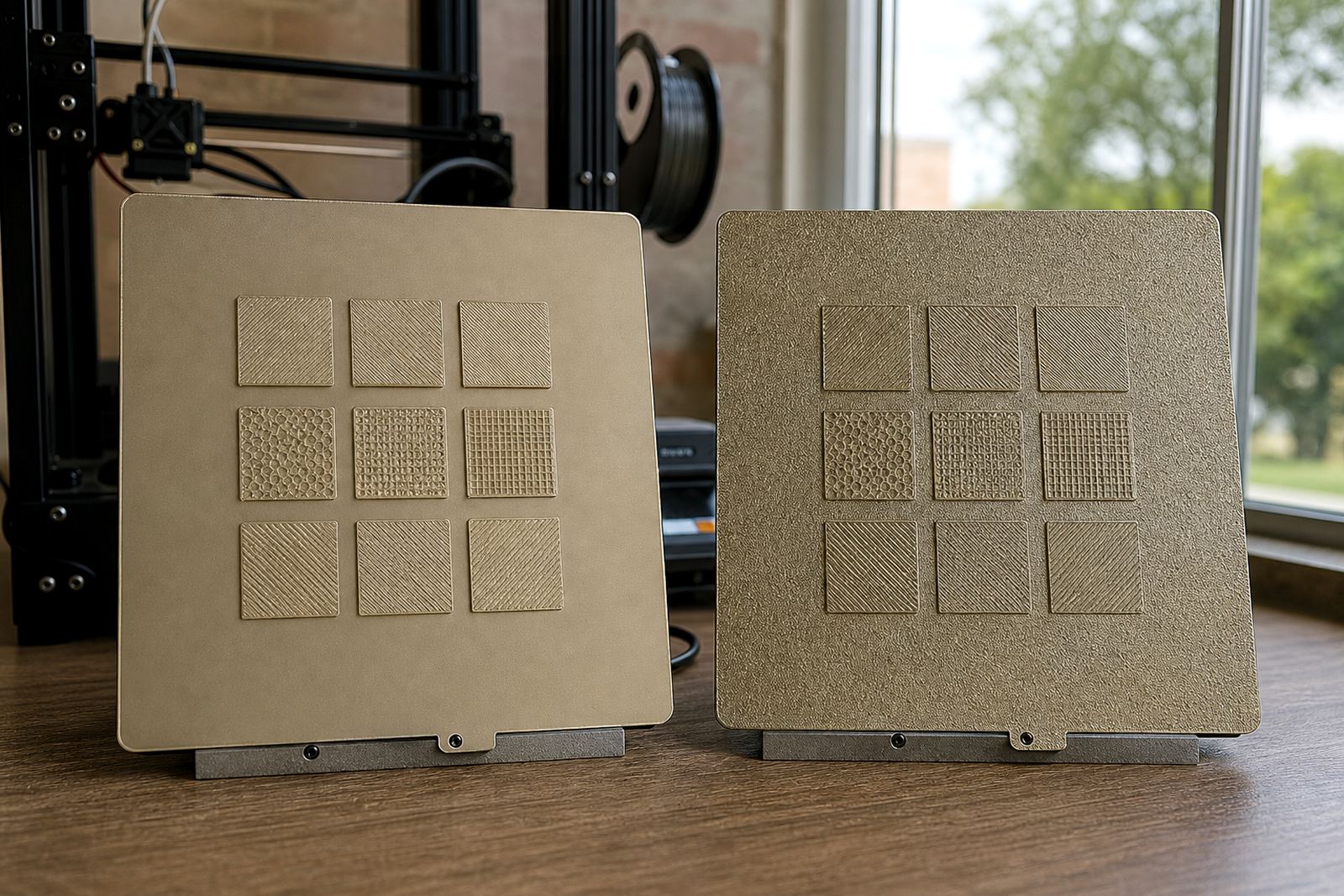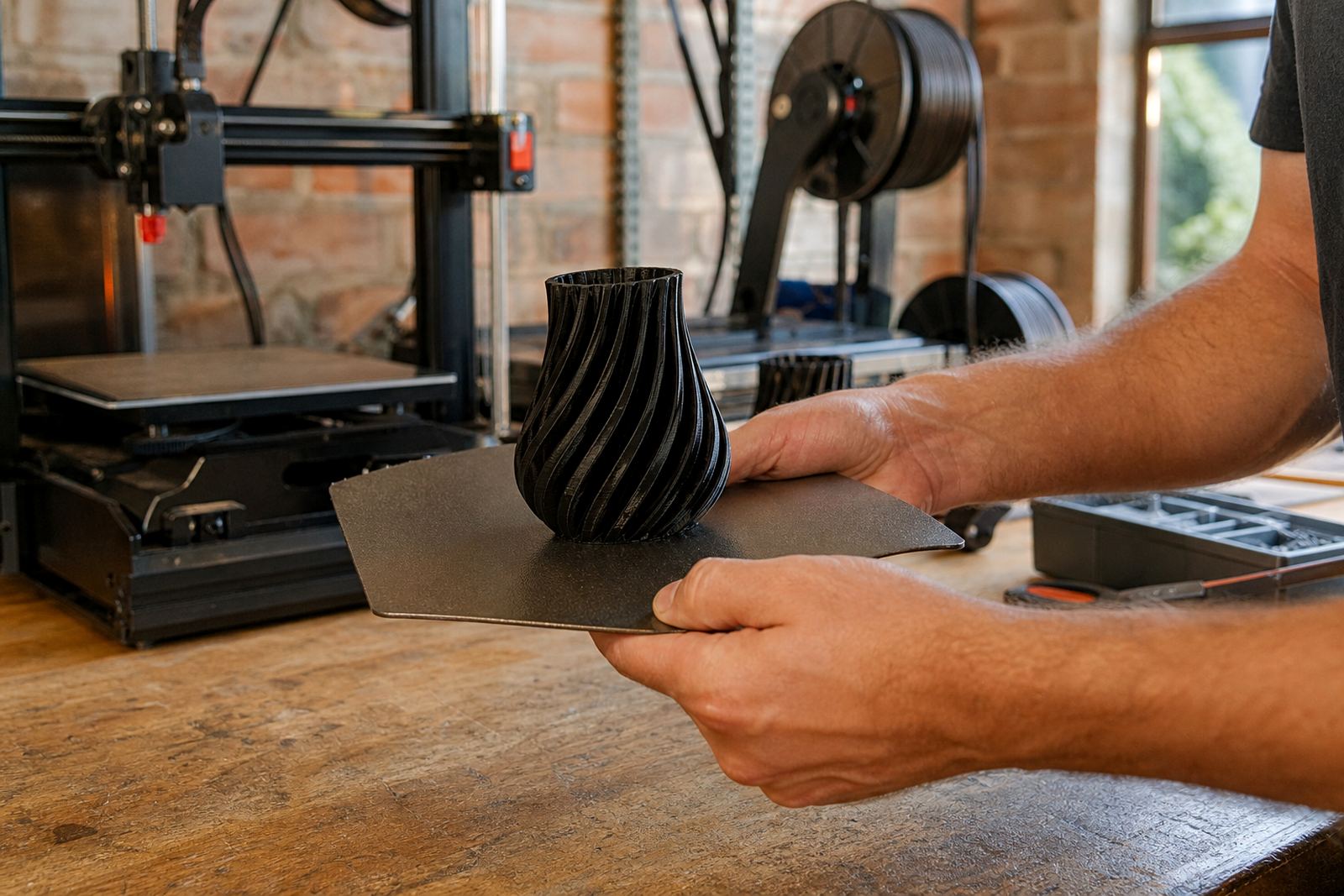
Why prints get locked onto the plate
Most stuck prints are not truly welded on, they are held by a mix of heat, surface texture and the way the first layer was laid down. On PEI sheets and other high-grip surfaces, a part that is too hot when you try to lift it often clings harder than expected. If the first layer was squashed too low, or if there is a wide flat base with lots of contact area, release becomes much harder.
South African conditions can play a part too. In winter, dry air in Gauteng can make some materials contract quickly once the bed cools, while in humid coastal areas parts may behave differently from one day to the next. Schools and print farms running long jobs during load-shedding may also see more variation because a partly cooled bed changes the bond at the wrong moment. The key is to know what type of surface and part shape you are dealing with before you reach for a scraper.
Start with cooling, not force
Before using tools, let the build plate cool fully if the material allows it. Many prints release on their own as the plate drops to room temperature. For a lot of PLA jobs, this is the safest first step. If the part is still warm, the underside can flex and the grip stays high. Rushing this stage is how plates get gouged and corners get chipped.
If you need to speed things up, move the plate to a cool, dry area and leave it on a flat surface. Do not run cold water over a plate unless the manufacturer of the sheet and base clearly allows it. Sudden temperature shock can warp some parts and it can weaken the bond on magnetic systems over time.
- Wait until the plate is cool to the touch before testing removal.
- Lift one corner gently, do not pry from the middle.
- If the print still resists, give it a few more minutes rather than forcing it.
Use the right movement for the material
Different materials release in different ways. PLA usually responds well to a gentle twist or light flex if the plate is removable and rated for that. PETG can hold on very firmly, so a careful cooling period matters even more. ABS and ASA may let go better once fully cooled, but if the bed surface was over-prepared they can still cling hard. Flexible parts often need a slow peel rather than a sharp snap.
When the part starts to move, work around the edge instead of attacking one point. A thin plastic tool is better than a metal blade for most jobs. If you must use a metal scraper, keep it flat and shallow. Never dig downward into the coating. A scratched PEI sheet will start behaving unevenly, and then every job after that can become a problem too.
- Try a thin plastic spatula first.
- Keep the tool angle low and smooth.
- Work along the edge in small steps.
- Stop if the plate starts flexing in a way it should not.
When a part will not budge
If a print refuses to move, do not jump straight to brute force. A good method is to change the bond at the edge, not through the middle. Lightly tapping the side of the part with the handle of a tool can sometimes break the seal. For a removable plate, a controlled flex from underneath may help. For fixed beds, cooling and edge work are usually safer than pushing hard with a blade.
Some makers use a small amount of isopropyl alcohol at the edge on certain surfaces, but this should be done carefully and only where it is suitable for the bed material. Too much liquid can get under magnets or fittings. On powder-coated or textured surfaces, a small amount can sometimes help the part release after a few minutes, yet it is still better to treat it as a last step not a first one.
If the print has a deep first-layer squish and seems glued down across the whole base, it may be better to sacrifice a thin brim than the plate. Cut the brim away first, then work on the main part. That one extra minute can save you a costly replacement later on.
Protect the build surface while you free the model
The aim is to remove the part and keep the plate in service. A gouged surface can create high spots, uneven first layers and more failed jobs. That is expensive on a school lab bench or on a print farm running a batch of parts for a client. Keep your work area clean, because a small fleck of filament under the tool can drag across the sheet and leave a mark you only notice after the next print fails.
For Centurion workshops and farms shipping across Gauteng, a simple removal routine helps every operator work the same way. One person should not be using a knife and another using a gentle peel on the same setup. Standardising the method makes the result more predictable and reduces damage.
- Remove loose skirts and brims before lifting the full model.
- Keep tools clean and dry.
- Inspect the sheet after each removal for scratches, dents or lifted edges.
- Replace worn surfaces before they start causing repeated failures.
Local conditions can change the best method
In Pretoria East, a print room that sits warm all day may behave differently from one in Cape Town where coastal humidity changes from morning to evening. In Durban, moisture in the air can make storage and surface care more important. In Bloemfontein, colder winter mornings can mean parts release later than expected. These are small differences, but they matter when you are trying to remove a part cleanly and keep the plate in good condition.
For schools and maker spaces, it helps to train learners to check temperature, edge grip and surface condition before they try anything else. That also cuts down on accidents. A rushed pull can snap a clip, crack a model or leave a deep scar on the plate. If you are handling several printers, set aside one machine for tricky removals so the rest of the batch is not delayed.
Prevent the next stuck print before it starts
The best stuck print is the one you never have to fight. Bed flatness, the right first-layer height and proper surface care all make a difference. A plate that is too close at the centre and too far at the edges can trap the print unevenly. A worn adhesive surface can also grab in patches, which is why regular checks matter. If you run a print farm, review your first-layer settings after every plate change or surface refresh.
At LayerPad, we see many cases where a simple change in surface care or replacement planning saves time across a whole room of printers. Whether you are printing one prototype or a full school project batch, the goal is the same: clean release, no gouges and a part that is still usable. Handle the job slowly, and the plate will last longer too.