Why a failure log beats guesswork
Most print problems look the same at first glance. A lifted corner, a loose first layer or a part that shifts halfway through the job can all point to bed adhesion, yet the real cause may be a dirty surface, a bent plate, an uneven gantry or a temperature drop after load-shedding. If you only rely on memory, patterns are easy to miss.
A failure log gives you a record of what happened, when it happened, and which printer was involved. Over time, that record tells you whether a bed needs replacement, if one machine is drifting out of level or if a specific material is the real troublemaker. For a small maker space in Centurion or a school lab in Pretoria East, that sort of clarity saves filament and hours.
- Note the printer name or number every time
- Record the material, nozzle size and bed surface
- Write down the room conditions if they changed
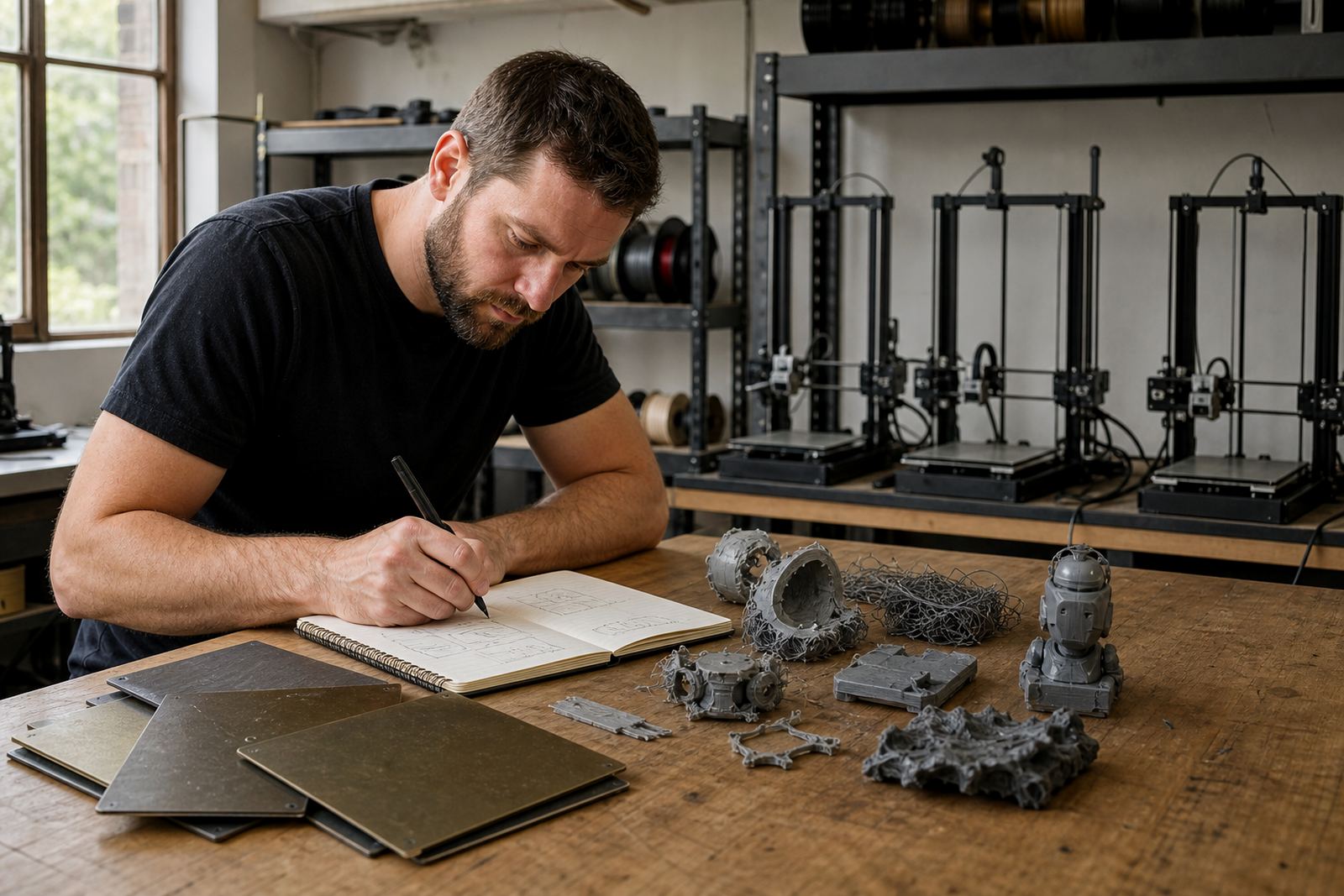
- Keep the failed part if it can be used for comparison
What to record after every failed print
The best log is short enough to use every day and detailed enough to show a trend. Keep it near the printer or in a shared workbook so the whole team can add to it. If three people are using the same machine, the log should make it clear who started the job, what was changed and what was left alone.
Try to capture the same details each time so you can compare one failure with the next. If a print fails only after the second layer, that is different from a part that peels off before the brim has finished. If the issue only shows up on one side of the plate, the problem could be flatness, levelling or a worn magnetic base rather than the slicer file.
- Date and time of the failure
- Printer model and bed surface type
- Material, colour and batch if known
- Layer number where the fault began
- Bed temperature and nozzle temperature
- Any recent cleaning, fitting or adjustment
- Power interruption, door left open or strong draught
How to tell a bed issue from a machine issue
Not every failed print starts at the bed, even when the first layer looks poor. A good check is to ask whether the failure repeats in the same place. If the same corner keeps lifting on more than one print, the plate may not be sitting flat or the surface may be worn. If the failure moves around the bed, the cause is more likely to be inconsistent levelling, nozzle height or movement during the print.
In Gauteng, workshop conditions can change quickly. A warm room in the morning can cool down by late afternoon, and when load-shedding cuts the heat or fans, a printer may behave differently on the next job. On coastal sites in Durban or Cape Town, moisture in the air can also affect certain filaments and make adhesion less predictable. That is why the log should include environmental notes, not just machine settings.
- Repeated failure in one spot usually points to the bed or mounting
- Failure across the whole surface can point to Z height or temp settings
- Warping near the edges may mean uneven heating or drafts
- Layer shifts above the base often point away from the bed completely
A simple method for schools and print farms
Schools and print farms need a system that works when different people handle the same equipment. The easiest method is a single sheet per printer with a box for each job, or a shared digital log if your team prefers that. Keep the format the same across every machine so the data can be compared later.
For a school lab in Bloemfontein, the log can also help learners understand process discipline. They can see how a clean plate, correct temperature and a steady start improve the result. In a busy print farm in Johannesburg, the same record helps staff move from trial and error to proper fault tracking, which matters when a failed batch affects delivery times and labour planning.
- Use printer codes like P1, P2 or Lab A
- Keep one log format across all machines
- Review the records weekly, not only when something breaks
- Mark repeat issues in red so they stand out fast
What the log can reveal about the bed
After a few weeks, a good log usually shows whether the bed needs attention. If the same printer keeps failing on the first layer even after cleaning and re-levelling, the plate may be worn, the magnetic base may not be holding properly or the surface may have lost its grip. If adhesion improves after a surface refresh, the old surface had likely reached the end of its useful life.
The log also helps when you are comparing materials. Some build plates work well with one type of filament but struggle with another, especially if the machine is used by different operators. That matters for schools and maker groups that switch between general use, prototype parts and teaching jobs. If you standardise the bed setup across your fleet, the log becomes even more useful because it is easier to spot the outlier.
For users in Centurion and Midrand who collect plates for fitting checks, a record of failures makes it easier to decide whether a flatness check, custom cut or replacement plan is needed. The data takes the debate out of the decision.
Turning failure notes into better habits
A failure log only works if the team uses it. That means closing the loop after every problem and changing one variable at a time where possible. If a print failed, clean the plate, check the bed, confirm the file and rerun the same job. Then note what changed and whether the result improved. If you change three things at once, the lesson gets lost.
Over time, the log should lead to habits that reduce waste: better bed care, regular flatness checks, timely replacement planning and a calmer response when a print goes wrong. That helps home users too. A maker in Pretoria East might only print on weekends, but a short note after each failure can still show whether the trouble is caused by temperature, handling or a tired surface.
When the record shows a repeat bed issue, the next step is practical. Fitting a new PEI sheet, checking the magnetic base, refreshing the surface or adjusting the printer for the material in use can stop the same failure from returning. That is far better than reprinting the same job ten times and hoping for luck.
A local example from a busy workshop
A small training workshop in Centurion had one printer that kept failing on the front right corner of the bed. At first the team blamed the file, then the filament, then the operator. Once they started logging each failed job, a pattern appeared. Every failure happened on the same side of the plate after the machine had warmed up for a while.
The notes showed that the bed was slightly uneven and the magnetic base had lost its hold near one edge. After a bed flatness check and a surface refresh, the repeats stopped. The team did not just fix a printer, they learned how to read the symptoms properly. That saved material and cut the time spent on guesswork, which is what most workshops need most.
That is the value of tracking print failures. It turns frustration into usable evidence and helps you see whether the issue starts at the bed or somewhere else in the system.