Why school printer beds need a routine, not rescue jobs
In a school lab, a 3D printer bed gets far more handling than most home printers. Different learners use it, different models are loaded, and the machine may sit idle between periods then be asked to print again without warning. That stop start pattern is hard on build plates and surface coatings.
The most common problems are not dramatic. A bed that is a little dusty, slightly warped, or cleaned with the wrong product can cause lifting at the corners, uneven stick, and wasted filament. Over a term that becomes lost teaching time and extra consumables. In Centurion and across Gauteng, schools also deal with dry indoor air in winter and dust from open workshops, so a consistent routine matters more than people think.
Set a simple end of class bed check
The best time to care for a printer bed is before the next class walks in. A quick check takes less than five minutes and avoids the usual rush to fix a failed print while learners are waiting. Make it part of the shutdown routine and assign it to the same person each day.
- Remove any loose bits of filament while the bed is cool.
- Wipe the surface with a clean, lint free cloth.
- Check for scratches, glue residue or lifted edges.
- Look at the first layer from the previous job and note any uneven spots.
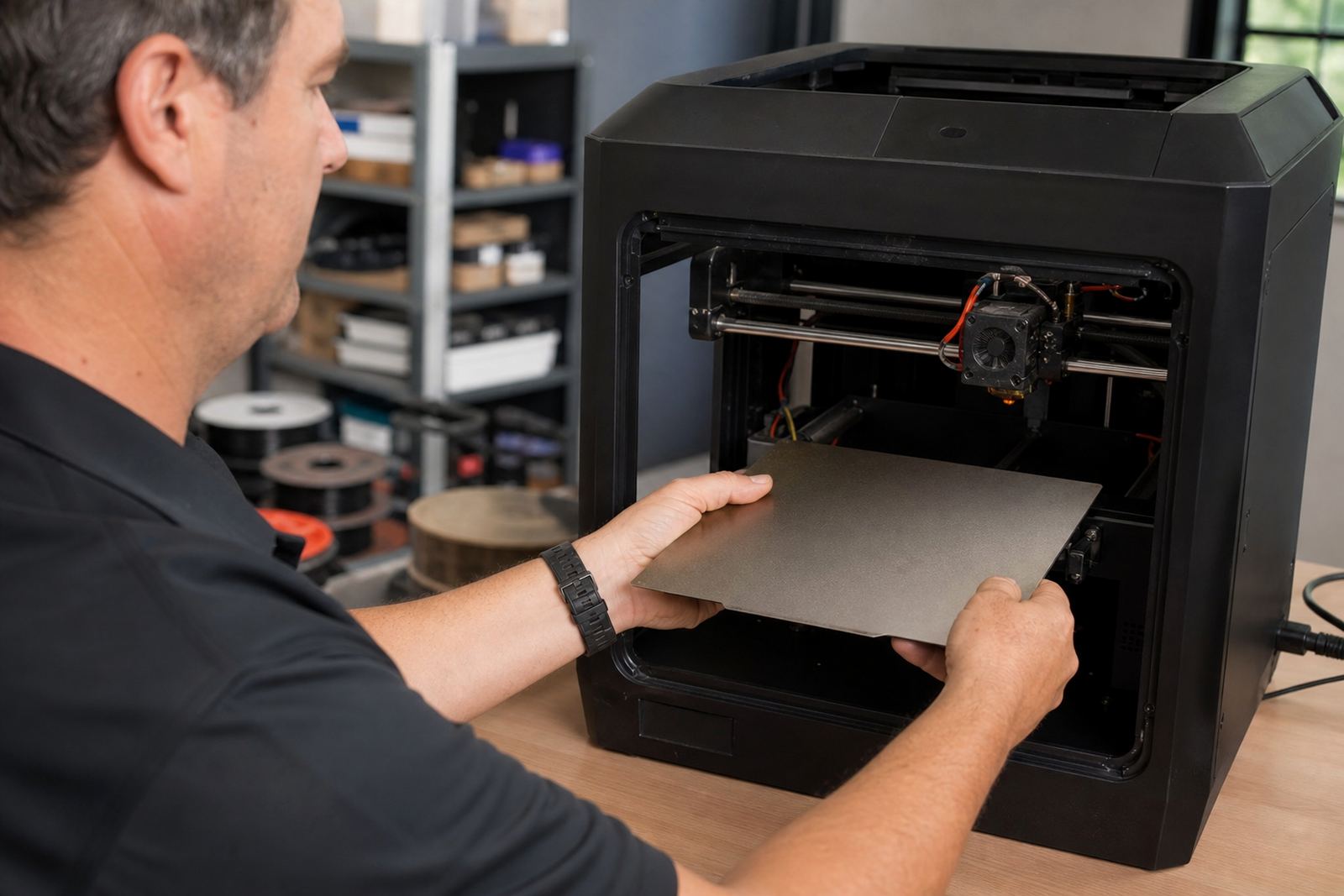
- Confirm the bed is seated properly and the clips, if used, are secure.
If a class uses several printers, keep a simple log sheet next to the machines. A short note such as corner lift on machine 2 or surface needs cleaning tells the next teacher what to expect. It sounds small, but it saves time when learners are already in the lab and the timetable is tight.
Cleaning methods that suit school labs
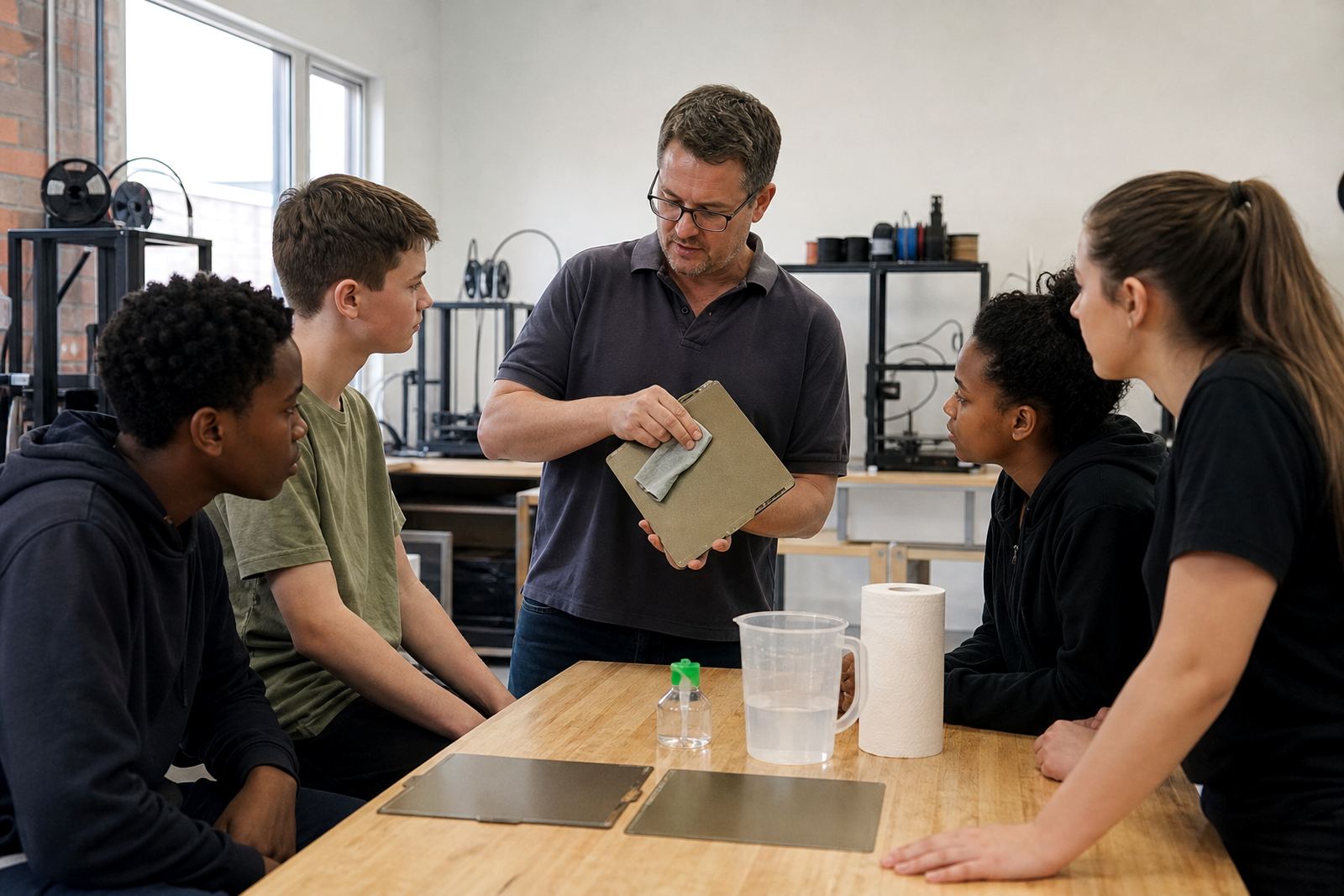
School staff often try whatever is nearest, but not every cleaner is safe for a build surface. Strong solvents can dull a PEI sheet or leave a film that actually makes adhesion worse. For most school setups, a light wipe with warm water and a mild soap on a cloth is enough for general cleaning, followed by a dry cloth. If a more thorough clean is needed, use an approved surface cleaner that does not leave residue.
Avoid using rough scouring pads or metal tools. They can mark the surface and the damage may not show immediately, but it will affect the next few prints. In coastal schools such as those in Durban or Gqeberha, humidity can also make surfaces behave differently from one day to the next, so it helps to keep the bed clean and dry before every print run.
- Use soft cloths, not abrasive pads.
- Do not spray cleaner directly onto the printer.
- Let the bed cool before heavy cleaning.
- Keep fingerprints off the print area after cleaning.
- Store cleaning cloths separately from workshop rags.
Teach learners the first layer lesson first
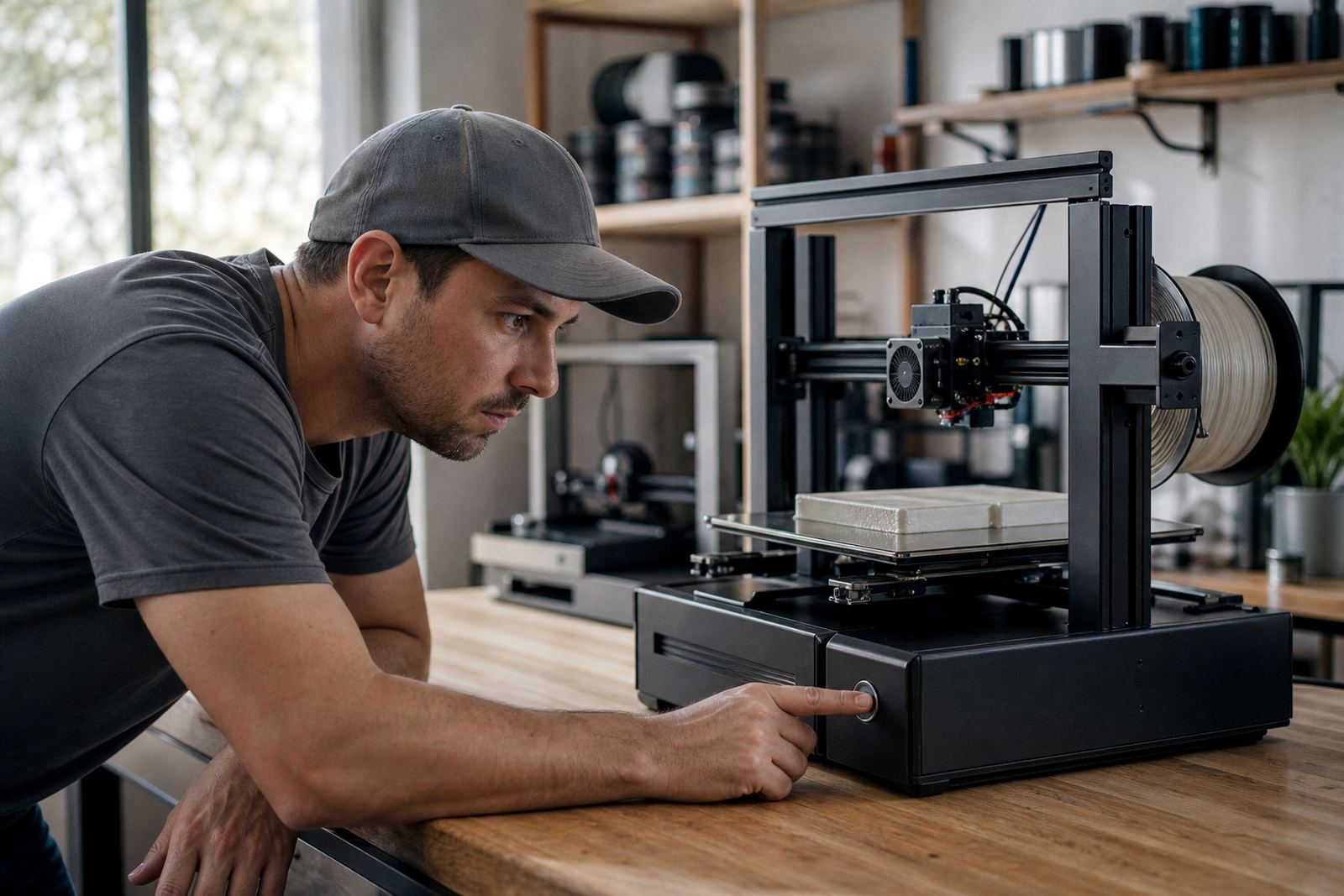
The first layer is where most school prints succeed or fail, so learners should know what good contact looks like. When the nozzle is too high, the filament sits on the bed and curls. When it is too low, the nozzle scrapes the surface and may damage the plate. A simple visual check at the start of class helps learners understand why a print is failing instead of just restarting it.
For shared printers, one learner should not be left to guess. A teacher or lab assistant can show the class how to inspect the first few lines, how to pause if the line is too thin, and how to recognise lifting at the corners. This is especially useful in mixed ability groups where some learners are brand new to printing while others already know slicing settings. Clear habits save material and build confidence.
Match the surface to the school workload
Not every school needs the same bed surface. A print farm or engineering lab that runs long jobs may need more wear resistance, while a classroom printer used for short projects may need quick release and easy cleaning. The right build plate and adhesion surface should fit the number of jobs, the age of the learners, and how often the machine is handled.
When schools in Pretoria East or Midrand are running back to back lessons, the priority is usually fast turnaround. A stable magnetic base and a surface that can be refreshed without removing the whole machine can make daily use easier. In a smaller school lab, the focus may be on simple maintenance and a surface that is forgiving when learners are still learning bed levelling. The point is to choose for the actual load, not just the printer spec sheet.
- High use lab: choose quick release and easy reset options.
- Beginner class: choose a surface that is easy to inspect and clean.
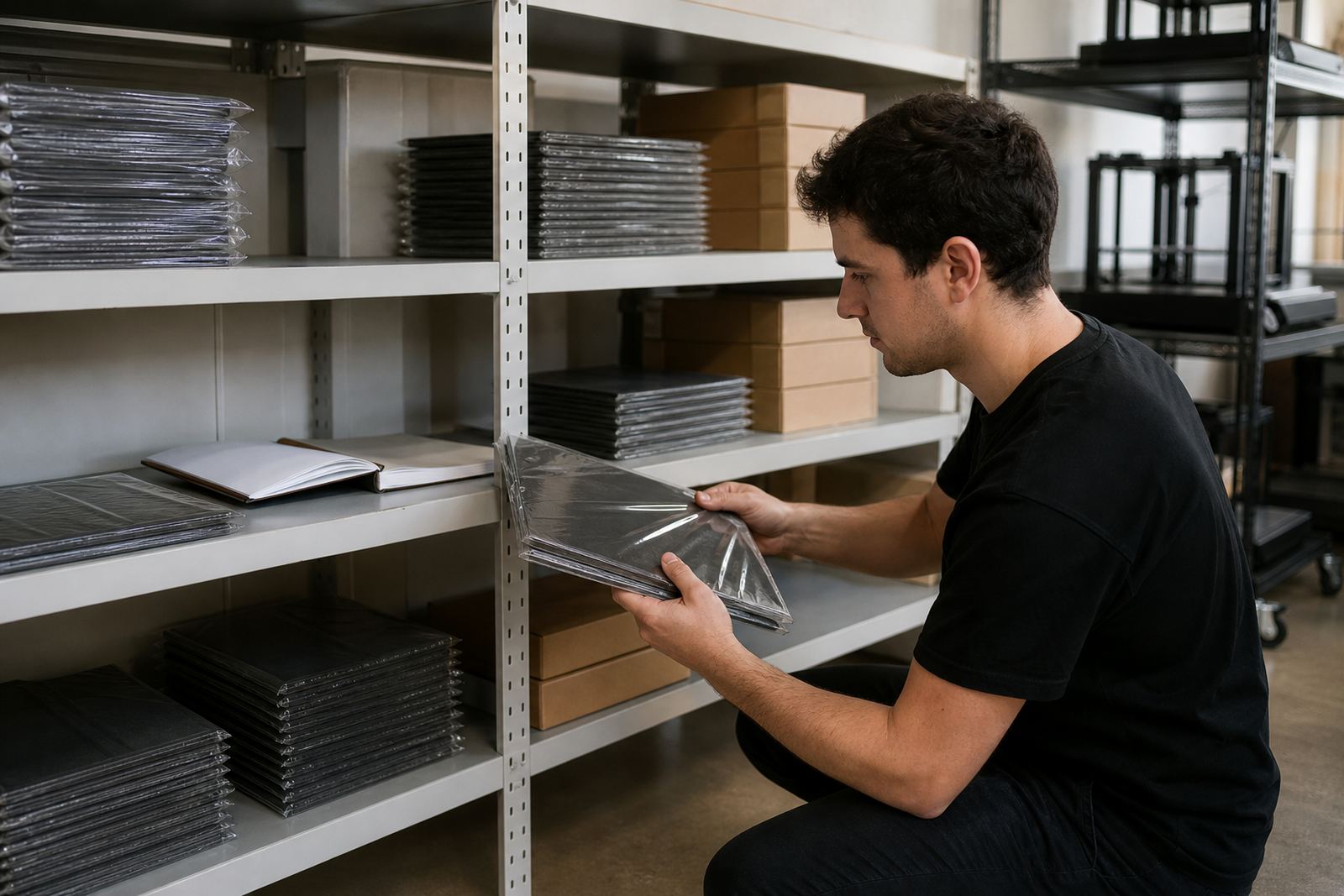
- Busy printer: keep a spare plate ready for replacement planning.
- Multiple machines: standardise to reduce confusion across classes.
A Centurion school example: fewer failed prints in one term
A practical example helps. At a school in Centurion, three shared printers were being used for technology and design lessons. Prints were lifting on one machine, while another had patches where nothing stuck at all. The staff had already checked the slicer settings and the filament, but the real issue was the bed care routine. One plate had residue from repeated glue use, another had small scratches from over cleaning, and none of the machines had a standard end of day check.
After a simple routine was introduced, the staff cleaned each bed properly, marked one learner to report surface issues, and set a weekly bed flatness check. They also replaced one worn plate instead of trying to stretch it through the term. The result was not magic, just fewer failed first layers and less time spent restarting jobs. For a school calendar, that matters because a missed lesson can push a whole project back by a week.
Keep the bed care plan realistic for term time
Good bed care only works if it fits the school day. A plan that needs specialist tools every afternoon will not last once exam week or sports day arrives. Keep it simple, written down and tied to the printer timetable. Decide who cleans, who checks, and who signs off before the next class uses the machine.
It also helps to budget for wear before problems appear. Build plates, PEI sheets and magnetic bases are consumables in a busy school environment, not one off items. If a lab has several printers, standardising the surfaces makes training easier and reduces confusion when a learner moves from one machine to another. That is good practice for schools in Johannesburg, Bloemfontein and beyond where different teachers may share the same equipment across departments.
When the bed is cared for properly, the printer stays ready for actual teaching. That is the real goal: fewer disruptions, better first layers, and more time for learners to focus on making something useful rather than fixing the machine.