Start With the First Layer, Not the Finished Print
When teaching beginners, it helps to start with the first layer because that is where most print problems show themselves. A print can look fine on the screen, but if the first layer is too high, too low, or uneven, the rest of the job usually follows that mistake. Learners quickly see that print quality is not luck, it is setup.
For schools, maker spaces and home users in Centurion, Pretoria or Johannesburg, this lesson is useful because many machines sit in shared spaces and are used by different people. One person may change the nozzle height, another may swap a surface, and then the next print starts failing. Teaching the first layer gives beginners a clear habit: check the bed, clean the surface, and watch the first pass before walking away.
A practical way to explain it is simple. The first layer is the foundation. If the foundation is weak, the rest of the print will move, lift or split. That is easy for beginners to remember and it makes the rest of the lesson more useful.
What a Good First Layer Should Look Like
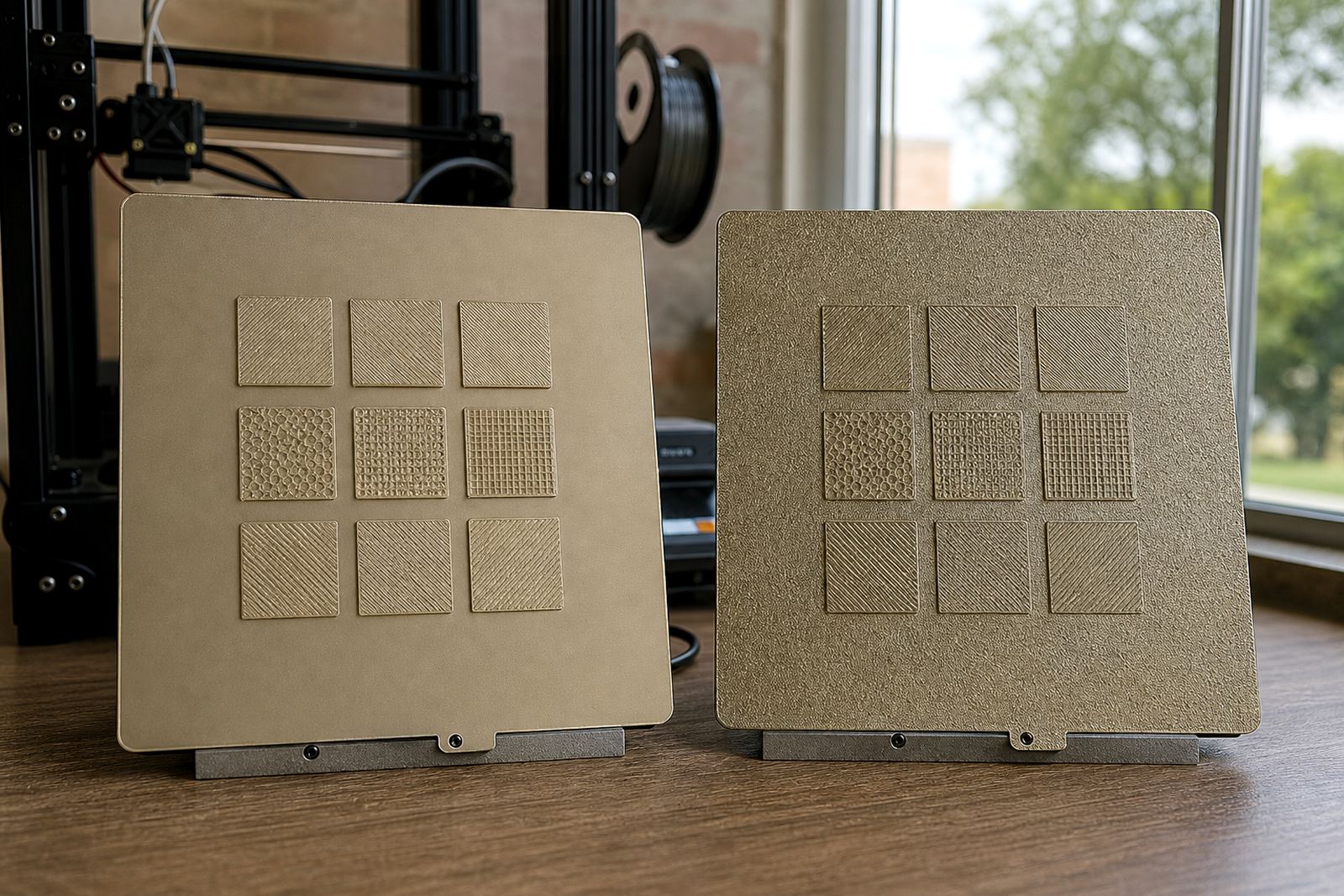
Beginners do not need to learn every technical term on day one. They need to know what good looks like. A good first layer should be evenly pressed onto the bed, with clean lines touching each other and no gaps between tracks. It should not be so squashed that the material looks rough or scraped. It should not sit so high that the lines round off and fail to grip.
Try teaching learners to look for these signs during the first few minutes of a print:
- Lines are straight and close together with no gaps.
- The corners stay flat and do not curl up.
- The line width looks even across the whole bed.
- The material grips the surface without being over-squashed.
- There is no dragging, bunching or thin, broken sections.
A simple visual check works well in classrooms because it teaches judgement, not just button pressing. Learners start to notice small changes in nozzle height, bed cleanliness and surface condition. That habit saves material and time.
Simple Demonstrations That Make the Lesson Stick
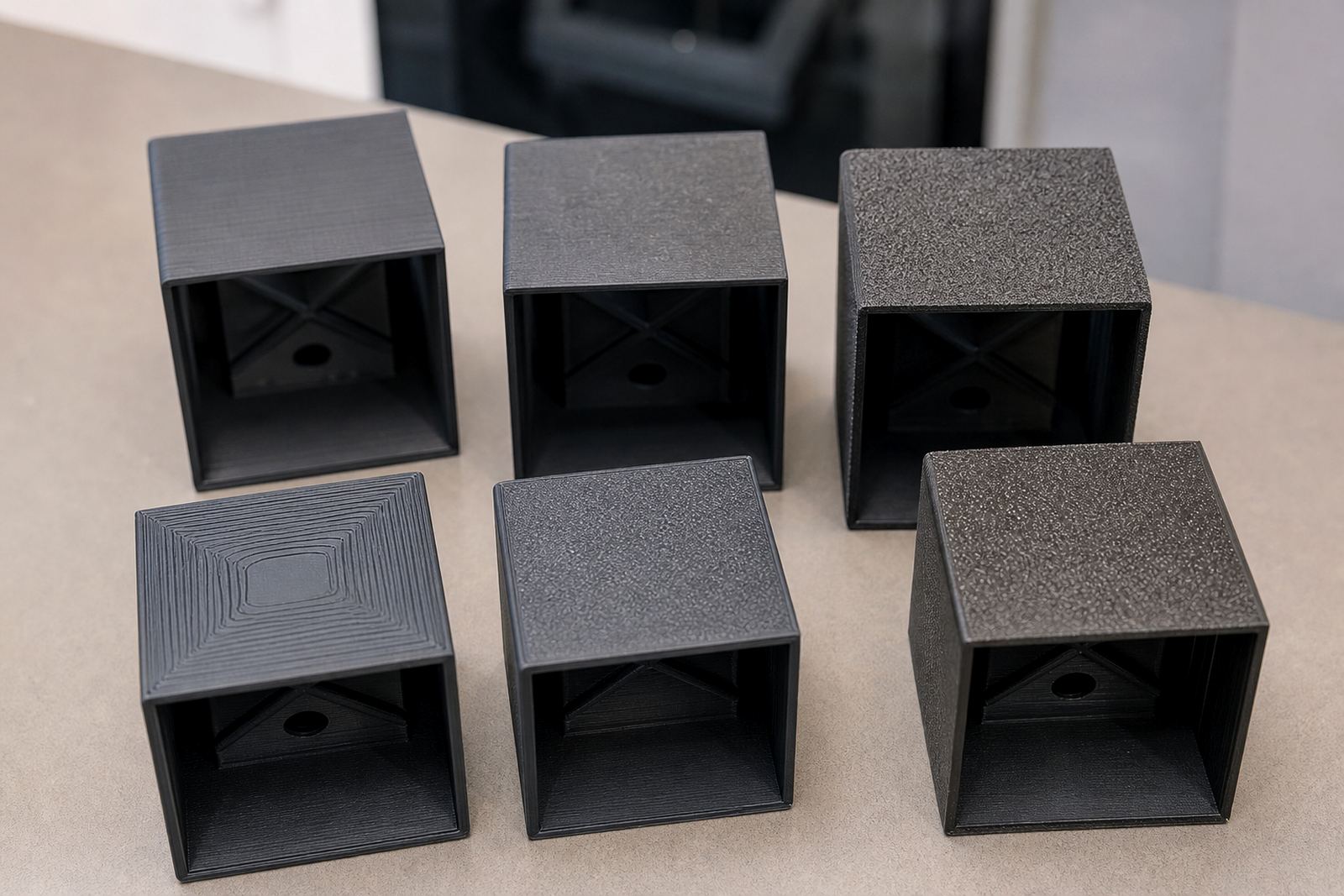
Most beginners learn faster when they can see a mistake and then correct it. A short demo on the same machine, using the same material, often works better than a long explanation. Print two small test shapes on a clean bed and compare the results. One can be slightly too high, the other correctly set. The difference is usually obvious within the first few lines.
You can also place a sheet of paper under the nozzle during setup to show how close the bed and nozzle should be. Then repeat the process with a surface that has dust, fingerprints or old adhesive. Learners see that a poor surface can change the result, even when the settings seem right. On a humid day in Durban, this is a useful point because moisture and surface contamination can affect grip more than people expect.
For a hands-on lesson, keep the print short and the test area small. A simple square or line pattern is enough. The goal is not to produce a full item, but to teach what correct adhesion looks like before the machine runs for an hour.
How to Explain Bed Surface, Temperature and Cleanliness
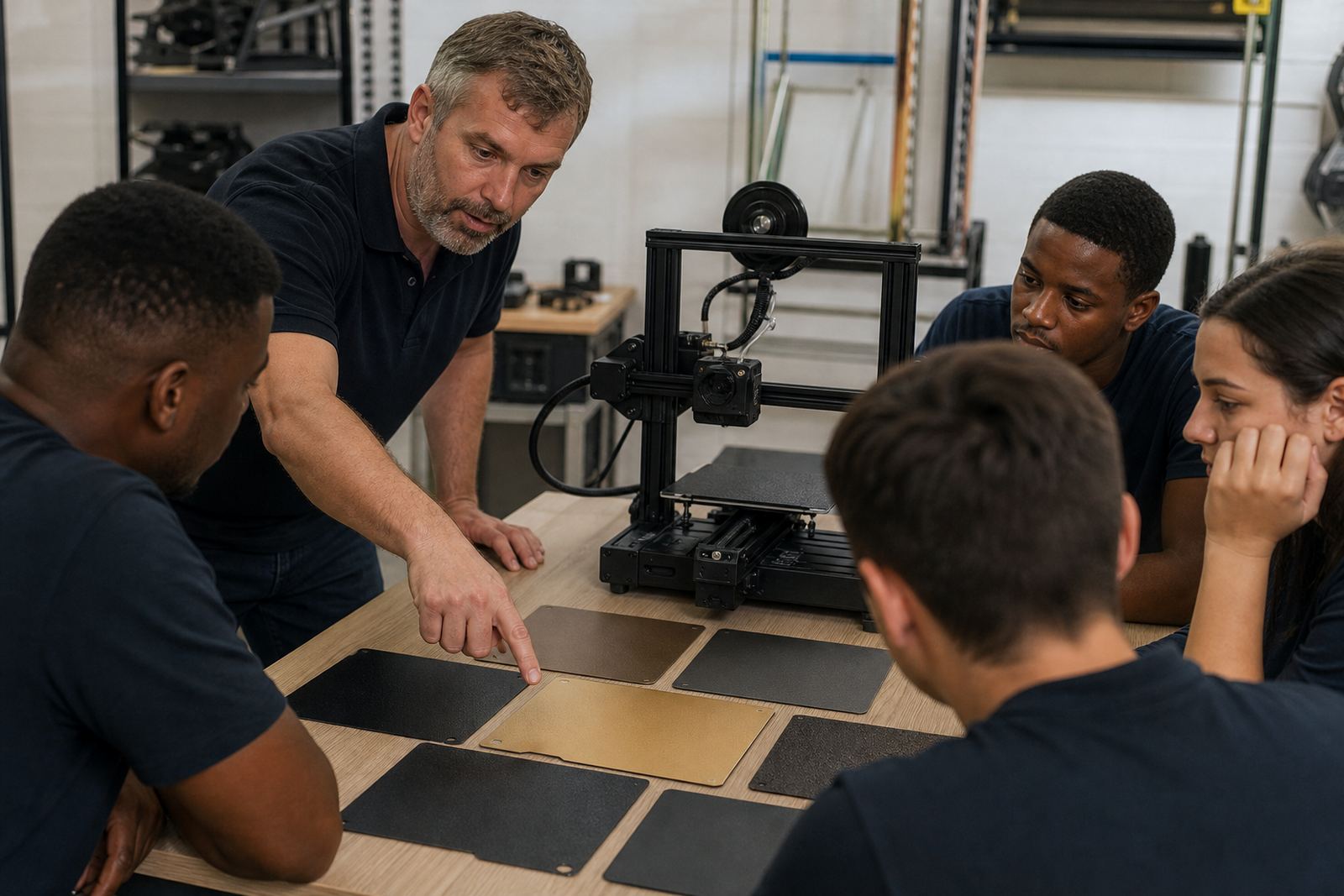
Beginners often think the printer alone decides print quality. In reality, the surface under the part matters just as much. Different build plates and PEI sheets behave differently, and learners should know that the bed surface needs to match the material and the job. A clean, level and properly fitted surface gives far fewer surprises than a worn or dirty one.
When teaching this topic, keep the explanation practical. Tell learners to check three things before every print:
- Is the surface clean and free of grease, dust and old residue?
- Is the bed the right temperature for the material being used?
- Is the sheet fitted properly with no movement or lifted edges?
In a school lab in Pretoria East, this can be the difference between a useful class session and a table full of failed parts. If the bed is slightly uneven, or the sheet is loose, the corners may lift before the print is half done. Beginners should learn that surface care is not extra work, it is part of the print.
It also helps to show learners how environmental conditions affect adhesion. A cold room, a fan blowing across the printer or a dusty workspace can all change the result. These are small details but they matter a lot.
Teaching Failure Signs Without Creating Fear
Some beginners become nervous when they hear words like warped, failed or misaligned. The better approach is to teach failure signs as normal feedback. A bad first layer does not mean the learner has done everything wrong. It means one setting, one surface or one step needs attention.
Use calm language and point out the issue clearly. For example, if the lines are round and not pressing down, the nozzle may be too high. If the print is scraping or looks torn, it may be too low. If only one corner lifts, the bed may need a flatness check or the surface may be worn in that spot. This kind of explanation builds confidence, which matters when new users are learning on shared equipment.
It also helps to connect the lesson to cost. A bad first layer wastes material, time and machine hours. In a print farm, that can affect the whole schedule. In a classroom, it can take up a lesson block and leave learners frustrated. Once beginners understand the cost, they pay more attention. And they should.
A Centurion Example That Works for Schools and Print Farms
At a small school lab in Centurion, learners were given the same simple test print on several machines. The instructors asked them to compare the first layer on each bed and note the differences. One machine had a clean, even first layer. Another had slight lifting on the front left corner. A third showed lines that were too close and looked scraped. The learners could see that the printer was not simply being temperamental, it was showing clear signs.
That exercise worked because it turned a technical task into a practical observation. The learners did not need advanced theory to understand that surface care, bed flatness and nozzle height all affected the result. By the end of the session, they could clean the surface properly, recognise a good first layer and ask the right questions before starting a long print. That is useful whether you are running one machine or ten.
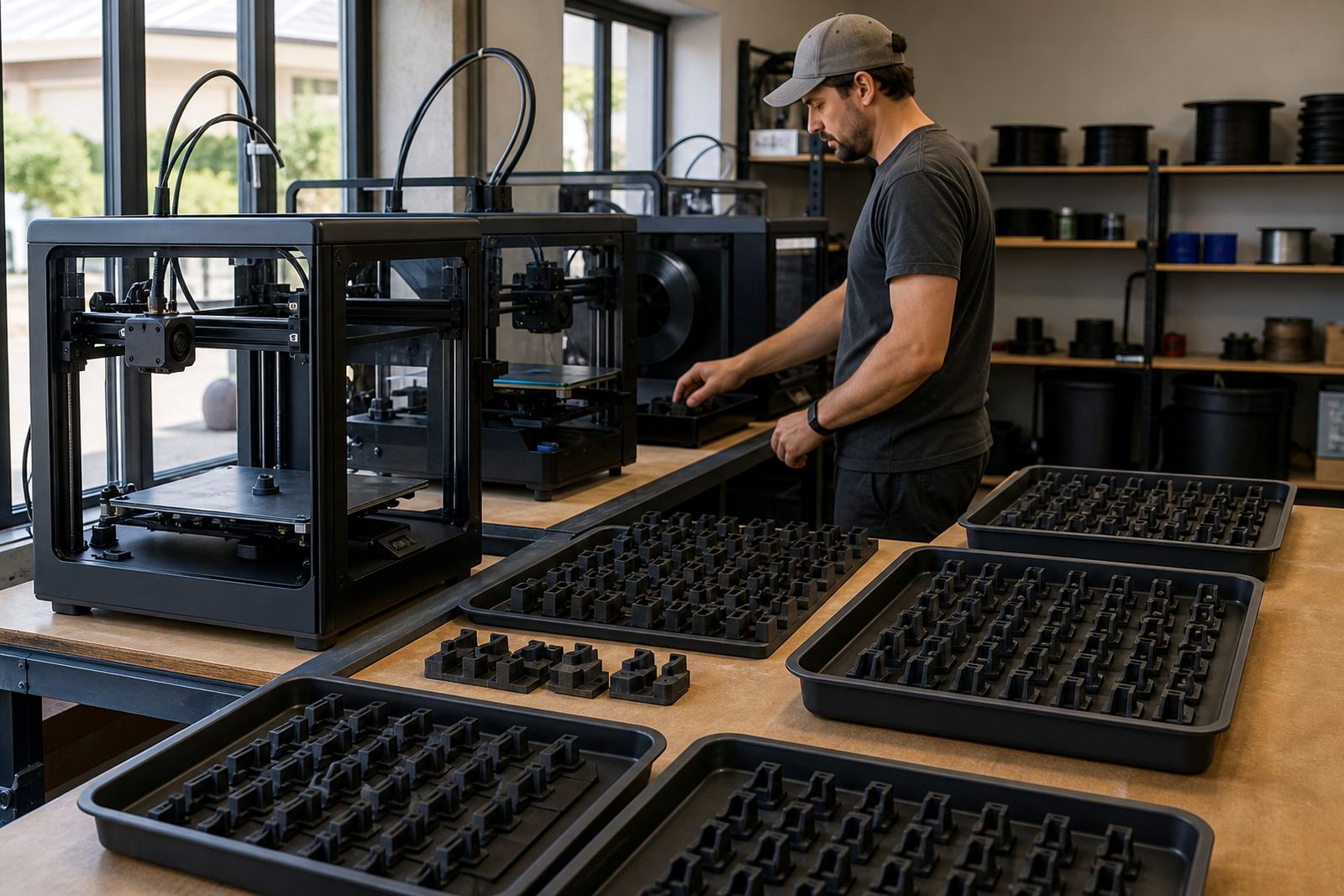
For schools, this kind of lesson also supports longer term habits. Learners learn to handle equipment properly, record settings and avoid unnecessary waste. For print farms, it helps with standardising setup across different operators and shifts, which is often where problems begin.
A Short Teaching Checklist for the Classroom or Workshop
If you want beginners to remember the lesson, keep the process short and repeatable. A checklist helps them build the same routine each time and avoids guesswork.
- Clean the build plate before every print.
- Check that the sheet is fitted correctly and sits flat.
- Confirm the bed is level or within the machine’s normal tolerance.
- Start with a small test print and watch the first few lines.
- Compare the result with a known good first layer.
- Adjust one thing at a time, not three or four at once.
This routine is simple, but it teaches discipline. Once learners know how to spot a good first layer, they become better at every other part of 3D printing. They understand why adhesion matters, how surfaces wear over time, and why a clean setup saves hours later.
That is the real value of teaching first layers first. It gives beginners a practical eye for quality, and that lesson stays with them long after the print is done.