The first warning is not always a failed print
Most PEI sheets do not fail all at once. They usually show small changes first, like corners lifting on models that used to stay put, or the first layer needing extra squish just to hold on. If you are rechecking Z height more often than usual, that is often the sheet telling you it is nearing the end of reliable service.
On a clean sheet, PETG, PLA and similar materials should behave in a fairly predictable way. When a sheet starts to age, the same print settings no longer give the same result. In a workshop in Centurion or a school lab in Pretoria East, that means more reprints, more supervision and more machine down time.
Signs the surface has worn past practical use
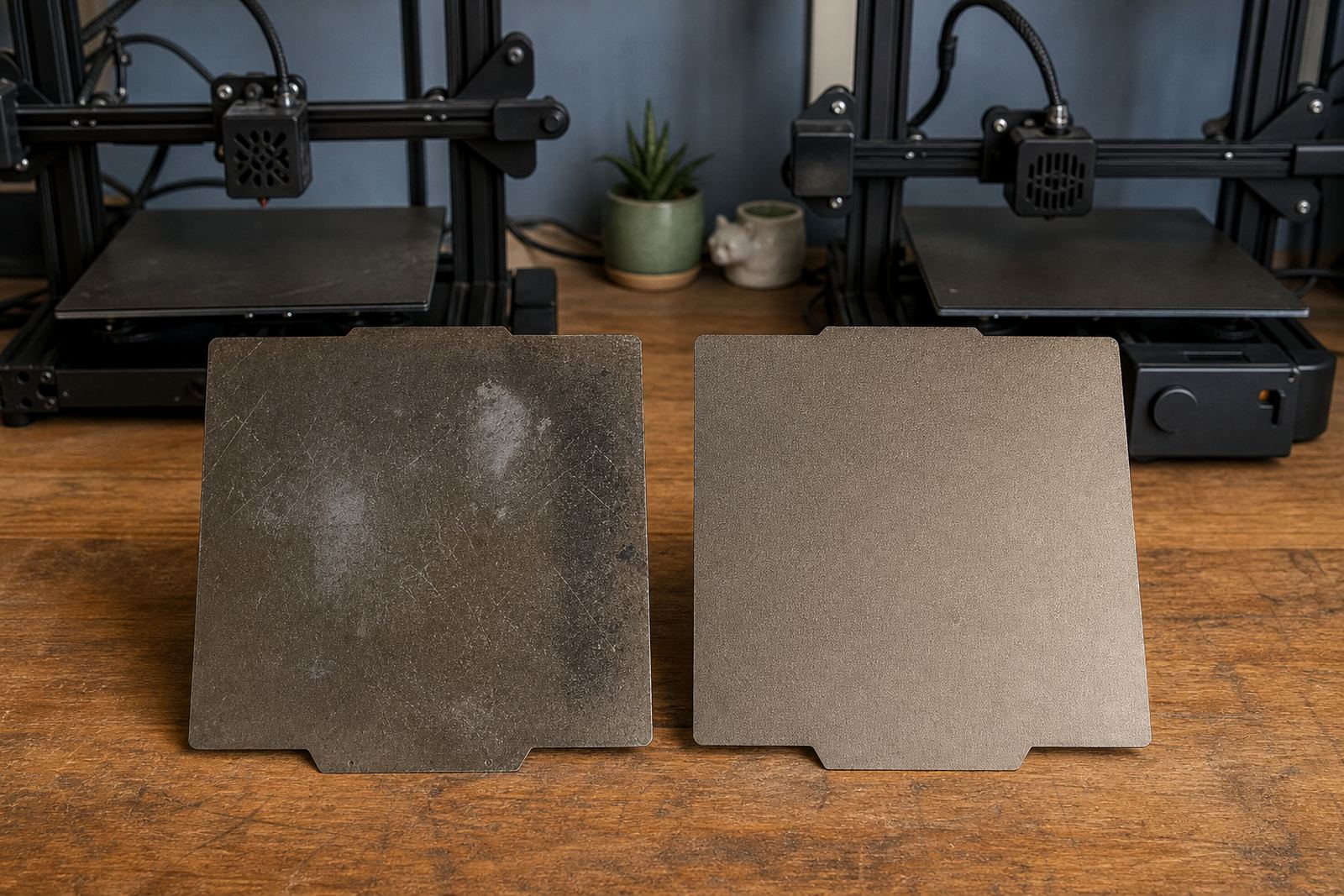
A PEI sheet can look fine at a glance but still be poor at doing its job. Heat cycling, scraping, fingerprints and cleaning with the wrong chemicals all shorten service life. Coastal humidity can also make some beds feel less consistent, especially if the printer sits in Durban or Gqeberha without proper storage and cleaning routines.
- Parts that used to stick now lift at the edges.
- The same model behaves differently from one corner of the bed to another.
- Glossy patches turn dull, or dull patches turn patchy and uneven.
- Burn marks, gouges or deep scratches are visible after a nozzle strike.
- The surface feels slick even after proper cleaning with warm water and mild soap.
If more than one of these signs is present, the sheet is probably no longer reliable. At that point, trying another glue stick or more spray is usually only a short term fix.
What wear looks like on different printing materials
Different materials put different strain on the build surface. PLA is usually forgiving, but repeated printing in the same spots can still polish the sheet and reduce grip. PETG can bond too hard if the surface is damaged or contaminated, which increases the risk of tearing the top layer during removal. ABS and ASA need steadier heat and a cleaner surface, so small defects show up faster.
If you manage a print farm, it is worth checking every plate against the same standard. One slightly tired sheet may only cause one failed job a week, but across ten or twenty machines that soon becomes a pattern. For schools, it is often the students who notice first because the first layer starts failing at the start of a class block, and then the lesson plan falls apart.
- PLA showing lift can point to loss of surface texture.
- PETG sticking too hard can mean surface damage or residue build-up.
- ASA and ABS failures often show the sheet is no longer heating evenly.
Cleaning helps, but it cannot reverse damage
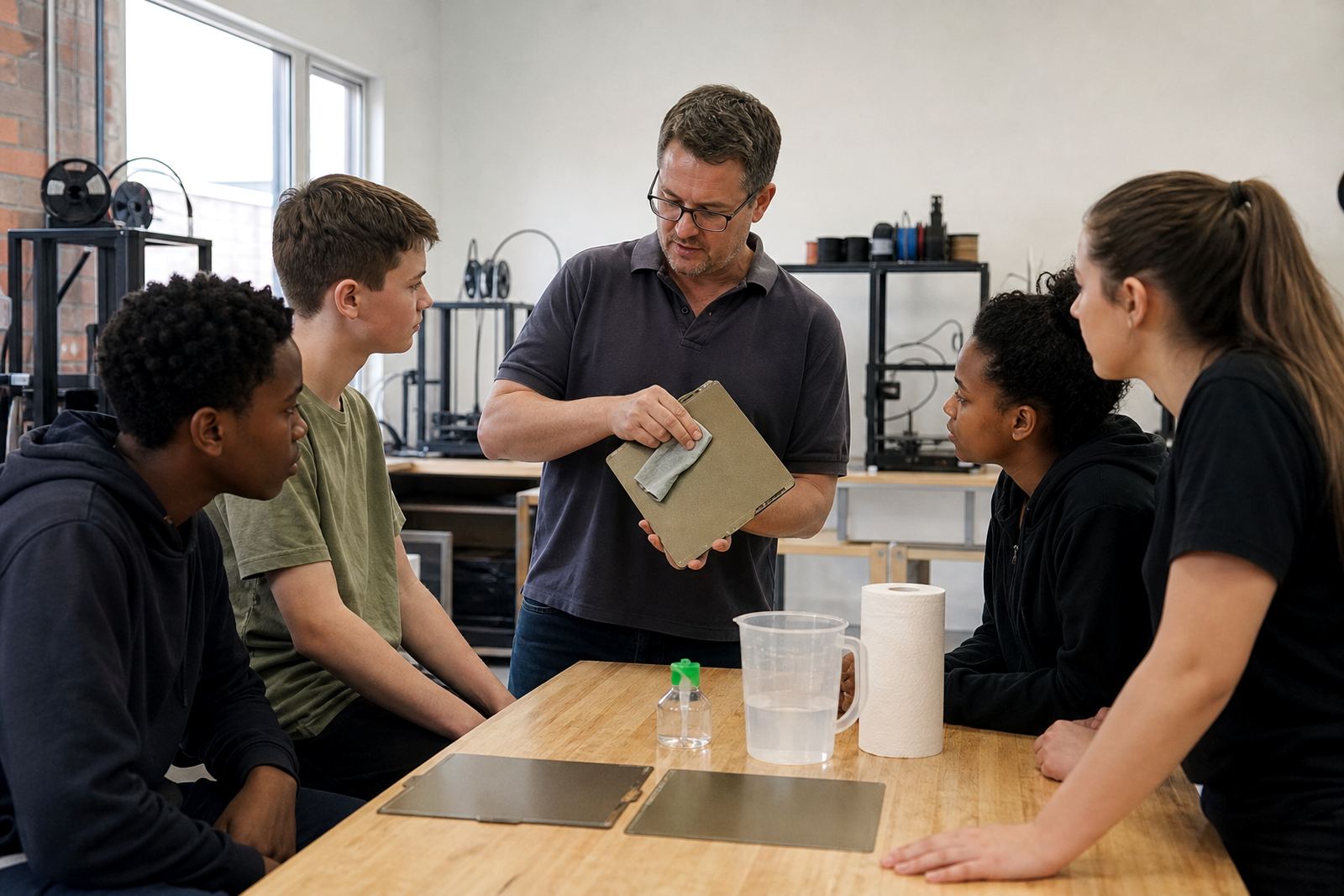
Many users wait too long because the sheet still looks usable after a wipe down. Cleaning is important, but it only removes grease and dust, it does not restore a worn coating. If you have already tried proper washing, drying and careful handling, and the print results are still drifting, the problem is likely physical wear rather than dirt.
Do not use sharp scrapers, rough scouring pads or harsh solvents unless the manufacturer of the sheet specifically allows it. A single bad clean can shorten service life fast. In humid areas, putting a warm plate straight into a dusty room can also leave a film on the surface again before the next print even starts. That is why handling matters as much as cleaning.
When replacement is cheaper than another failed batch
Replacement makes sense when the sheet is costing more in scrap than the price of a new one. That point arrives faster in a busy garage workshop than people expect. If a school is running beginner projects, or a print farm is scheduled to finish a client order by Friday, even one bad plate can mean a missed deadline. And once a bed is no longer consistent, you spend time adjusting settings that should not need touching.
A practical rule is this: if a sheet needs constant workarounds, replace it. That includes overcompensating with extra bed temperature, excessive adhesive, or changing slicer settings just to get the same basic result. A fresh PEI sheet restores a known starting point and makes troubleshooting far easier.
- Replace sooner if the printer is used daily.
- Replace sooner if the sheet has grooves, dents or peeling areas.
- Replace sooner if the same part fails on multiple machines.
- Keep a spare for schools and production setups, so there is no stop in workflow.
A Centurion example that saves time across the week
A small print room in Centurion may run a mix of test pieces, brackets and student projects. If one plate begins losing grip only on the front left side, the team may keep adjusting bed levelling to compensate. For a week or two that seems manageable. By the third week, failed first layers start eating into the morning shift and the operator spends more time restarting jobs than finishing them.
Replacing that sheet is often the cleaner solution. The new plate gives even adhesion, simpler setup and more predictable release once the bed cools. For local users dealing with load-shedding as well, fewer retries matter because every wasted print can mean another full restart after power returns.
A simple replacement routine that keeps printers productive
The best time to plan a replacement is before the sheet becomes unusable. Keep track of print count, cleaning method and any visible damage. If the same plate is used for high value jobs, check it at regular intervals rather than waiting for failure. For farms and labs, a rotation system helps spread wear evenly across the fleet.
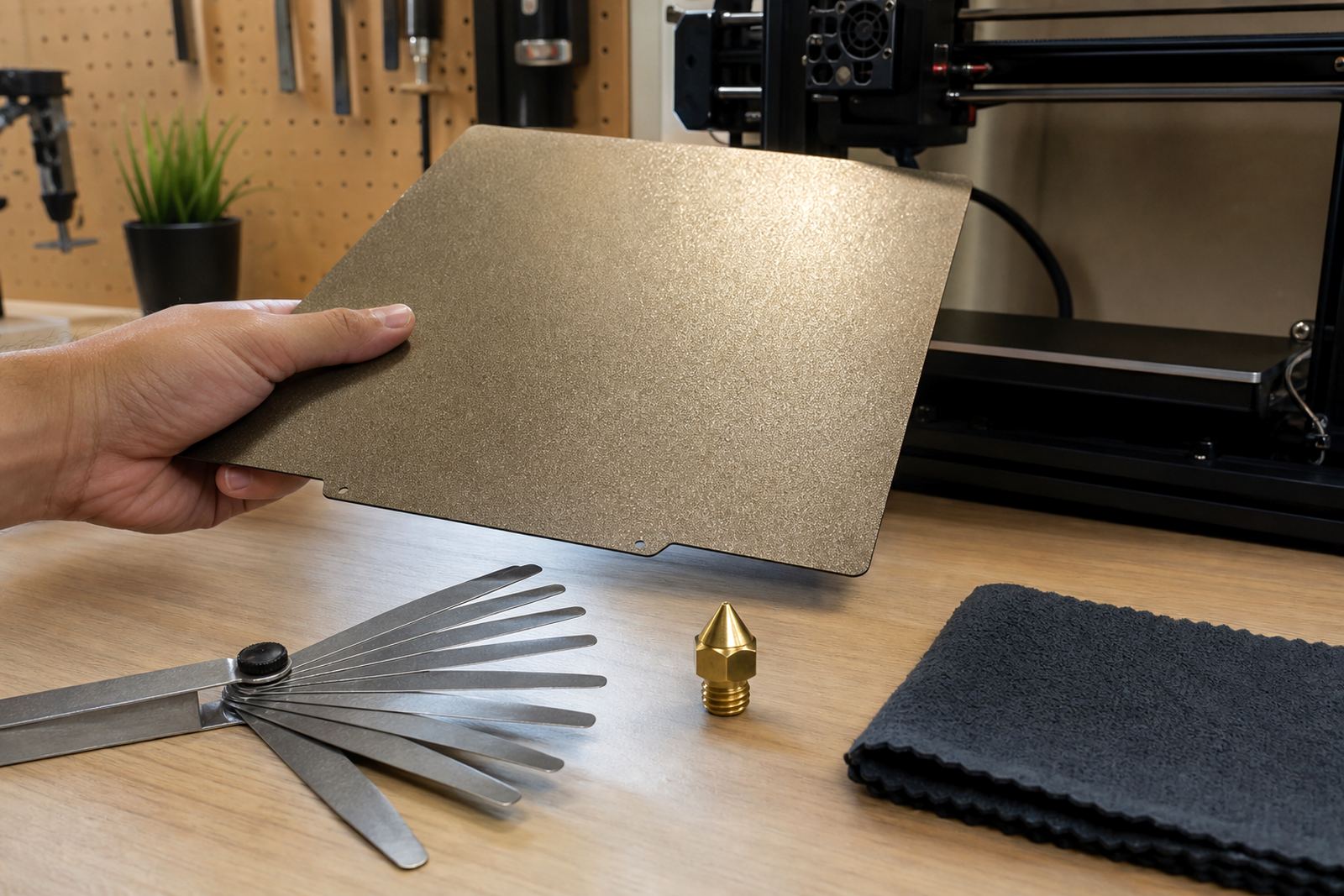
Look at the sheet alongside the rest of the bed system too. A warped carrier plate, loose magnets or a nozzle that is too low can make a healthy sheet seem bad. But if the machine checks out and the surface still fails, replacement is the sensible next step. That keeps print quality steady and avoids wasting material on preventable errors.
- Inspect the sheet after every deep clean.
- Mark damaged areas so they are easy to track.
- Replace based on performance, not only age.
- Keep the old sheet only if it can still serve for low risk tests.