Why makerspaces need simple, repeatable bed setups
A makerspace usually has more than one person using the same printer, often with different skill levels and different file settings. That means the build surface has to handle frequent use, fast handovers and the occasional rough clean after a failed print. In Centurion, Pretoria, Johannesburg and beyond we often see the same problem: a good machine with a confusing bed setup that leads to wasted filament and repeated first-layer issues.
For shared spaces the goal is not fancy equipment, it is a setup that is easy to explain, easy to replace and predictable on a busy day. A clean PEI sheet, a flat base and a clear rule for bed temperature can make the difference between a smooth session and a room full of complaints. If the room serves school learners in the morning and adult makers after hours, the bed surface should be treated like a consumable not a mystery item.
- Choose one standard surface type for each printer group where possible.
- Keep spare sheets ready so a damaged plate does not stop the whole room.
- Use one cleaning routine for all users, with the same cloths and same cleaning agent.
- Label printers with the correct bed temperature and first-layer notes.
Typical equipment set for a shared print room
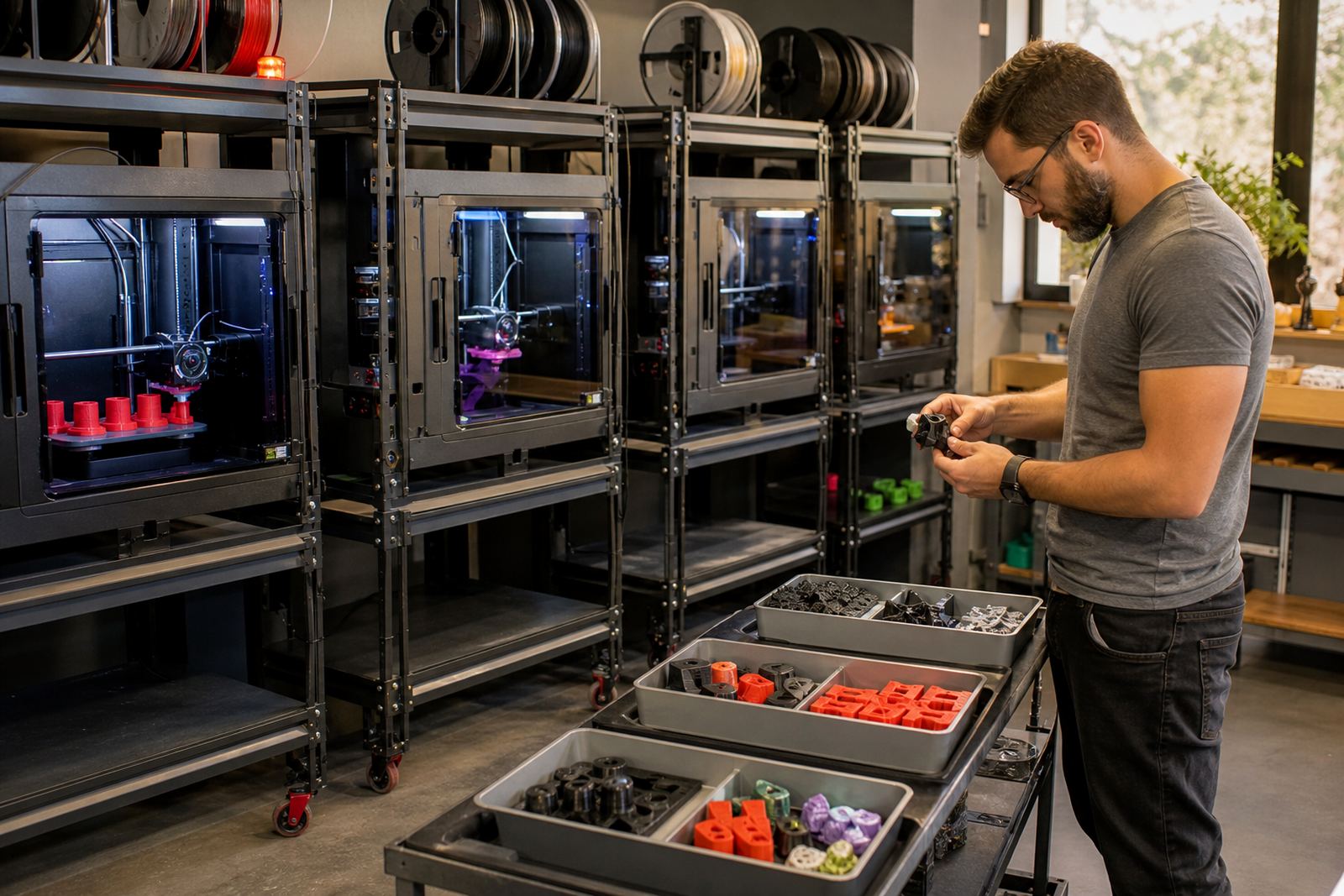
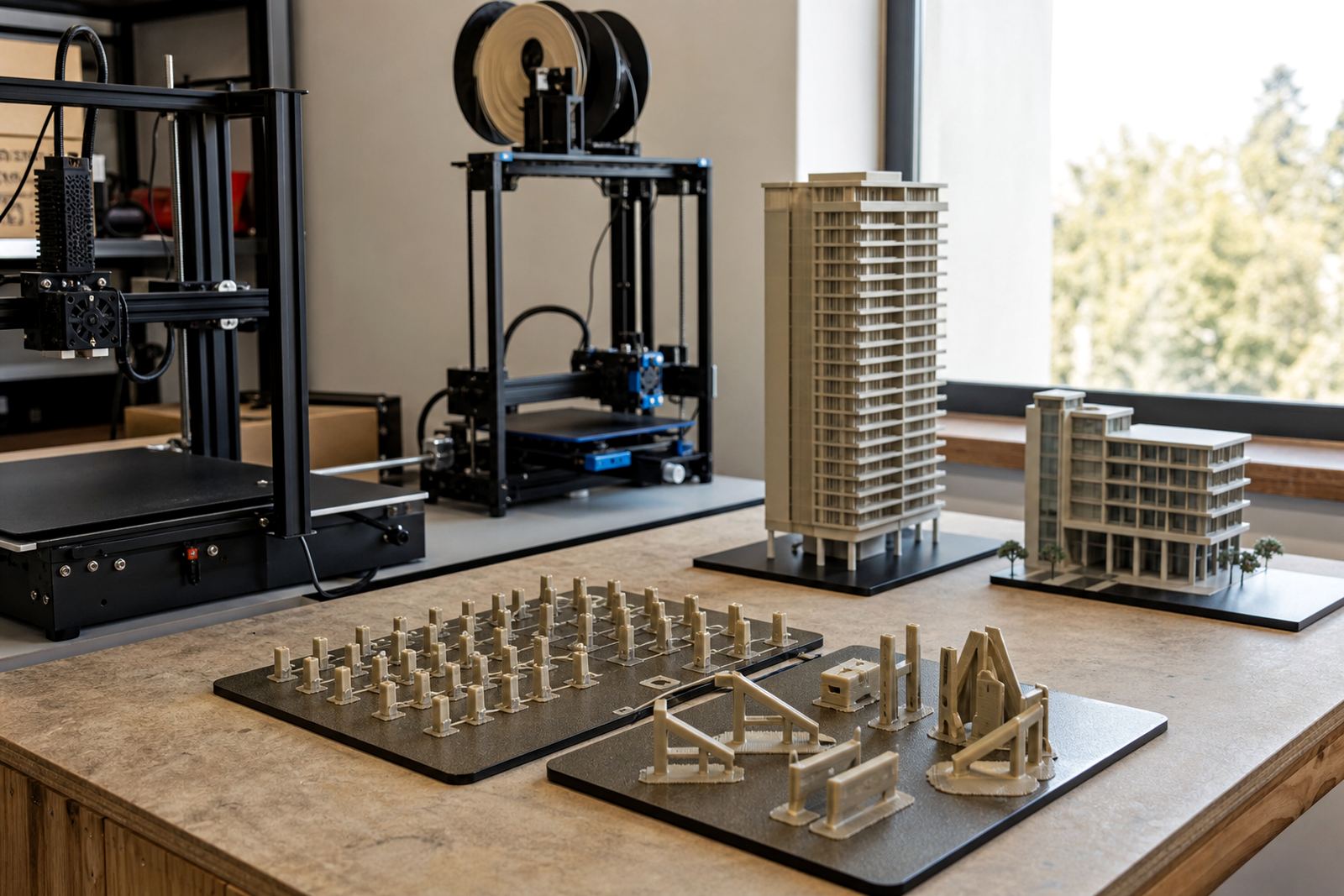
Most makerspaces do not need a complicated mix of build surfaces. A practical setup usually includes removable build plates, PEI sheets, magnetic bases where suitable, and a few spare consumables for the printers that run daily. In a school lab or community room, the aim is to make setup easy for the next user and to avoid long pauses while someone scrapes old glue from a plate.
We usually recommend a simple kit for each printer bay: one main plate in use, one spare plate if the machine runs often, a soft scraper, cleaning alcohol or a mild cleaning agent approved for the surface, and a printed instruction card. Where print farms share time with workshops, a spare plate box should stay nearby so staff can swap quickly during load-shedding recovery or after a failed adhesion test.
- Build plate with PEI surface for regular day-to-day printing.
- Magnetic base fitting for printers that benefit from quick removal.
- Cleaning cloths that do not leave lint behind.
- Small ruler or feeler gauge for checking bed flatness.
- Replacement labels for beds, sheets and printer numbers.
Planning the layout so users can work without confusion
A good makerspace layout starts with access, not just equipment count. Put the printers where staff can see them, where the plates can be removed safely and where there is enough space for cleaning, cooling and labelling. If the room is tight, create a one-way flow: pickup, print, cool down, remove, inspect, clean and return. That cuts down on people reaching across hot beds or placing plates on dirty benches.
For shared spaces, the surface care station should be close to the printers. Keep spare plates, cleaning items and notes in one clear area. If your room serves both beginners and advanced users, put the simplest beds on the most used machines. Save special surfaces for trained operators or for jobs that need a specific finish.
Centurion and Pretoria makerspaces often work with schools, after-school groups and small businesses. That means the same room may need quick resets between classes and evening bookings. A clear plate numbering system helps a lot, especially when there are several printers in the same bay.
- Mark each printer with its plate type, temperature range and cleaning method.
- Store spare plates vertically in sleeves so they do not get scratched.
- Separate the clean area from the adhesive and tool area.
- Keep a simple log of failed prints, bed swaps and surface wear.
Common mistakes that waste time and filament
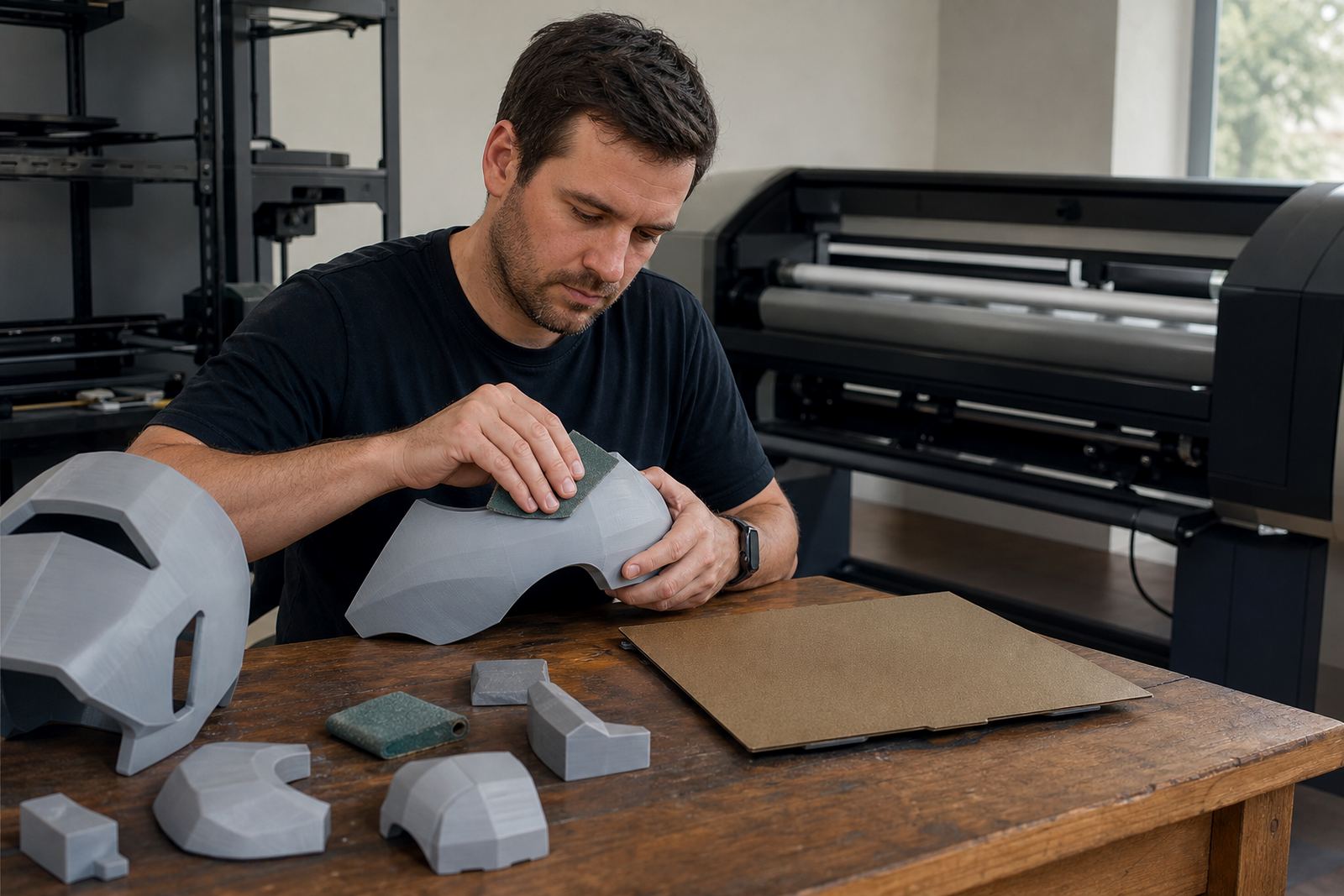
The most common mistake in a shared print room is mixing too many bed types without proper labels. One user sprays adhesive, the next user wipes it off too hard, then nobody is sure why the next print lifts at the corners. Another issue is leaving a plate on a warped base and expecting the surface sheet to fix the problem. It will not. A flat bed starts with a flat base.
We also see people reusing damaged sheets far longer than they should. Small scratches can turn into first-layer trouble, especially on jobs with fine details or large flat areas. In coastal towns humidity can affect adhesion too, so a clean and dry surface matters more than many users expect. In inland areas dust build-up can be just as troublesome.
Do not let students or casual users guess the settings. Put the correct temps and cleaning steps in writing, then train them once and repeat it often. That small routine can save hours over a month.
Budget ranges for a makerspace plate upgrade
For budgeting, it helps to think in groups of printers rather than single items. A basic surface refresh for a small makerspace can start at around R1 500 to R4 000 for a few plates and fitting consumables, depending on size and printer count. A more organised shared lab with spare sheets, magnetic fittings and replacement planning can sit between R5 000 and R15 000. Larger print rooms, school labs or multi-printer spaces may need R20 000 or more when several machines are standardised at once.
The cheapest option is rarely the best value if it causes failed jobs and extra labour. A steady, repeatable bed setup often pays for itself through fewer retries and less staff time spent fixing first layers. If your room runs regular classes, factor in training and surface care too. That is usually where the hidden savings sit.
We can help with plate installation, PEI sheet fitting, magnetic base fitting, bed flatness checks, replacement planning and bed care training from our Centurion base, with support for makerspaces in Pretoria East, Midrand, Johannesburg, Cape Town, Durban, Bloemfontein and Gqeberha.
How we support shared spaces across South Africa
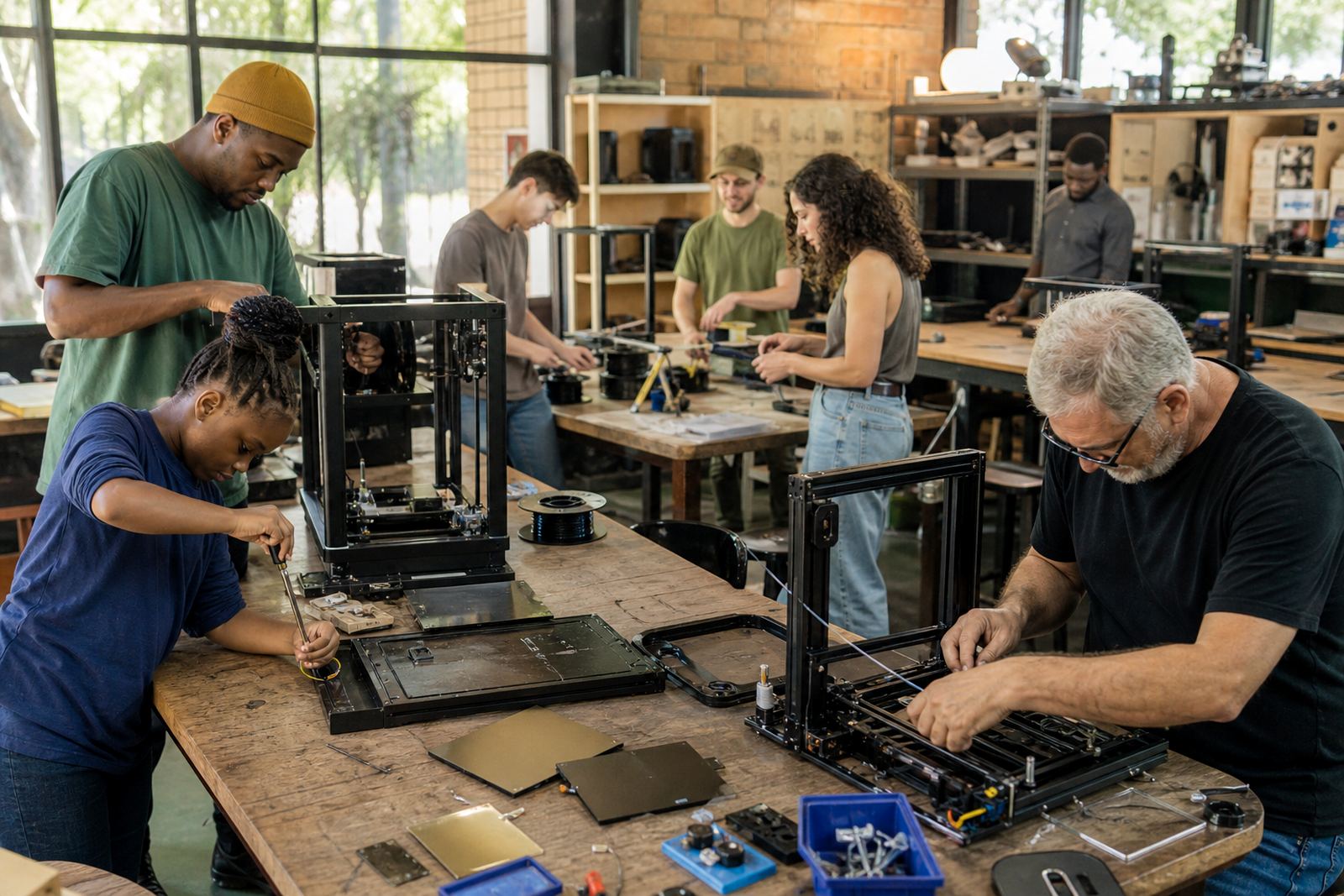
Shared community spaces need suppliers who understand that uptime matters. If a printer is down before a workshop, the whole class feels it. That is why makerspaces come to us for practical guidance on surface choice, fitting, bed care and standardising equipment across multiple users. We work with spaces that need plain instructions and a reliable supply of consumables, not complicated jargon.
Our team can assist with custom size cutting, surface refresh, adhesion troubleshooting and consumables supply. If your space is opening a new lab, upgrading older printers or trying to stop repeated first-layer failures, we can help you build a system that staff can keep running after hours. For collection in Centurion or support across the major metro areas, start with the enquiry form on our contact page and tell us how many printers you have, which materials you run and how often the room turns over.